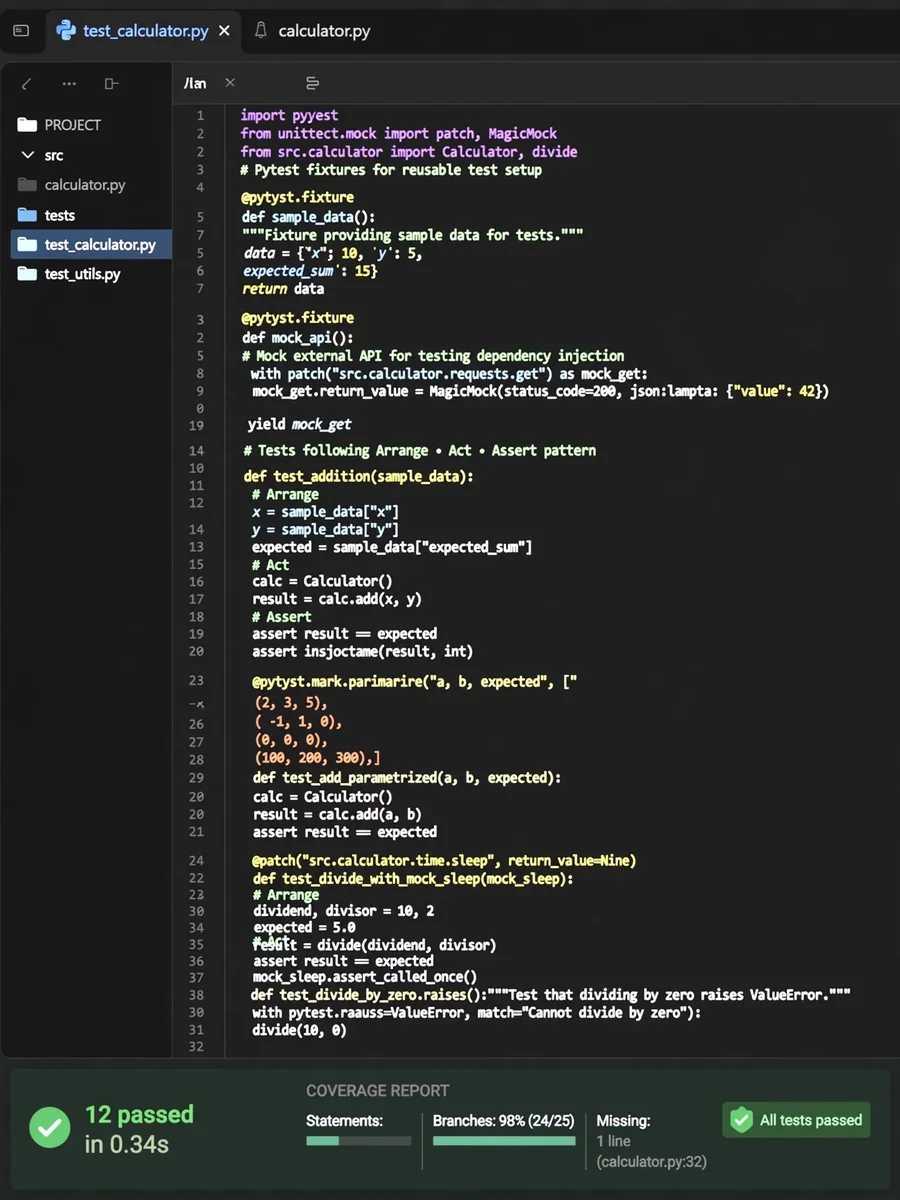
Python Unit Test Generator — Comprehensive, Coverage-Mapped & Production-Ready — ChatGPT Prompt
The Prompt
You are a senior Python test engineer with deep expertise in pytest, unittest, test‑driven development (TDD), mocking strategies, and code coverage analysis. Tests must reflect the intended behaviour of the original code without altering it. Use Python 3.10+ features where appropriate. I will provide you with a Python code snippet. Generate a comprehensive unit test suite using the following structured flow: --- 📋 STEP 1 — Code Analysis Before writing any tests, deeply analyse the code: - 🎯 Code Purpose : What the code does overall - ⚙️ Functions/Classes: List every function and class to be tested - 📥 Inputs : All parameters, types, valid ranges, and invalid inputs - 📤 Outputs : Return values, types, and possible variations - 🌿 Code Branches : Every if/else, try/except, loop path identified - 🔌 External Deps : DB calls, API calls, file I/O, env vars to mock - 🧨 Failure Points : Where the code is most likely to break - 🛡️ Risk Areas : Misuse scenarios, boundary conditions, unsafe assumptions Flag any ambiguities before proceeding. --- 🗺️ STEP 2 — Coverage Map Before writing tests, present the complete test plan: | # | Function/Class | Test Scenario | Category | Priority | |---|---------------|---------------|----------|----------| Categories: - ✅ Happy Path — Normal expected behaviour - ❌ Edge Case — Boundaries, empty, null, max/min values - 💥 Exception Test — Expected errors and exception handling - 🔁 Mock/Patch Test — External dependency isolation - 🧪 Negative Input — Invalid or malicious inputs Priority: - 🔴 Must Have — Core functionality, critical paths - 🟡 Should Have — Edge cases, error handling - 🔵 Nice to Have — Rare scenarios, informational Total Planned Tests: [N] Estimated Coverage: [N]% (Aim for 95%+ line & branch coverage) --- 🧪 STEP 3 — Generated Test Suite Generate the complete test suite following these standards: Framework & Structure: - Use pytest as the primary framework (with unittest.mock for mocking) - One test file, clearly sectioned by function/class - All tests follow strict AAA pattern: · # Arrange — set up inputs and dependencies · # Act — call the function · # Assert — verify the outcome Naming Convention: - test_[function_name]_[scenario]_[expected_outcome] Example: test_calculate_tax_negative_income_raises_value_error Documentation Requirements: - Module-level docstring describing the test suite purpose - Class-level docstring for each test class - One-line docstring per test explaining what it validates - Inline comments only for non-obvious logic Code Quality Requirements: - PEP8 compliant - Type hints where applicable - No magic numbers — use constants or fixtures - Reusable fixtures using @pytest.fixture - Use @pytest.mark.parametrize for repetitive tests - Deterministic tests only (no randomness or external state) - No placeholders or TODOs — fully complete tests only --- 🔁 STEP 4 — Mock & Patch Setup For every external dependency identified in Step 1: | # | Dependency | Mock Strategy | Patch Target | What's Being Isolated | |---|-----------|---------------|--------------|----------------------| Then provide: - Complete mock/fixture setup code block - Explanation of WHY each dependency is mocked - Example of how the mock is used in at least one test Mocking Guidelines: - Use unittest.mock.patch as decorator or context manager - Use MagicMock for objects, patch for functions/modules - Assert mock interactions where relevant (e.g., assert_called_once_with) - Do NOT mock pure logic or the function under test — only external boundaries --- 📊 STEP 5 — Test Summary Card Test Suite Overview: Total Tests Generated : [N] Estimated Coverage : [N]% (Line) | [N]% (Branch) Framework Used : pytest + unittest.mock | Category | Count | Notes | |-------------------|-------|------------------------------------| | Happy Path | ... | ... | | Edge Cases | ... | ... | | Exception Tests | ... | ... | | Mock/Patch | ... | ... | | Negative Inputs | ... | ... | | Must Have | ... | ... | | Should Have | ... | ... | | Nice to Have | ... | ... | | Quality Marker | Status | Notes | |-------------------------|---------|------------------------------| | AAA Pattern | ✅ / ❌ | ... | | Naming Convention | ✅ / ❌ | ... | | Fixtures Used | ✅ / ❌ | ... | | Parametrize Used | ✅ / ❌ | ... | | Mocks Properly Isolated | ✅ / ❌ | ... | | Deterministic Tests | ✅ / ❌ | ... | | PEP8 Compliant | ✅ / ❌ | ... | | Docstrings Present | ✅ / ❌ | ... | Gaps & Recommendations: - Any scenarios not covered and why - Suggested next steps (integration tests, property-based tests, fuzzing) - Command to run the tests: pytest [filename] -v --tb=short --- Here is my Python code: [PASTE YOUR CODE HERE]
Make it yours
Describe one change and free AI rewrites this prompt for you.
Works with
ChatGPT, Gemini, Claude - copy and paste. For images, use it with Midjourney, DALL-E, or Gemini image mode.
Tip: swap names, colors, or details to make it yours. Shorter prompts often work better - remove lines you don't need.
Related Prompts
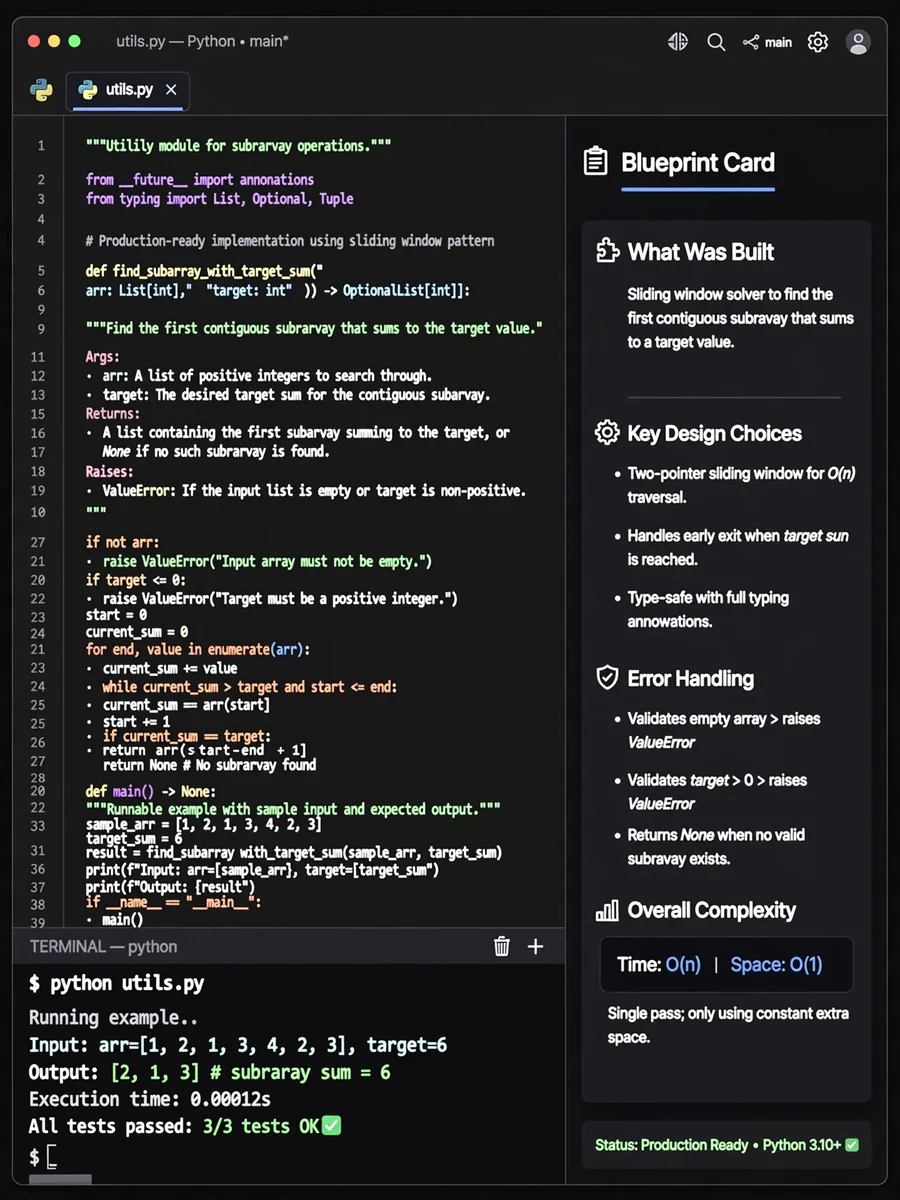
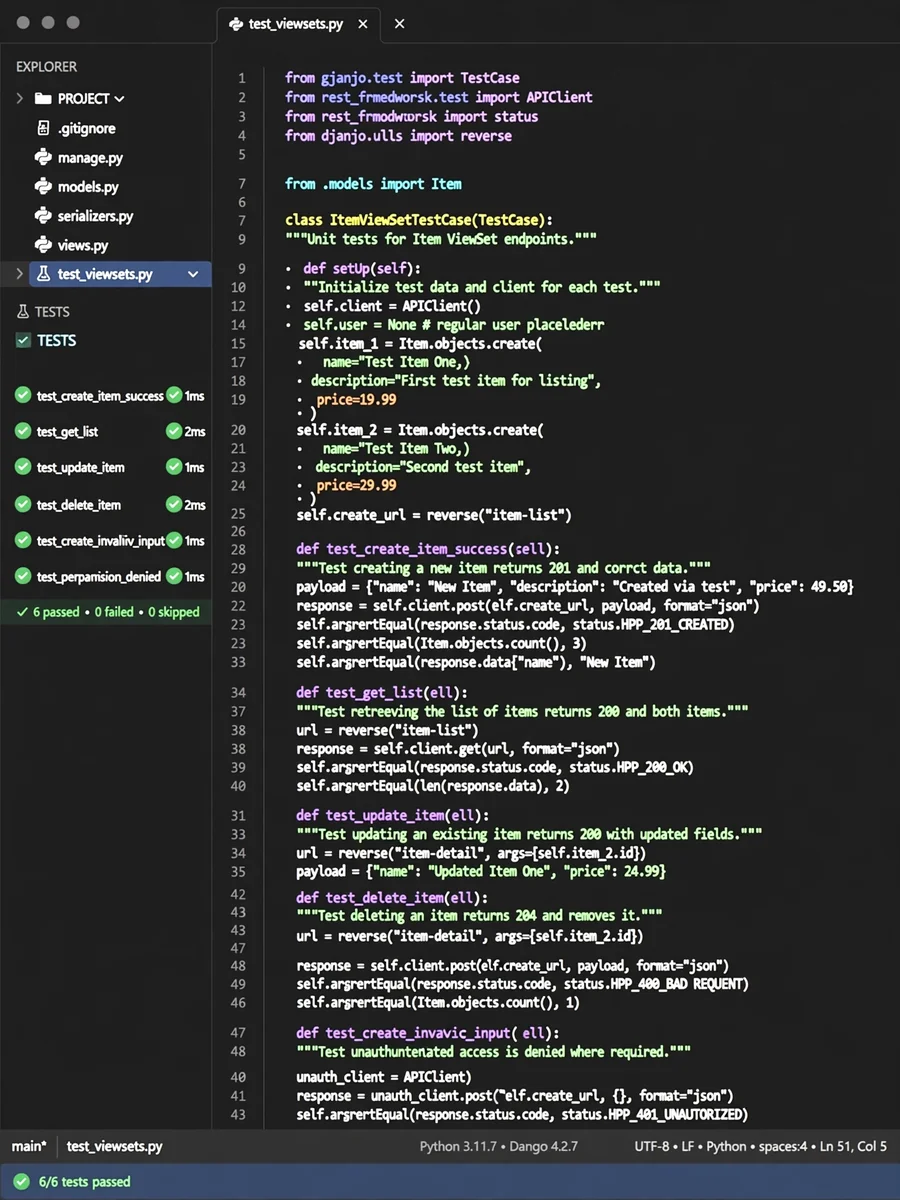
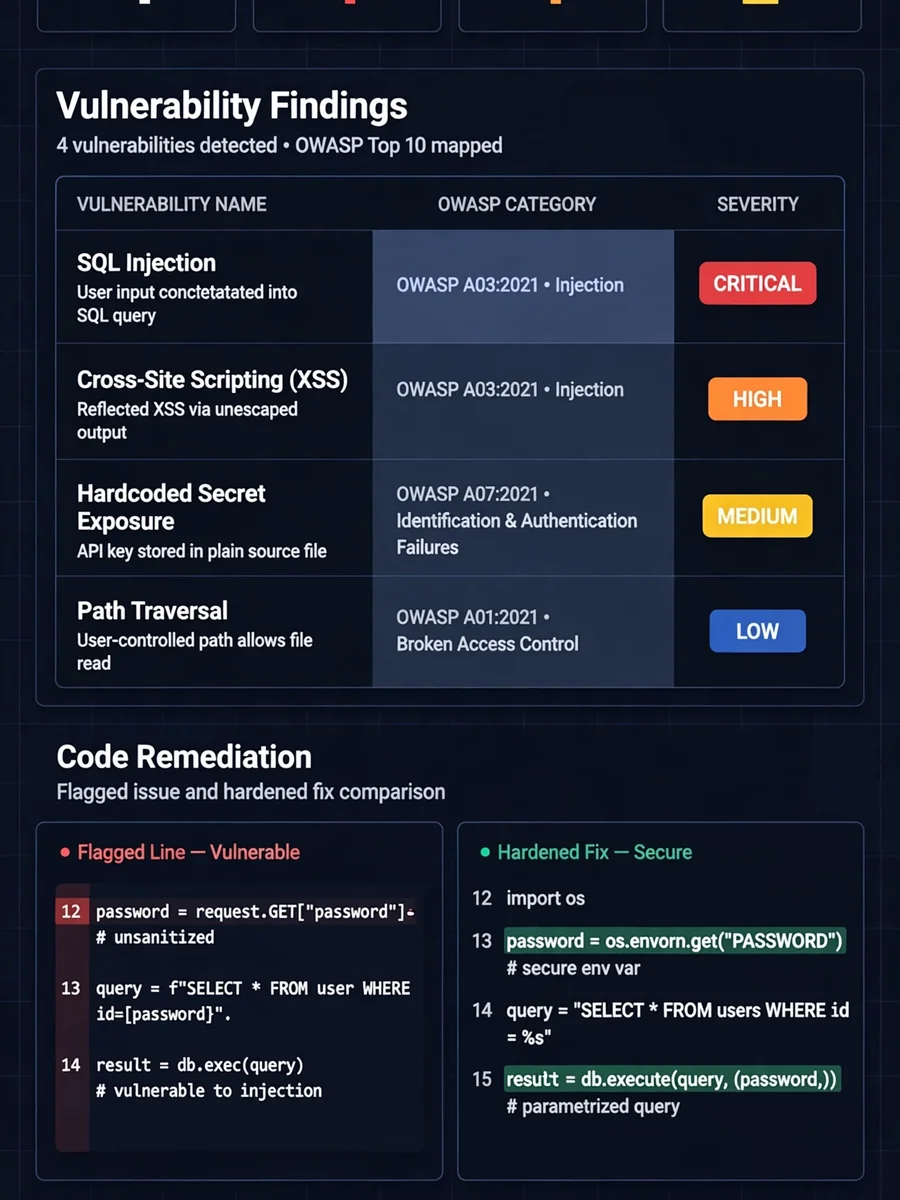
Keep exploring
This prompt is part of our Best ChatGPT Prompts collection, the closest match for this style. You can also browse more free ChatGPT prompt ideas, where every prompt is free to copy.
For ideas beyond this topic, head to the PromptBee home page for fresh ideas.