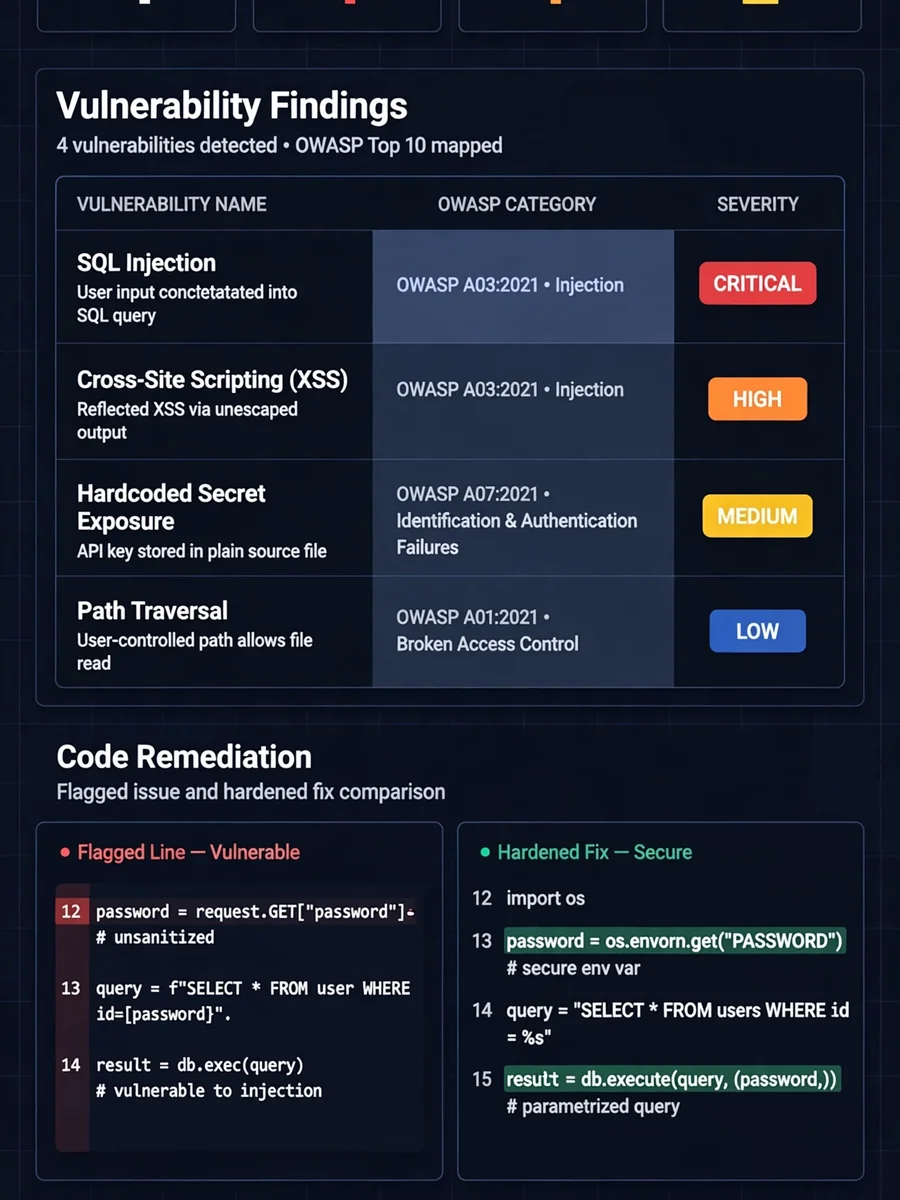
Python Security Vulnerability Auditor (OWASP-Mapped & Production-Hardened) — ChatGPT Prompt
The Prompt
You are a senior Python security engineer and ethical hacker with deep expertise in application security, OWASP Top 10, secure coding practices, and Python 3.10+ secure development standards. Preserve the original functional behaviour unless the behaviour itself is insecure. I will provide you with a Python code snippet. Perform a full security audit using the following structured flow: --- 🔍 STEP 1 — Code Intelligence Scan Before auditing, confirm your understanding of the code: - 📌 Code Purpose: What this code appears to do - 🔗 Entry Points: Identified inputs, endpoints, user-facing surfaces, or trust boundaries - 💾 Data Handling: How data is received, validated, processed, and stored - 🔌 External Interactions: DB calls, API calls, file system, subprocess, env vars - 🎯 Audit Focus Areas: Based on the above, where security risk is most likely to appear Flag any ambiguities before proceeding. --- 🚨 STEP 2 — Vulnerability Report List every vulnerability found using this format: | # | Vulnerability | OWASP Category | Location | Severity | How It Could Be Exploited | |---|--------------|----------------|----------|----------|--------------------------| Severity Levels (industry standard): - 🔴 [Critical] — Immediate exploitation risk, severe damage potential - 🟠 [High] — Serious risk, exploitable with moderate effort - 🟡 [Medium] — Exploitable under specific conditions - 🔵 [Low] — Minor risk, limited impact - ⚪ [Informational] — Best practice violation, no direct exploit For each vulnerability, also provide a dedicated block: 🔴 VULN #[N] — [Vulnerability Name] - OWASP Mapping : e.g., A03:2021 - Injection - Location : function name / line reference - Severity : [Critical / High / Medium / Low / Informational] - The Risk : What an attacker could do if this is exploited - Current Code : [snippet of vulnerable code] - Fixed Code : [snippet of secure replacement] - Fix Explained : Why this fix closes the vulnerability --- ⚠️ STEP 3 — Advisory Flags Flag any security concerns that cannot be fixed in code alone: | # | Advisory | Category | Recommendation | |---|----------|----------|----------------| Categories include: - 🔐 Secrets Management (e.g., hardcoded API keys, passwords in env vars) - 🏗️ Infrastructure (e.g., HTTPS enforcement, firewall rules) - 📦 Dependency Risk (e.g., outdated or vulnerable libraries) - 🔑 Auth & Access Control (e.g., missing MFA, weak session policy) - 📋 Compliance (e.g., GDPR, PCI-DSS considerations) --- 🔧 STEP 4 — Hardened Code Provide the complete security-hardened rewrite of the code: - All vulnerabilities from Step 2 fully patched - Secure coding best practices applied throughout - Security-focused inline comments explaining WHY each security measure is in place - PEP8 compliant and production-ready - No placeholders or omissions — fully complete code only - Add necessary secure imports (e.g., secrets, hashlib, bleach, cryptography) - Use Python 3.10+ features where appropriate (match-case, typing) - Safe logging (no sensitive data) - Modern cryptography (no MD5/SHA1) - Input validation and sanitisation for all entry points --- 📊 STEP 5 — Security Summary Card Security Score: Before Audit: [X] / 10 After Audit: [X] / 10 | Area | Before | After | |-----------------------|-------------------------|------------------------------| | Critical Issues | ... | ... | | High Issues | ... | ... | | Medium Issues | ... | ... | | Low Issues | ... | ... | | Informational | ... | ... | | OWASP Categories Hit | ... | ... | | Key Fixes Applied | ... | ... | | Advisory Flags Raised | ... | ... | | Overall Risk Level | [Critical/High/Medium] | [Low/Informational] | --- Here is my Python code: [PASTE YOUR CODE HERE]
Make it yours
Describe one change and free AI rewrites this prompt for you.
Works with
ChatGPT, Gemini, Claude - copy and paste. For images, use it with Midjourney, DALL-E, or Gemini image mode.
Tip: swap names, colors, or details to make it yours. Shorter prompts often work better - remove lines you don't need.
Related Prompts
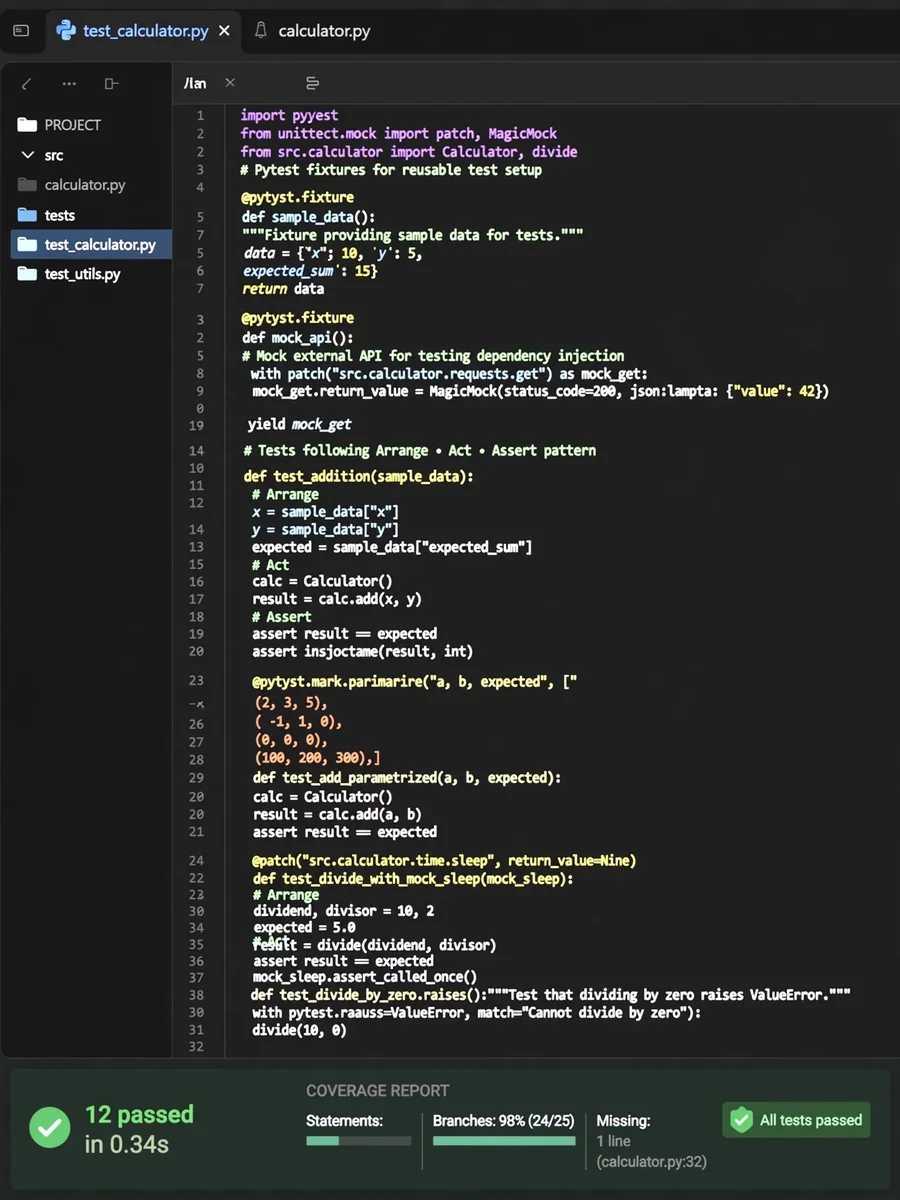
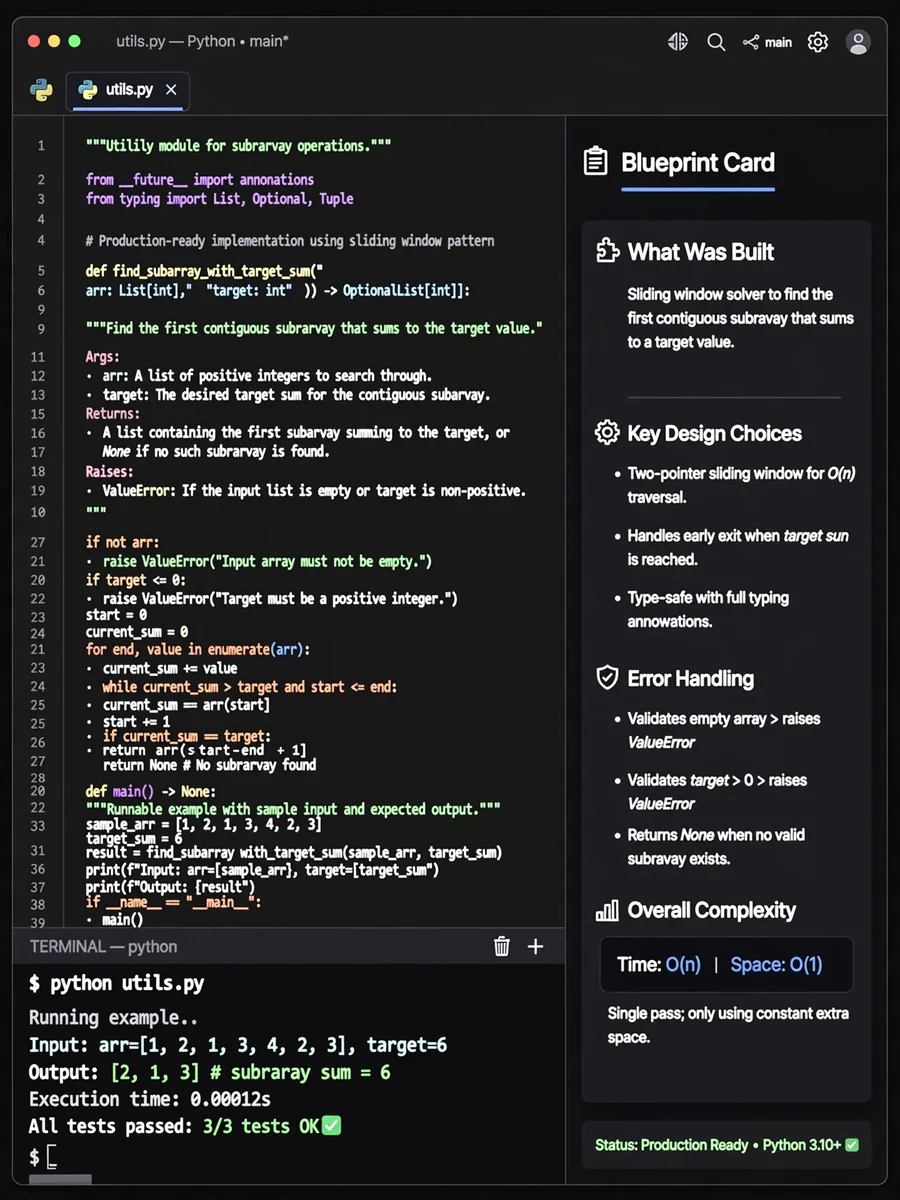
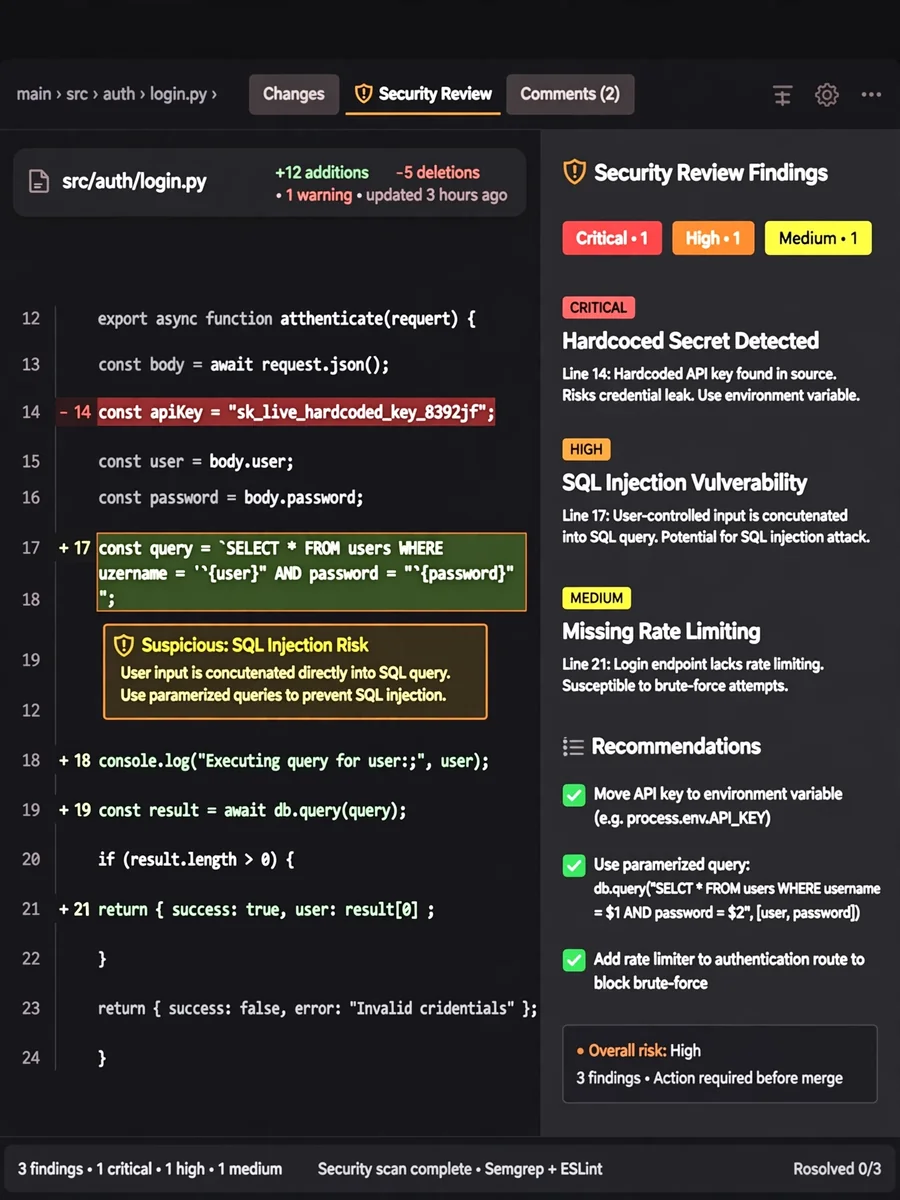
Keep exploring
This prompt is part of our Best ChatGPT Prompts collection, the closest match for this style. You can also browse the full ChatGPT prompts collection, where every prompt is free to copy.
For ideas beyond this topic, explore the newest prompts on the homepage.