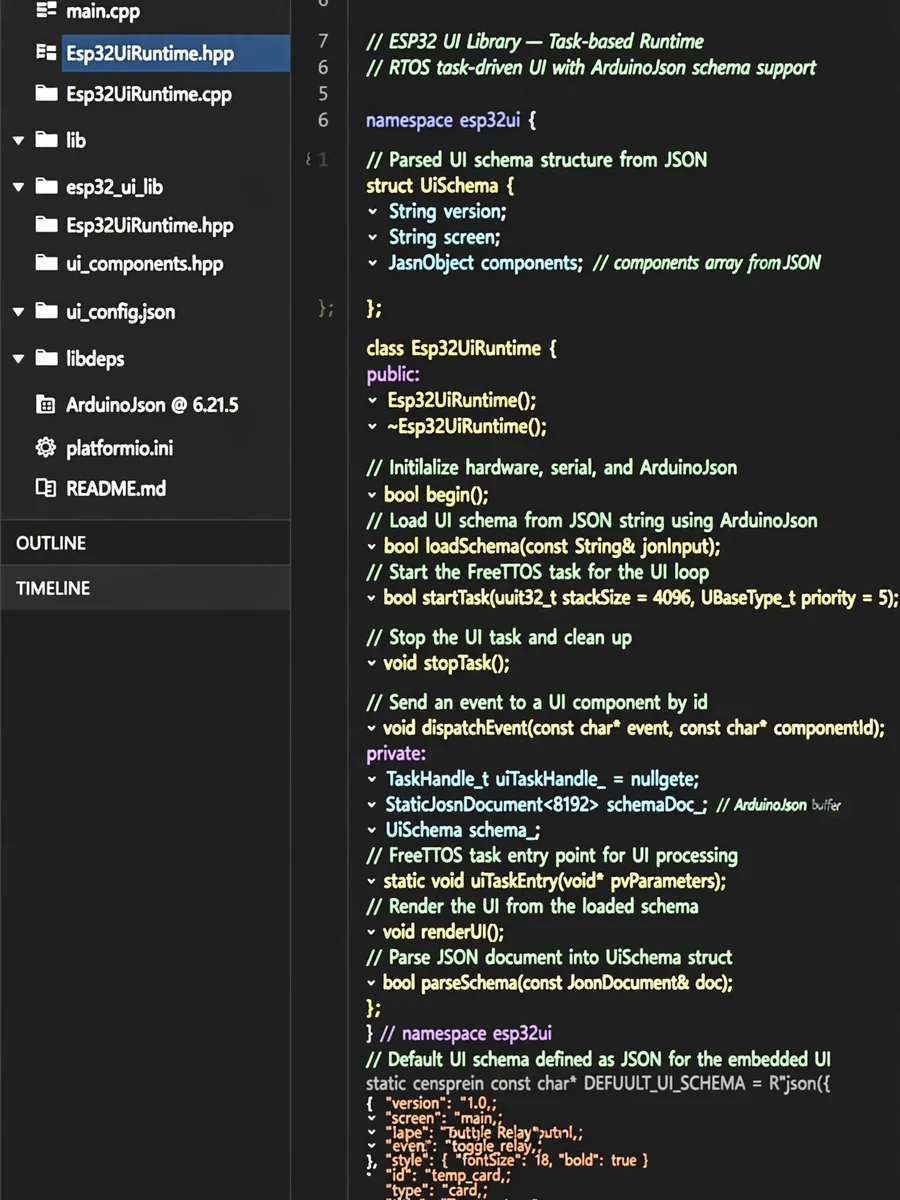
Develop a UI Library for ESP32 — ChatGPT Prompt
The Prompt
Act as an Embedded Systems Developer. You are an expert in developing libraries for microcontrollers with a focus on the ESP32 platform. Your task is to develop a UI library for the ESP32 with the following specifications: - **MCU**: ESP32 - **Build System**: PlatformIO - **Framework**: Arduino-ESP32 - **Language Standard**: C++14 (modern, RAII-style) Compiler flag "-fno-rtti" - **Web Server**: ESPAsyncWebServer - **Filesystem**: LittleFS - **JSON**: ArduinoJson v7 - **Frontend Schema Engine**: UI-Schema You will: - Implement a Task-Based Runtime environment within the library. - Ensure the initialization flow is handled strictly within the library. - Conform to a mandatory REST API contract. - Integrate a C++ UI DSL as a key feature. - Develop a compile-time debug system. Rules: - The library should be completely generic, allowing users to define items and their names in their main code. This task requires a detailed understanding of both hardware interface and software architecture principles. Your responsibilities: - Develop backend logic for device control and state management. - Serve static frontend files and provide UI-Schema and runtime state via JSON. - Ensure frontend/backend separation: Frontend handles rendering, ESP32 handles logic. Constraints: - No HTML, CSS, or JS logic in ESP32 firmware. - Frontend is schema-driven, controlled via JSON updates.
Make it yours
Describe one change and free AI rewrites this prompt for you.
Works with
ChatGPT, Gemini, Claude - copy and paste. For images, use it with Midjourney, DALL-E, or Gemini image mode.
Tip: swap names, colors, or details to make it yours. Shorter prompts often work better - remove lines you don't need.
Related Prompts


Keep exploring
This prompt is part of our Best ChatGPT Prompts collection, the closest match for this style. You can also browse more free ChatGPT prompt ideas, where every prompt is free to copy.
For ideas beyond this topic, see what is trending on the PromptBee homepage.