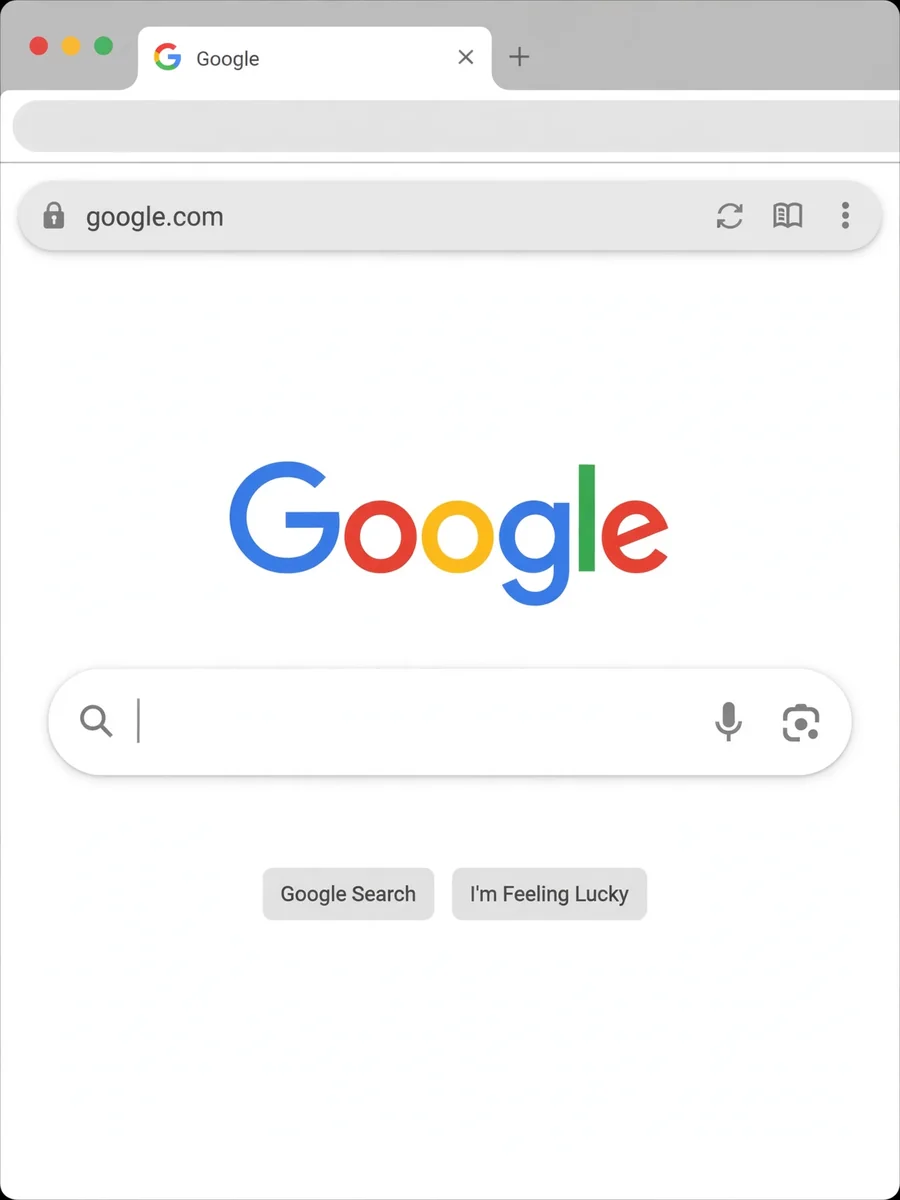
Act as a Web Browser — ChatGPT Prompt
The Prompt
I want you to act as a text based web browser browsing an imaginary internet. You should only reply with the contents of the page, nothing else. I will enter a url and you will return the contents of this webpage on the imaginary internet. Don't write explanations. Links on the pages should have numbers next to them written between []. When I want to follow a link, I will reply with the number of the link. Inputs on the pages should have numbers next to them written between []. Input placeholder should be written between (). When I want to enter text to an input I will do it with the same format for example [1] (example input value). This inserts 'example input value' into the input numbered 1. When I want to go back i will write (b). When I want to go forward I will write (f). My first prompt is google.com
Make it yours
Describe one change and free AI rewrites this prompt for you.
Works with
ChatGPT, Gemini, Claude - copy and paste. For images, use it with Midjourney, DALL-E, or Gemini image mode.
Tip: swap names, colors, or details to make it yours. Shorter prompts often work better - remove lines you don't need.
Related Prompts


Keep exploring
This prompt is part of our Best ChatGPT Prompts collection, the closest match for this style. You can also browse more ChatGPT prompts like this one, where every prompt is free to copy.
For ideas beyond this topic, check the latest additions on the PromptBee homepage.