Snowy Mountain Love Story Video
The Prompt
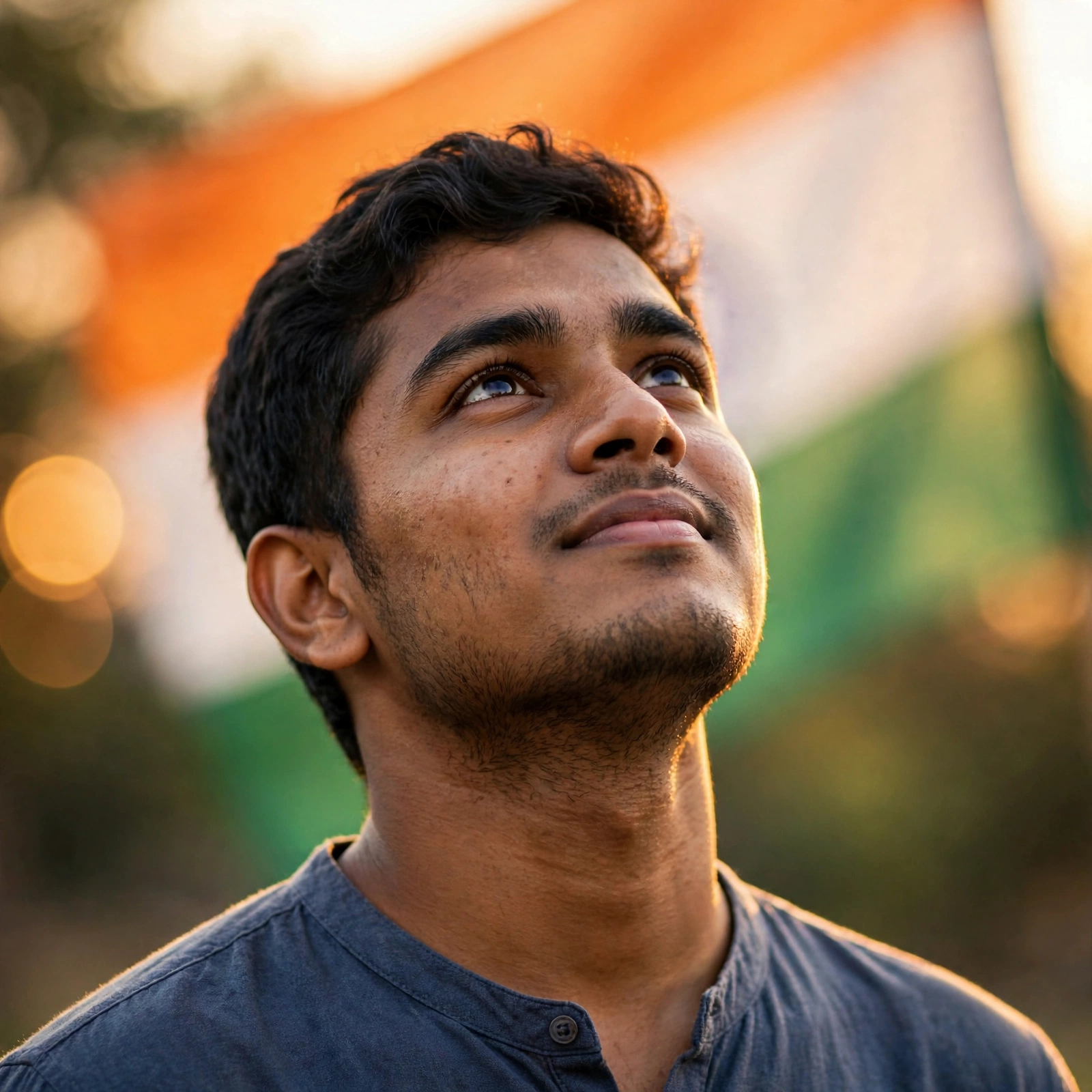
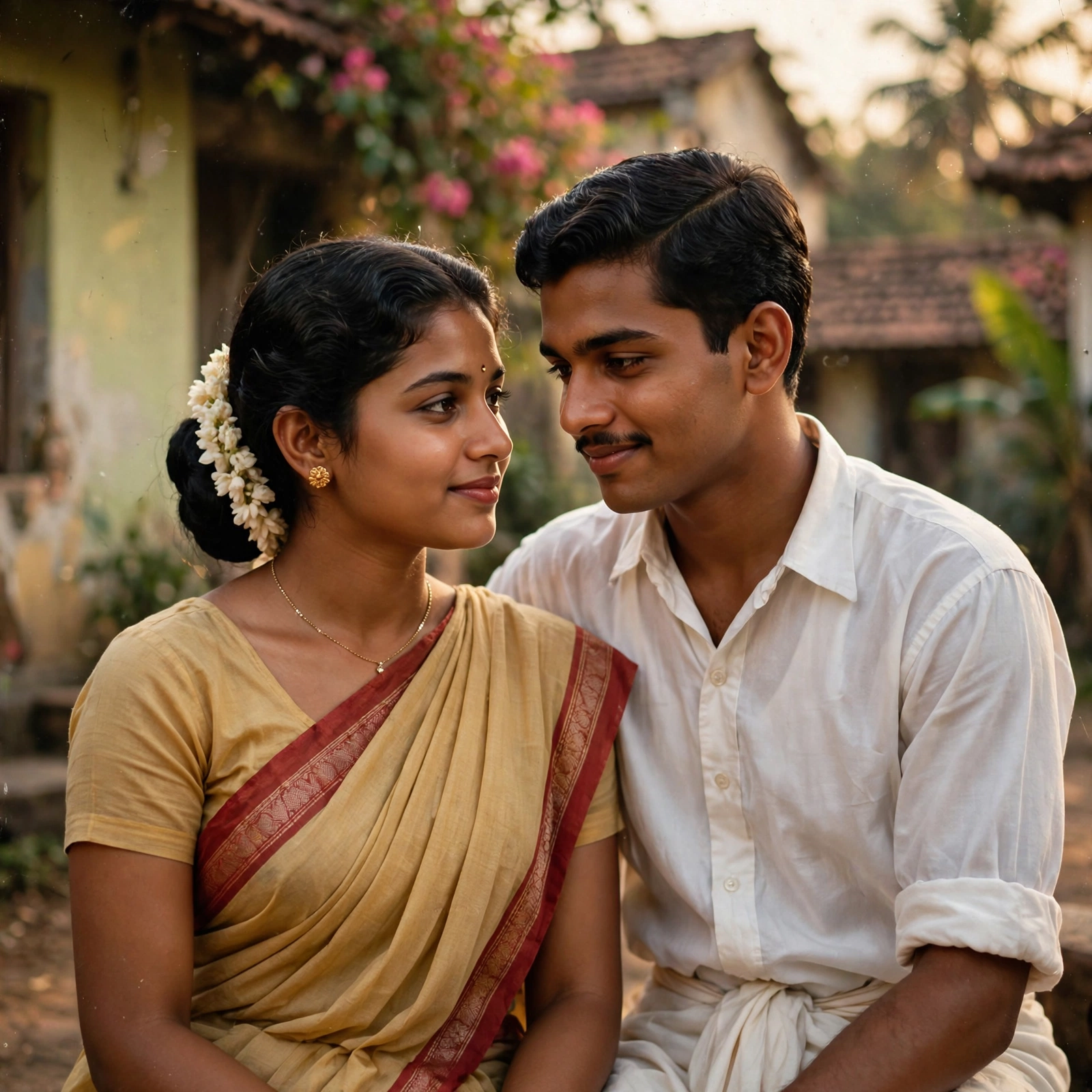
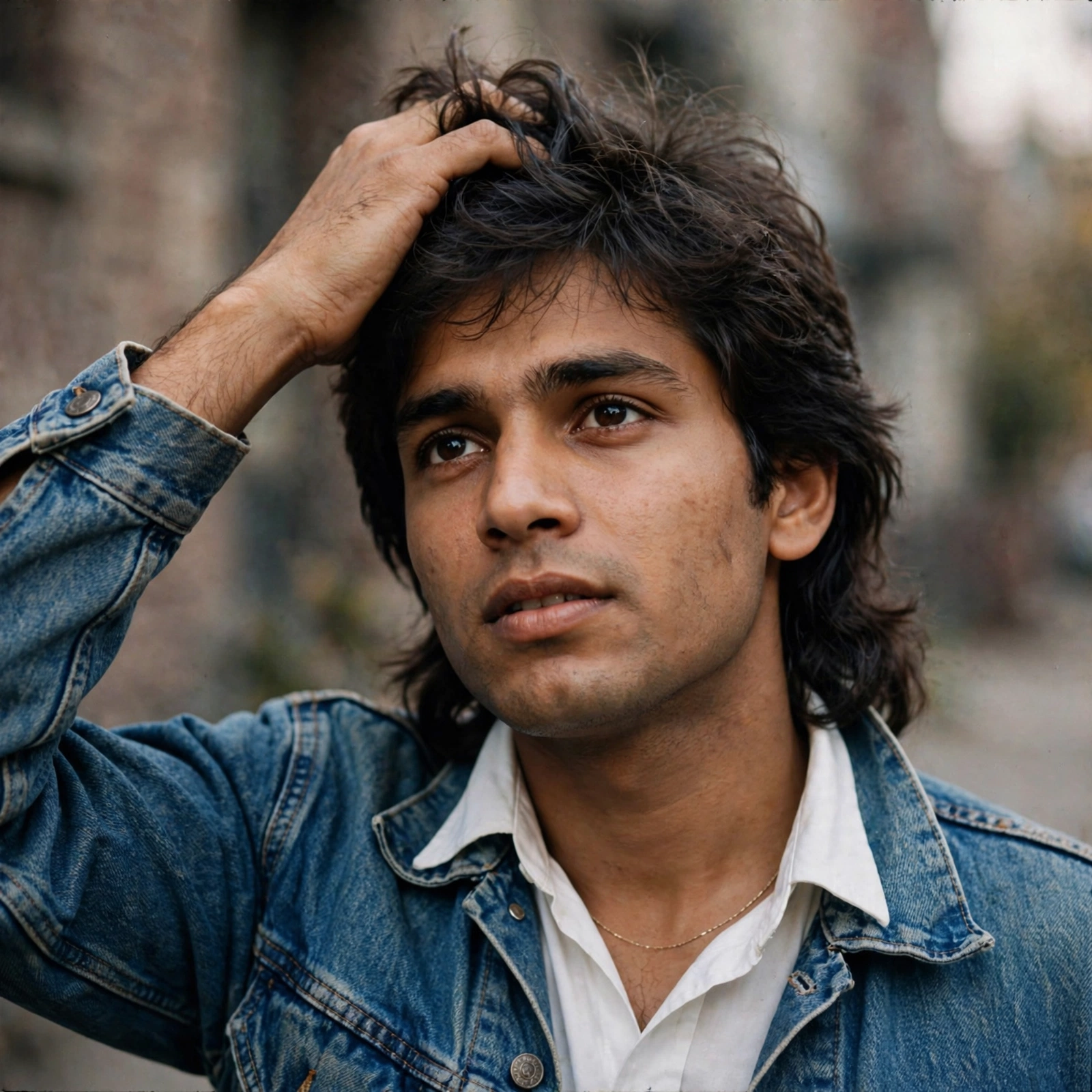
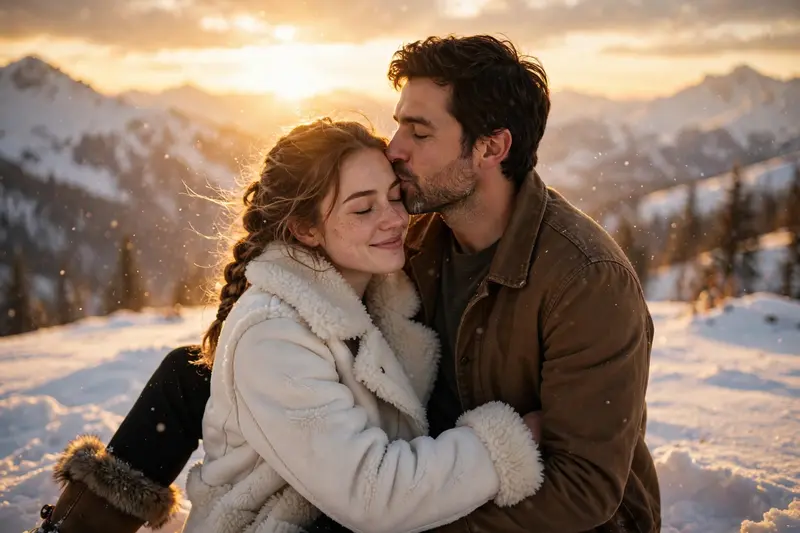
Use the SAME TWO uploaded reference images again. Reference Image 1 = the SAME MAN. Reference Image 2 = the SAME WOMAN. Keep both identities, faces, and facial features exactly consistent with the reference images. Start by matching the final mid-air embrace pose from Part 1. Seamlessly transform the cold cabin into a beautiful golden-hour snowy mountain slope. The SAME woman from Reference Image 2 is now healthy and beautiful, wearing a white shearling coat, black pants, and fur-trimmed boots. Continue their fall into deep snow in graceful slow motion. They land together, laugh, and embrace. Then show them running hand-in-hand through the snow toward the sunset, embracing on a hilltop. End with the SAME man gently kissing the SAME woman's forehead while the golden sunset glows behind them. Photorealistic live action, cinematic 35mm look, realistic snow physics, shallow depth of field, warm golden backlight, soft film grain, emotional dreamlike atmosphere. Only the SAME two people. No dialogue, text, subtitles, logos, extra people, blood, or gore.
Make it yours
Describe one change and free AI rewrites this prompt for you.
Works with
CapCut, VN Video Editor, Runway, Pika, Kaiber - paste the prompt or use it as a video idea.
Tip: swap names, colors, or details to make it yours. Shorter prompts often work better - remove lines you don't need.
How to use this video prompt (step by step)
In CapCut: 1) Open CapCut and start a new project. 2) Add your clips or photos in the order the prompt describes. 3) Tap "Text" to add the captions from the prompt. 4) Go to "Effects" and pick transitions that match the mood. 5) Export in 1080p and share.
In VN Video Editor: 1) Create a new project in VN. 2) Import your media following the prompt's shot list. 3) Use the "Text" tool for titles and the "Music" tab for trending audio. 4) Apply filters lightly - don't overdo it. 5) Export and post.
In AI video tools (Runway, Pika, Kaiber): Copy the prompt above and paste it directly as your text prompt. Adjust the camera-movement words (like "slow zoom" or "pan left") to control the motion.