1980s Aesthetic Multi-Scene Video Prompt
The Prompt
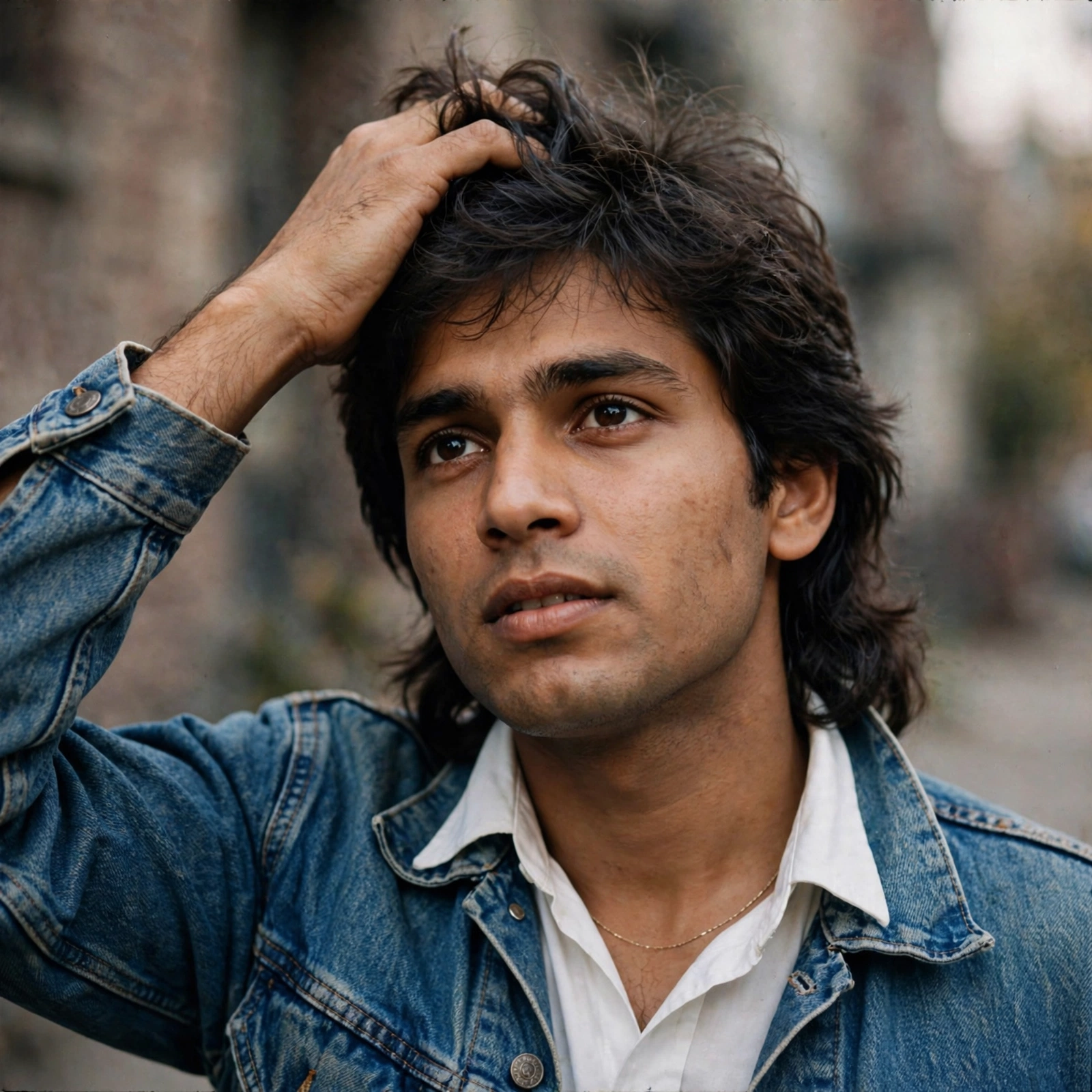
* Scene 1 (00:00 - 00:02): Medium shot, 1980s South Asian young man with a wavy mullet, wearing a denim jacket over a white collared shirt and a thin gold chain. He runs his hand through his hair. Bustling Indian street background, shallow depth of field, warm cinematic daylight. * Scene 2 (00:02 - 00:05): Medium close-up, same man in the denim jacket. Plain neutral gray background. He looks off-camera, turns to the lens with a subtle smile. Soft studio lighting, retro portrait style. * Scene 3 (00:05 - 00:07): Medium shot, same man wearing a retro geometric patterned blazer. Vintage Indian interior background with wooden furniture and a ceiling fan. He blinks slowly. Warm indoor lighting, nostalgic 80s film aesthetic. * Scene 4 (00:07 - 00:08): Medium shot, return to the first Indian street setting. The man in the denim jacket looks directly at the camera with a confident, neutral expression. Soft daylight, shallow depth of field.
Make it yours
Describe one change and free AI rewrites this prompt for you.
Works with
CapCut, VN Video Editor, Runway, Pika, Kaiber - paste the prompt or use it as a video idea.
Tip: swap names, colors, or details to make it yours. Shorter prompts often work better - remove lines you don't need.
How to use this video prompt (step by step)
In CapCut: 1) Open CapCut and start a new project. 2) Add your clips or photos in the order the prompt describes. 3) Tap "Text" to add the captions from the prompt. 4) Go to "Effects" and pick transitions that match the mood. 5) Export in 1080p and share.
In VN Video Editor: 1) Create a new project in VN. 2) Import your media following the prompt's shot list. 3) Use the "Text" tool for titles and the "Music" tab for trending audio. 4) Apply filters lightly - don't overdo it. 5) Export and post.
In AI video tools (Runway, Pika, Kaiber): Copy the prompt above and paste it directly as your text prompt. Adjust the camera-movement words (like "slow zoom" or "pan left") to control the motion.