Romantic Couple Reel Video Prompt
The Prompt
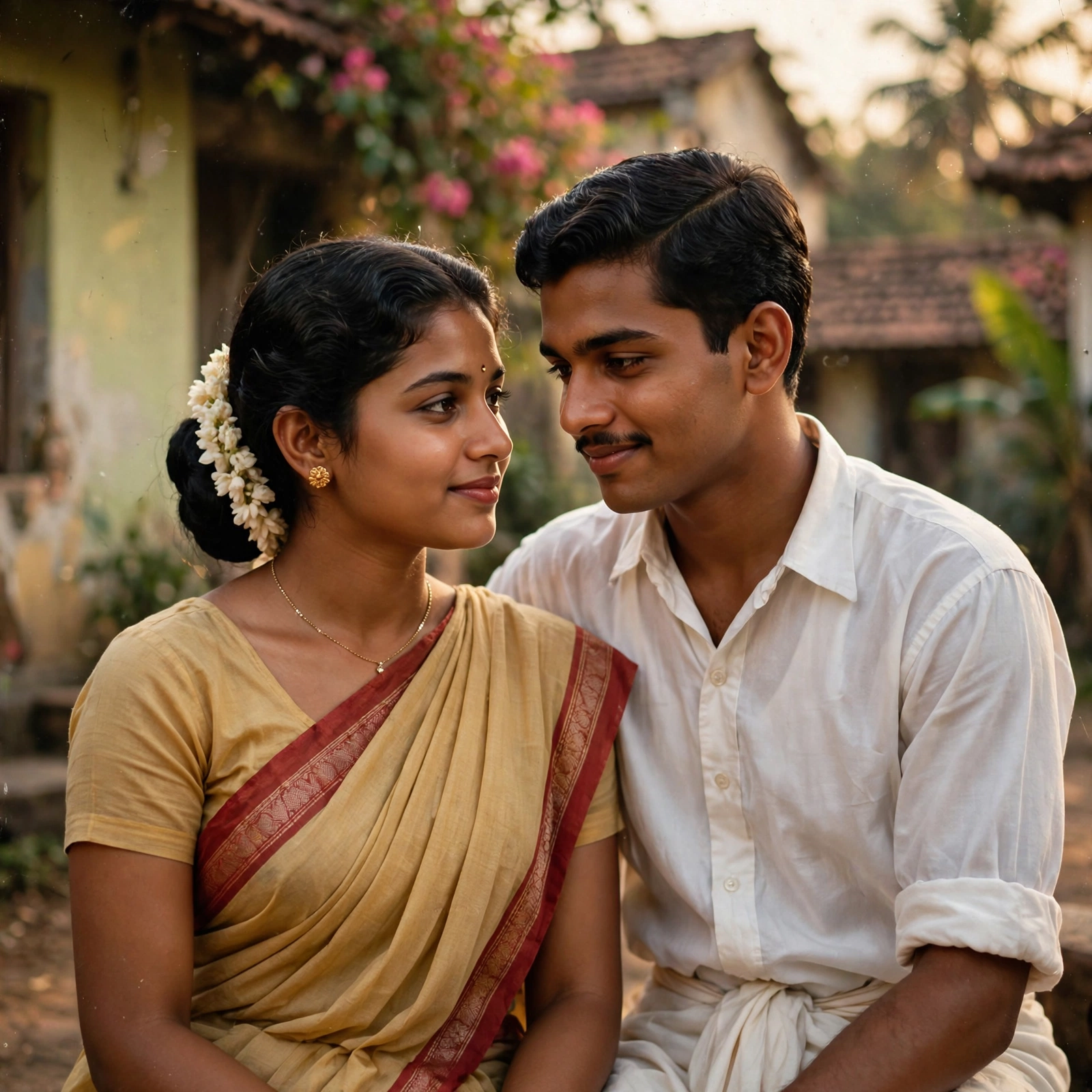
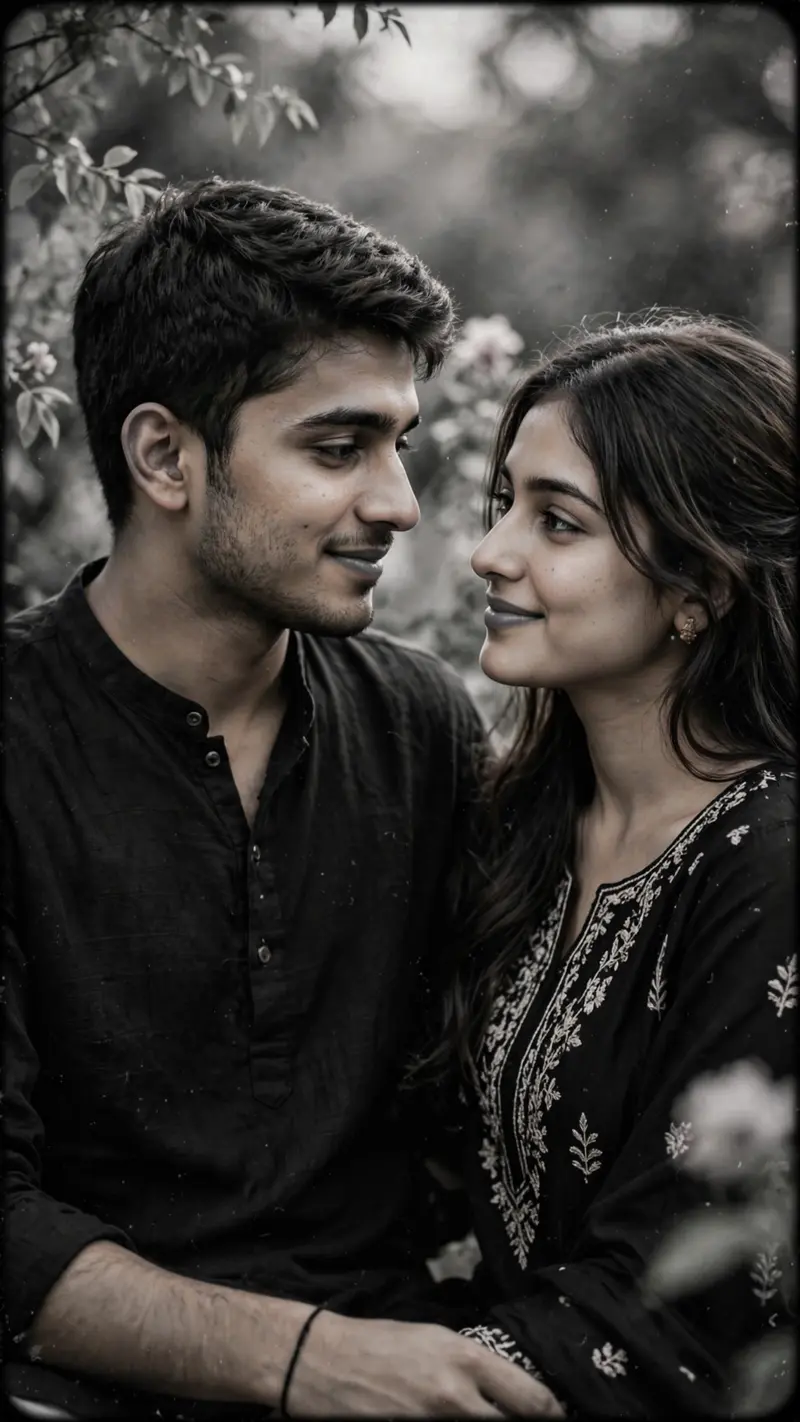
Create a beautiful, ultra-realistic, cinematic romantic couple video inspired by the Pehli Pehle Baar Instagram Reel trend. Use the uploaded couple photographs as the primary visual references and preserve the original facial identities, natural skin textures, hairstyles, clothing, and realistic appearance. Create a soft, emotional atmosphere with elegant black-and-white tones, gentle camera movements, slow zoom-ins, smooth transitions, subtle film grain, and cinematic lighting. Keep the couple as the main focus and emphasize their natural expressions and romantic connection. Synchronize the visual transitions with the rhythm of the selected romantic audio wherever supported. Maintain a clean composition, realistic details, and a polished aesthetic suitable for Instagram Reels. Use a vertical 9:16 aspect ratio, high visual quality, and a smooth ending that can loop naturally. Do not distort faces, add unnecessary objects, or introduce artificial-looking effects. Use only audio that is available for use on the selected platform.
Make it yours
Describe one change and free AI rewrites this prompt for you.
Works with
CapCut, VN Video Editor, Runway, Pika, Kaiber - paste the prompt or use it as a video idea.
Tip: swap names, colors, or details to make it yours. Shorter prompts often work better - remove lines you don't need.
How to use this video prompt (step by step)
In CapCut: 1) Open CapCut and start a new project. 2) Add your clips or photos in the order the prompt describes. 3) Tap "Text" to add the captions from the prompt. 4) Go to "Effects" and pick transitions that match the mood. 5) Export in 1080p and share.
In VN Video Editor: 1) Create a new project in VN. 2) Import your media following the prompt's shot list. 3) Use the "Text" tool for titles and the "Music" tab for trending audio. 4) Apply filters lightly - don't overdo it. 5) Export and post.
In AI video tools (Runway, Pika, Kaiber): Copy the prompt above and paste it directly as your text prompt. Adjust the camera-movement words (like "slow zoom" or "pan left") to control the motion.