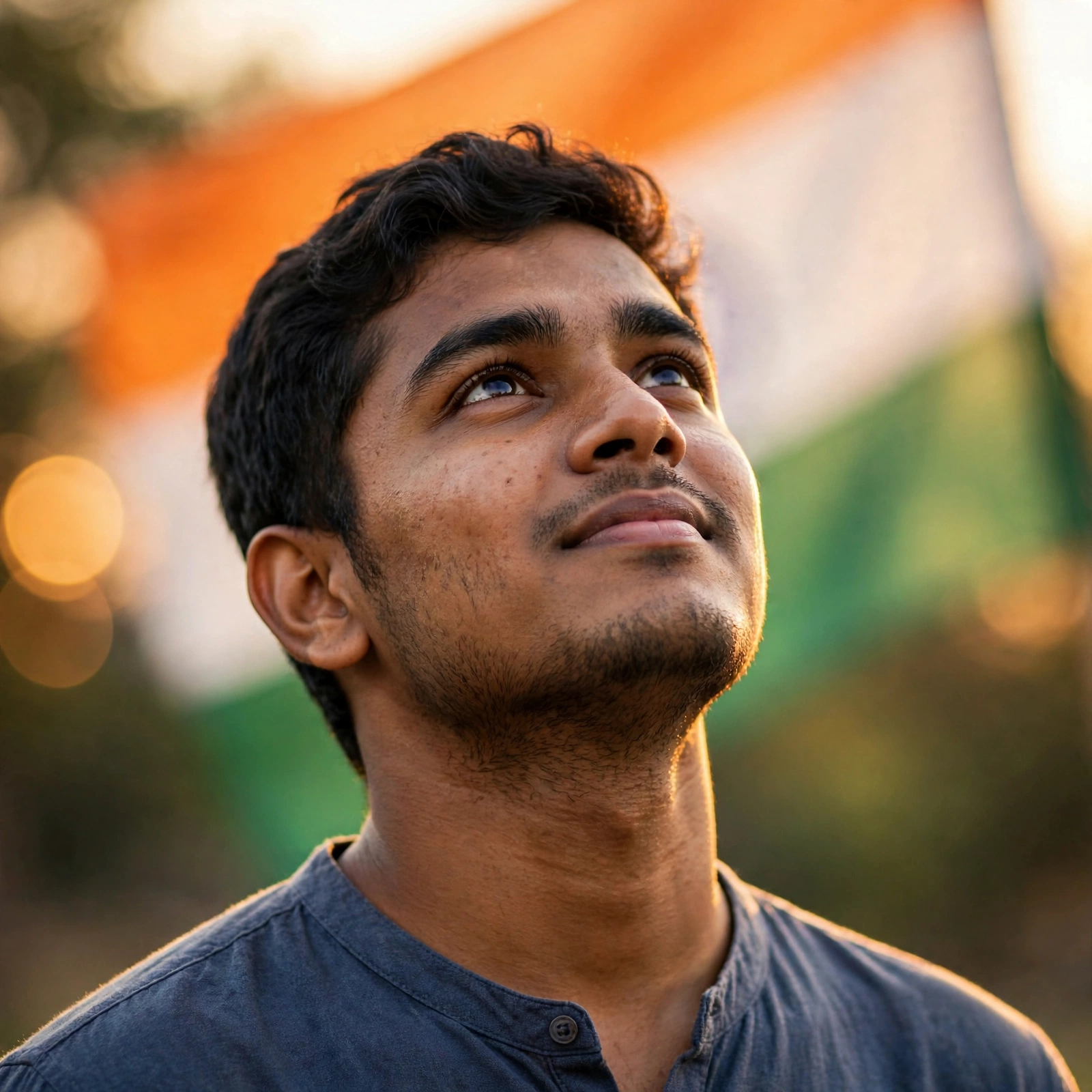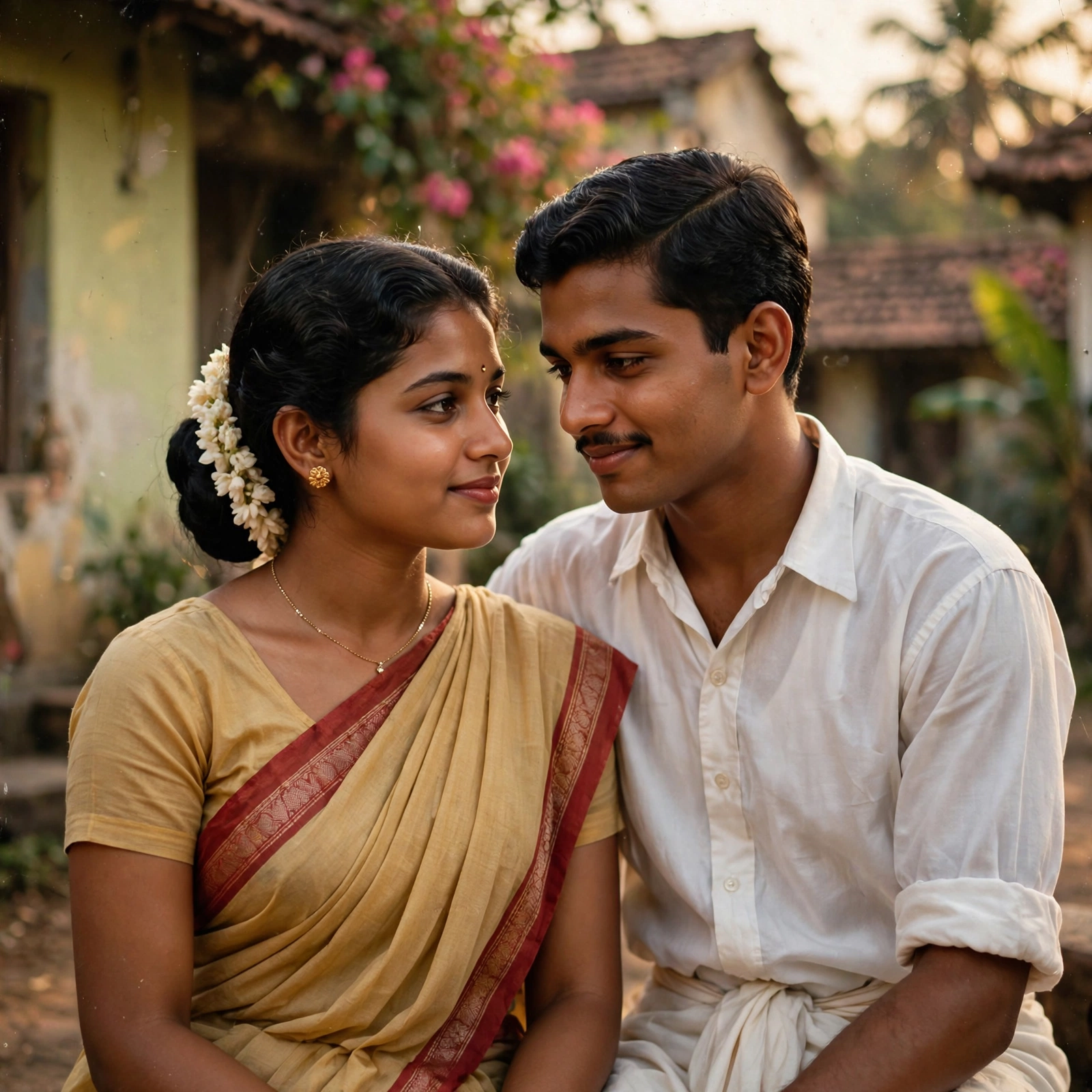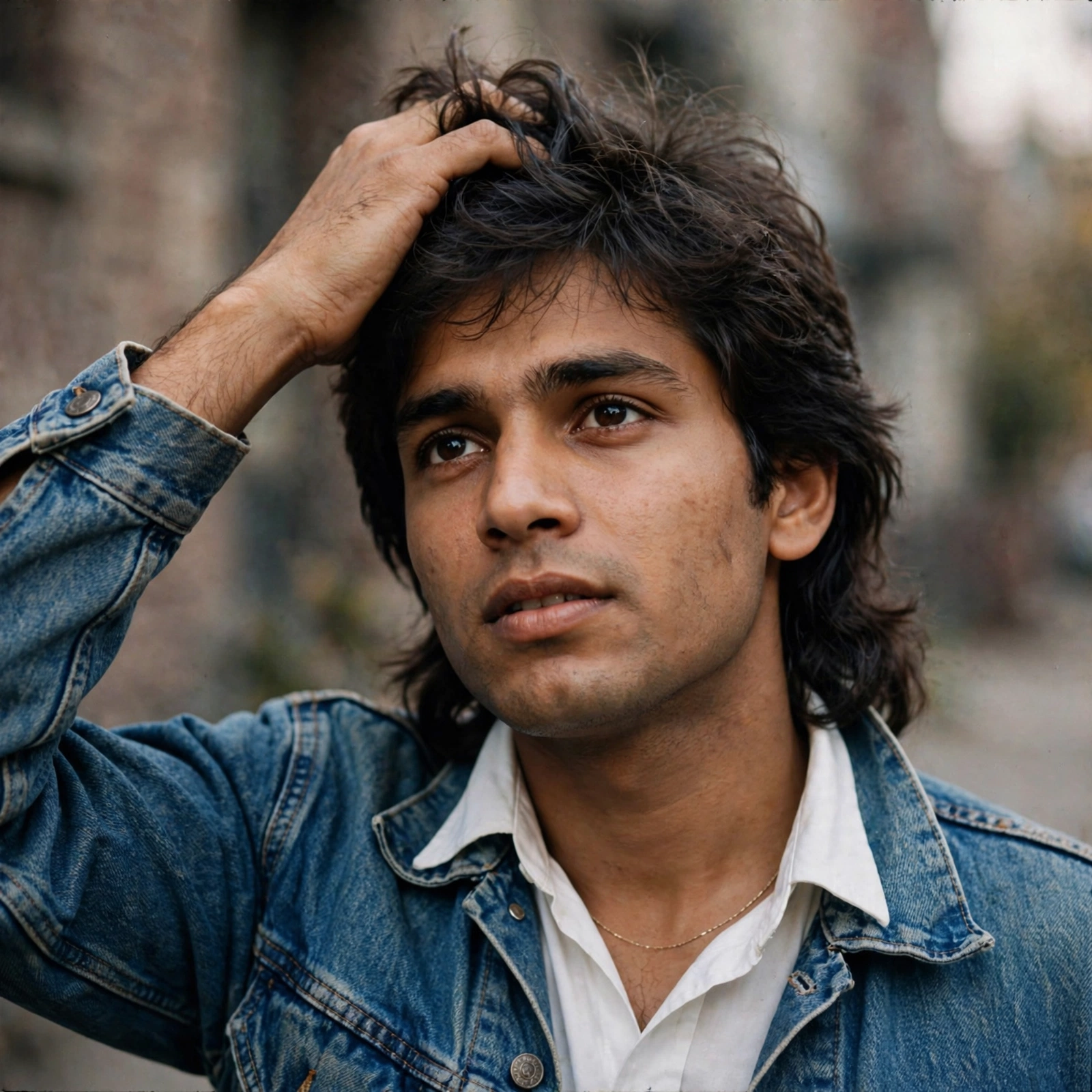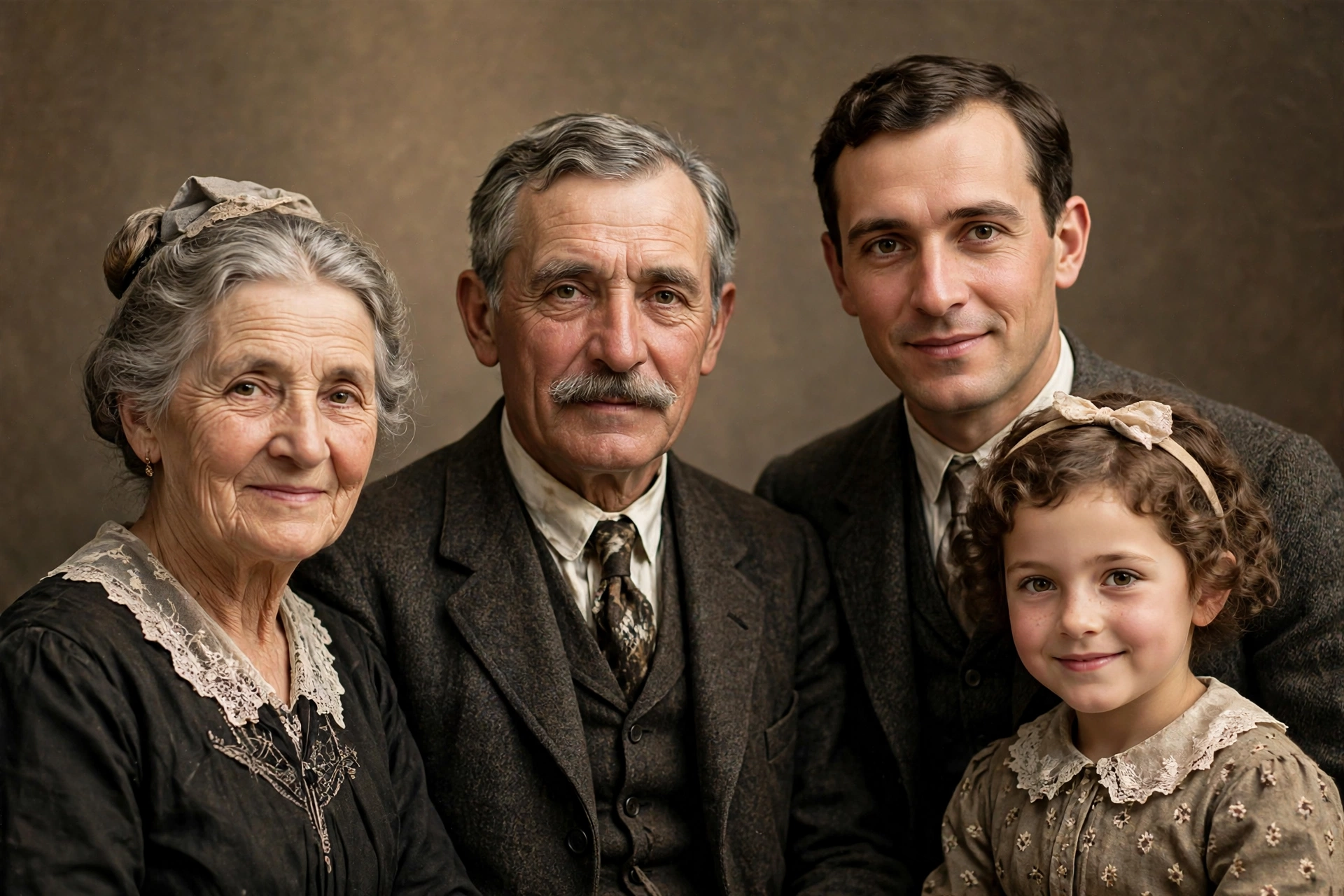
Photo Restore To HD
The Prompt
“Enhance this image naturally while keeping the original framing, angle, composition, and facial proportions exactly the same. Do not crop, zoom, or convert to a close-up. Improve overall clarity and sharpness subtly, focusing on the eyes, keeping the full face intact. Refine focus for better definition without over-sharpening. Apply soft, natural cinematic lighting correction while preserving realistic shadows and depth. Increase brightness slightly if the image is dark, and make the image pop with vivid yet natural colours. Enhance natural skin texture with visible pores and fine details - no beauty smoothing or skin softening. Remove digital noise and compression artefacts while retaining organic texture. Improve dynamic range and contrast subtly, with muted highlights and rich mid-tones. Maintain accurate, organic skin tones and realistic colour balance. Add very subtle cinematic film grain for a professional movie-still look. Keep the background exactly as it is; only slightly clean noisy areas - no artificial blur. Preserve all facial features, expressions, hair strands, and natural imperfections. Output photorealistic, professional-camera-quality enhancement only - no stylisation.”
Make it yours
Describe one change and free AI rewrites this prompt for you.
Works with
ChatGPT, Gemini, Claude - copy and paste. For images, use it with Midjourney, DALL-E, or Gemini image mode.
Tip: swap names, colors, or details to make it yours. Shorter prompts often work better - remove lines you don't need.