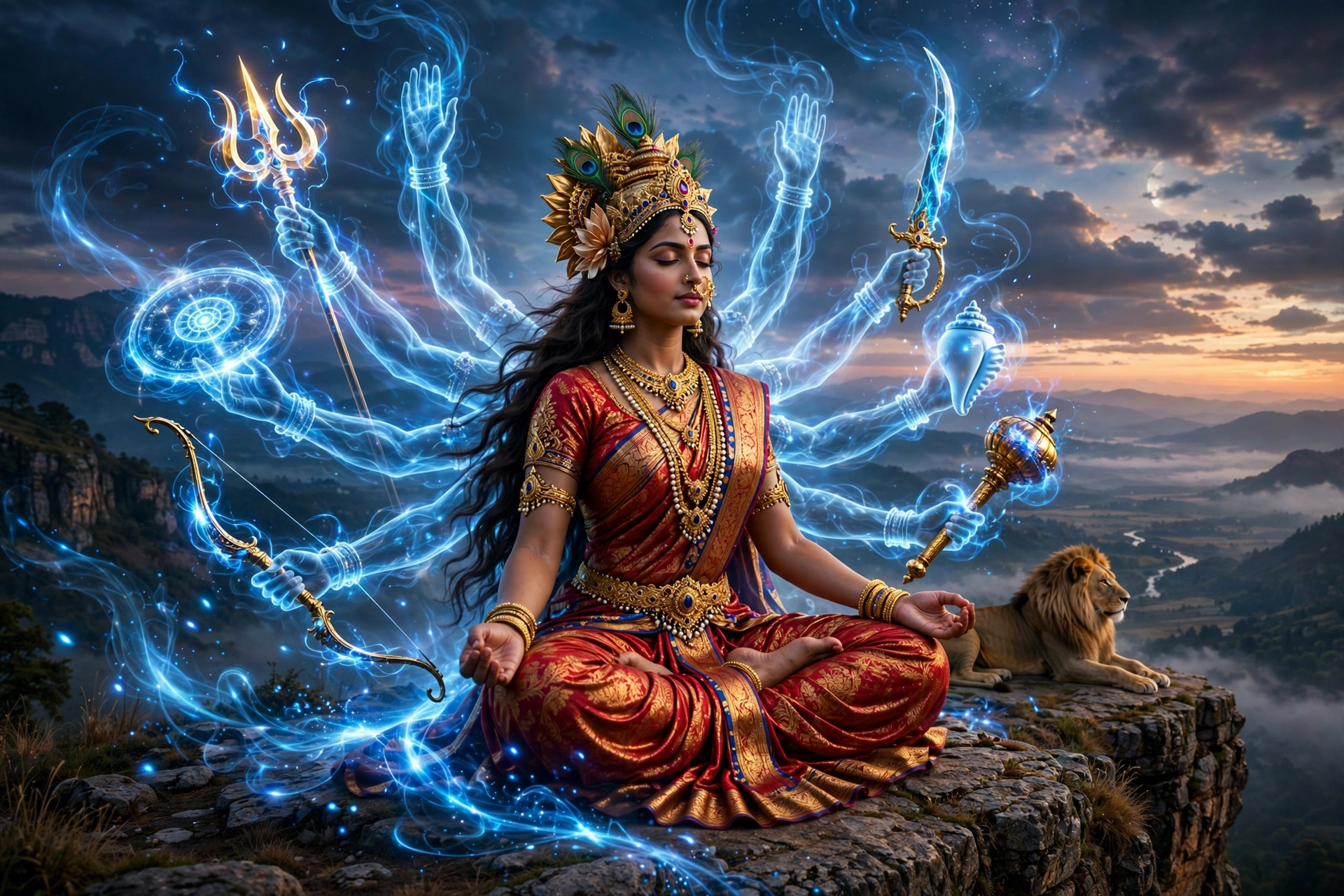
Maa Durga Cinematic Video Prompt
The Prompt
A wide cinematic hero shot of an Indian goddess sitting cross-legged on a cliffside next to a calm lion. Brilliant pulses of electric blue celestial energy flow around her back as six translucent, glowing divine arms materialize one by one from behind her torso. Each arm comes into focus holding a distinct golden weapon: a trident (trishul), a curved sword, a ornate shield, a crescent blade, and a conch shell. In the background, thunder crackles behind the misty waterfalls as her multi-armed divine form fully locks into place. High-end movie visual effects, photorealistic lighting, cinematic color grading, 9:16 aspect ratio.
Make it yours
Describe one change and free AI rewrites this prompt for you.
Works with
CapCut, VN Video Editor, Runway, Pika, Kaiber - paste the prompt or use it as a video idea.
Tip: swap names, colors, or details to make it yours. Shorter prompts often work better - remove lines you don't need.
How to use this video prompt (step by step)
In CapCut: 1) Open CapCut and start a new project. 2) Add your clips or photos in the order the prompt describes. 3) Tap "Text" to add the captions from the prompt. 4) Go to "Effects" and pick transitions that match the mood. 5) Export in 1080p and share.
In VN Video Editor: 1) Create a new project in VN. 2) Import your media following the prompt's shot list. 3) Use the "Text" tool for titles and the "Music" tab for trending audio. 4) Apply filters lightly - don't overdo it. 5) Export and post.
In AI video tools (Runway, Pika, Kaiber): Copy the prompt above and paste it directly as your text prompt. Adjust the camera-movement words (like "slow zoom" or "pan left") to control the motion.