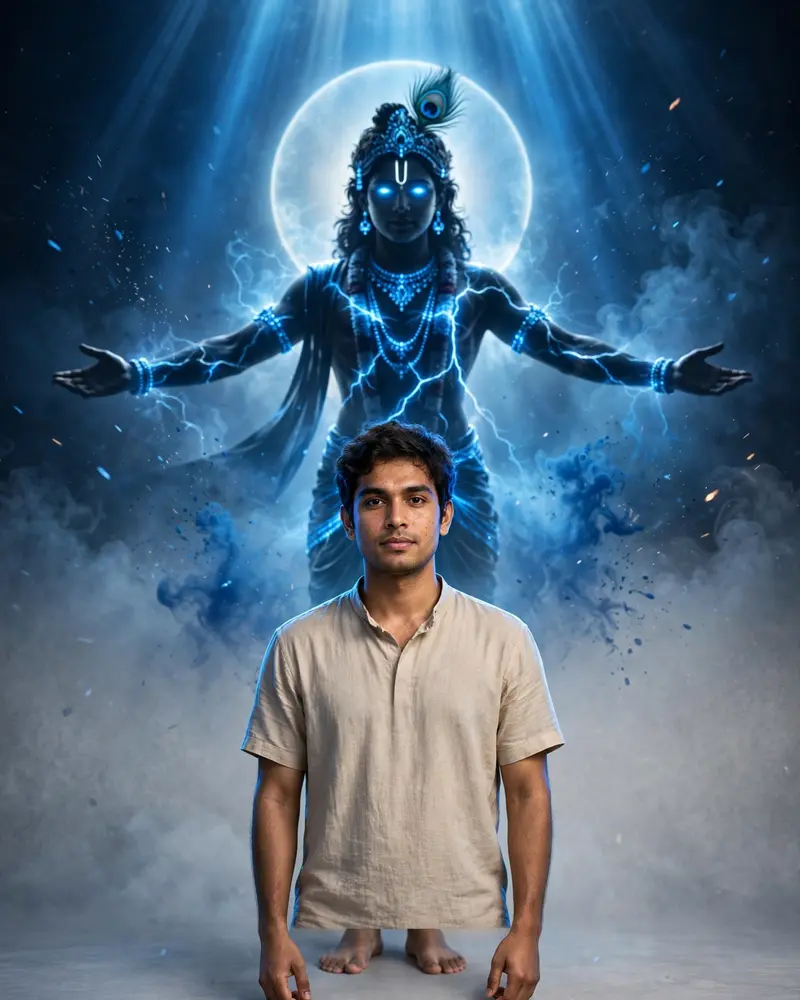
Lord Krishna Cinematic Portrait Prompt
The Prompt
Use the uploaded photo exactly as the reference with 100% identity preservation. Keep the person's face, hairstyle, skin tone, expression, clothing, body proportions, pose, hand position, and bare feet exactly unchanged. Place the person in the foreground, perfectly centered, in sharp focus with zero modifications. Replace the background with a minimal light grey studio backdrop featuring a subtle textured gradient. Behind the person, create a massive Lord Krishna dark silhouette floating at a distance, slightly blurred for depth. Krishna's arms are spread wide in a divine blessing pose, with glowing electric-blue eyes, bright blue crack-like energy veins across the body, an elegant peacock feather on the crown, ornate jewelry, traditional dhoti, and a large glowing sacred halo behind the head. Add powerful cinematic blue volumetric light rays streaming down from above, surrounding Krishna and softly illuminating the subject. Include blue mist, smoke, ink splash effects, floating particles, divine energy aura, atmospheric fog, subtle blue glow, and god rays to create an epic devotional atmosphere. Use dramatic rim lighting around the subject while keeping the face naturally exposed. Color grading should be deep blue and black, with high contrast, HDR lighting, cinematic shadows, IMAX-quality realism, ultra-detailed textures, photorealistic skin, premium VFX, Unreal Engine 5 look, award-winning devotional fantasy art, 8K resolution, DSLR quality, razor-sharp focus, Instagram 4:5 aspect ratio (1080×1350) with safe margins. The final image should feel majestic, spiritual, cinematic, and highly realistic without altering the person's identity in any way.
Works with
ChatGPT, Gemini, Claude - copy and paste. For images, use it with Midjourney, DALL-E, or Gemini image mode.
Tip: swap names, colors, or details to make it yours. Shorter prompts often work better - remove lines you don't need.