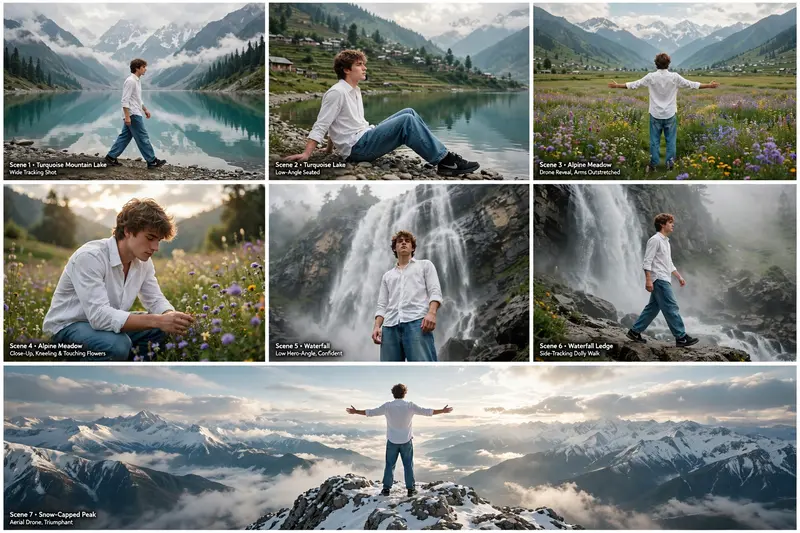
Kashmir Mountain Travel Video
The Prompt
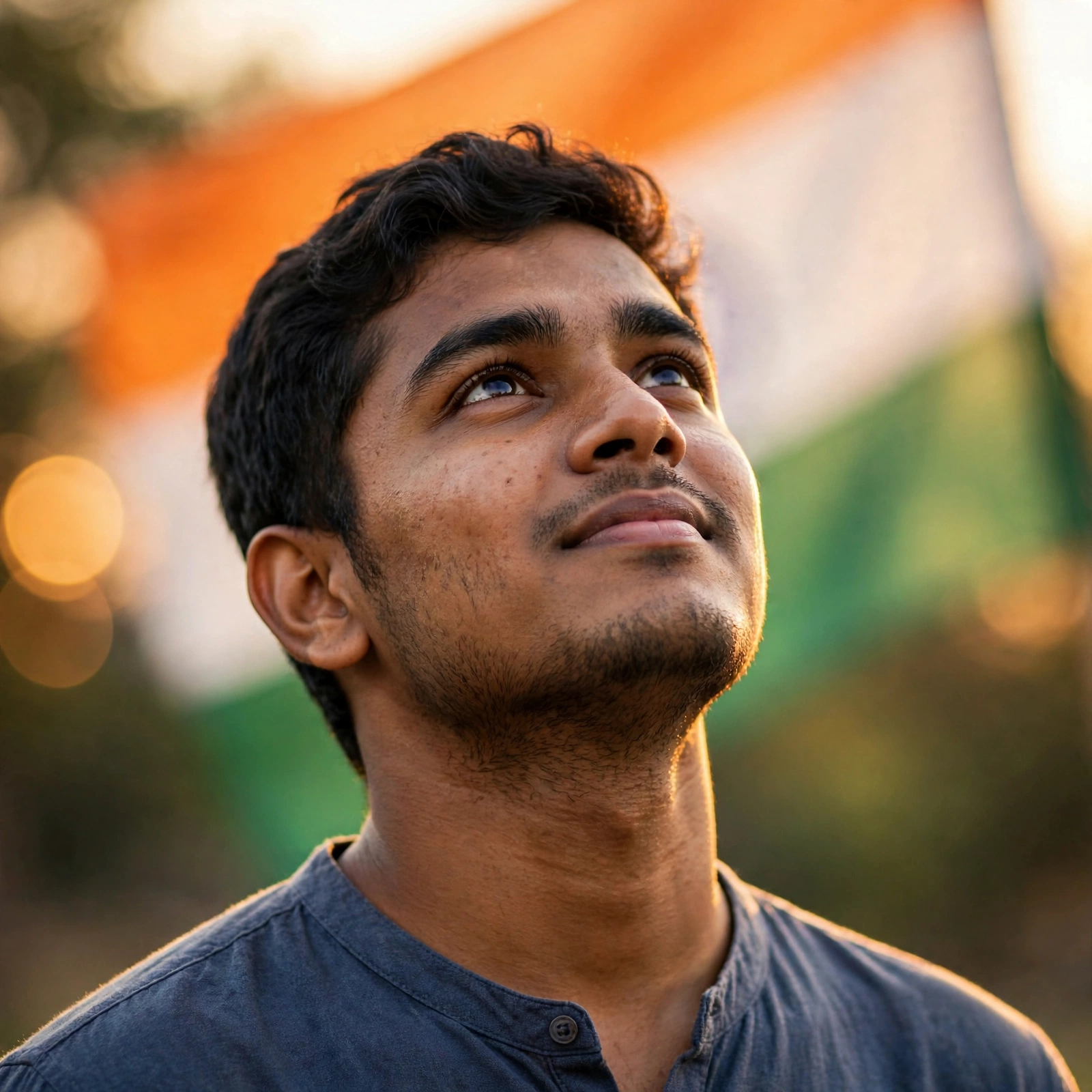
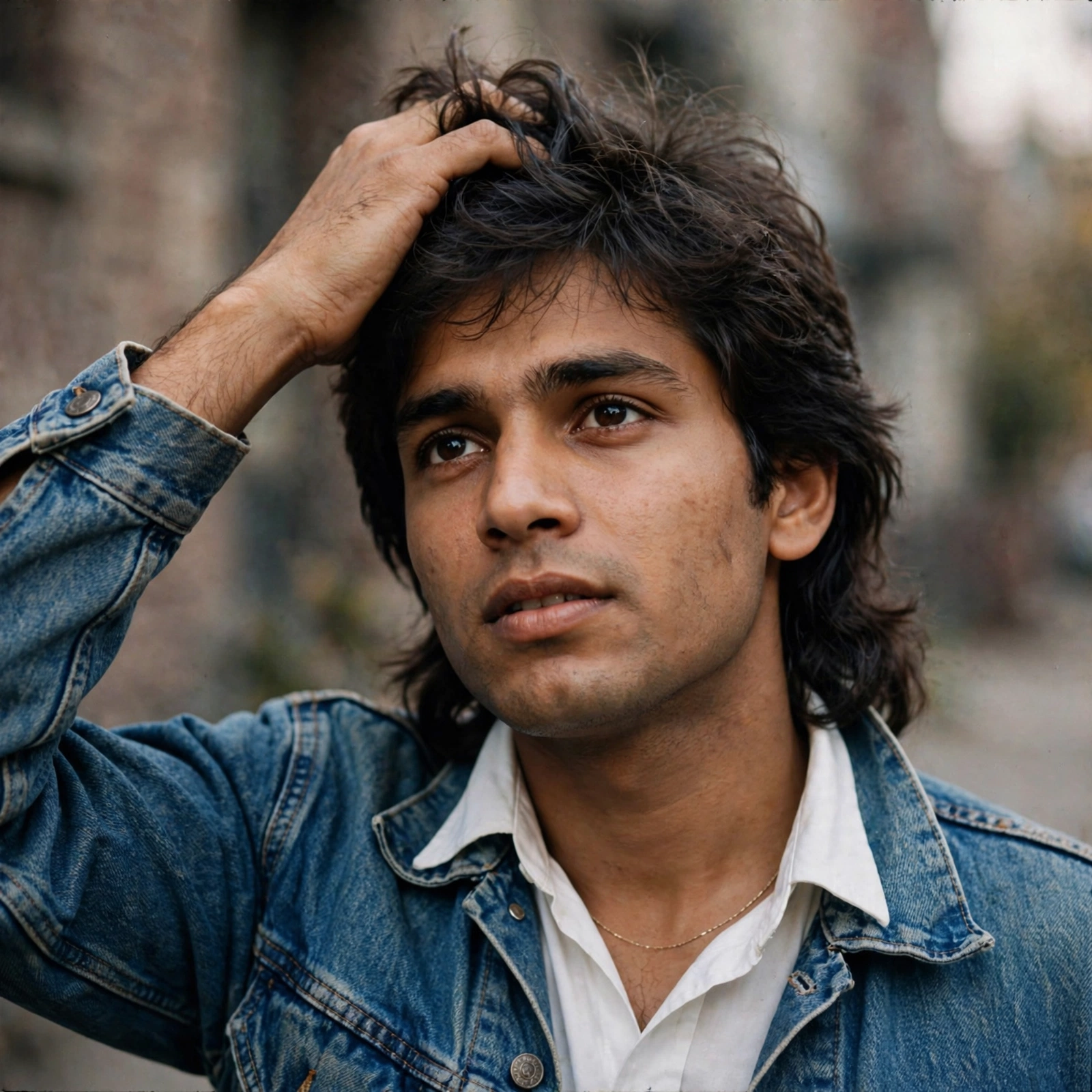
A cinematic ultra-realistic 8K video (16:9) of a young man wearing a premium white full-sleeve shirt, baggy relaxed-fit denim jeans, and black Nike sneakers, traveling through a series of breathtaking Kashmir-style mountain landscapes, soft natural daylight, dreamy premium cinematic look. CRITICAL IDENTITY SOURCE: Use the uploaded reference photo as the exact identity source - same face, same facial features, same natural smooth skin, the exact same body type and build, and the exact same hairstyle (same hair length, same hair style, same hair texture) as shown in the uploaded photo, maintained precisely and realistically in every single scene, zero identity, body, or hairstyle variation between scenes. This must work accurately for any person of any age or body type who uploads their own reference photo - the generated face, skin, body, and hairstyle must always match the uploaded photo exactly, never a generic or different look. 7 CINEMATIC SCENES (in exact order): Scene 1 (Wide tracking shot, turquoise mountain lake): He walks slowly along the pebbled shore of a vast turquoise lake, towering misty mountains reflected in the still water, calm unhurried walking motion, natural cinematic depth. Scene 2 (Low-angle seated shot, same turquoise lake): He sits down on the lakeshore, leaning back on his hands, gazing quietly across the water at green terraced hills and a distant village, camera positioned low near the ground for intimate framing. Scene 3 (Wide drone-style reveal, alpine meadow): Camera rises and pulls back to reveal him standing in a vast flower-covered alpine meadow, snow-capped peaks in the far distance; he slowly and fully extends both arms straight outward to his sides at shoulder height, palms open, stretching them wide apart in a clear, deliberate, symmetrical open-arms gesture, soft breeze moving through the grass and his sleeves. Scene 4 (Close-up push-in, same alpine meadow): Camera slowly pushes in as he kneels down and gently touches the wildflowers in the meadow, calm peaceful expression, soft golden light filtering through distant clouds. Scene 5 (Low hero-angle, waterfall viewpoint): Camera looks up at him from a low dramatic angle as he stands confidently in front of a towering waterfall cascading down a rocky cliff, mist drifting around him, powerful heroic silhouette. Scene 6 (Side-tracking dolly, same waterfall area): Camera glides alongside him as he walks along the rocky ledge near the waterfall, mist catching the light, dramatic natural spray creating a soft glow around him. Scene 7 (Aerial drone shot, snow-capped mountain peak): Camera rises upward in a smooth drone-style aerial motion, revealing him standing alone at a snow-dusted mountain viewpoint, arms spreading open in a triumphant pose, panoramic snow peaks and drifting clouds unfolding below him, cinematic slow-motion aerial finish, breathtaking serene closing frame. OVERALL STYLE & SETTINGS: Same face, same identity, same natural skin, same exact body type, same exact hairstyle as the uploaded reference photo, same white shirt, baggy denim jeans and black Nike shoes outfit consistent in every single scene, no identity, body, or hairstyle change, four distinct premium real-world locations exactly as described - turquoise mountain lake, alpine flower meadow, waterfall cliffside, and snow-capped mountain peak - natural continuous movement with unique aesthetic poses and cinematic camera angles in every scene including the seated scene, realistic skin and fabric texture, dreamy blue-green premium cinematic color grading, soft atmospheric haze and gentle natural light, filmic depth and contrast, smooth cinematic transitions between locations, ultra-realistic premium 8K quality, 16:9 widescreen format, continuous aesthetic story flow from start to end, no scene skipped.
Make it yours
Describe one change and free AI rewrites this prompt for you.
Works with
CapCut, VN Video Editor, Runway, Pika, Kaiber - paste the prompt or use it as a video idea.
Tip: swap names, colors, or details to make it yours. Shorter prompts often work better - remove lines you don't need.
How to use this video prompt (step by step)
In CapCut: 1) Open CapCut and start a new project. 2) Add your clips or photos in the order the prompt describes. 3) Tap "Text" to add the captions from the prompt. 4) Go to "Effects" and pick transitions that match the mood. 5) Export in 1080p and share.
In VN Video Editor: 1) Create a new project in VN. 2) Import your media following the prompt's shot list. 3) Use the "Text" tool for titles and the "Music" tab for trending audio. 4) Apply filters lightly - don't overdo it. 5) Export and post.
In AI video tools (Runway, Pika, Kaiber): Copy the prompt above and paste it directly as your text prompt. Adjust the camera-movement words (like "slow zoom" or "pan left") to control the motion.