Golden Hour Photo Enhancement
The Prompt
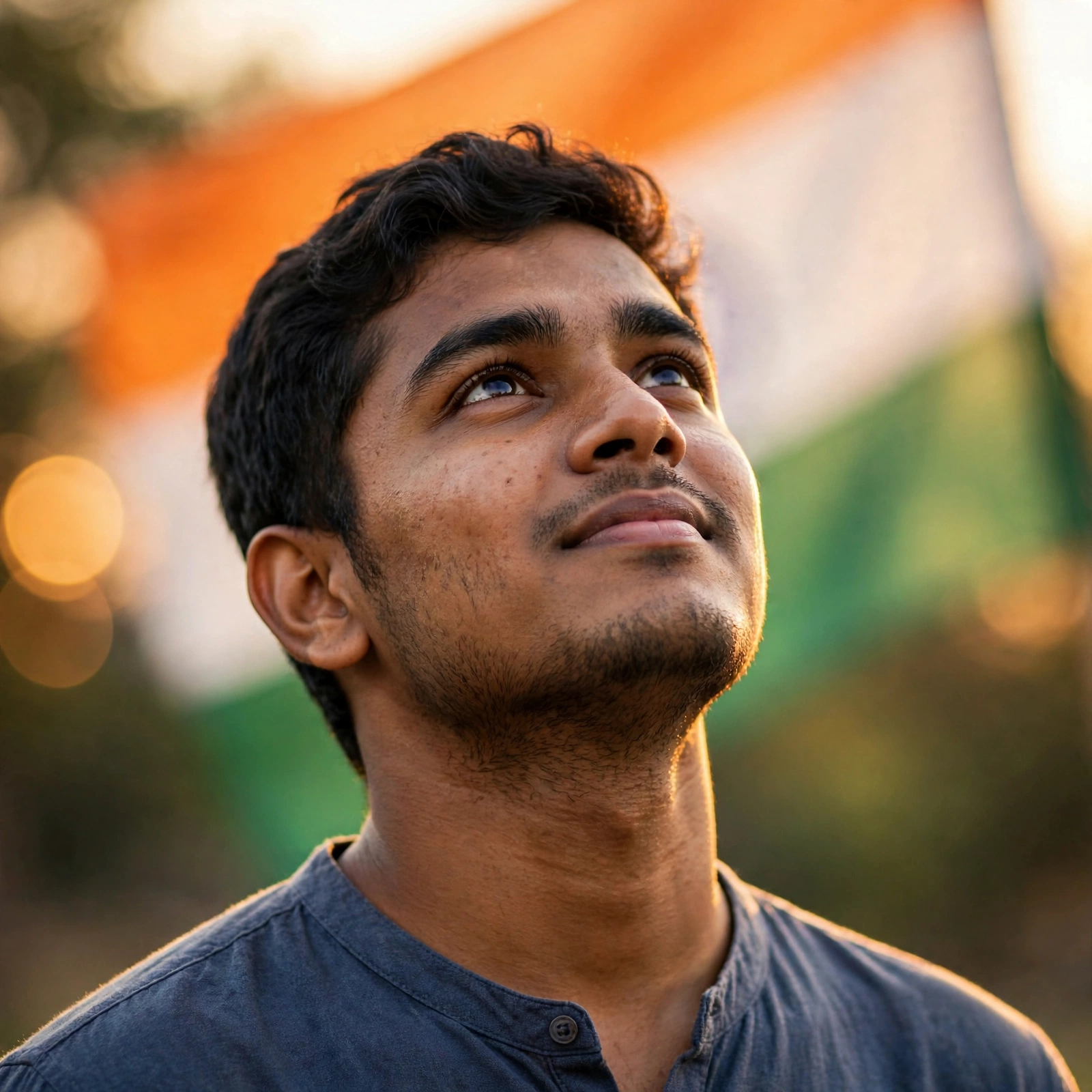
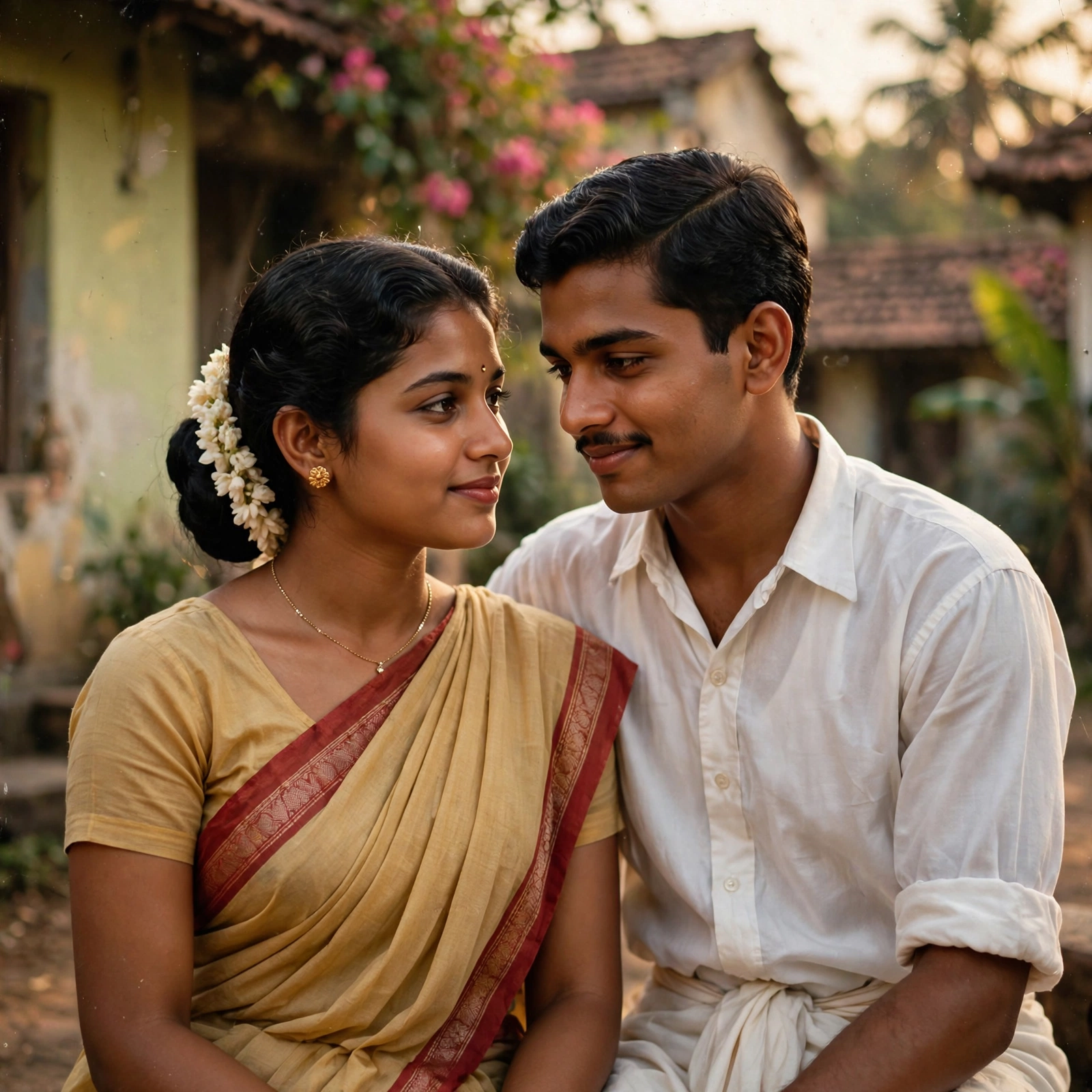
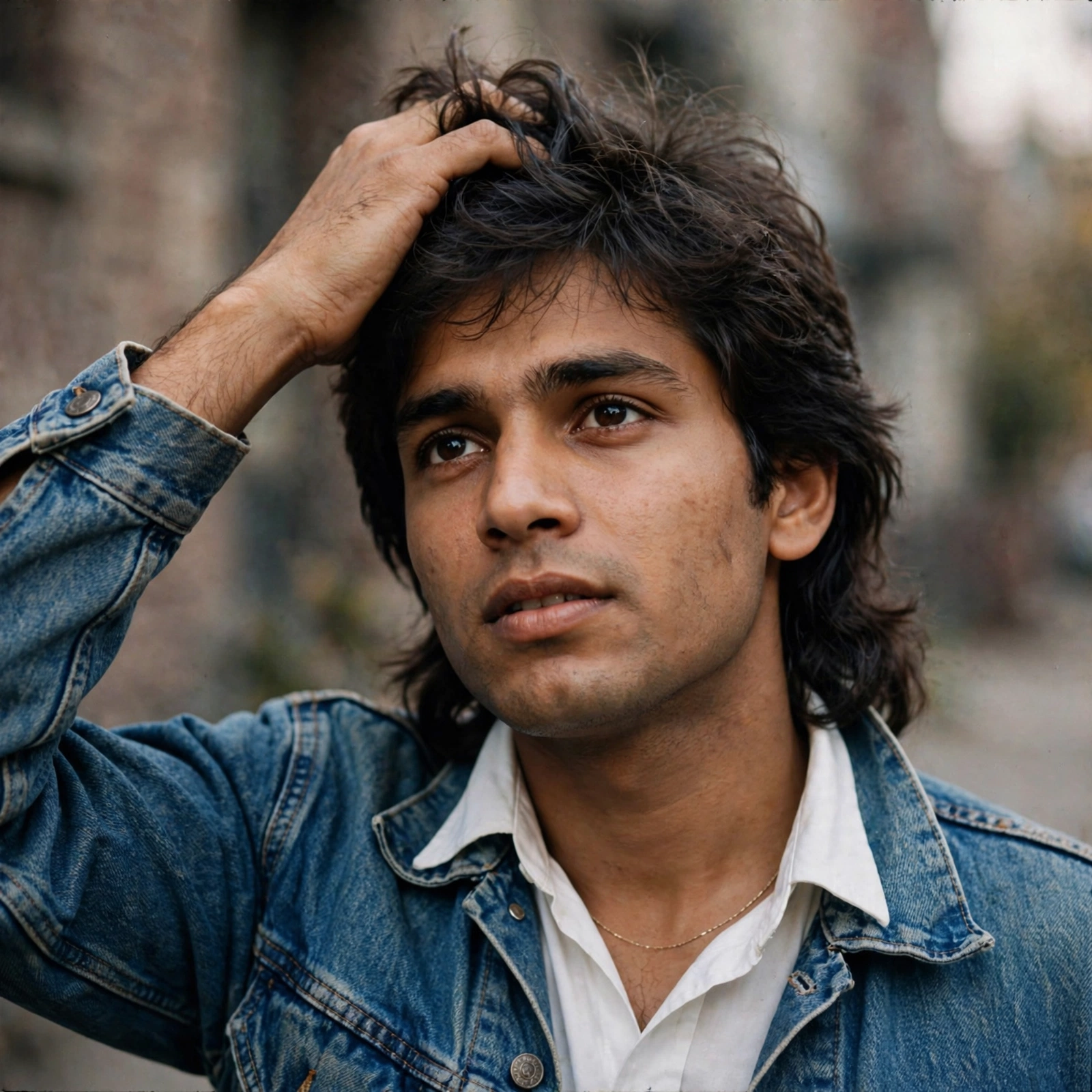
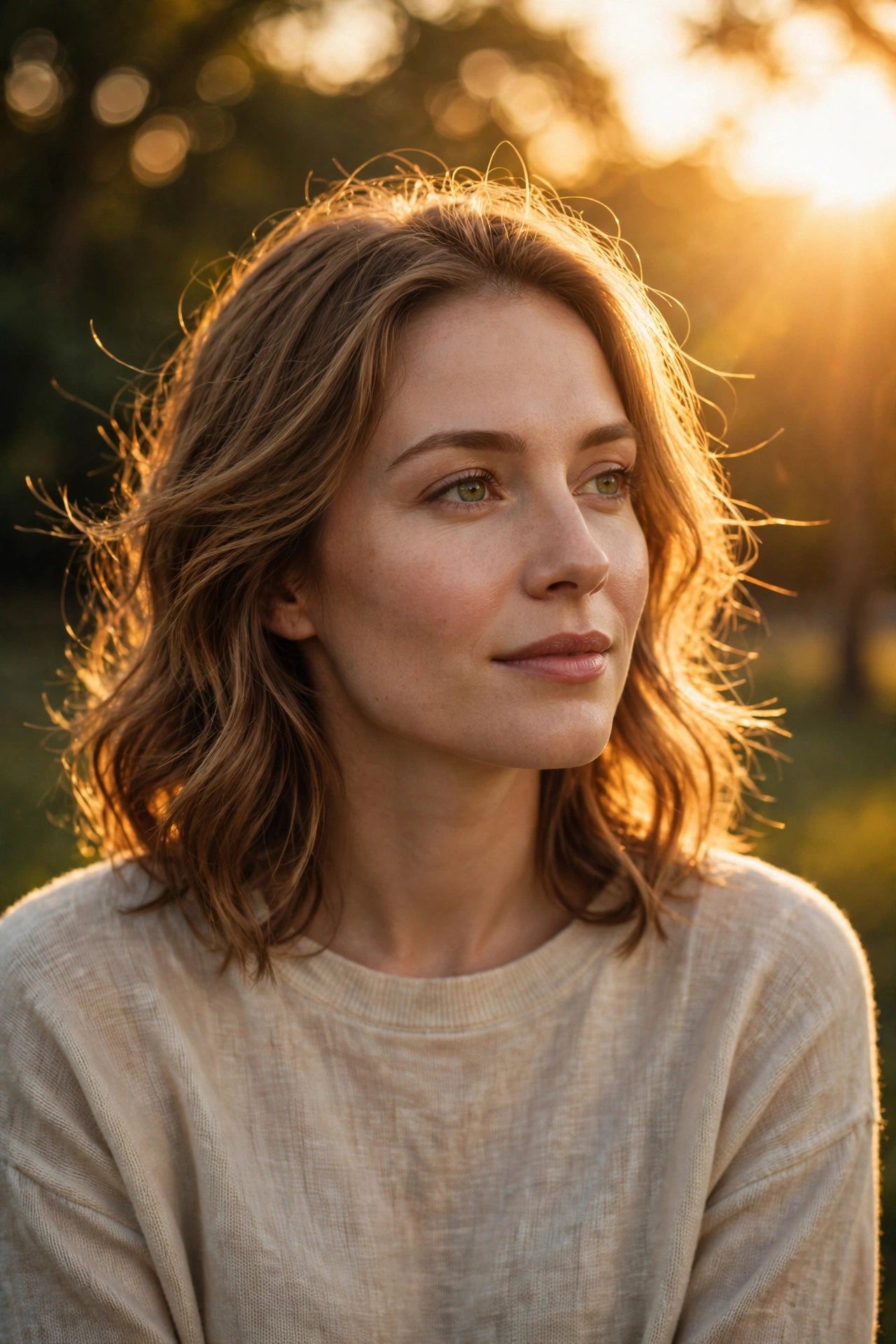
Enhance this exact uploaded photo while preserving the person's facial identity, hairstyle, skin tone, outfit, pose, accessories, and background exactly as in the original. Add soft golden-hour sunlight gently falling on the face from the upper-right side with natural warm highlights and realistic skin tones. Create beautiful warm backlighting behind the subject with subtle sun rays passing through the tree leaves, soft lens flare, glowing bokeh, and cinematic volumetric light. Increase overall warmth, contrast, clarity, and dynamic range while keeping the edit natural and ultra-realistic. Preserve all original details without changing the face or body. Professional DSLR color grading, HDR, realistic shadows, premium outdoor portrait, golden hour, 8K ultra-detailed, photorealistic.
Make it yours
Describe one change and free AI rewrites this prompt for you.
Works with
ChatGPT, Gemini, Claude - copy and paste. For images, use it with Midjourney, DALL-E, or Gemini image mode.
Tip: swap names, colors, or details to make it yours. Shorter prompts often work better - remove lines you don't need.