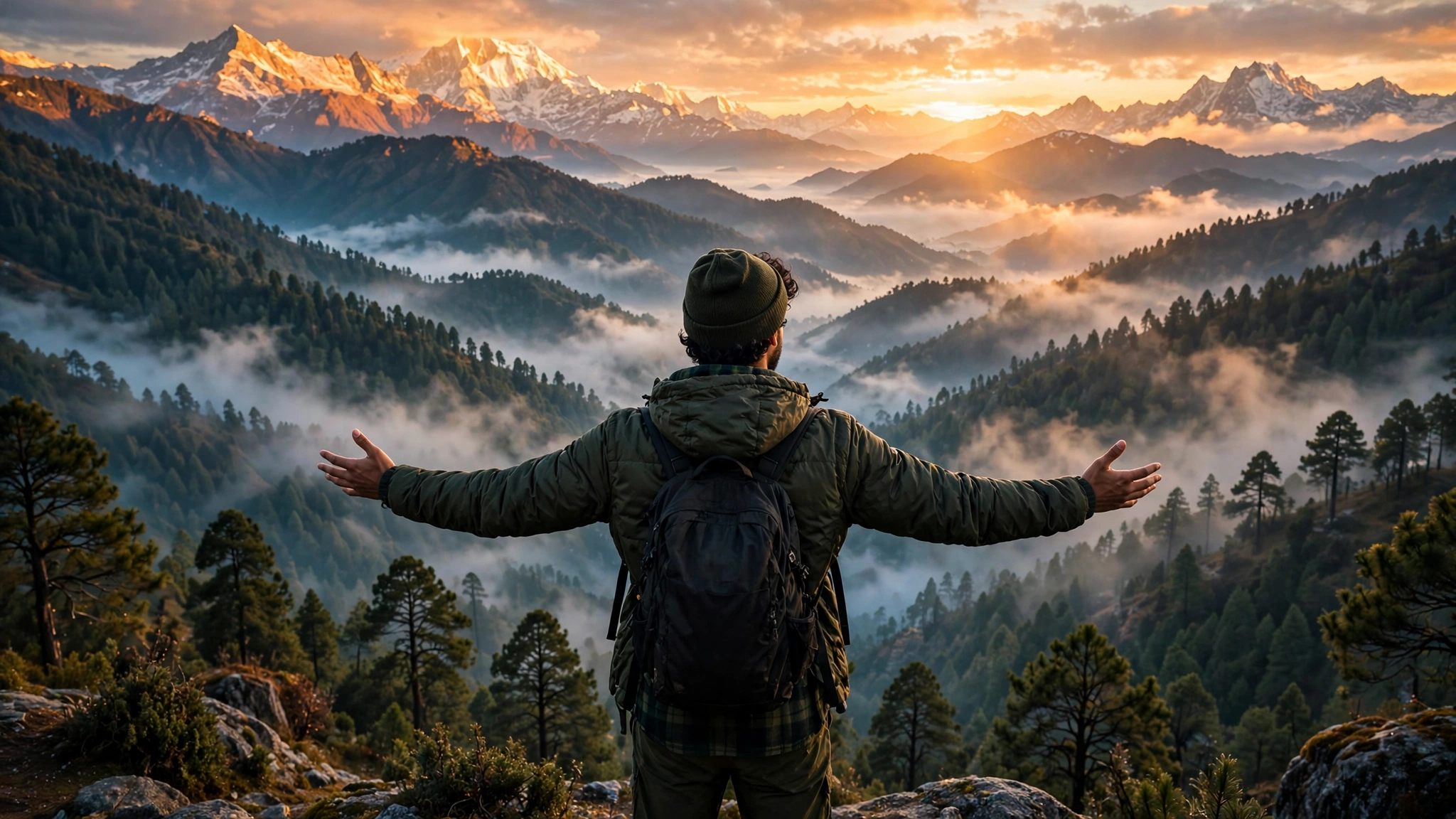
Flow AI Mountain View Vibe Video Prompt
The Prompt
Create an exact 10-second, 16:9 landscape, 30fps, normal real-time-speed, ultra-photorealistic cinematic live-action video using @IMAGE1 as the strict character identity reference. Preserve the exact facial identity, face structure, hairstyle, skin tone and natural facial proportions from @IMAGE1 with zero identity drift. The character wears the same visible outfit throughout: a light pale-blue/white short-sleeve button-up shirt with collar and front buttons, loose black trousers with small white printed details, and no additional accessories. The character is holding a long feathery plume/grass-like feather with a thin stem; reproduce its size, shape, texture and natural movement exactly. 0.00–5.00 sec - SCENE 1: Outdoors on an elevated/open landscape under a bright pale-blue sky with scattered soft clouds and a hazy distant horizon. The camera is a fixed wide-to-medium full-body frontal shot positioned slightly below the character’s eye level, with the character centered in frame and strongly backlit by the sky, making his face relatively dark while the shirt remains visibly pale. At the beginning he stands upright, looking downward and slightly toward his left while holding the long feather horizontally across the front of his lower torso with both hands, the feather extending toward screen-left. He gradually brings the feather inward so it is held more centrally in front of his body, keeping both hands around the stem and maintaining a mostly still upright posture. He then shifts the feather toward his right hand and begins raising it upward; his right arm lifts from waist level toward shoulder/head level while his left arm relaxes downward. He continues the same physical movement until the feather is held above and slightly to the left of his head, with his head turning toward the feather and his gaze directed at it. The movement must be natural and continuous, with no exaggerated acting, walking or additional gestures. The camera remains essentially static; do not invent tracking, zooming, panning or camera movement. 5.00–10.00 sec - SCENE 2: Immediate cut to a completely different static composition with the same man shown as a dark silhouette against a large intense red/orange glowing background, brighter in the center and darker toward the edges and lower portion. The character is framed from approximately the waist/chest upward, positioned slightly right of center. His body faces generally toward the camera while his head is turned toward screen-left in clear side-profile silhouette. His right arm is extended diagonally toward screen-left and upward, holding the feather by its thin stem in his raised right hand; the feather points upward and slightly left, remaining clearly separated against the bright red background. His left arm hangs naturally down beside his body. For the entire scene he maintains this calm, almost motionless pose, with only extremely subtle natural body movement and tiny natural movement of the feather. His head remains turned toward the raised feather/left side rather than looking directly at camera. The camera remains completely static with the same medium framing and no push-in, pull-out, pan, tilt, orbit or handheld movement. Preserve the strong silhouette effect created by the bright background behind the character. STRICT PERFORMANCE AND VISUAL RULES: reproduce only these two visible scenes and their actual physical actions; preserve the exact chronological order of holding the feather horizontally with both hands → bringing it centrally inward → raising it with the right hand → holding it above the head → cut to the red/orange silhouette composition → maintaining the raised-feather pose. Normal real-time 1x physical movement only. No slow motion, speed ramp, time remapping, freeze frame, artificial zoom, whip movement, camera shake, added transitions, text, captions, logos, watermark, music-video effects, extra characters, extra objects, extra actions, extra locations or invented cinematic movement. The final video must be exactly 10.00 seconds.
Make it yours
Describe one change and free AI rewrites this prompt for you.
Works with
CapCut, VN Video Editor, Runway, Pika, Kaiber - paste the prompt or use it as a video idea.
Tip: swap names, colors, or details to make it yours. Shorter prompts often work better - remove lines you don't need.
How to use this video prompt (step by step)
In CapCut: 1) Open CapCut and start a new project. 2) Add your clips or photos in the order the prompt describes. 3) Tap "Text" to add the captions from the prompt. 4) Go to "Effects" and pick transitions that match the mood. 5) Export in 1080p and share.
In VN Video Editor: 1) Create a new project in VN. 2) Import your media following the prompt's shot list. 3) Use the "Text" tool for titles and the "Music" tab for trending audio. 4) Apply filters lightly - don't overdo it. 5) Export and post.
In AI video tools (Runway, Pika, Kaiber): Copy the prompt above and paste it directly as your text prompt. Adjust the camera-movement words (like "slow zoom" or "pan left") to control the motion.
Related Prompts

Keep exploring
Want more in this style? Browse the full Portrait prompts collection — every prompt there is free to copy and use.
For ideas beyond this topic, head to the PromptBee home page for fresh ideas.