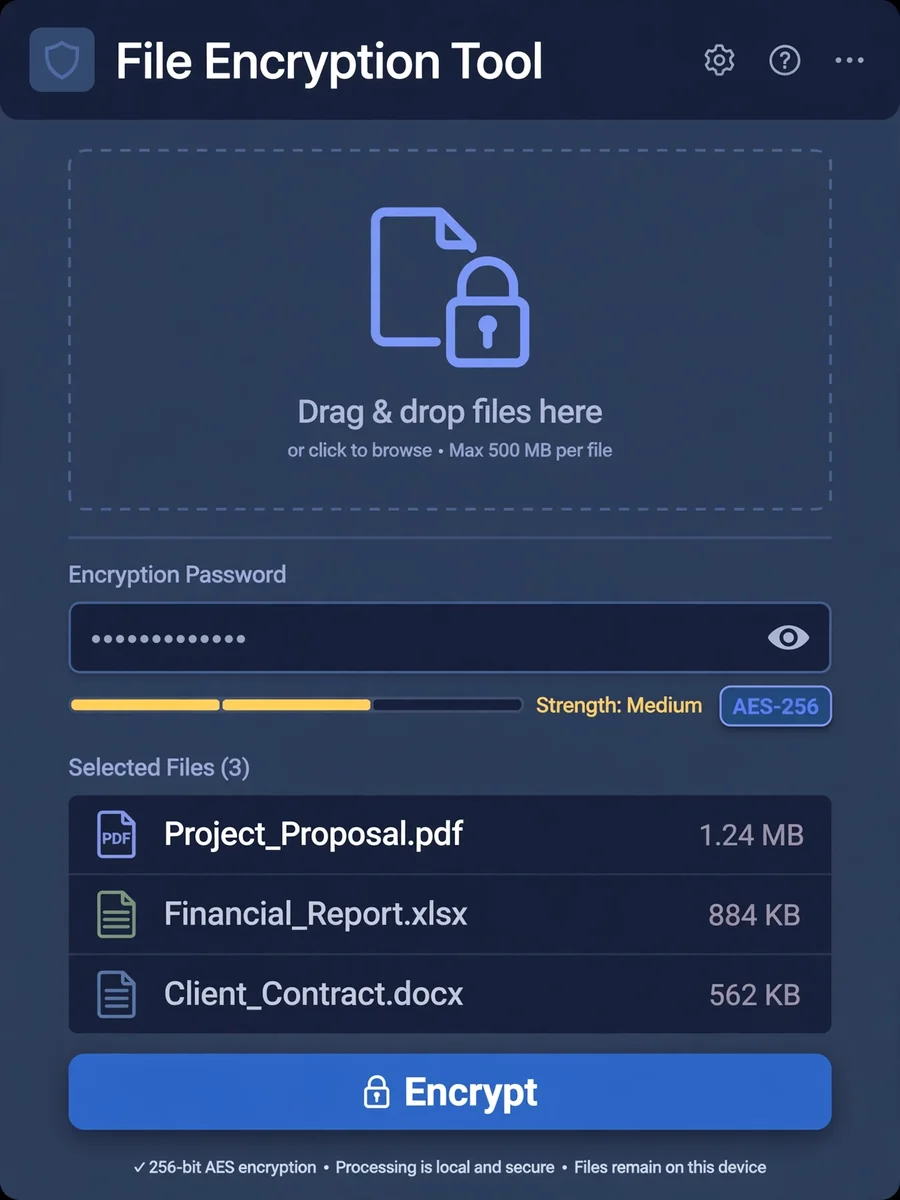
File Encryption Tool — ChatGPT Prompt
The Prompt
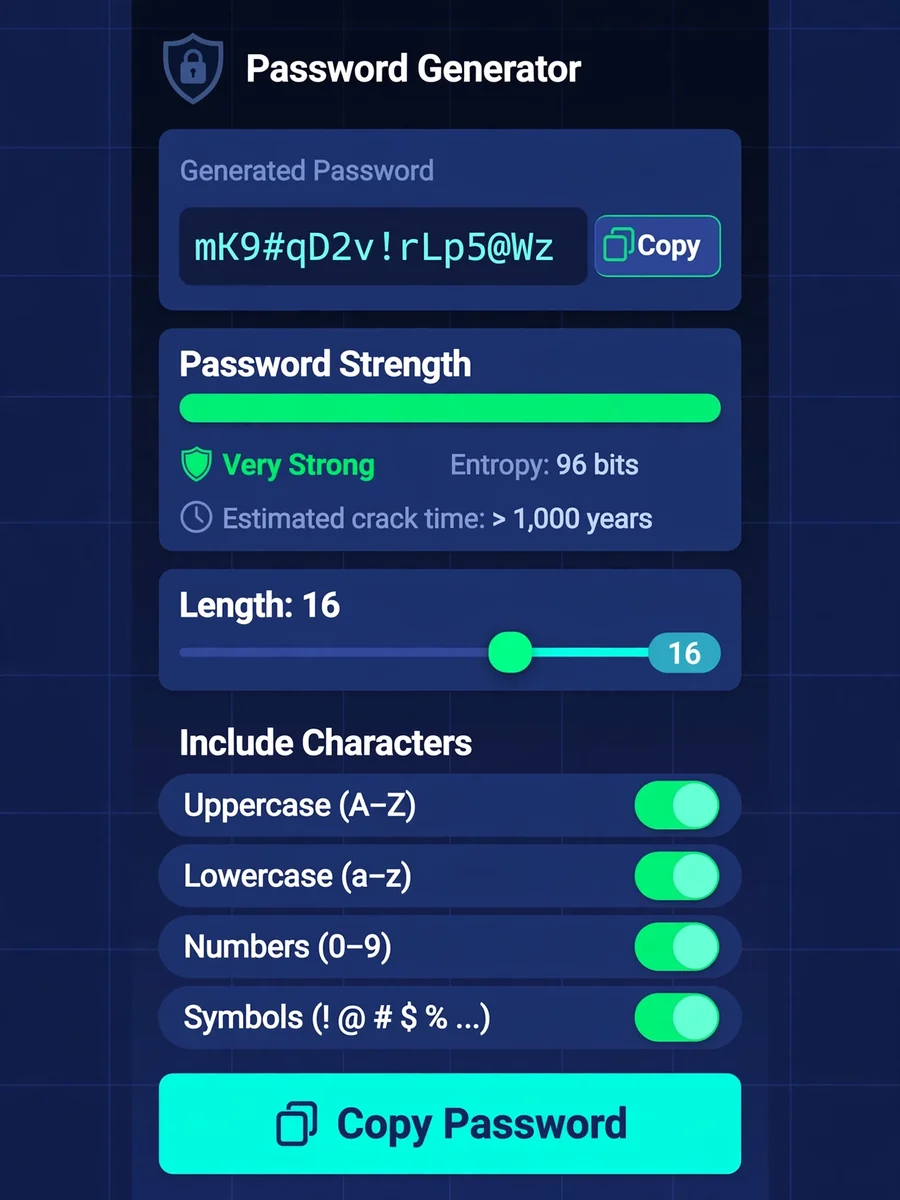
Create a client-side file encryption tool using HTML5, CSS3, and JavaScript with the Web Crypto API. Build a drag-and-drop interface for file selection with progress indicators. Implement AES-256-GCM encryption with secure key derivation from passwords (PBKDF2). Add support for encrypting multiple files simultaneously with batch processing. Include password strength enforcement with entropy calculation. Generate downloadable encrypted files with custom file extension. Create a decryption interface with password verification. Implement secure memory handling with automatic clearing of sensitive data. Add detailed logs of encryption operations without storing sensitive information. Include export/import of encryption keys with proper security warnings. Support for large files using streaming encryption and chunked processing.
Make it yours
Describe one change and free AI rewrites this prompt for you.
Works with
ChatGPT, Gemini, Claude - copy and paste. For images, use it with Midjourney, DALL-E, or Gemini image mode.
Tip: swap names, colors, or details to make it yours. Shorter prompts often work better - remove lines you don't need.
Related Prompts

Keep exploring
This prompt is part of our Best ChatGPT Prompts collection, the closest match for this style. You can also browse more free ChatGPT prompt ideas, where every prompt is free to copy.
For ideas beyond this topic, explore the newest prompts on the homepage.