Analyze any code file — ChatGPT Prompt
The Prompt
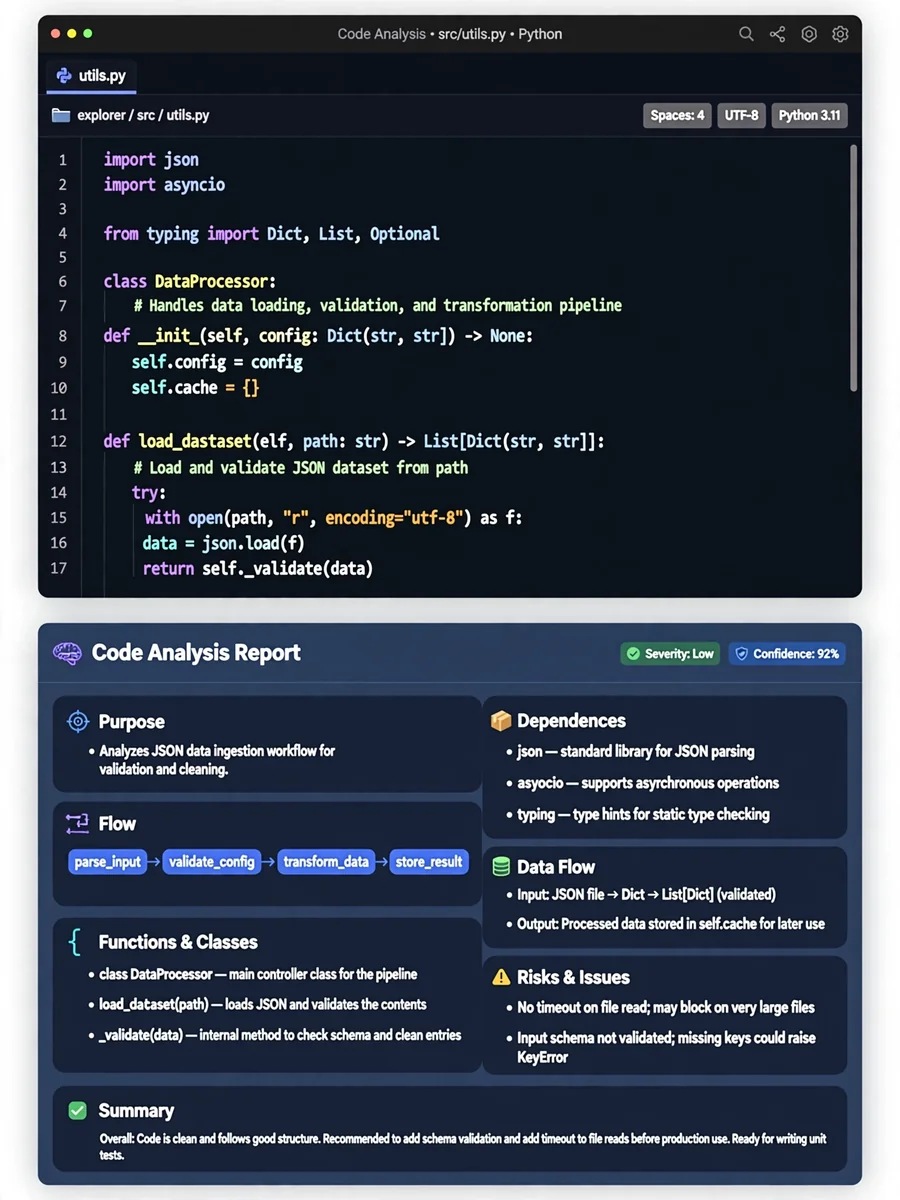
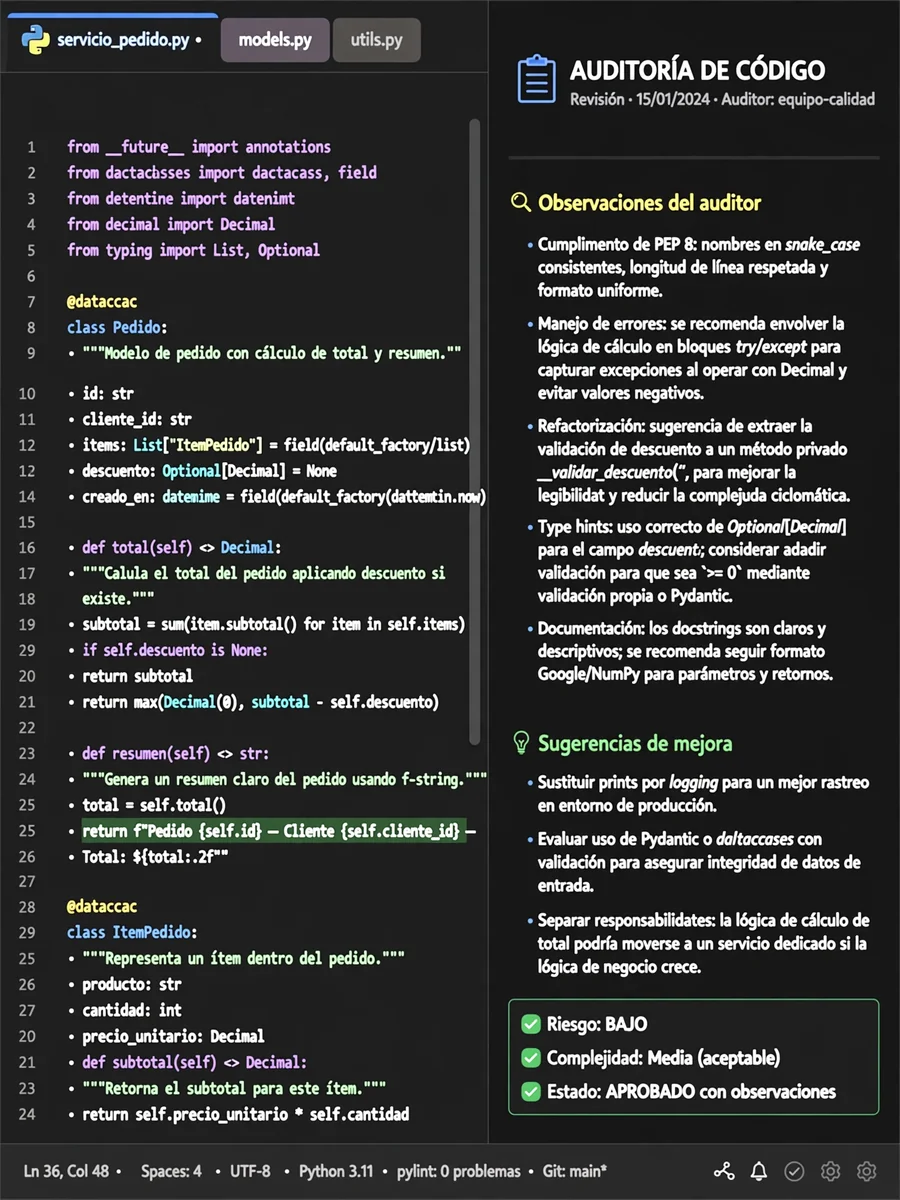
Analyze the provided Python file like a senior/veteran Python developer who is seeing it for the first time. Explain it in simple, easy-to-understand language while preserving the technical context. Cover: 1. **Purpose** — what this file does and why it exists. 2. **Flow** — explain the main execution flow from entry point to completion. 3. **Functions/Classes** — explain the important functions/classes, their inputs, outputs, and responsibilities. 4. **Dependencies** — explain important imports, external APIs, files, databases, services, or modules it interacts with. 5. **Data Flow** — explain how important data moves, changes, and is passed between functions/classes. 6. **Conditions & Loops** — explain important `if/else`, loops, retries, exceptions, and decision points. 7. **Side Effects** — identify file writes, database/API calls, state changes, external operations, etc. 8. **Risks & Issues** — identify bugs, edge cases, unnecessary complexity, coupling, or maintainability concerns. 9. **Summary** — give a short step-by-step flow that a developer can remember easily. Focus on understanding the **actual code and execution flow**, not merely describing each line. Do not invent behavior that cannot be determined from the file. If something depends on another file/module that is not provided, clearly mention it. Keep the explanation structured, concise, and easy to follow. Prioritize important logic over trivial syntax.
Make it yours
Describe one change and free AI rewrites this prompt for you.
Works with
ChatGPT, Gemini, Claude - copy and paste. For images, use it with Midjourney, DALL-E, or Gemini image mode.
Tip: swap names, colors, or details to make it yours. Shorter prompts often work better - remove lines you don't need.
Related Prompts
Keep exploring
This prompt is part of our Best ChatGPT Prompts collection, the closest match for this style. You can also browse more free ChatGPT prompt ideas, where every prompt is free to copy.
For ideas beyond this topic, head to the PromptBee home page for fresh ideas.