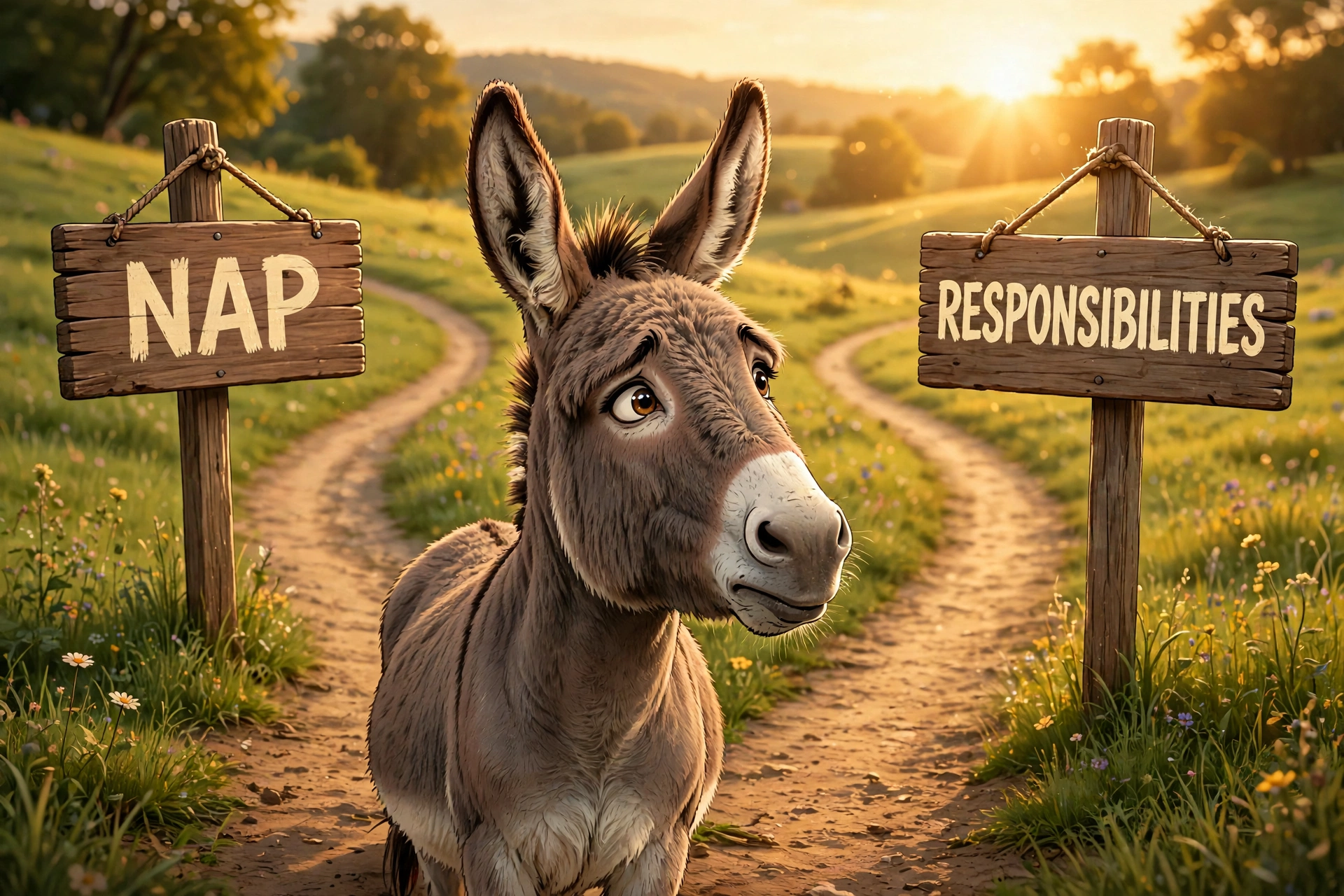
Donkey Life Choices
The Prompt
A donkey stares at two paths in a field. The entire scene is bathed in the warm, honeyed glow of golden hour sunlight, highlighting one sign reading NAP and the other RESPONSIBILITIES. High-clarity image built for maximum shareability. This element adds richness and authenticity to the overall image. The composition places the subject thoughtfully within the frame, using a shallow depth of field to keep focus sharp while the background dissolves into a pleasing blur. From the crisp textures to the nuanced color grading, this is photography at its finest. Exceptional clarity, natural tones, and professional 4K resolution.
Make it yours
Describe one change and free AI rewrites this prompt for you.
Works with
CapCut, VN Video Editor, Runway, Pika, Kaiber - paste the prompt or use it as a video idea.
Tip: swap names, colors, or details to make it yours. Shorter prompts often work better - remove lines you don't need.
How to use this video prompt (step by step)
In CapCut: 1) Open CapCut and start a new project. 2) Add your clips or photos in the order the prompt describes. 3) Tap "Text" to add the captions from the prompt. 4) Go to "Effects" and pick transitions that match the mood. 5) Export in 1080p and share.
In VN Video Editor: 1) Create a new project in VN. 2) Import your media following the prompt's shot list. 3) Use the "Text" tool for titles and the "Music" tab for trending audio. 4) Apply filters lightly - don't overdo it. 5) Export and post.
In AI video tools (Runway, Pika, Kaiber): Copy the prompt above and paste it directly as your text prompt. Adjust the camera-movement words (like "slow zoom" or "pan left") to control the motion.
Related Prompts

Keep exploring
Want more in this style? Browse the full Video prompts collection — every prompt there is free to copy and use.
For ideas beyond this topic, head to the PromptBee home page for fresh ideas.