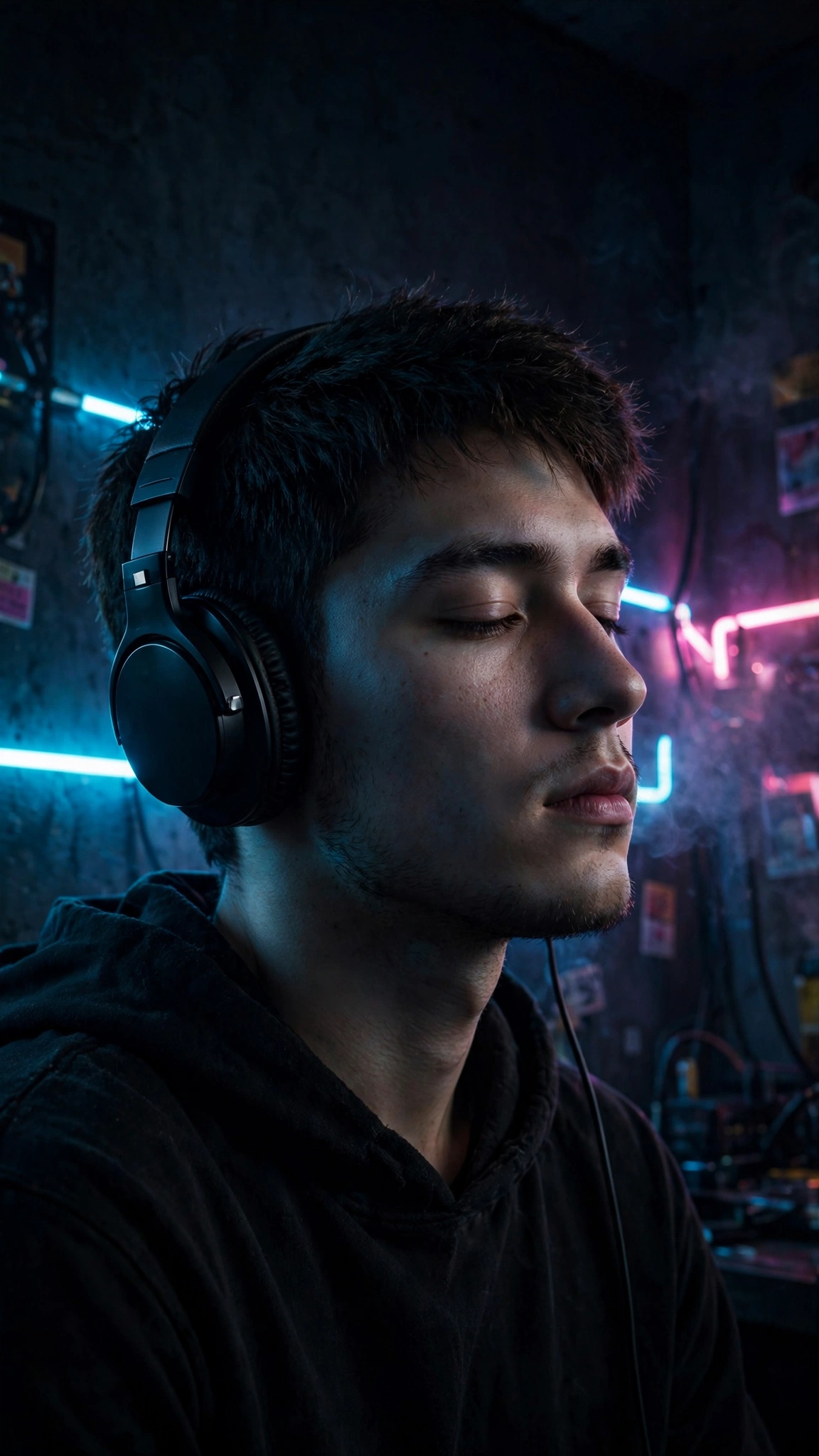
Dark Music Player Portrait
The Prompt
Transform my uploaded photo into a cinematic 9:16 vertical portrait inspired by a dark, aesthetic music-listening scene. Keep the exact same person from my uploaded photo - preserve their identity, face, facial features, hairstyle, skin tone, body proportions, clothing, and natural appearance. Do not replace, redesign, beautify, gender-swap, or alter the person. Place the person sitting naturally on a simple chair in a dark, minimal room, shown mostly as a dramatic silhouette from a side/three-quarter angle. Keep the pose realistic and elegant, with subtle rim lighting outlining the body and hair. On the wall behind the person, create a large futuristic music-player panel with a soft warm white/golden neon glow around its edges. Inside the panel, display the album artwork for “Hawayein” on the left and a realistic modern music-player interface on the right. Song: “Hawayein” Artist: “Arijit Singh” The interface should include a progress bar, heart icon, menu icon, shuffle, previous, large pause/play button, next, and repeat icons. Make the typography clean, premium, modern, and highly realistic. Make the music-player panel appear physically mounted on the wall, with realistic neon glow and subtle warm light spill illuminating the surrounding darkness. Keep the background almost completely dark, with subtle shadows and faint reflections on the floor. Use realistic photography, cinematic low-key lighting, warm ambient glow, deep blacks, soft shadows, realistic skin texture, natural proportions, subtle film grain, premium editorial aesthetic, high detail, photorealistic rendering, dramatic composition, sophisticated dark atmosphere. Do not change the person's identity or clothing. The final image should look like a professionally photographed cinematic music-listening scene. Aspect ratio: 9:16 vertical.
Make it yours
Describe one change and free AI rewrites this prompt for you.
Works with
ChatGPT, Gemini, Claude - copy and paste. For images, use it with Midjourney, DALL-E, or Gemini image mode.
Tip: swap names, colors, or details to make it yours. Shorter prompts often work better - remove lines you don't need.
Related Prompts
Keep exploring
Want more in this style? Browse the full Portrait prompts collection — every prompt there is free to copy and use.
For ideas beyond this topic, explore the newest prompts on the homepage.