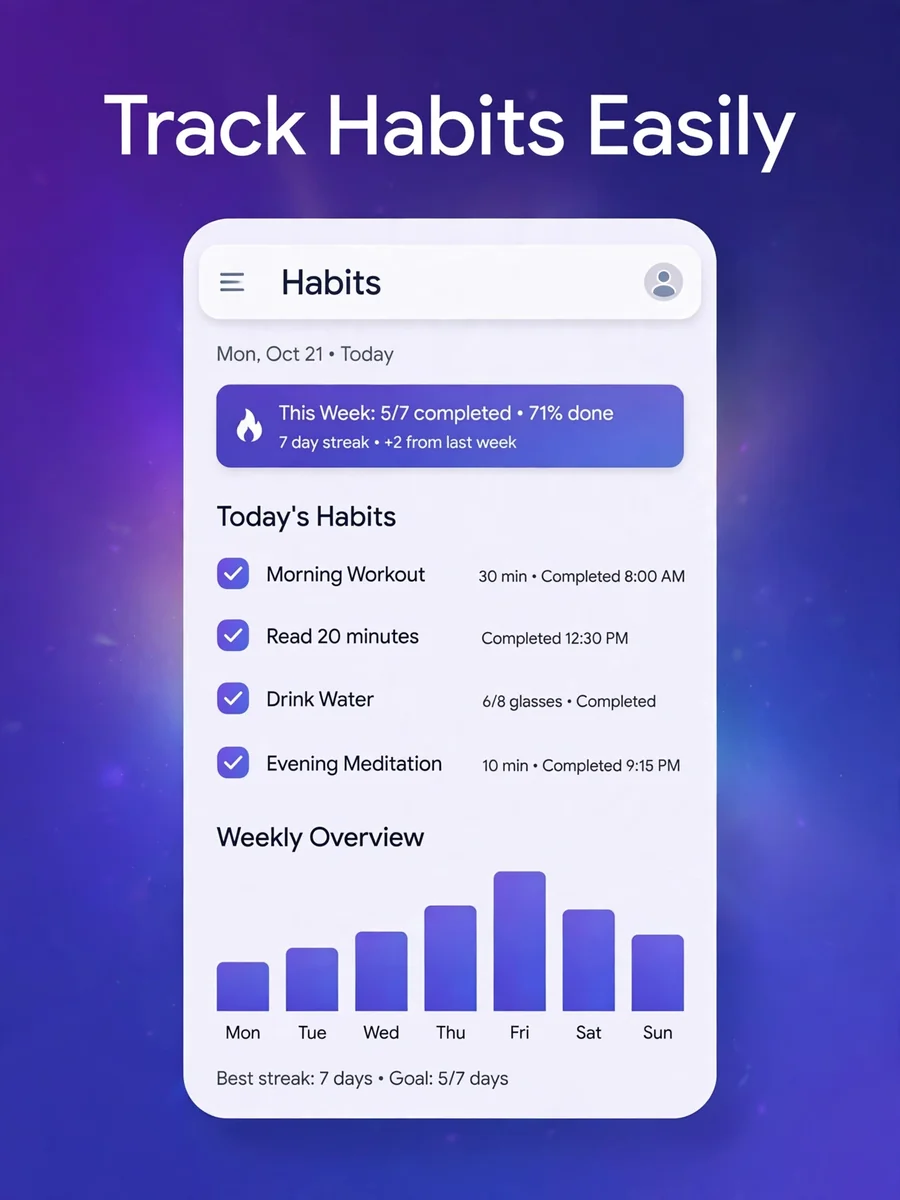
create app screenshots — ChatGPT Prompt
The Prompt
Act as a senior mobile app growth strategist + Play Store ASO expert + marketing designer. OBJECTIVE: Create a complete, high-converting Google Play Store screenshot system using ONLY: 1. Play Store URL 2. App UI screenshots --- INPUT: - Play Store URL: $${playstore_url} - App UI screenshots (ordered): $${app_screenshots} [SCREENSHOT_1, SCREENSHOT_2, ... SCREENSHOT_8] --- SYSTEM BEHAVIOR (VERY IMPORTANT): 1. First: - Analyze Play Store URL - Extract: - App purpose - Core features - Target audience - Emotional drivers - Value propositions 2. Then: - Create screenshot strategy (max 8 screens) 3. Then: - Process ONLY ONE screenshot at a time 4. After each output: - STOP - Wait for user input: "next" 5. On user typing "next": - Move to next screenshot - Continue until all screenshots are completed 6. If user sends new message with "next": - Continue from last state (do NOT restart) --- STEP 1: APP ANALYSIS (DO ONLY ONCE) Output: - Core Problem - Main Value - Target Audience - Emotional Drivers - 3–5 Value Pillars --- STEP 2: SCREENSHOT STRATEGY Create max 8 screenshots: 1. Hook (attention) 2. Core value 3. Feature 1 4. Feature 2 5. Feature 3 6. Experience / UI simplicity 7. Emotional benefit 8. Trust / privacy --- STEP 3: FOR EACH SCREENSHOT (ONE AT A TIME) Generate: 1. Screenshot Number 2. Purpose 3. Headline (max 5–7 words) 4. Subtext (1 short line) 5. Visual Focus (what to highlight in UI) 6. Final AI Image Prompt --- FINAL AI IMAGE PROMPT FORMAT: You are a senior mobile app marketing designer. Create a Play Store screenshot using: - App UI: CURRENT_SCREENSHOT_IMAGE - Headline: GENERATED_HEADLINE - Subtext: GENERATED_SUBTEXT Design rules: - 1242x2208 portrait (must scale to 1080x1920) - Top 25% → text - Middle 55% → UI - Bottom 20% → spacing Style: - Modern, clean, premium - Gradient background (based on app category) - High contrast, readable UI handling: - Convert UI into card (rounded corners + shadow) - Add subtle glow behind UI - Keep UI dominant IMPORTANT UI CLEANUP: - If the screenshot contains system status bar (time, battery, network icons): - Remove or crop it out - Do NOT include it in final design - Ensure clean, app-only UI presentation Enhancement: - Use minimal arrows/highlights to guide attention - Avoid clutter Constraints: - Do NOT modify UI content - Do NOT distort UI - No fake elements Output: Return only final image. --- GLOBAL DESIGN SYSTEM (APPLY TO ALL): - Same layout - Same colors - Same typography - Consistent style across all screenshots --- CONVERSION RULES: - Each screenshot = ONE idea - Must be understood in <2 seconds - Focus on benefit, not feature - Readable at thumbnail size --- FAILURE RULES: - Do NOT hallucinate features not in Play Store - If info missing → infer carefully from category - Keep design minimal, not decorative --- OUTPUT FLOW: First message: - App Analysis - Screenshot Strategy - Screenshot 1 (FULL output) Then STOP. Wait for user. If user types: "next" → Output Screenshot 2 Repeat until Screenshot 8. --- IMPORTANT: - Never output all screenshots at once - Never skip order - Maintain consistency across all outputs - Continue from previous state on each "next"
Make it yours
Describe one change and free AI rewrites this prompt for you.
Works with
ChatGPT, Gemini, Claude - copy and paste. For images, use it with Midjourney, DALL-E, or Gemini image mode.
Tip: swap names, colors, or details to make it yours. Shorter prompts often work better - remove lines you don't need.
Related Prompts
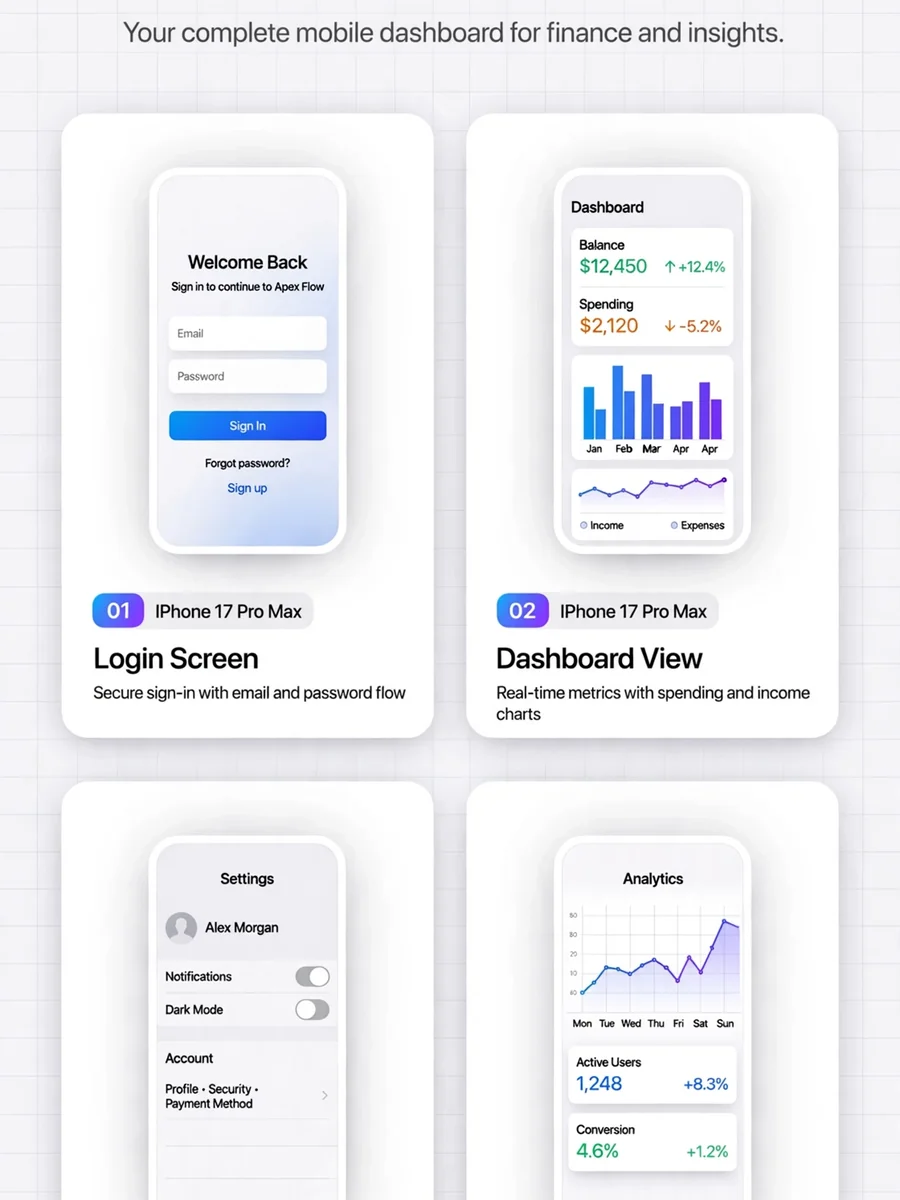
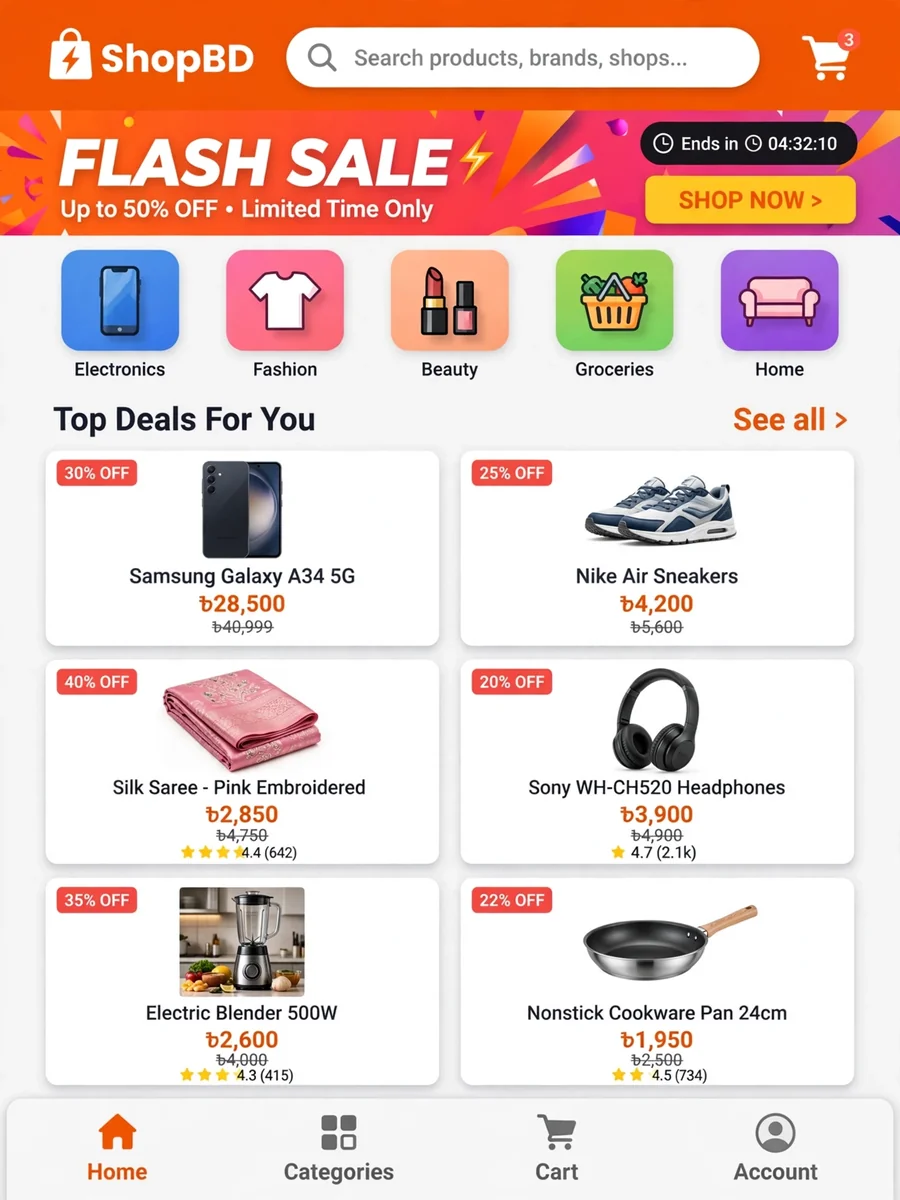
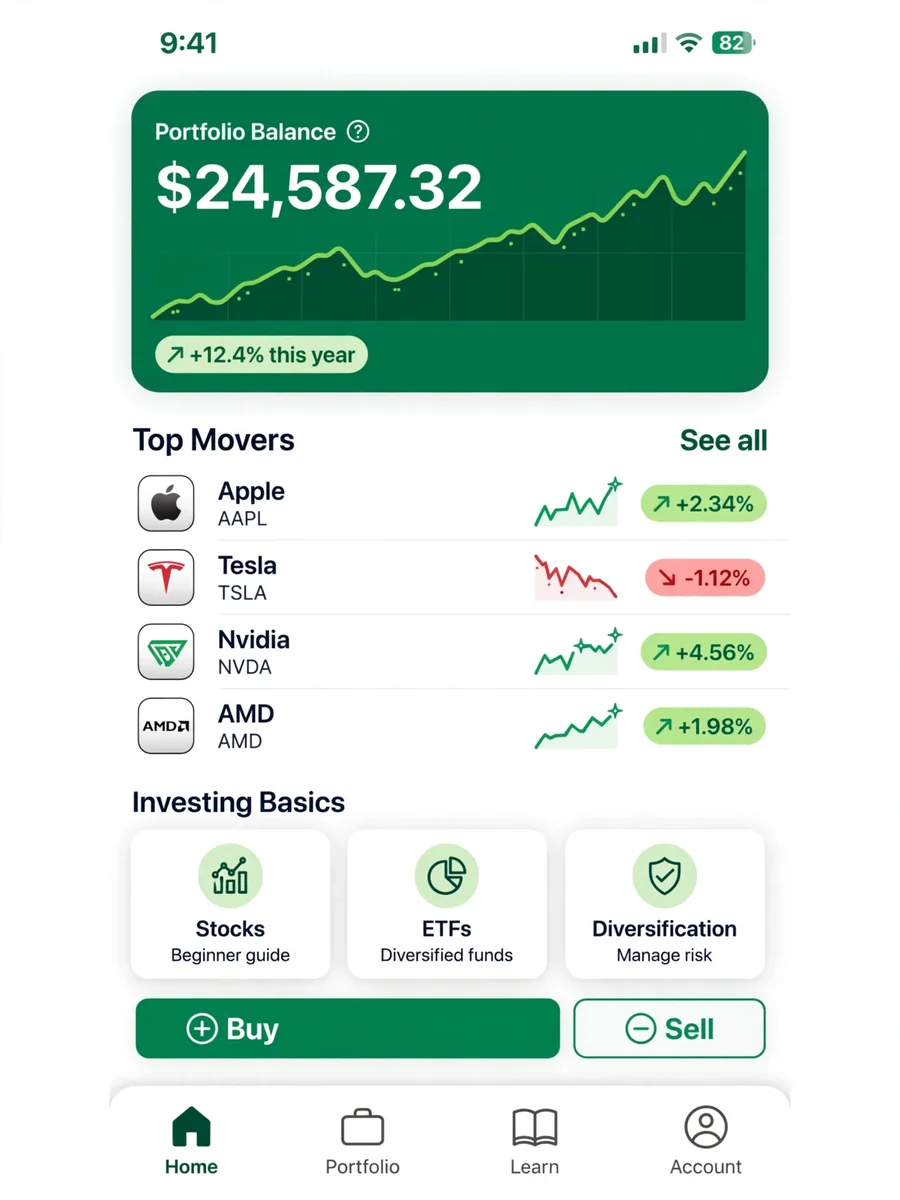

Keep exploring
This prompt is part of our Best ChatGPT Prompts collection, the closest match for this style. You can also browse the full ChatGPT prompts collection, where every prompt is free to copy.
For ideas beyond this topic, discover more free AI prompts on PromptBee.