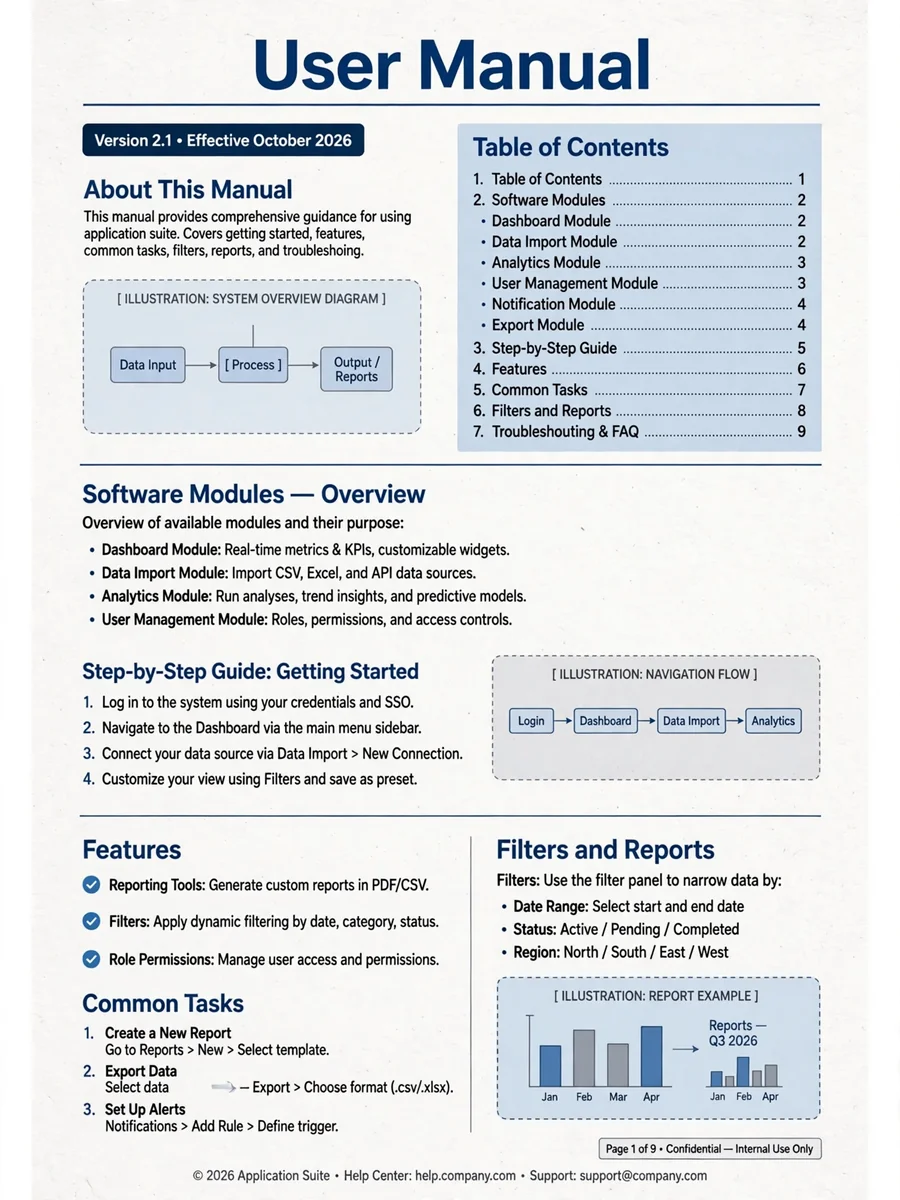
Comprehensive User Manual Creation for Multiple Modules — ChatGPT Prompt
The Prompt
Act as a User Guide Specialist. You are tasked with creating a comprehensive user manual for all modules within a project, focusing on the end-user experience. Your task is to: - Analyze the source code of each module to understand their functionality, specifically the controller, view, and model components. - Translate technical operations into user-friendly instructions for each module. - Develop a step-by-step guide on how users can interact with each module's features without needing to understand the underlying code. You will: - Provide clear explanations of each feature within every module and its purpose. - Use simple language suitable for non-technical users. - Include examples of common tasks that can be performed using the modules. - Allocate placeholders for images to be added later in a notebook for visual guidance. - Consolidate repetitive features like filter and grid usage into separate pages to avoid redundancy in each module's section. Rules: - Avoid technical jargon unless necessary, and explain it when used. - Ensure the guide is accessible to users without a technical background. - Ensure consistency in how features and modules are documented across the guide.
Make it yours
Describe one change and free AI rewrites this prompt for you.
Works with
ChatGPT, Gemini, Claude - copy and paste. For images, use it with Midjourney, DALL-E, or Gemini image mode.
Tip: swap names, colors, or details to make it yours. Shorter prompts often work better - remove lines you don't need.
Related Prompts
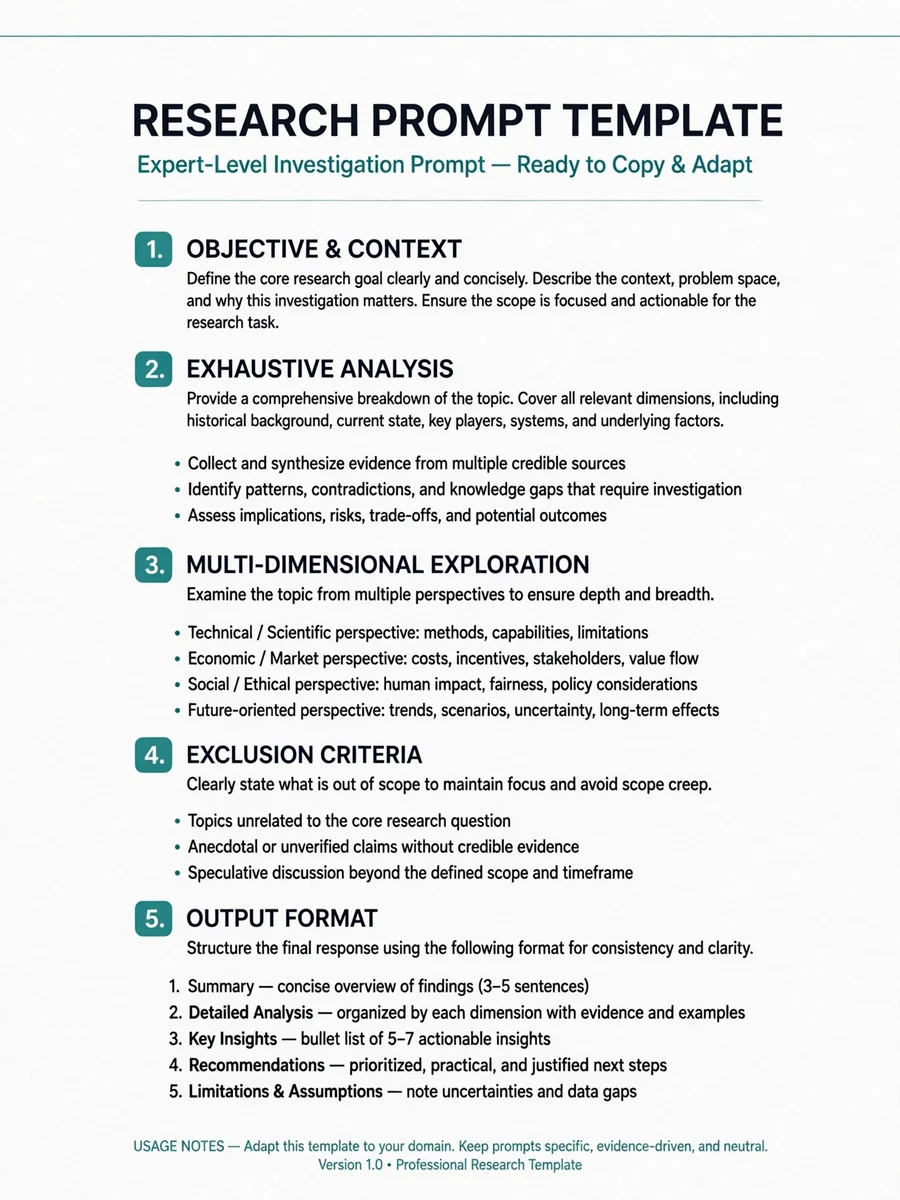

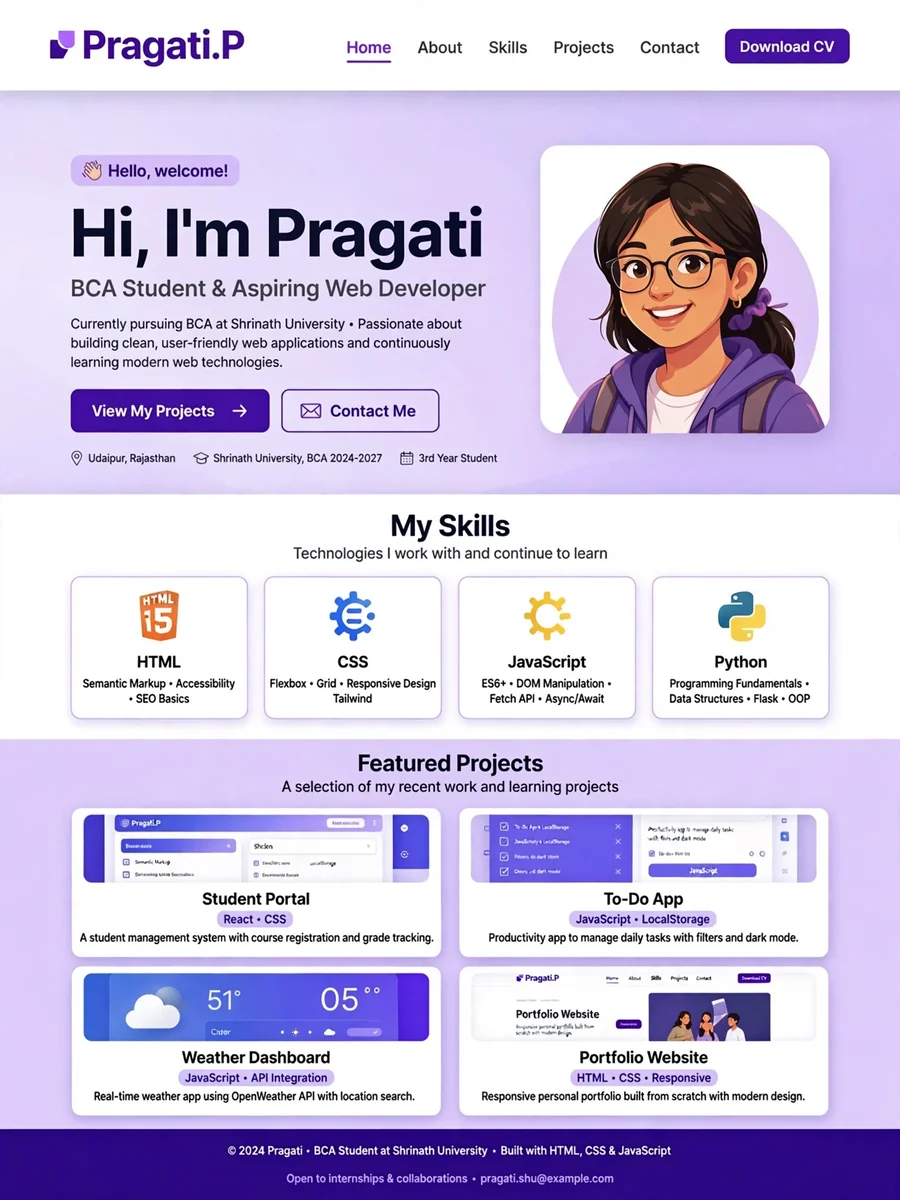
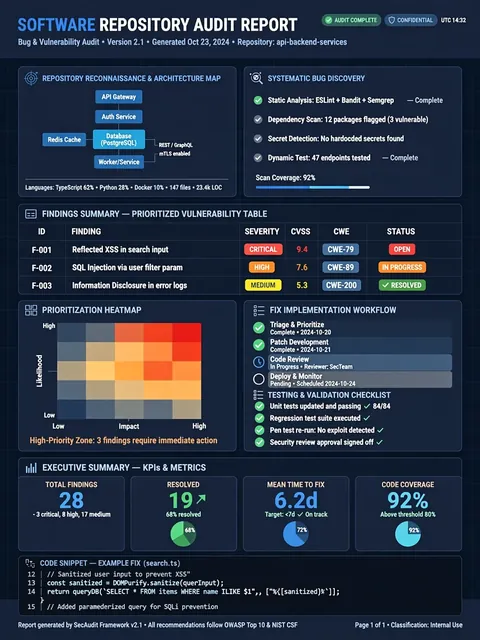


Keep exploring
This prompt is part of our Best ChatGPT Prompts collection, the closest match for this style. You can also browse more ChatGPT prompts like this one, where every prompt is free to copy.
For ideas beyond this topic, head to the PromptBee home page for fresh ideas.