Cinematic Night Sunlight Blur Enhance Prompt
The Prompt
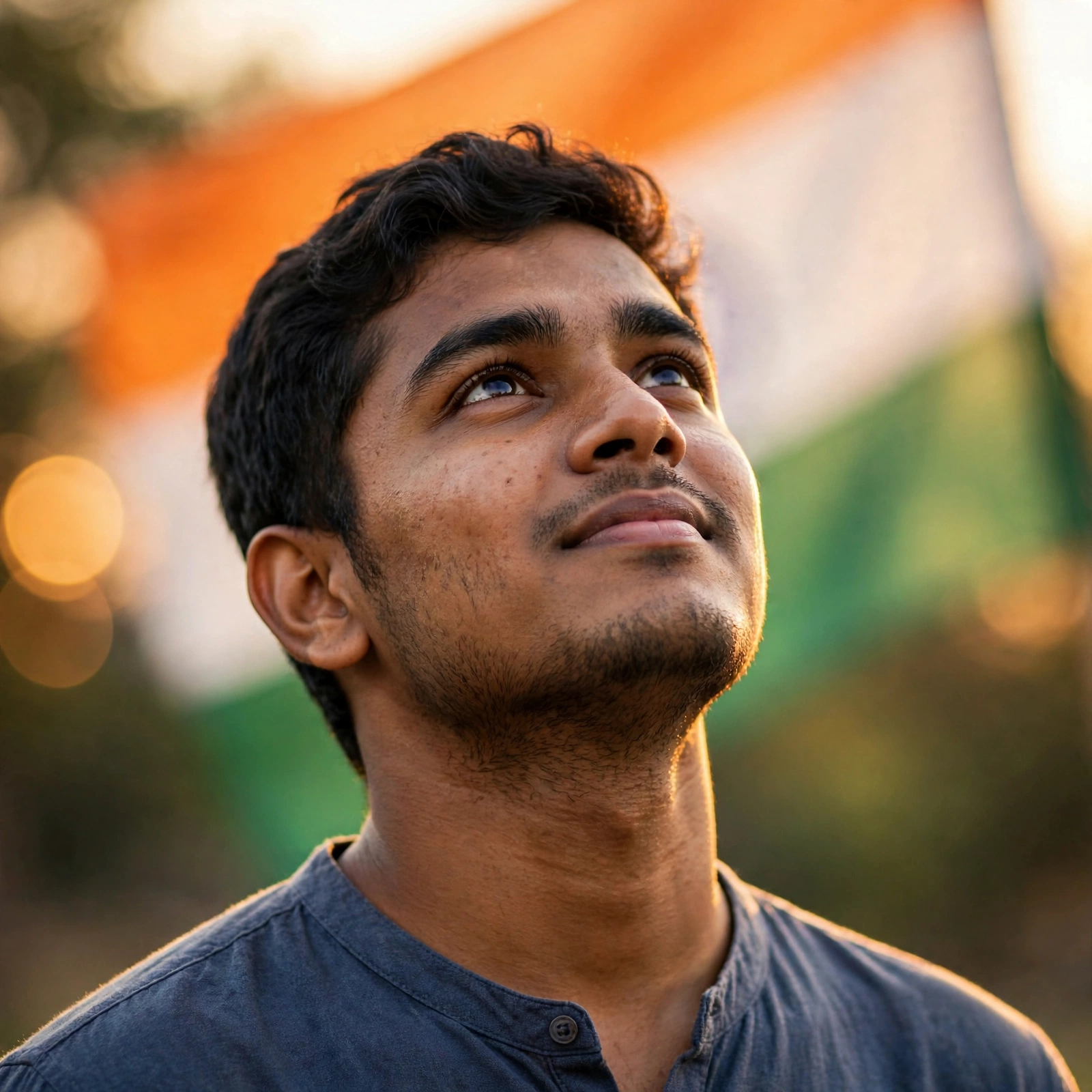
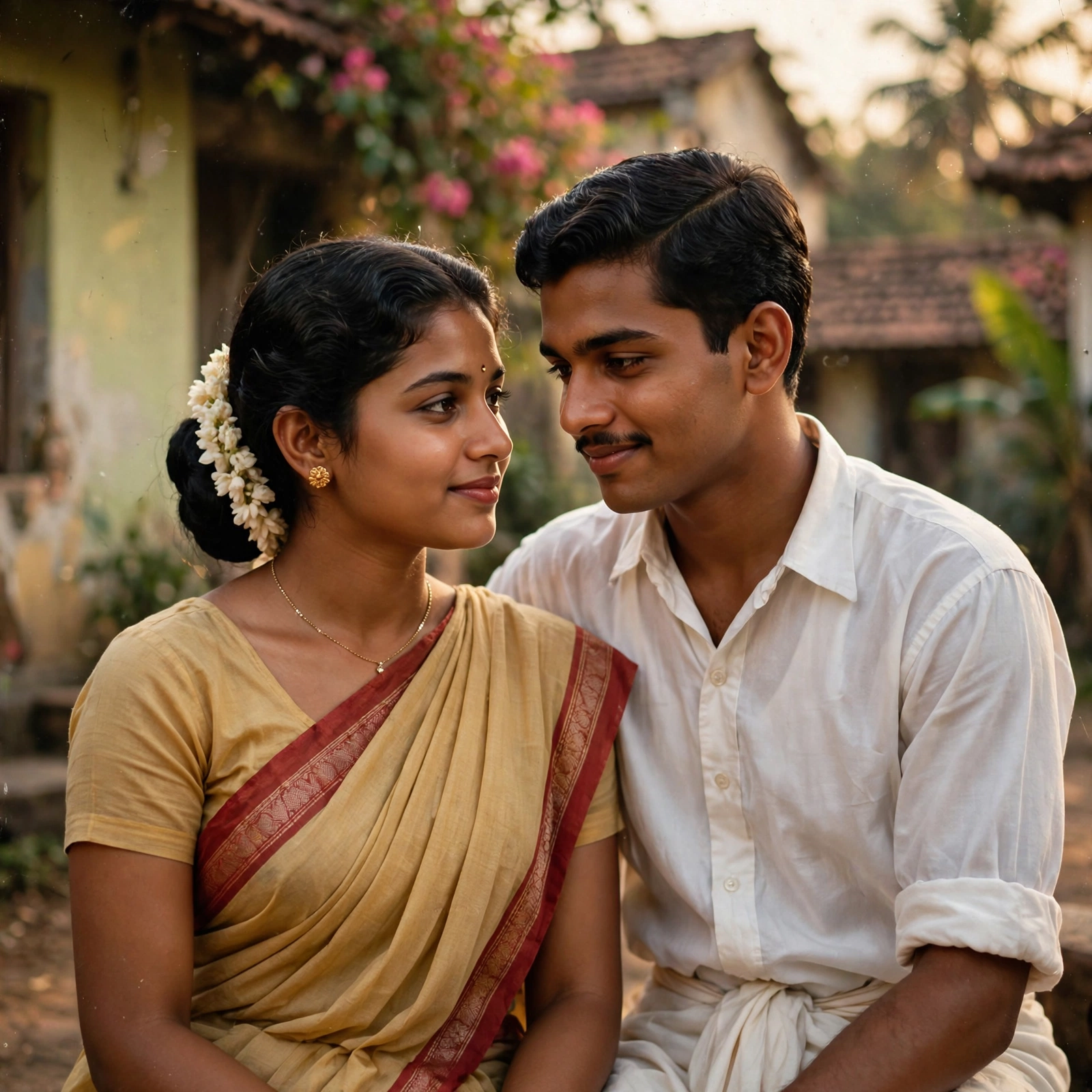
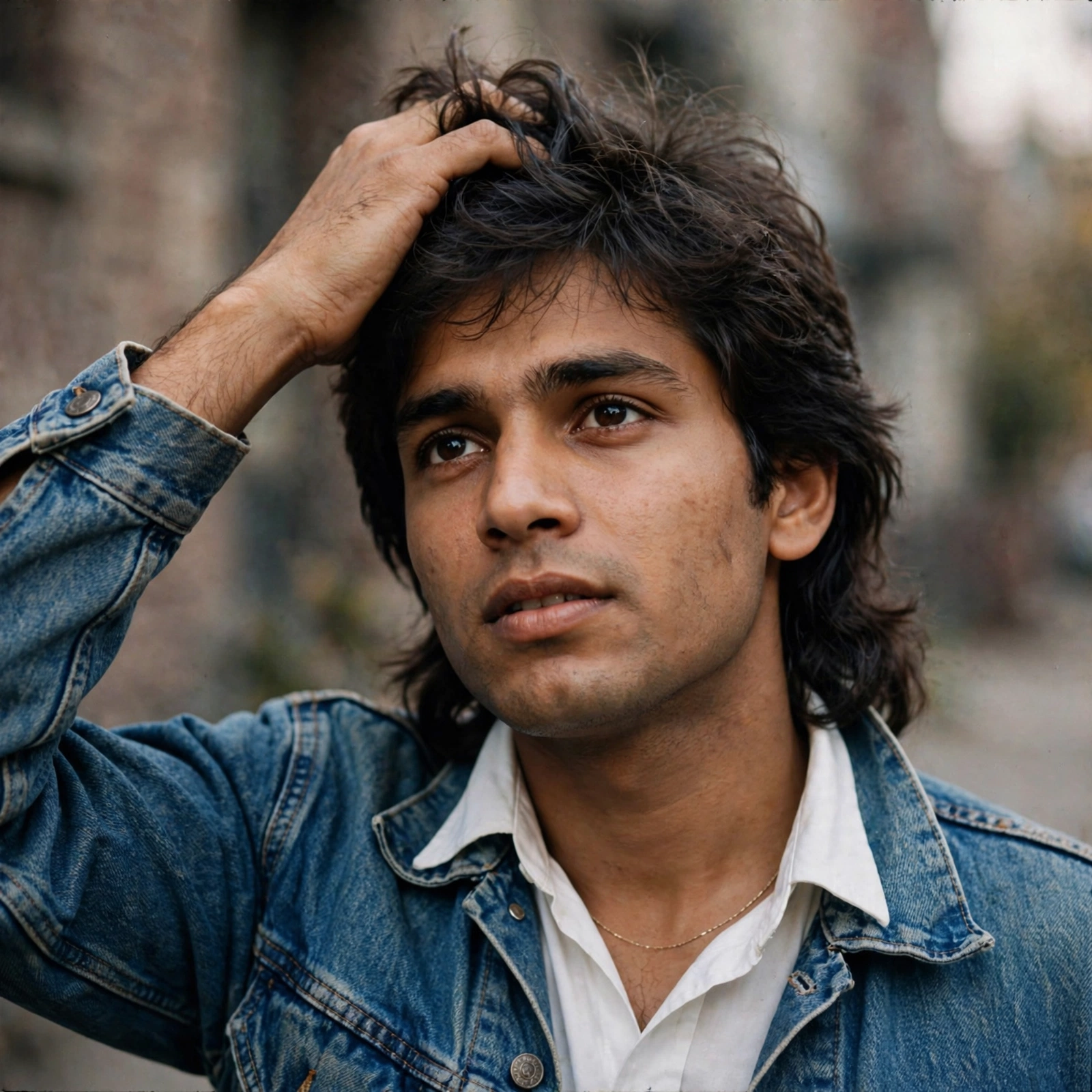
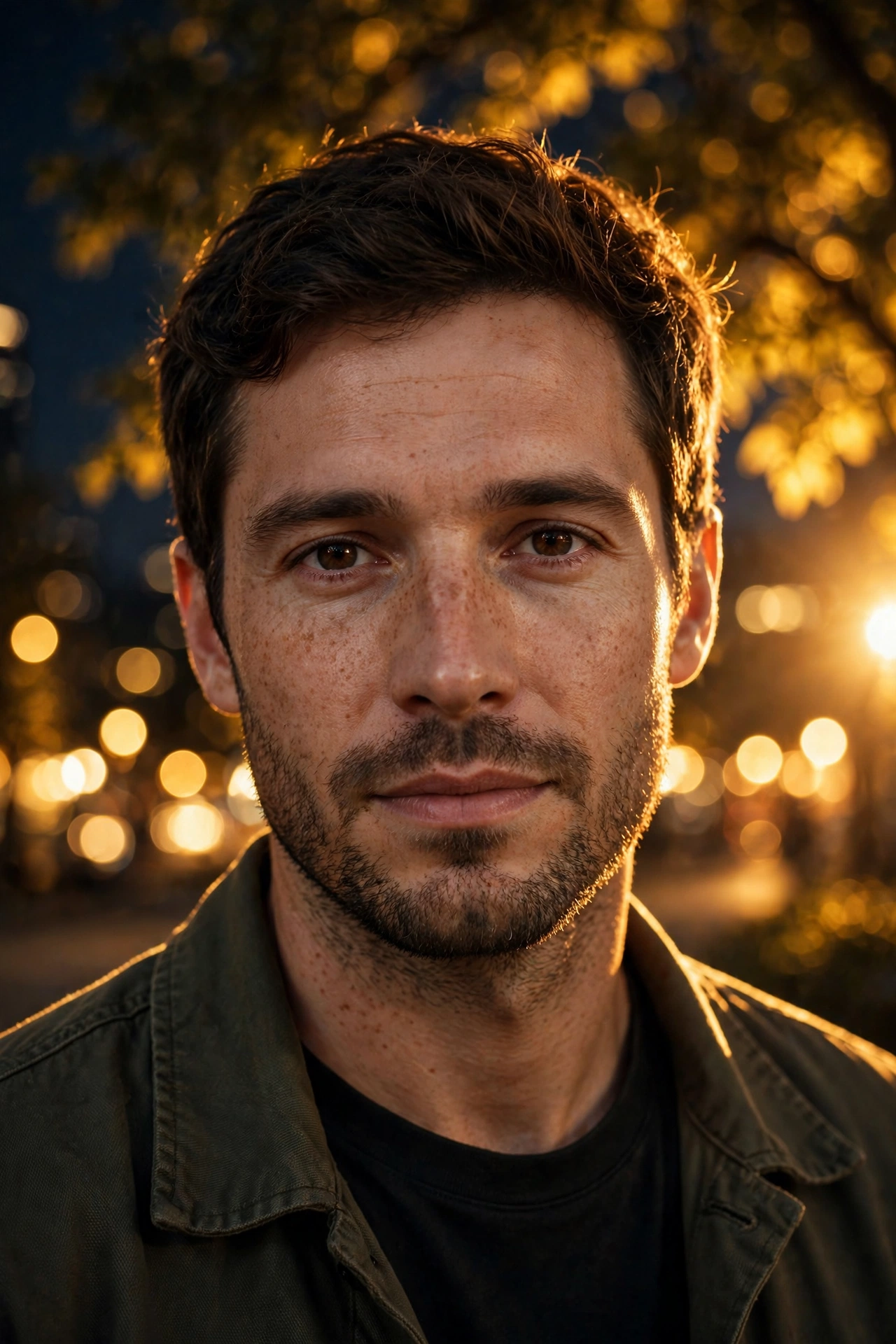
Use the uploaded image as the base image. Do not change the person, face, pose, outfit, framing or angle - everything must remain exactly the same (100% face match, no alterations). Enhance the image to ultra-high resolution with refined sharpness and natural skin detail. Apply a professional DSLR-style shallow depth of field effect - strong creamy background blur (full bokeh effect), smooth lens blur on water, hills and sky, clear subject separation, sharp focus locked on the face and upper body. Maintain natural lighting, realistic skin texture with soft glow, clean contrast, cinematic color grading, depth enhancement, premium portrait finish. Ultra-realistic, photorealistic, high-detail, strong background blur, subject tack sharp, no new elements, no pose change, no object removal, no text, no logos, no watermark.
Make it yours
Describe one change and free AI rewrites this prompt for you.
Works with
ChatGPT, Gemini, Claude - copy and paste. For images, use it with Midjourney, DALL-E, or Gemini image mode.
Tip: swap names, colors, or details to make it yours. Shorter prompts often work better - remove lines you don't need.