Cinematic Mountain Terraces Video Prompt
The Prompt
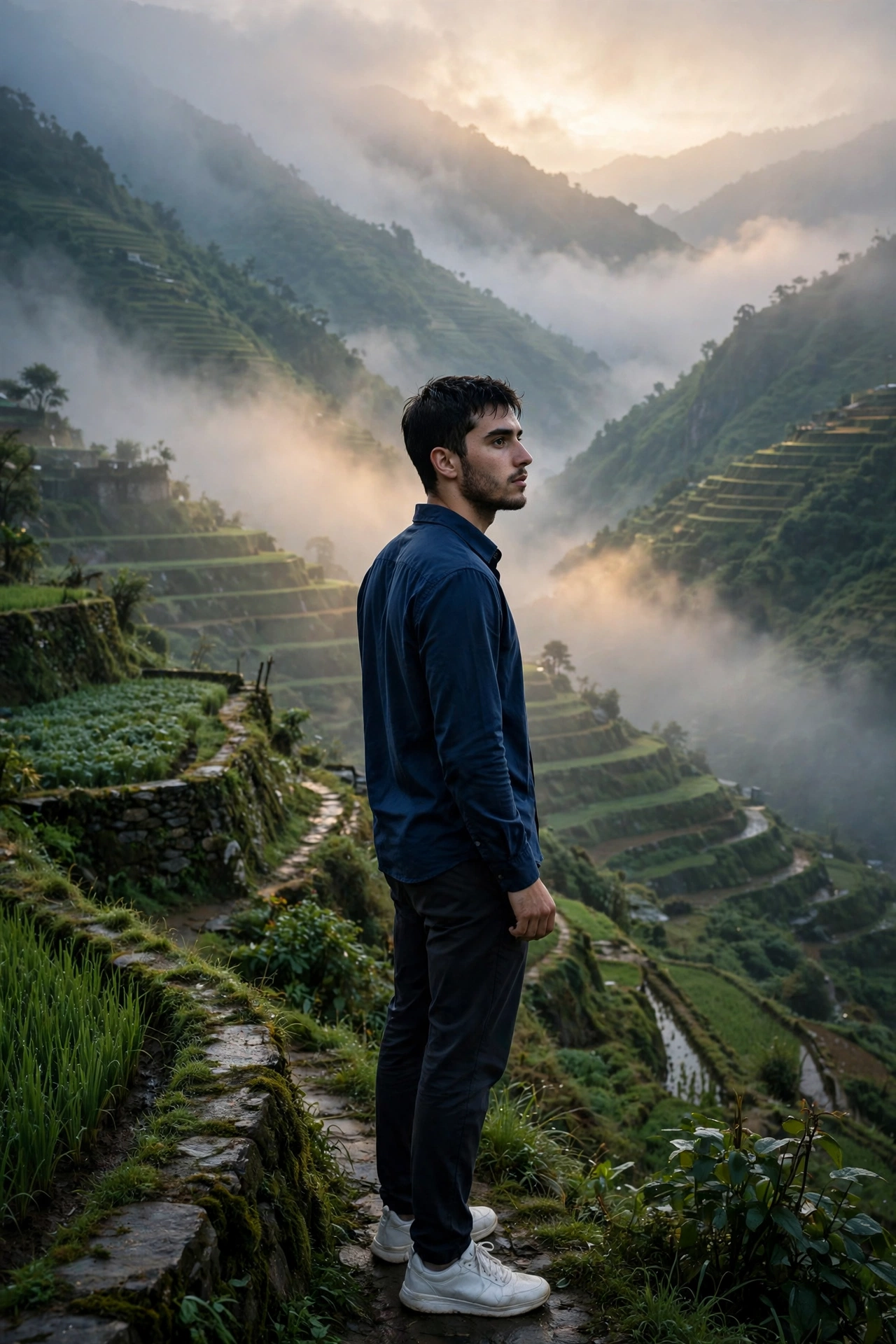
"A cinematic ultra-realistic 8K vertical video (9:16) of a young man with short dark hair and light beard, wearing a navy-blue collared shirt/jacket and dark trousers with white sneakers, alone on misty green mountain terraces at dusk. Scene 1: Wide establishing shot from behind - he stands still on an open grassy hilltop, thick fog rolling over layered green terrace farms in the far distance, soft moody blue-grey evening light, cinematic wide angle. Scene 2: He slowly raises both arms outward while walking forward, misty clouds drifting low over the mountain terraces, wind moving his jacket, emotional and free expression. Scene 3: Side-profile cinematic shot - he walks slowly across the grass field, blurred green mountain terrace background, shallow depth of field, soft golden-blue rim light on his face. Scene 4: He sits down alone on the grassy hilltop, elbows on knees, hand resting near his face, gazing quietly at the fog-covered valley below - a still, reflective, emotional moment, soft ambient light. Scene 5: He stands near a red-roofed hillside hut beside a tree, one hand in pocket, looking out at the layered misty mountains, calm and contemplative, cool dusk tones. Scene 6: Final powerful shot - he stands alone at the cliff's edge as a full silhouette against a dramatic sea of clouds, head bowed down for a moment then slowly looking up as fog drifts across the vast valley below, deep blue-teal dusk sky, cinematic slow zoom-out, ending on the silhouette against the misty horizon. Overall style: same face, same body, same navy-blue outfit consistent in every scene, no identity change, realistic skin and fabric texture, moody blue-teal cinematic color grading, heavy atmospheric mist and haze, dramatic dusk lighting, filmic contrast, smooth cinematic transitions, ultra-realistic 8K quality, emotional and cinematic continuous flow from start to end."
Make it yours - free AI
Describe one change and free AI will rewrite this prompt for you.
Works with
CapCut, VN Video Editor, Runway, Pika, Kaiber - paste the prompt or use it as a video idea.
Tip: swap names, colors, or details to make it yours. Shorter prompts often work better - remove lines you don't need.
How to use this video prompt (step by step)
In CapCut: 1) Open CapCut and start a new project. 2) Add your clips or photos in the order the prompt describes. 3) Tap "Text" to add the captions from the prompt. 4) Go to "Effects" and pick transitions that match the mood. 5) Export in 1080p and share.
In VN Video Editor: 1) Create a new project in VN. 2) Import your media following the prompt's shot list. 3) Use the "Text" tool for titles and the "Music" tab for trending audio. 4) Apply filters lightly - don't overdo it. 5) Export and post.
In AI video tools (Runway, Pika, Kaiber): Copy the prompt above and paste it directly as your text prompt. Adjust the camera-movement words (like "slow zoom" or "pan left") to control the motion.