Cinematic Golden-Hour Masterpiece with Realistic Sun...
The Prompt
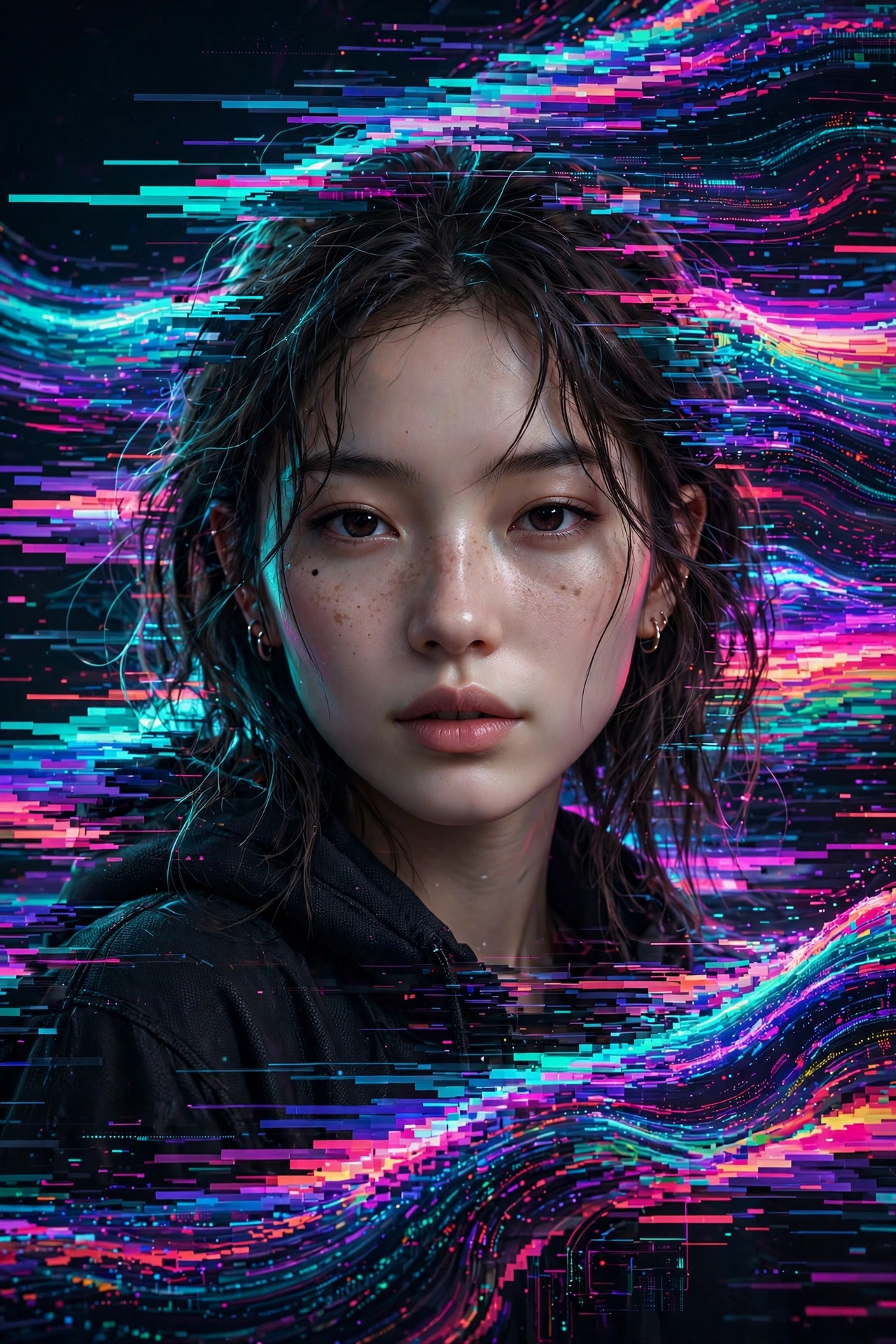
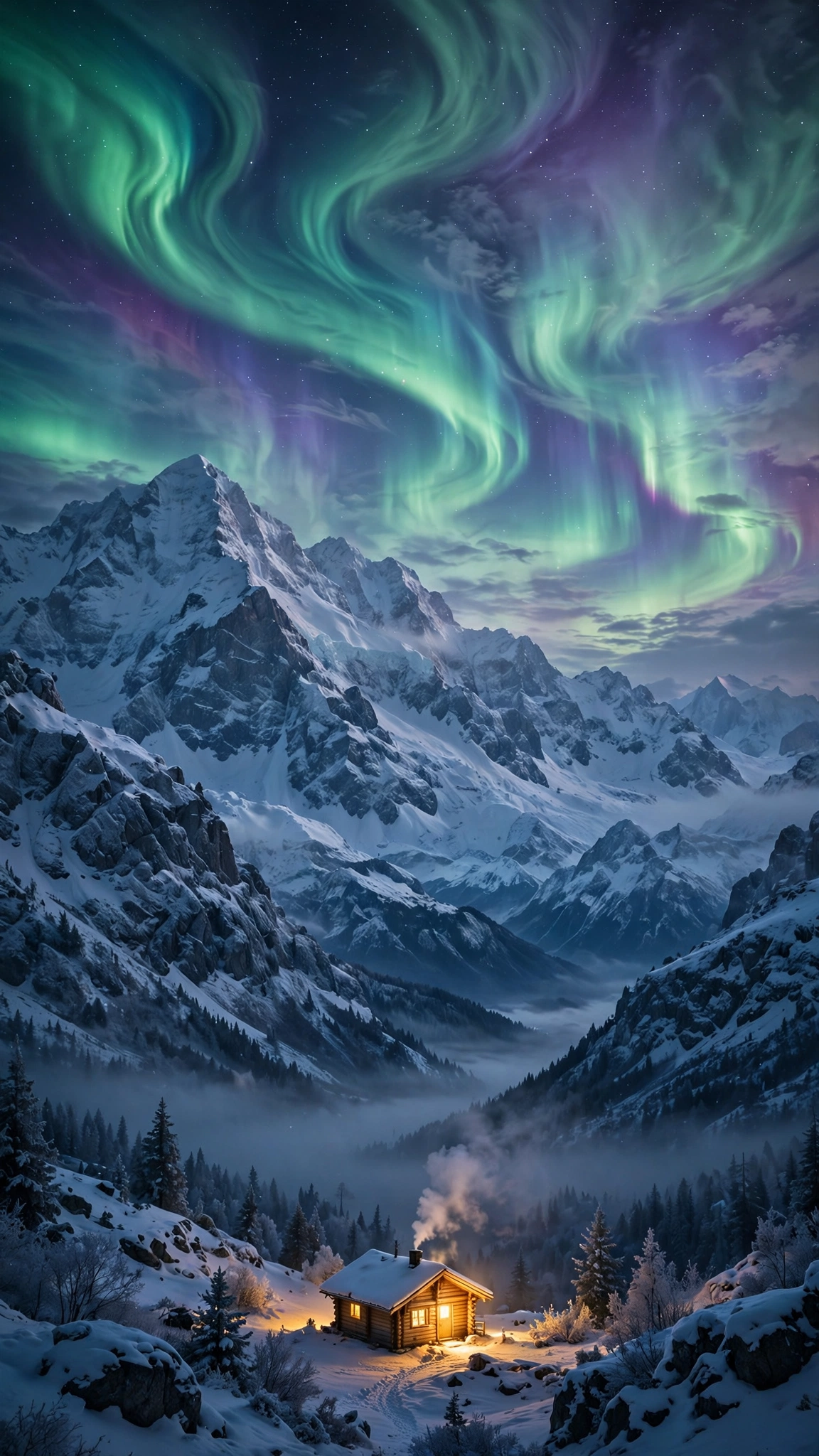
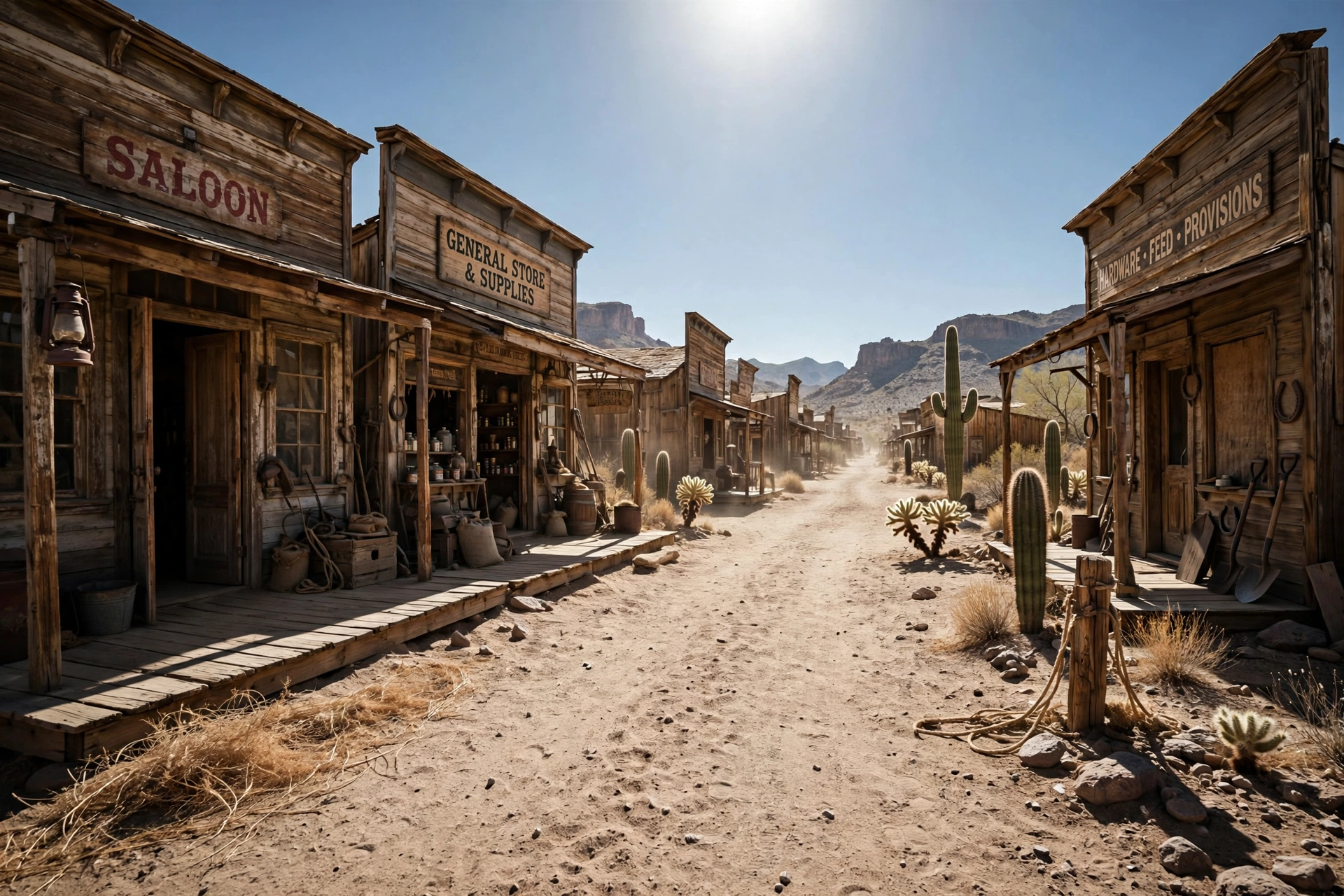
Add a cinematic anamorphic lens flare to this uploaded photo while keeping the subject and composition entirely intact. Identify the brightest light source in the image - whether it's the sun, a window, a street light, a lamp, or any bright highlight - and generate a realistic horizontal anamorphic lens flare emanating from that light source, stretching horizontally across the frame. The flare should have the characteristics of real anamorphic glass: a long horizontal blue-cyan streak stretching across most of the frame width passing through and beyond the light source, secondary smaller warm amber and magenta flare elements scattered along the horizontal axis, and a soft overall haze in the area immediately around the light source that gently reduces contrast. The overall look should feel dramatic, filmic, cinematic, and beautifully shot through a high-end cinema lens.
Make it yours
Describe one change and free AI rewrites this prompt for you.
Works with
CapCut, VN Video Editor, Runway, Pika, Kaiber - paste the prompt or use it as a video idea.
Tip: swap names, colors, or details to make it yours. Shorter prompts often work better - remove lines you don't need.
How to use this video prompt (step by step)
In CapCut: 1) Open CapCut and start a new project. 2) Add your clips or photos in the order the prompt describes. 3) Tap "Text" to add the captions from the prompt. 4) Go to "Effects" and pick transitions that match the mood. 5) Export in 1080p and share.
In VN Video Editor: 1) Create a new project in VN. 2) Import your media following the prompt's shot list. 3) Use the "Text" tool for titles and the "Music" tab for trending audio. 4) Apply filters lightly - don't overdo it. 5) Export and post.
In AI video tools (Runway, Pika, Kaiber): Copy the prompt above and paste it directly as your text prompt. Adjust the camera-movement words (like "slow zoom" or "pan left") to control the motion.