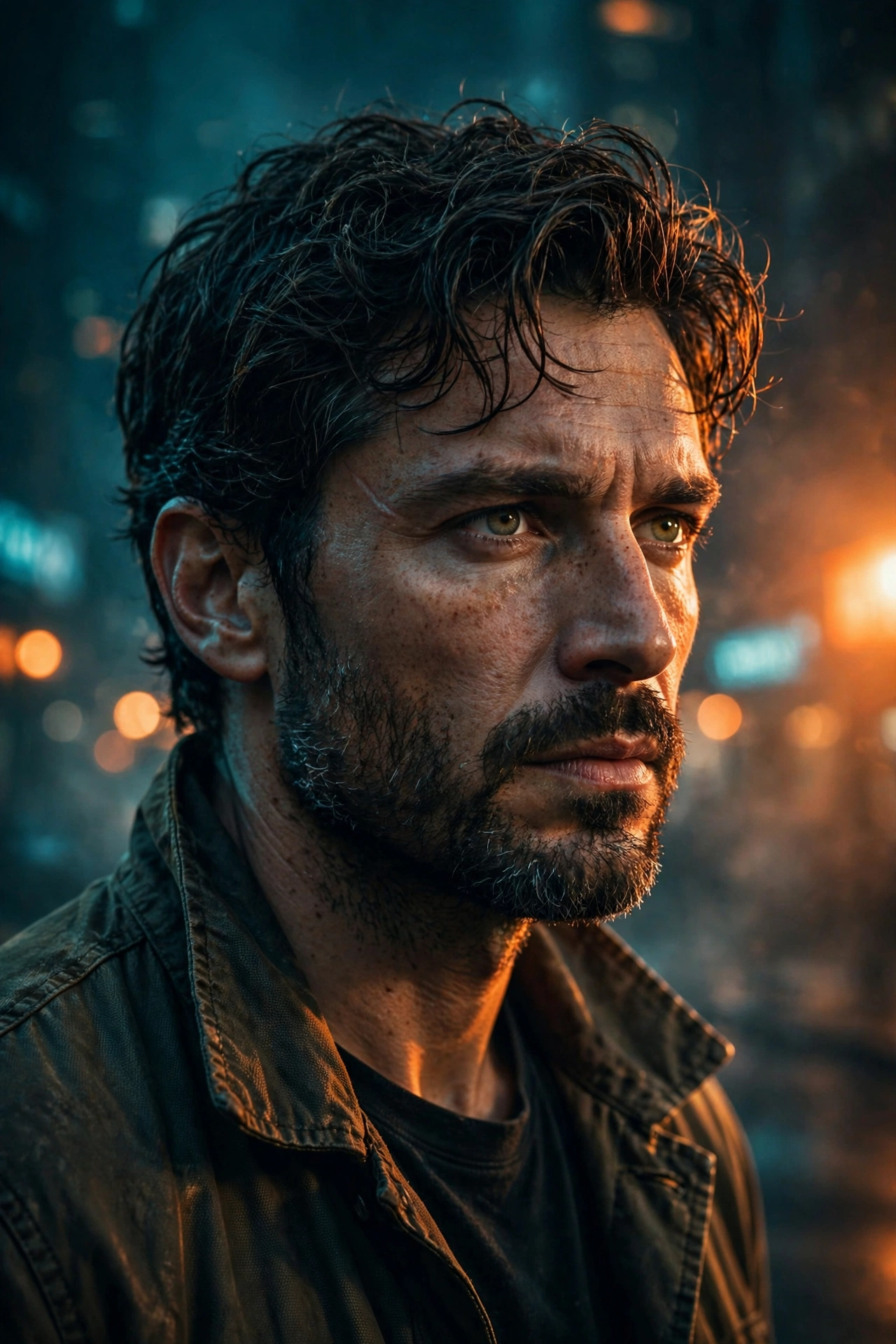
Cinematic Colour Grading Portrait Prompt
The Prompt
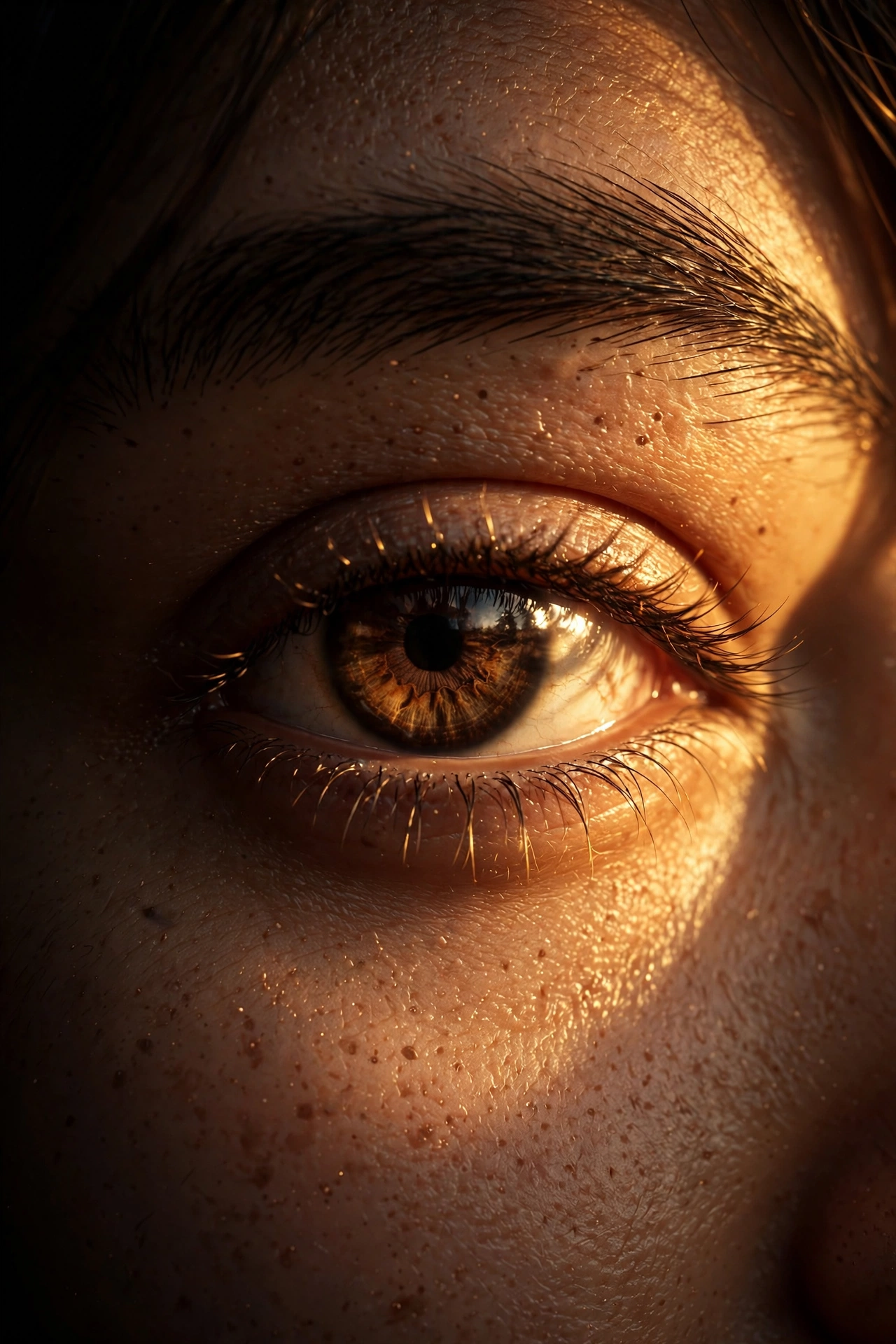
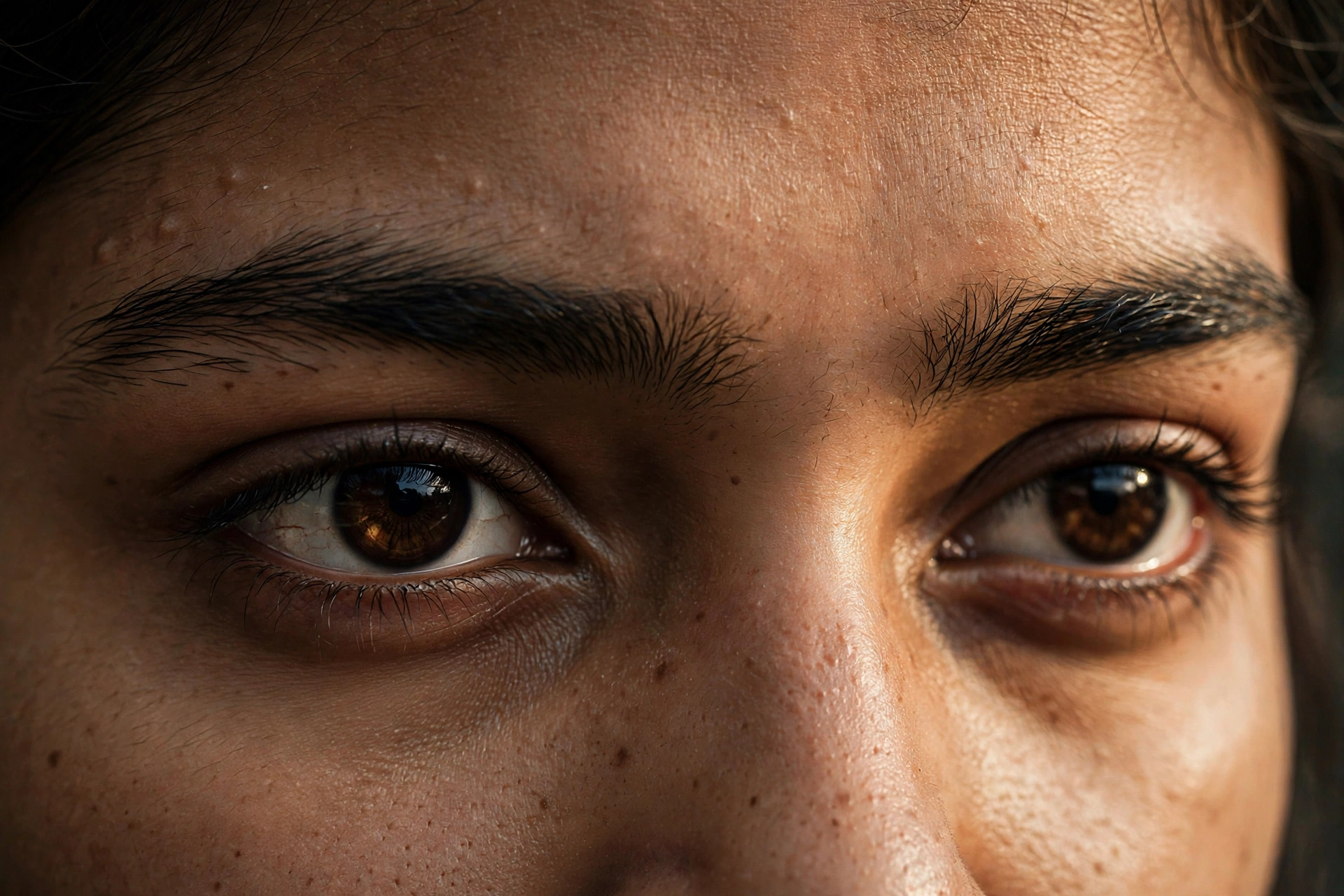
The ORIGINAL SUBJECT is the primary visual focus of this transformation. Preserve the subject with absolute pixel-level fidelity. The subject must remain the sharpest, most visually dominant element in the frame while preserving every original detail exactly as photographed. Do NOT regenerate, reinterpret, beautify, or modify the subject in any way. Enhance only the cinematic lighting interaction and color rendering on the subject while keeping identity, pose, clothing, facial features, skin texture, body proportions, and placement completely unchanged. The background must remain fully intact with all original environmental details preserved naturally. Apply only cinematic depth, premium color separation, atmospheric realism, and filmic rendering without altering or replacing any landscape elements. Apply a premium luxury cinematic color grade inspired by ARRI Alexa Mini LF, Kodak Vision3 500T, Kodak 2383 Print LUT, Leica Color Science, and DaVinci Resolve. Produce rich yet natural colors with elegant tonal separation, warm golden highlights, cool cinematic shadows, smooth highlight roll-off, deep organic contrast, realistic color depth, and a refined feature-film finish. The result should feel visually striking, immersive, and luxurious without appearing oversaturated, HDR, or artificially processed.
Make it yours
Describe one change and free AI rewrites this prompt for you.
Works with
ChatGPT, Gemini, Claude - copy and paste. For images, use it with Midjourney, DALL-E, or Gemini image mode.
Tip: swap names, colors, or details to make it yours. Shorter prompts often work better - remove lines you don't need.
Related Prompts



Keep exploring
Want more in this style? Browse the full Portrait prompts collection — every prompt there is free to copy and use.
For ideas beyond this topic, explore the newest prompts on the homepage.