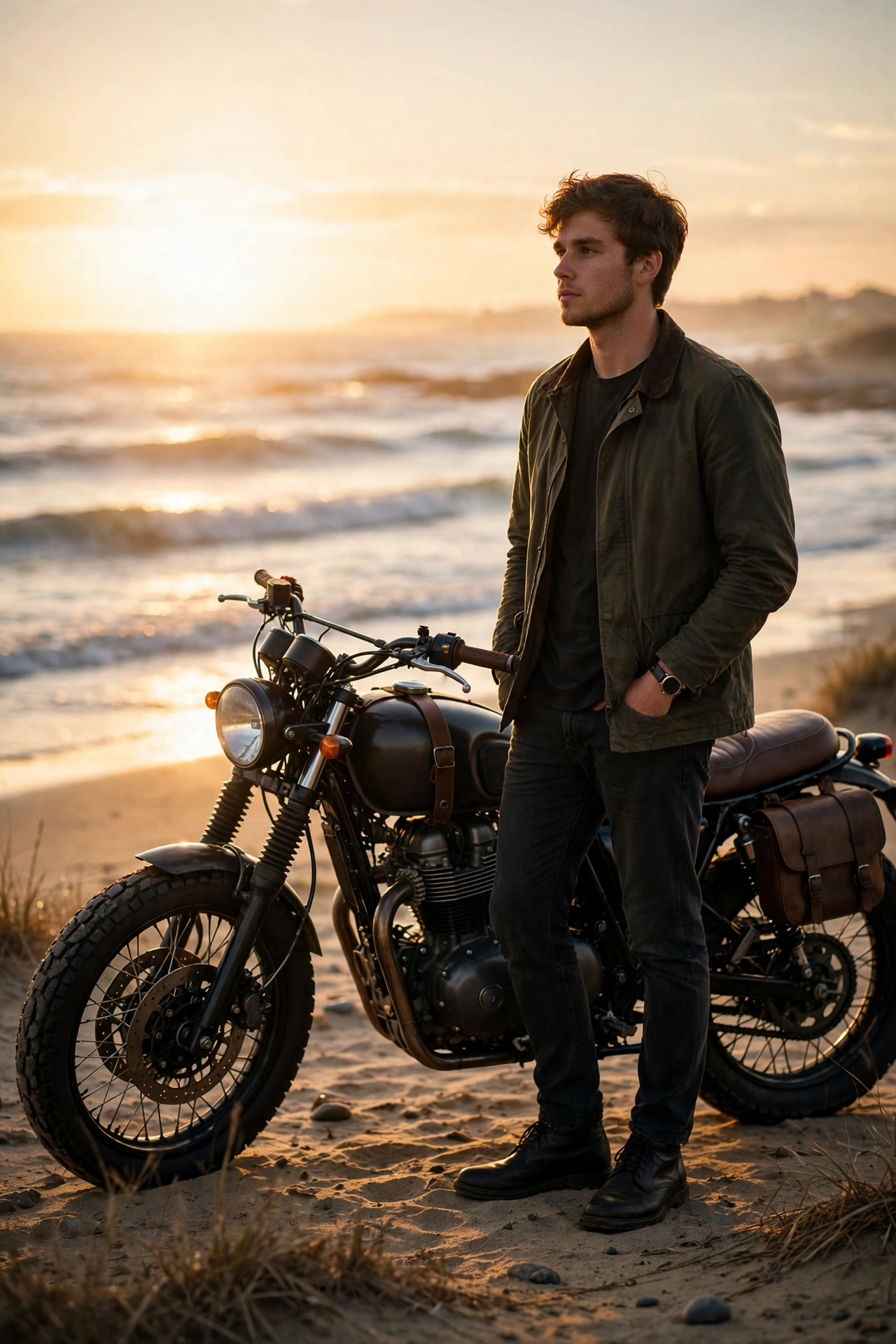
Cinematic Beach Glow Edit
The Prompt
Create a professional cinematic studio-style edit of the uploaded photo while keeping the person’s face, hairstyle, beard, skin tone, body proportions, pose, outfit, motorcycle, and overall identity 100% unchanged and realistic. Keep the original outdoor background intact without replacing it. Add a strong glowing backlight behind the person to create a soft white halo and rim light around the hair, shoulders, arms, and body edges. Use clean white glow with a slightly warm tone, soft bloom, subtle lens flare, and smooth cinematic lighting. Enhance the image with deep blacks, high contrast, sharp Sony A1 portrait quality, realistic skin texture, detailed shadows, and premium DSLR photography aesthetics. Add soft depth of field, dramatic cinematic color grading, and a polished high-end editorial look while preserving the natural environment and original composition.
Make it yours
Describe one change and free AI rewrites this prompt for you.
Works with
ChatGPT, Gemini, Claude - copy and paste. For images, use it with Midjourney, DALL-E, or Gemini image mode.
Tip: swap names, colors, or details to make it yours. Shorter prompts often work better - remove lines you don't need.
Related Prompts

Keep exploring
Want more in this style? Browse more Portrait prompts like this one — every prompt there is free to copy and use.
For ideas beyond this topic, explore the newest prompts on the homepage.