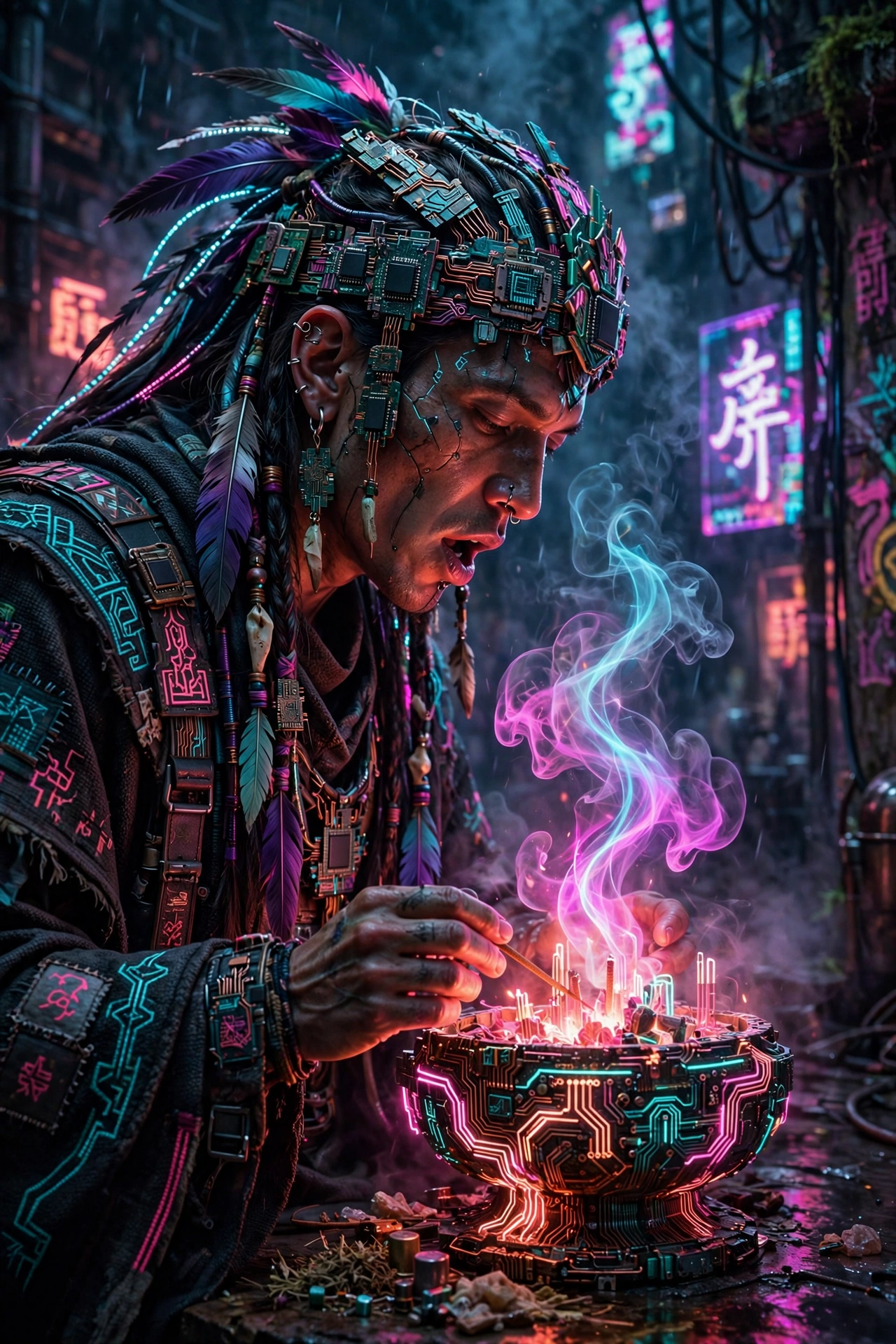
Chrome Heart Heist
The Prompt
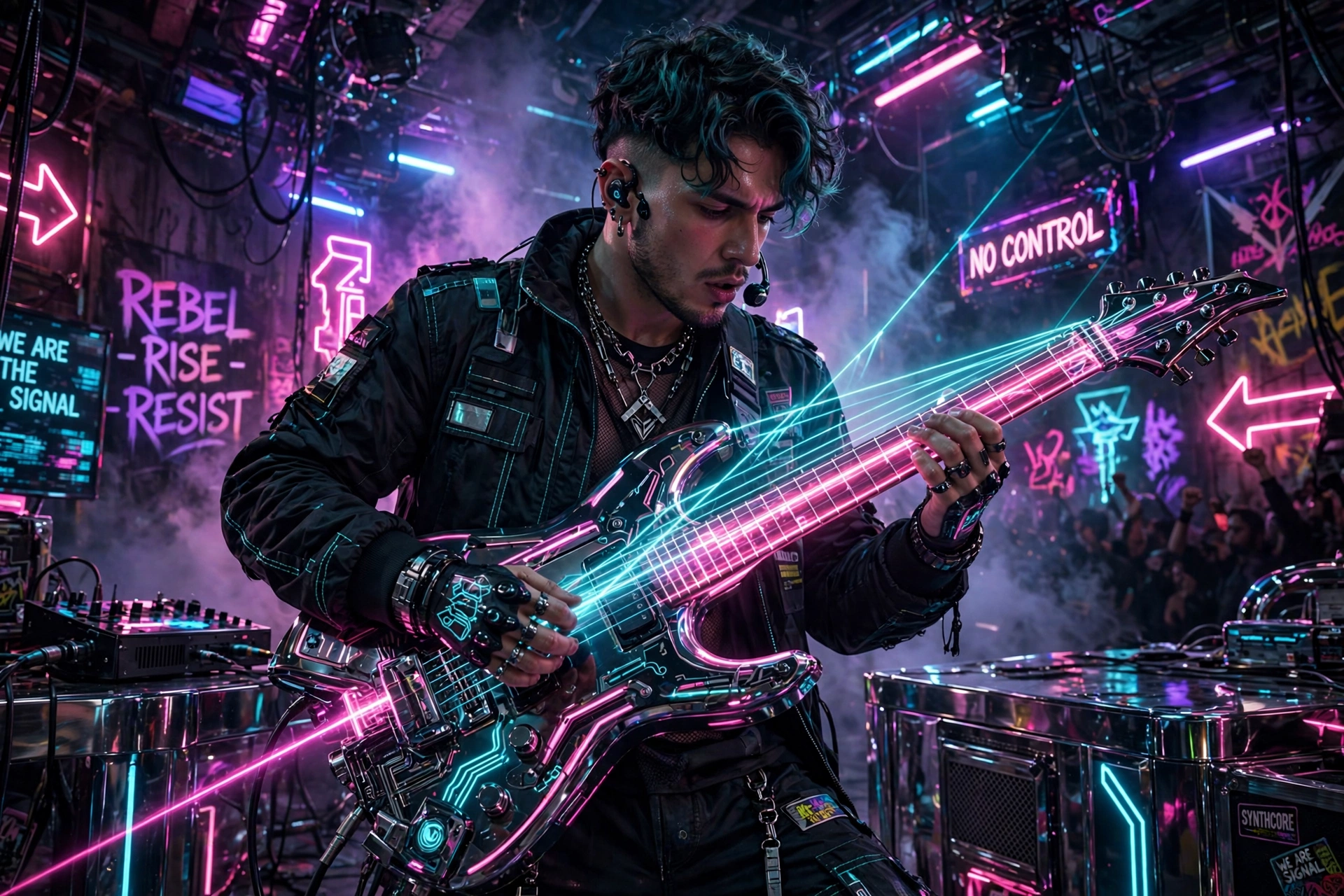
A stunning photograph of photorealistic sci-fi render depiction of a cyber-shaman chanting over circuit incense, captured with an artist's eye for detail. The entire scene is electrified by vibrant neon colors, highlighting hyper-detailed textures. The composition places the subject thoughtfully within the frame, using a shallow depth of field to keep focus sharp while the background dissolves into a pleasing blur. Technically flawless, the photograph delivers tack-sharp focus, rich natural colors, and exquisite detail throughout. Professional quality, ultra-high resolution, 4K clarity. Visual storytelling shines through in the careful arrangement of elements, each contributing to a cohesive and compelling narrative. The professional execution ensures lasting impact, with details that reveal themselves the longer one looks.
Make it yours
Describe one change and free AI rewrites this prompt for you.
Works with
CapCut, VN Video Editor, Runway, Pika, Kaiber - paste the prompt or use it as a video idea.
Tip: swap names, colors, or details to make it yours. Shorter prompts often work better - remove lines you don't need.
How to use this video prompt (step by step)
In CapCut: 1) Open CapCut and start a new project. 2) Add your clips or photos in the order the prompt describes. 3) Tap "Text" to add the captions from the prompt. 4) Go to "Effects" and pick transitions that match the mood. 5) Export in 1080p and share.
In VN Video Editor: 1) Create a new project in VN. 2) Import your media following the prompt's shot list. 3) Use the "Text" tool for titles and the "Music" tab for trending audio. 4) Apply filters lightly - don't overdo it. 5) Export and post.
In AI video tools (Runway, Pika, Kaiber): Copy the prompt above and paste it directly as your text prompt. Adjust the camera-movement words (like "slow zoom" or "pan left") to control the motion.
Related Prompts


Keep exploring
Want more in this style? Browse the full Video prompts collection — every prompt there is free to copy and use.
For ideas beyond this topic, explore the newest prompts on the homepage.