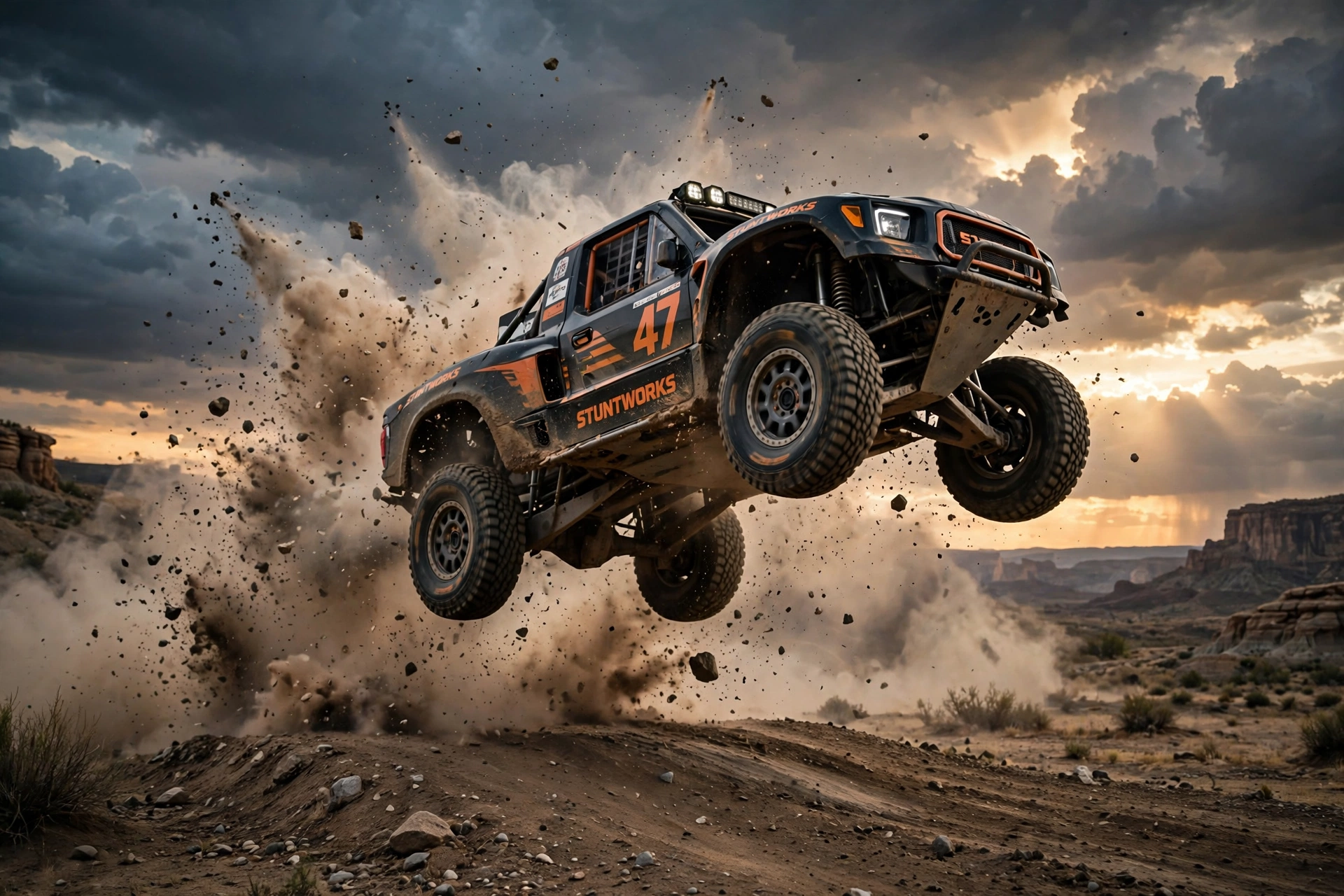
Car Flying Stunt
The Prompt
Use the uploaded reference video as the EXACT motion, camera, timing, composition, environment and action reference. Use the uploaded reference image of the person as the ONLY identity reference for the human subject. Replace the person in the reference video with the person from the uploaded reference image. The final person must preserve the uploaded person's identity with extremely high facial consistency throughout the entire video. IDENTITY LOCK: - Preserve the exact face identity from the uploaded reference image. - Do not redesign, beautify, or reinterpret the face. - Keep the same facial structure, eyes, nose, lips, jawline, skin tone and natural facial proportions. - The person must remain the same person in every frame. - No face morphing, no identity drift, no face swapping artifacts. - If the uploaded reference is a female, keep the person clearly female; if male, keep the person clearly male. - Preserve natural hair characteristics from the reference image where visible. - Do not change the person's age or facial appearance. IMPORTANT: The reference VIDEO controls the action and visual sequence. The reference IMAGE controls the person's identity and appearance. Do not copy the original person's face from the video. RECREATE THE VIDEO: Match the reference video's approximately 12-second sequence as closely as possible. Scene: A realistic outdoor dry grass/desert-like field during warm golden-hour sunlight. The person is sitting casually on a small folding camping chair in the foreground, with one leg crossed over the other. Beginning: Start with the same wide cinematic composition and slow camera movement as the reference video. The person is sitting calmly in the chair, looking toward the scene. Maintain the same body position and relaxed attitude. Middle: A large dark/black Toyota pickup truck suddenly enters the scene from behind the person and performs the same dramatic jump/drive-by action shown in the reference video. The truck kicks up a large amount of realistic dust behind and around it. The person remains seated in the chair and reacts naturally with subtle head and hand movement, following the same timing and body gestures as the reference video. Truck: Keep the same large dark Toyota pickup-truck appearance, proportions, aggressive front grille, headlights and realistic vehicle details visible in the reference video. Preserve the dramatic vehicle movement and dust interaction. Camera: Reproduce the reference video's cinematic camera language: - vertical 9:16 framing - realistic telephoto/cinematic lens - shallow depth of field - natural background compression - smooth controlled camera movement - realistic focus changes - realistic motion blur - natural handheld/cinematic camera feel - no artificial camera shake Ending: Finish with the person still sitting in the chair while the truck moves past/behind them and dust settles around the scene. Match the final framing, expression and overall composition of the reference video. REALISM: Make it look like a real professionally filmed action scene, not AI-generated. Use: real human skin texture natural facial details realistic hair realistic clothing fabric natural sunlight realistic shadows realistic dust particles realistic vehicle reflections natural motion blur realistic depth of field cinematic dynamic range natural highlight roll-off real camera exposure subtle film grain ABSOLUTELY AVOID: CGI look 3D render video-game graphics plastic skin beauty filter AI face face distortion identity change face morphing extra fingers extra limbs deformed hands unnatural body movement cartoon appearance oversharpening fake HDR artificial skin smoothing duplicate person duplicate face changing clothes unnecessarily changing the environment changing the truck action The final output should look like the same real-world video was filmed again with the uploaded reference person replacing the original person, while preserving the original video's action, camera movement, timing, environment and cinematic realism.
Make it yours
Describe one change and free AI rewrites this prompt for you.
Works with
CapCut, VN Video Editor, Runway, Pika, Kaiber - paste the prompt or use it as a video idea.
Tip: swap names, colors, or details to make it yours. Shorter prompts often work better - remove lines you don't need.
How to use this video prompt (step by step)
In CapCut: 1) Open CapCut and start a new project. 2) Add your clips or photos in the order the prompt describes. 3) Tap "Text" to add the captions from the prompt. 4) Go to "Effects" and pick transitions that match the mood. 5) Export in 1080p and share.
In VN Video Editor: 1) Create a new project in VN. 2) Import your media following the prompt's shot list. 3) Use the "Text" tool for titles and the "Music" tab for trending audio. 4) Apply filters lightly - don't overdo it. 5) Export and post.
In AI video tools (Runway, Pika, Kaiber): Copy the prompt above and paste it directly as your text prompt. Adjust the camera-movement words (like "slow zoom" or "pan left") to control the motion.
Related Prompts

Keep exploring
Want more in this style? Browse the full Portrait prompts collection — every prompt there is free to copy and use.
For ideas beyond this topic, see what is trending on the PromptBee homepage.