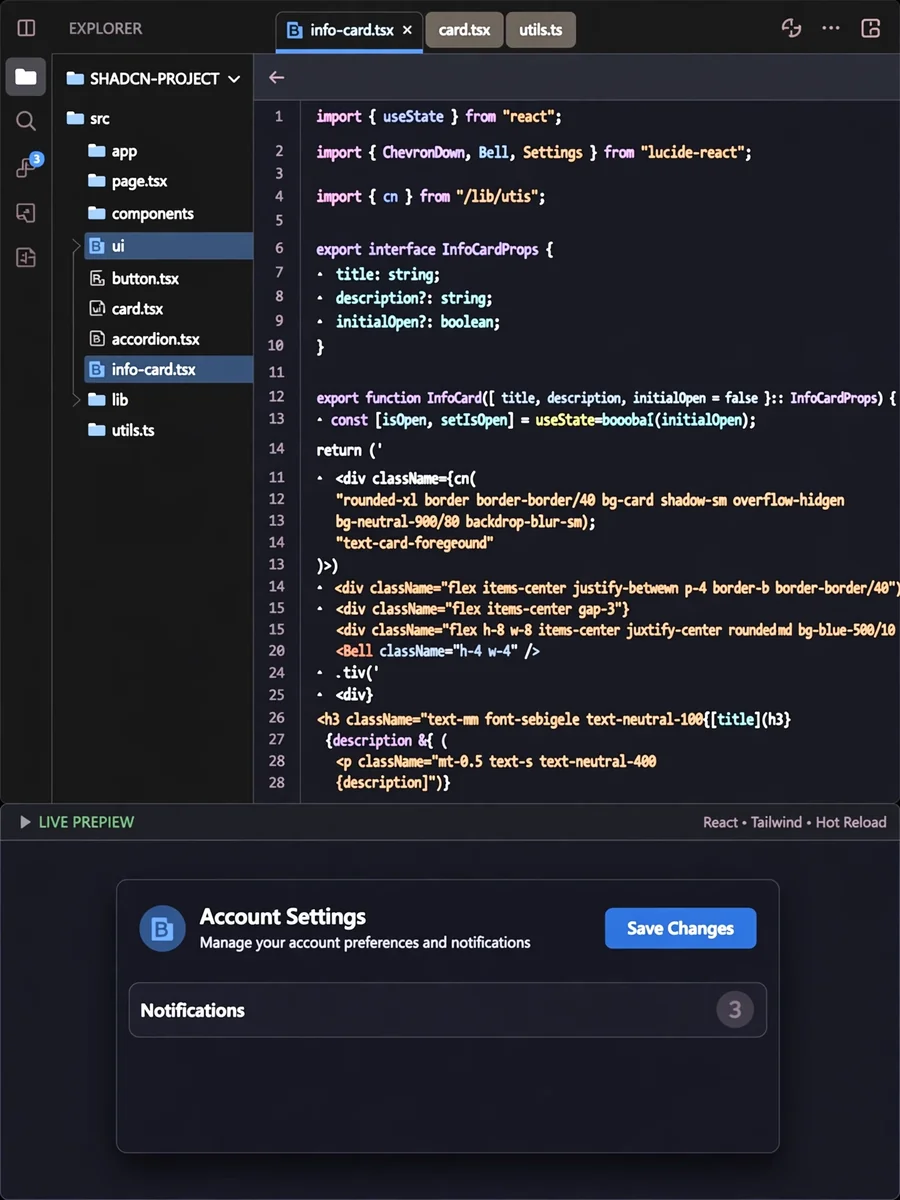
Act as a 21st.dev component prompt — ChatGPT Prompt
The Prompt
You are given a task to integrate an existing React component in the codebase. The codebase should support: - shadcn project structure - Tailwind CSS - Typescript If it doesn't, provide instructions on how to setup project via shadcn CLI, install Tailwind or Typescript. Determine the default path for components and styles. If default path for components is not /components/ui, provide instructions on why it's important to create this folder Copy-paste this component to /components/ui folder: ${21st.dev_component} Implementation Guidelines 1. Analyze the component structure and identify all required dependencies 2. Review the component's argumens and state 3. Identify any required context providers or hooks and install them 4. Questions to Ask - What data/props will be passed to this component? - Are there any specific state management requirements? - Are there any required assets (images, icons, etc.)? - What is the expected responsive behavior? - What is the best place to use this component in the app? Steps to integrate 0. Copy paste all the code above in the correct directories 1. Install external dependencies 2. Fill image assets with Unsplash stock images you know exist 3. Use lucide-react icons for svgs or logos if component requires them
Make it yours
Describe one change and free AI rewrites this prompt for you.
Works with
ChatGPT, Gemini, Claude - copy and paste. For images, use it with Midjourney, DALL-E, or Gemini image mode.
Tip: swap names, colors, or details to make it yours. Shorter prompts often work better - remove lines you don't need.
Related Prompts
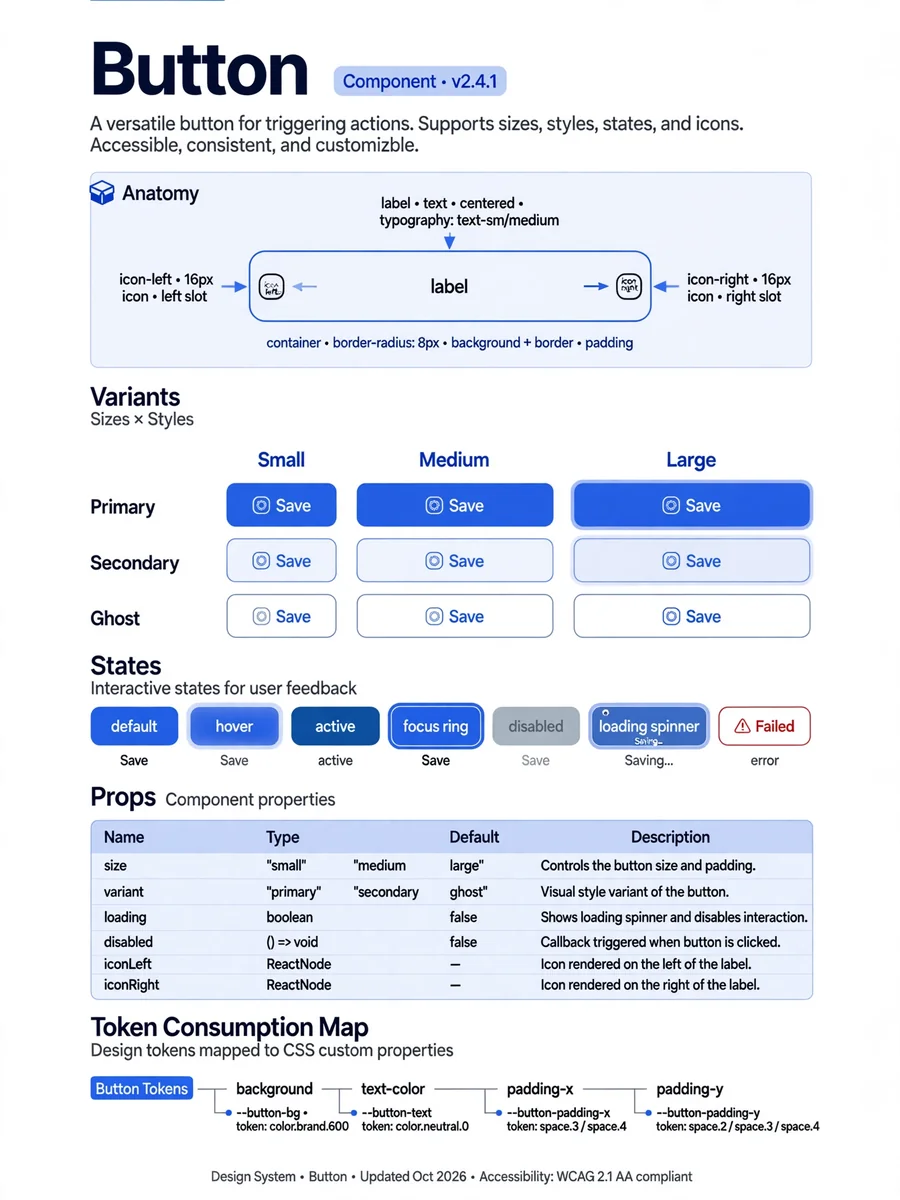
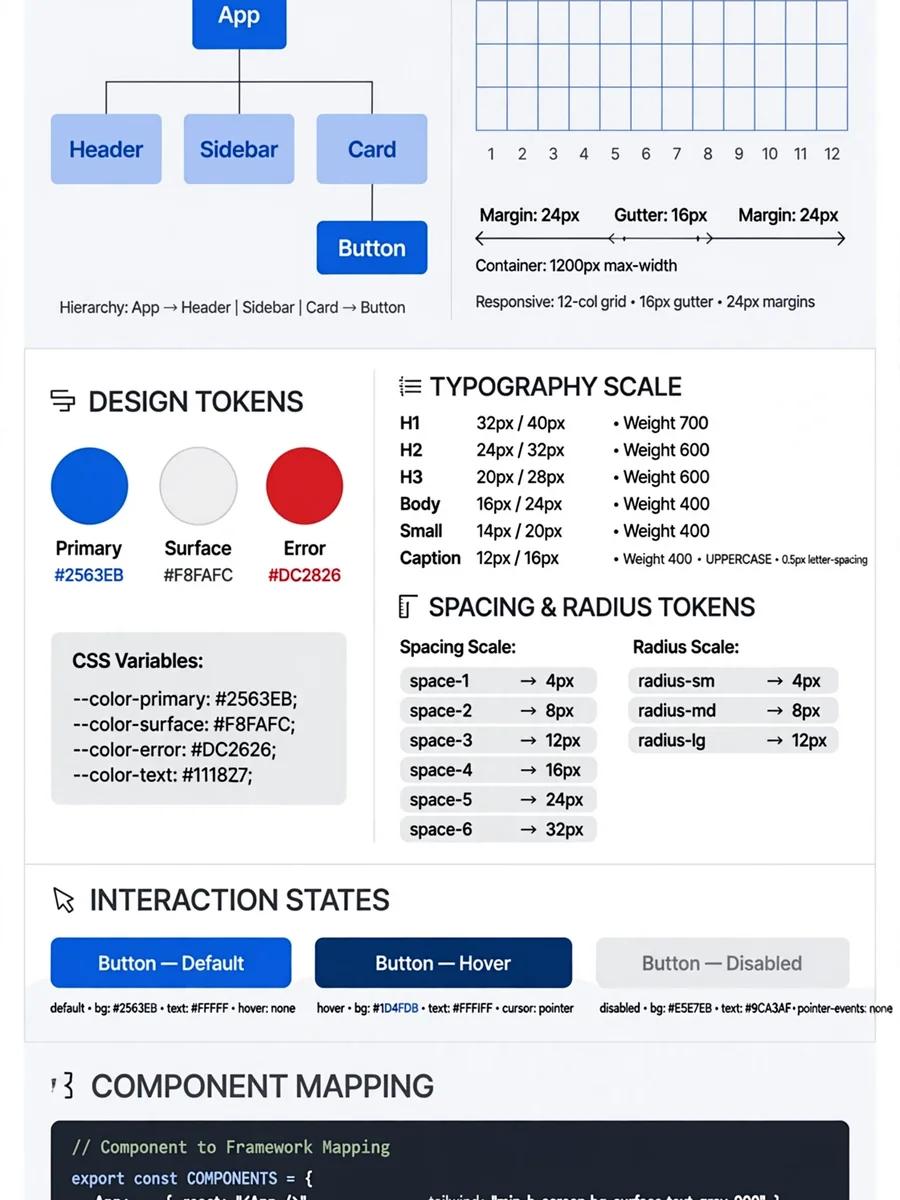
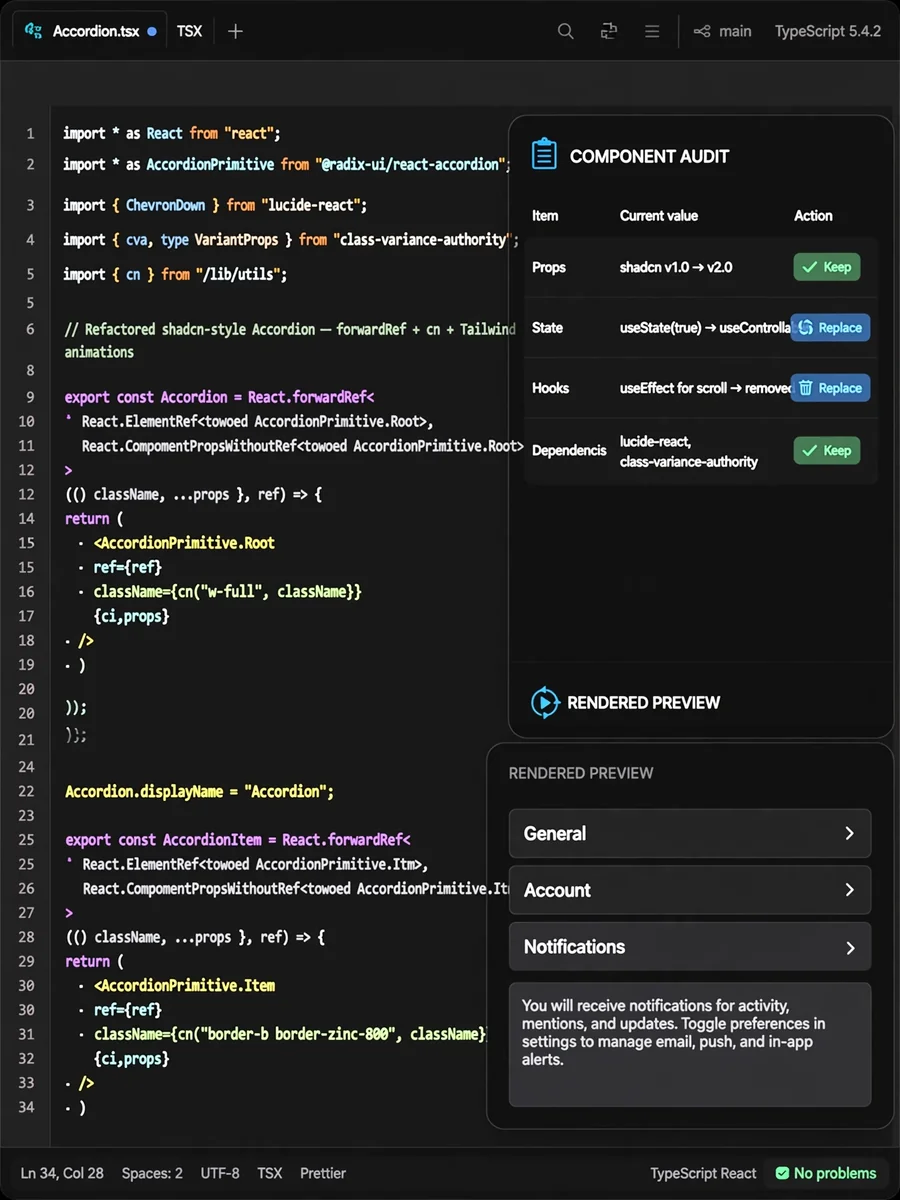

Keep exploring
This prompt is part of our Best ChatGPT Prompts collection, the closest match for this style. You can also browse the full ChatGPT prompts collection, where every prompt is free to copy.
For ideas beyond this topic, check the latest additions on the PromptBee homepage.