Couple Love Story Video
The Prompt
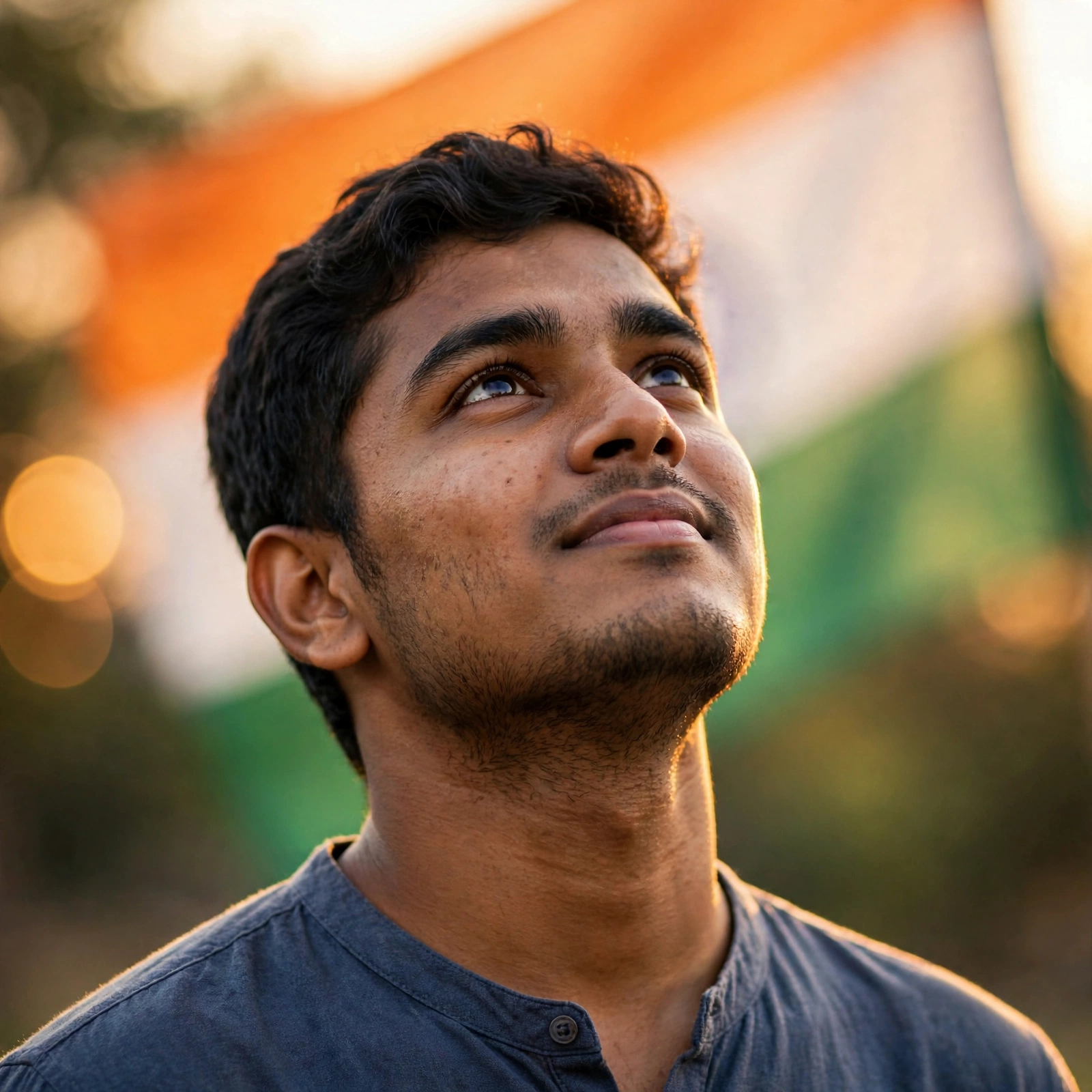
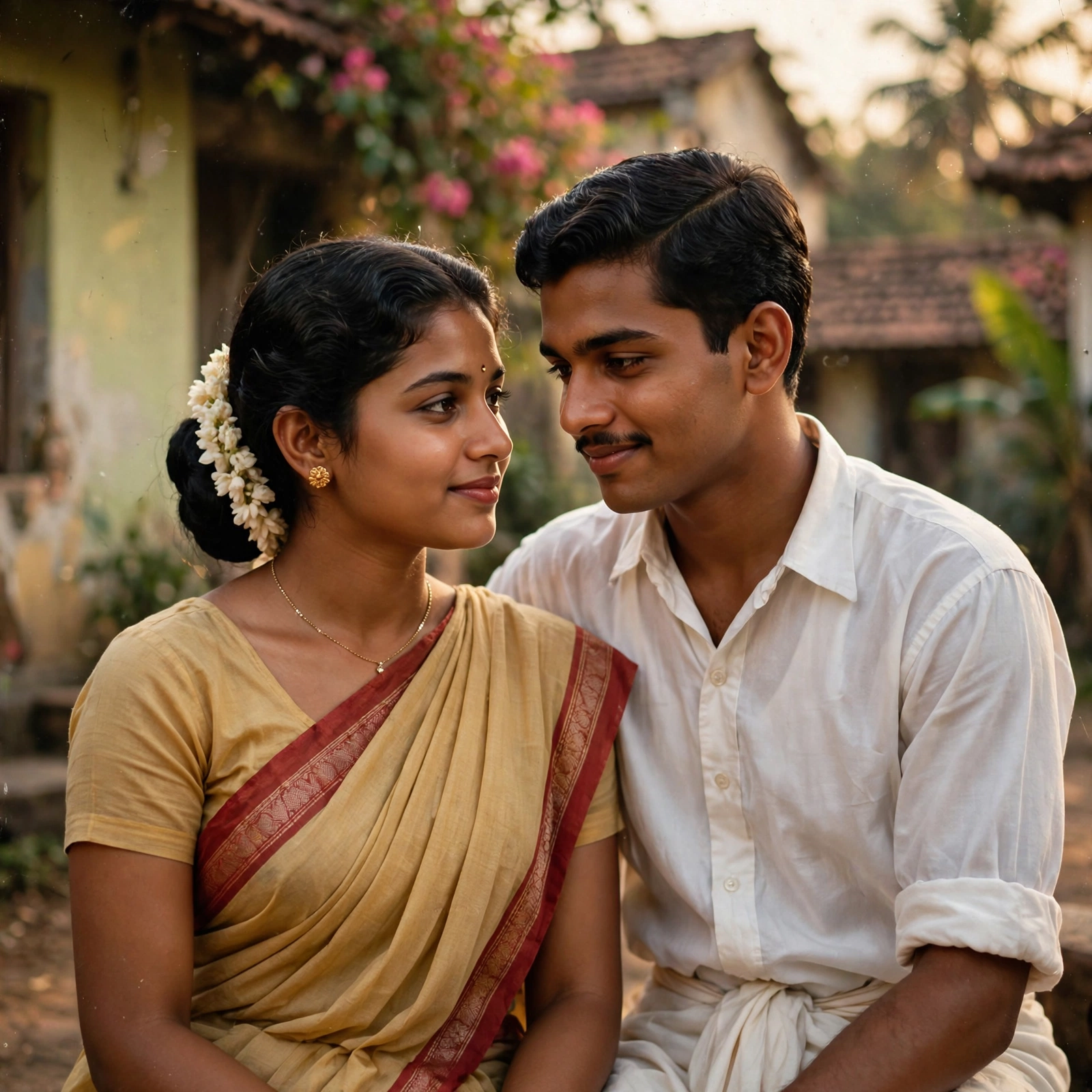
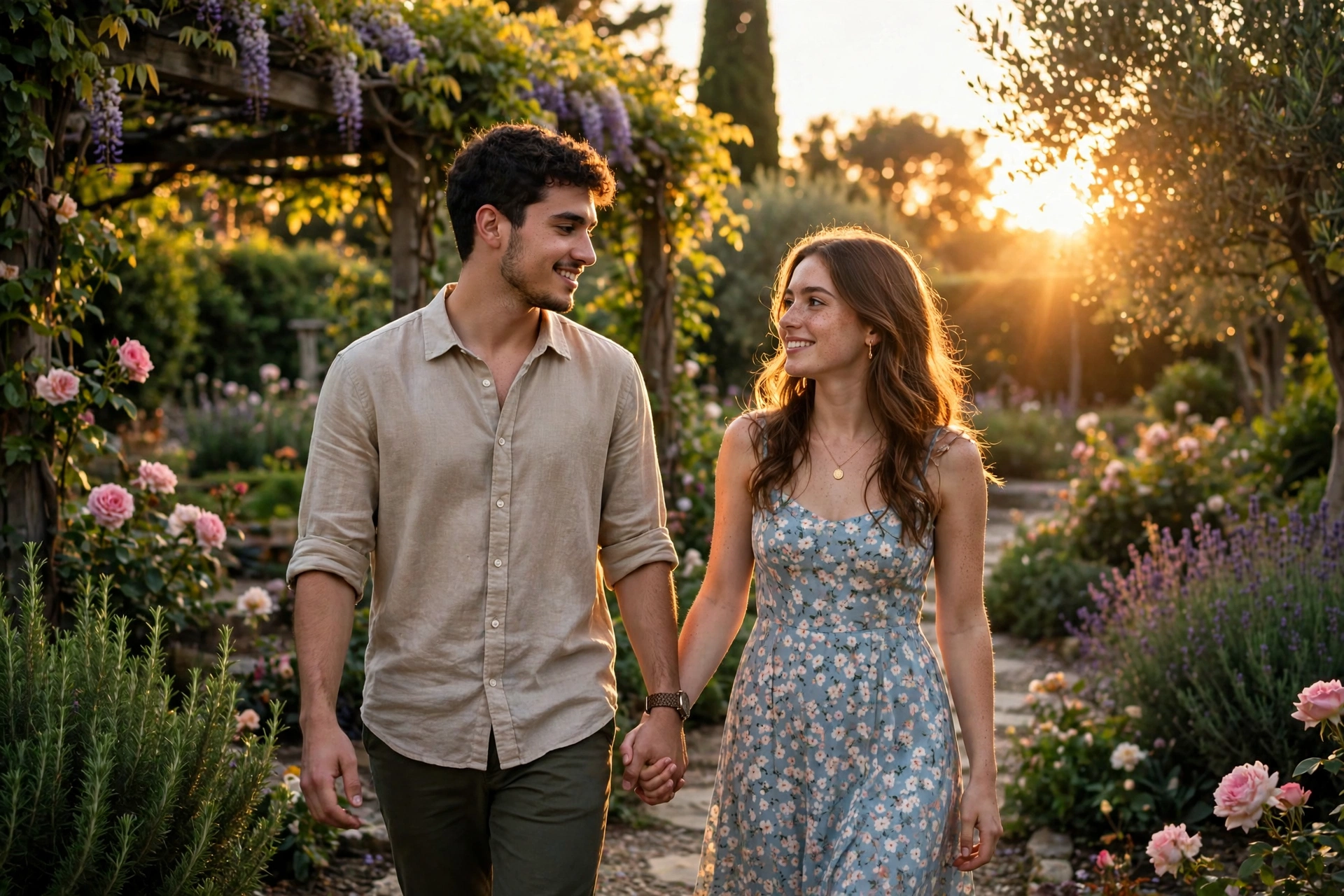
Use the uploaded male and female photos as the ONLY face and full-body identity references. Keep the exact same faces, hairstyles, skin tones, body proportions, outfits and identities throughout the entire video. Never regenerate, beautify or change either person. Create one continuous ultra-realistic 10-second Bollywood cinematic love story. Scene 1: The young man waits quietly in a beautiful green park with soft morning sunlight. Scene 2: The young woman walks slowly toward him with a gentle smile as leaves move in the breeze. Scene 3: They meet, smile naturally and look into each other's eyes. Scene 4: They walk together along a tree-lined pathway while talking and smiling. Scene 5: They sit together on a wooden park bench, sharing a peaceful emotional moment. Scene 6: They stand close together under golden sunset light, looking at each other. Scene 7: They walk hand in hand through the park in slow motion. Scene 8: Wide cinematic ending with both smiling while the camera slowly pulls back, surrounded by trees, flowers and warm golden light. Keep the same faces, same bodies, same outfits and the same environment throughout. Use natural eye blinking, breathing, realistic hand movement, cloth physics and smooth cinematic camera transitions. Sony A1 DSLR, 85mm f/1.4 lens, ultra-realistic skin texture, Bollywood movie color grading, 4K HDR, vertical 9:16. Negative: no face swap, no body swap, no identity drift, no outfit change, no cartoon, no AI look, no distorted anatomy, no duplicate characters, no blurry frames.
Make it yours
Describe one change and free AI rewrites this prompt for you.
Works with
CapCut, VN Video Editor, Runway, Pika, Kaiber - paste the prompt or use it as a video idea.
Tip: swap names, colors, or details to make it yours. Shorter prompts often work better - remove lines you don't need.
How to use this video prompt (step by step)
In CapCut: 1) Open CapCut and start a new project. 2) Add your clips or photos in the order the prompt describes. 3) Tap "Text" to add the captions from the prompt. 4) Go to "Effects" and pick transitions that match the mood. 5) Export in 1080p and share.
In VN Video Editor: 1) Create a new project in VN. 2) Import your media following the prompt's shot list. 3) Use the "Text" tool for titles and the "Music" tab for trending audio. 4) Apply filters lightly - don't overdo it. 5) Export and post.
In AI video tools (Runway, Pika, Kaiber): Copy the prompt above and paste it directly as your text prompt. Adjust the camera-movement words (like "slow zoom" or "pan left") to control the motion.