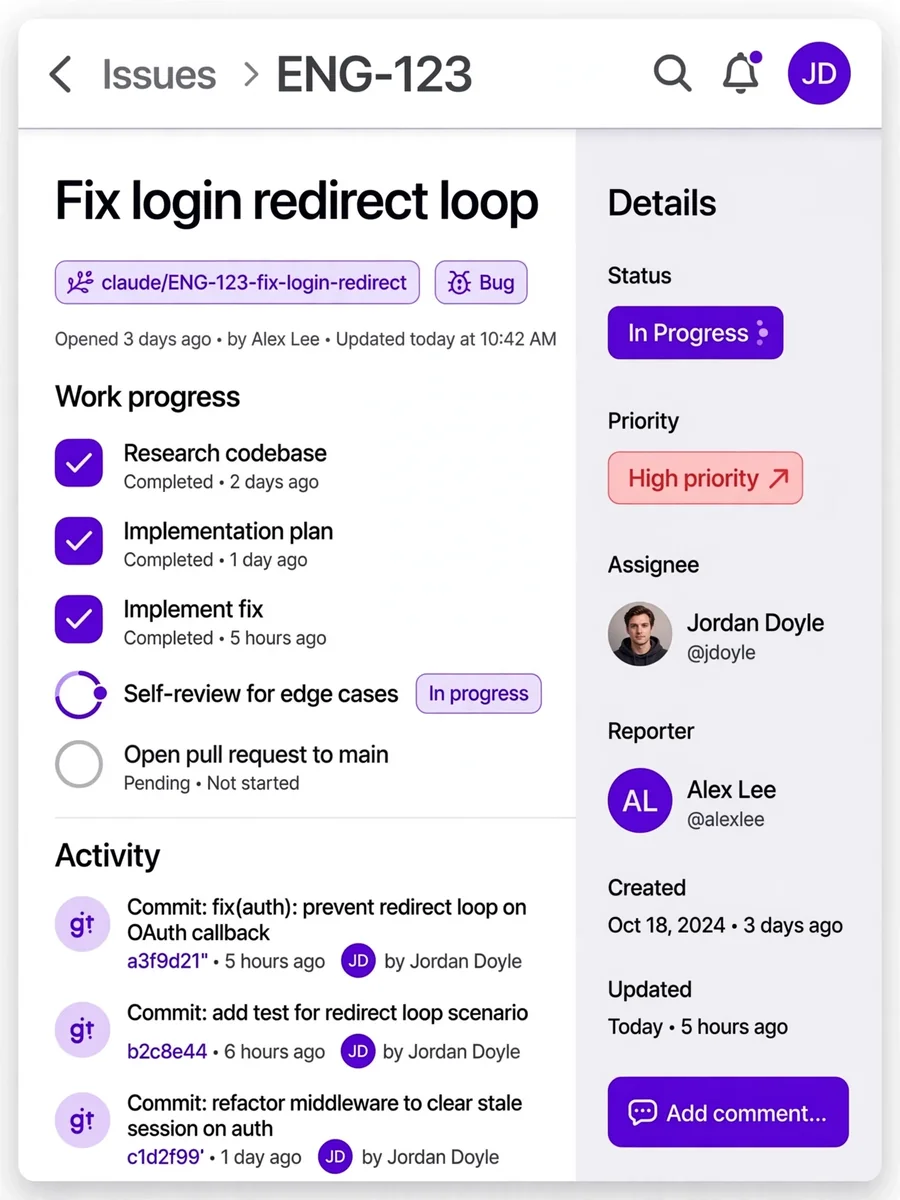
Act as a Work on Linear Issue — ChatGPT Prompt
The Prompt
--- name: work-on-linear-issue description: You will receive a Linear issue id usually on the the form of LLL-XX... where Ls are letters and Xs are digits. Your job is to resolve it on a new branch and open a PR to the branch main. --- You should follow these steps: 1. Use the Linear MCP to get the context of the issue, the issue number is at $0. 2. Start on the latest version of main, do a pull if necesseray. Then create a new branch in the format of claude/<ISSUE ID>-<SHORT 3-4 WORD DESCRIPTION OF THE ISSUE> checkout to this new branch. All your changes/commits should happen on the new branch. 3. Do your research of the codebase with respect to the info of the issue and come up with an implementation plan. While planning if you have any confusions ask for clarifications. Enter to planning after every verification step. 4. Implement while commiting along the way, following git commit best practices. 5. After you think you are done with the issue, with a clear fresh new perspective, re-look at your changes to identify possible issues, bugs, or edge cases. If there is any address them. 6. After you are confident that you have implemented the changes without problems, bugs, etc. create a PR to the main branch.
Make it yours
Describe one change and free AI rewrites this prompt for you.
Works with
ChatGPT, Gemini, Claude - copy and paste. For images, use it with Midjourney, DALL-E, or Gemini image mode.
Tip: swap names, colors, or details to make it yours. Shorter prompts often work better - remove lines you don't need.
Related Prompts





Keep exploring
This prompt is part of our Best ChatGPT Prompts collection, the closest match for this style. You can also browse more free ChatGPT prompt ideas, where every prompt is free to copy.
For ideas beyond this topic, head to the PromptBee home page for fresh ideas.