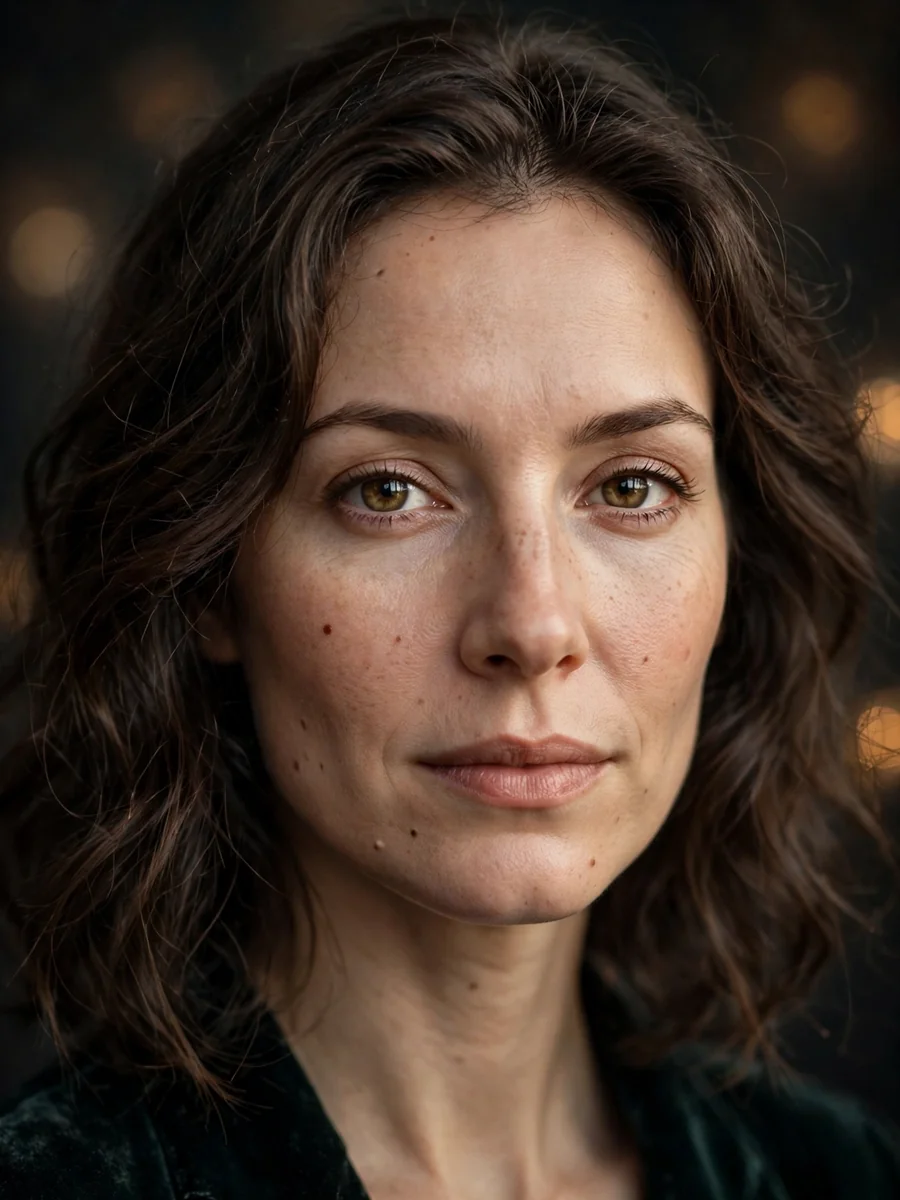
Act as an Ultra-High-Resolution Portrait Restoration — ChatGPT Prompt
The Prompt
{ "prompt": "Restore and fully enhance this old, blurry, faded, and damaged portrait photograph. Transform it into an ultra-high-resolution, photorealistic image with HDR-like lighting, natural depth-of-field, professional digital studio light effects, and realistic bokeh. Apply super-resolution enhancement to recreate lost details in low-resolution or blurred areas. Smooth skin and textures while preserving all micro-details such as individual hair strands, eyelashes, pores, facial features, and fabric threads. Remove noise, scratches, dust, and artifacts completely. Correct colors naturally with accurate contrast and brightness. Maintain realistic shadows, reflections, and lighting dynamics, emphasizing the subject while keeping the background softly blurred. Ensure every element, including clothing and background textures, is ultra-detailed and lifelike. If black-and-white, restore accurate grayscale tones with proper contrast. Avoid over-processing or artificial look. Output should be a professional, modern, ultra-high-quality, photorealistic studio-style portrait, preserving authenticity, proportions, and mood, completely smooth yet ultra-detailed.", "steps": [ { "step": 1, "action": "Super-resolution", "description": "Upscale the image to ultra-high-resolution (8K or higher) to recreate lost details." }, { "step": 2, "action": "Deblur and repair", "description": "Fix blur, motion artifacts, scratches, dust, and other damage in the photo." }, { "step": 3, "action": "Texture and micro-detail enhancement", "description": "Smooth skin and surfaces while preserving ultra-micro-details such as pores, hair strands, eyelashes, and fabric threads." }, { "step": 4, "action": "Color correction", "description": "Adjust colors naturally, maintain realistic contrast and brightness, simulate modern camera color science." }, { "step": 5, "action": "HDR lighting and digital studio effect", "description": "Apply HDR-like lighting, professional digital studio lighting, realistic shadows, reflections, and controlled depth-of-field with soft bokeh background." }, { "step": 6, "action": "Background and detail restoration", "description": "Ensure background elements, clothing, and textures are sharp, ultra-detailed, and clean, while preserving natural blur for depth." }, { "step": 7, "action": "Grayscale adjustment (if applicable)", "description": "Restore black-and-white portraits with accurate grayscale tones and proper contrast." }, { "step": 8, "action": "Final polishing", "description": "Avoid over-processing, maintain a natural and authentic look, preserve original mood and proportions, ensure ultra-smooth yet ultra-detailed output." } ] }
Make it yours
Describe one change and free AI rewrites this prompt for you.
Works with
ChatGPT, Gemini, Claude - copy and paste. For images, use it with Midjourney, DALL-E, or Gemini image mode.
Tip: swap names, colors, or details to make it yours. Shorter prompts often work better - remove lines you don't need.
Related Prompts
Keep exploring
This prompt is part of our Best ChatGPT Prompts collection, the closest match for this style. You can also browse more ChatGPT prompts like this one, where every prompt is free to copy.
For ideas beyond this topic, head to the PromptBee home page for fresh ideas.