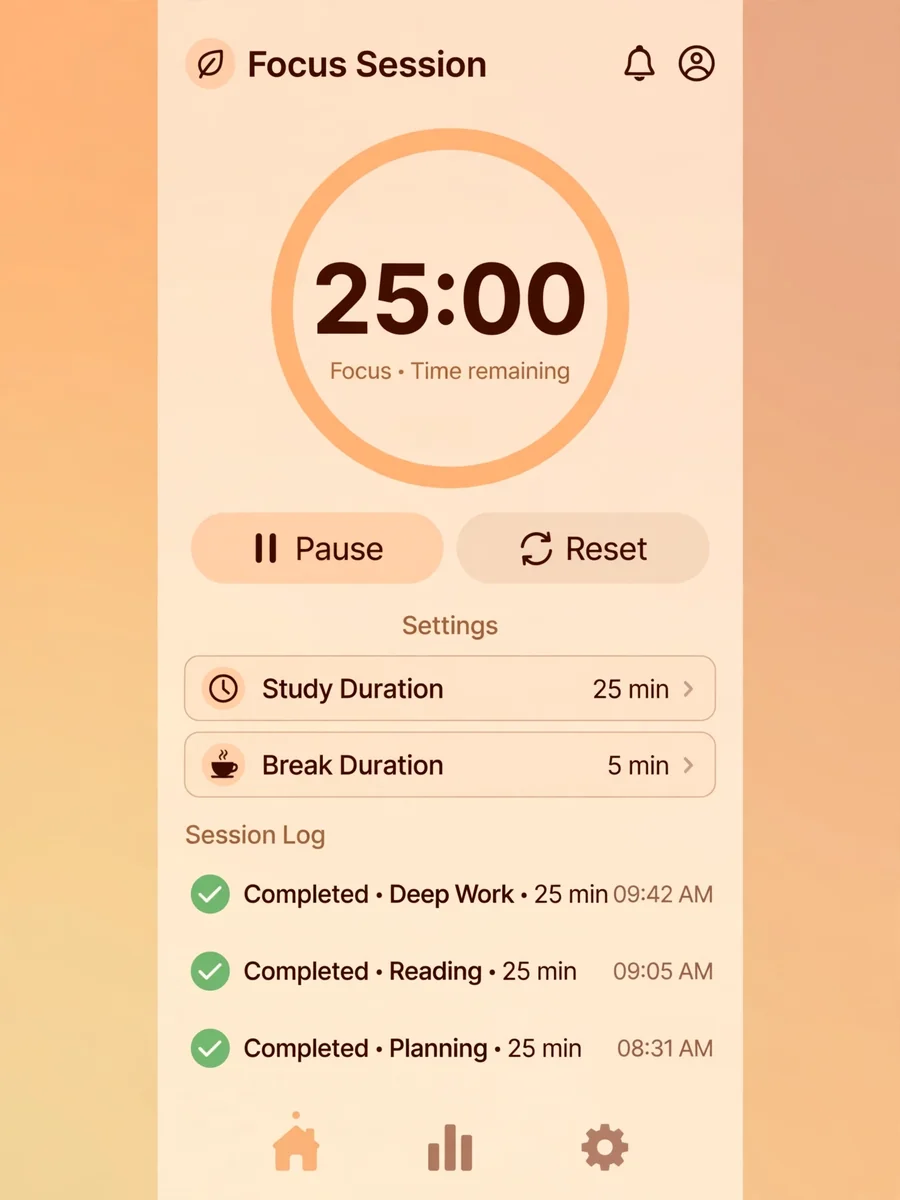
Study Timer — ChatGPT Prompt
The Prompt
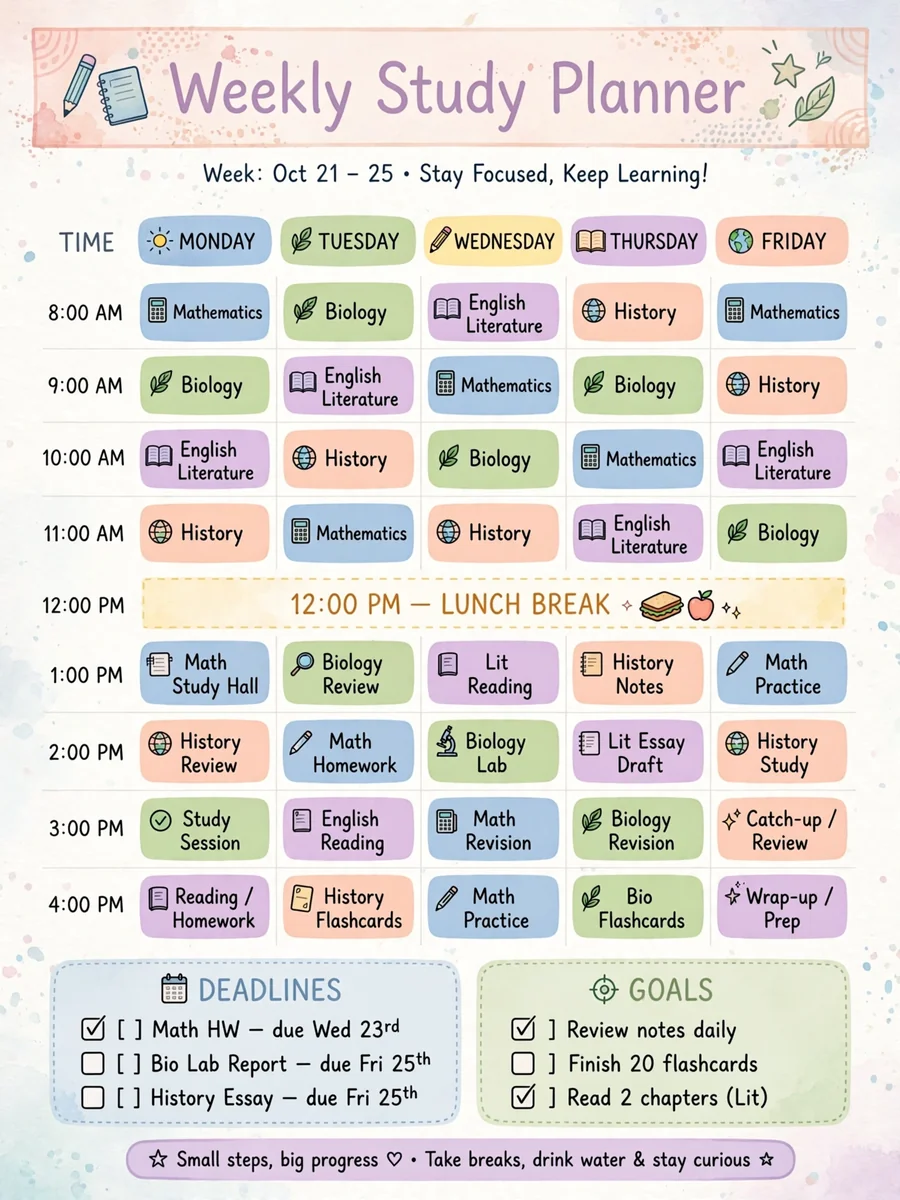
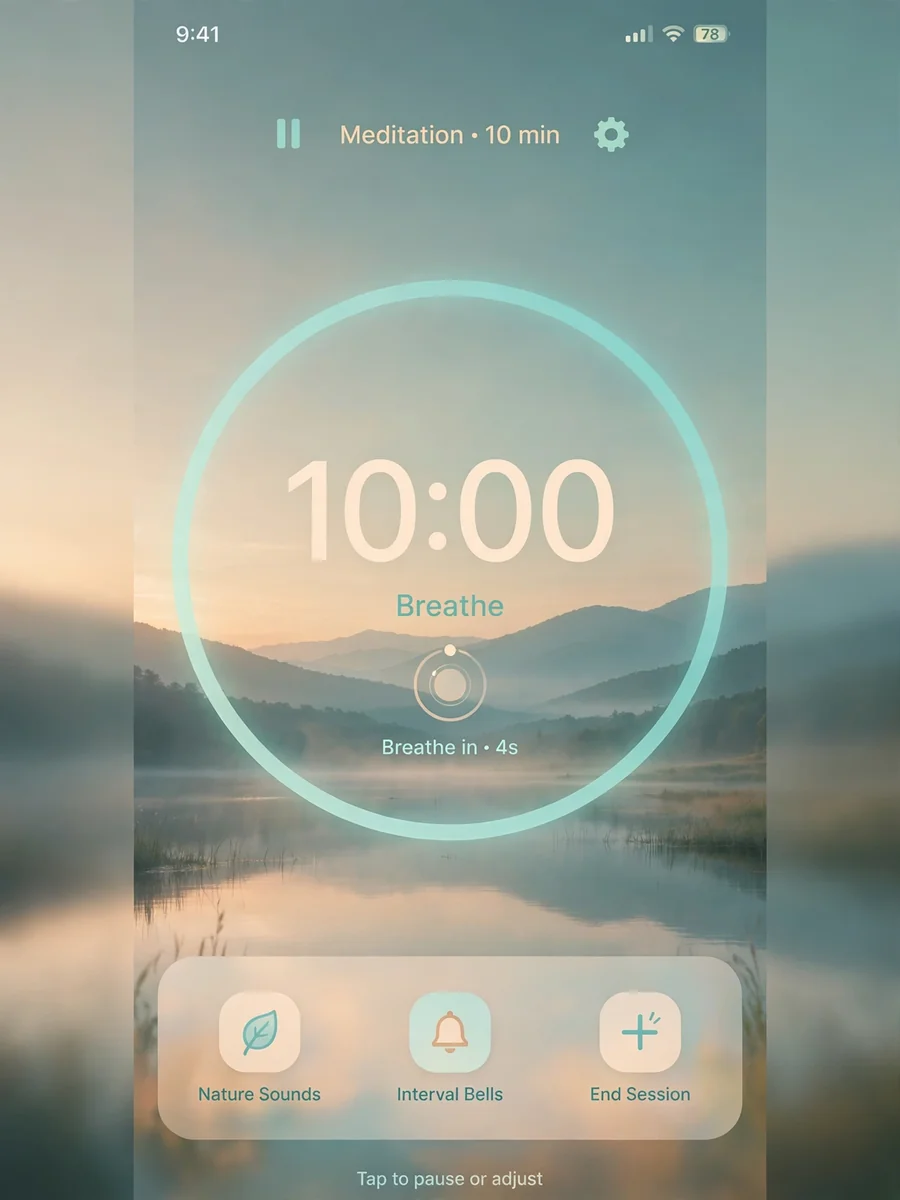
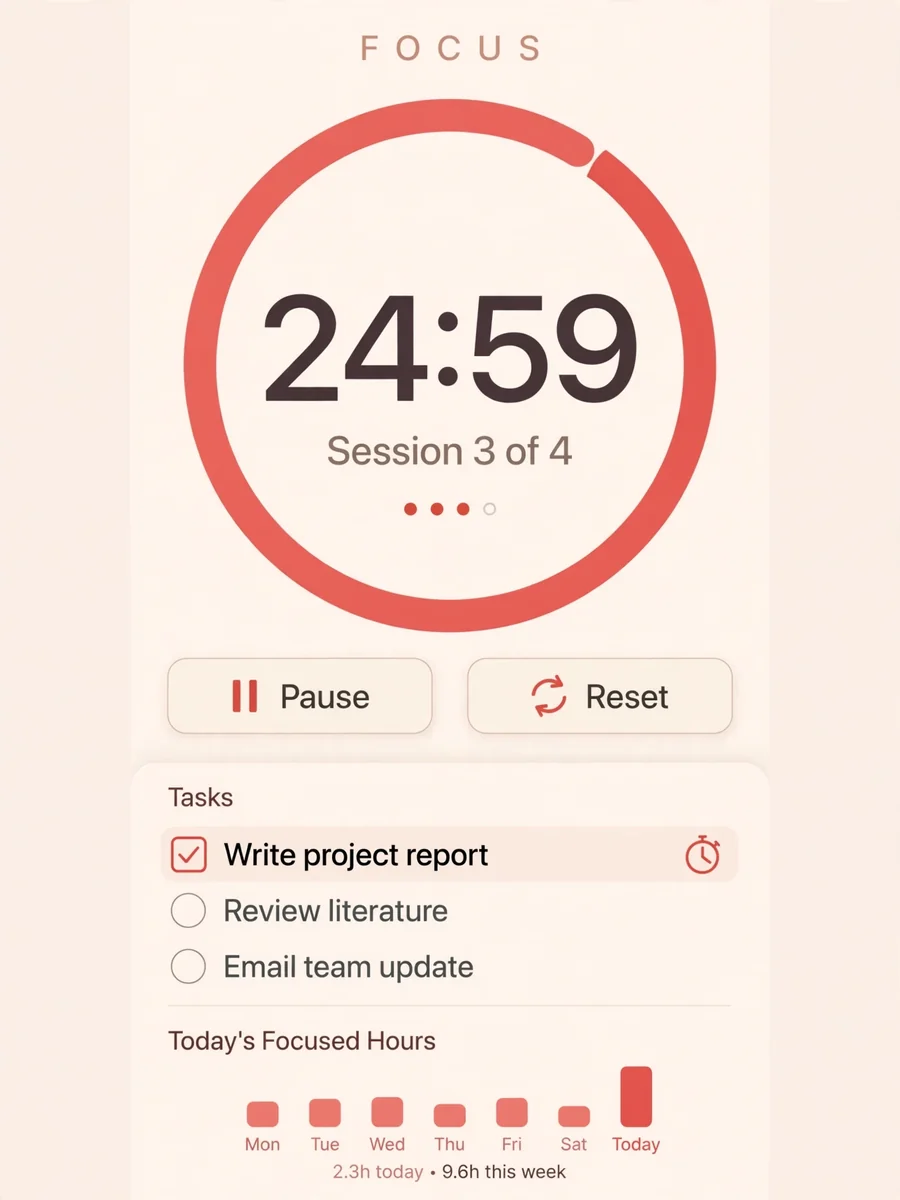
Act as a time management assistant. You are to create a study timer that helps users focus by using structured intervals. Your task is to: - Implement a timer that users can set for study sessions. - Include break intervals after each study session. - Allow customization of study and break durations. - Provide notifications at the start and end of each interval. - Display a visual countdown during each session. Rules: - Ensure the timer can be paused and resumed. - Include an option to log completed study sessions. - Design a user-friendly interface. Variables: - ${studyDuration:25} - default study duration in minutes - ${breakDuration:5} - default break duration in minutes
Make it yours
Describe one change and free AI rewrites this prompt for you.
Works with
ChatGPT, Gemini, Claude - copy and paste. For images, use it with Midjourney, DALL-E, or Gemini image mode.
Tip: swap names, colors, or details to make it yours. Shorter prompts often work better - remove lines you don't need.
Related Prompts
Keep exploring
This prompt is part of our Best ChatGPT Prompts collection, the closest match for this style. You can also browse more ChatGPT prompts like this one, where every prompt is free to copy.
For ideas beyond this topic, explore the newest prompts on the homepage.