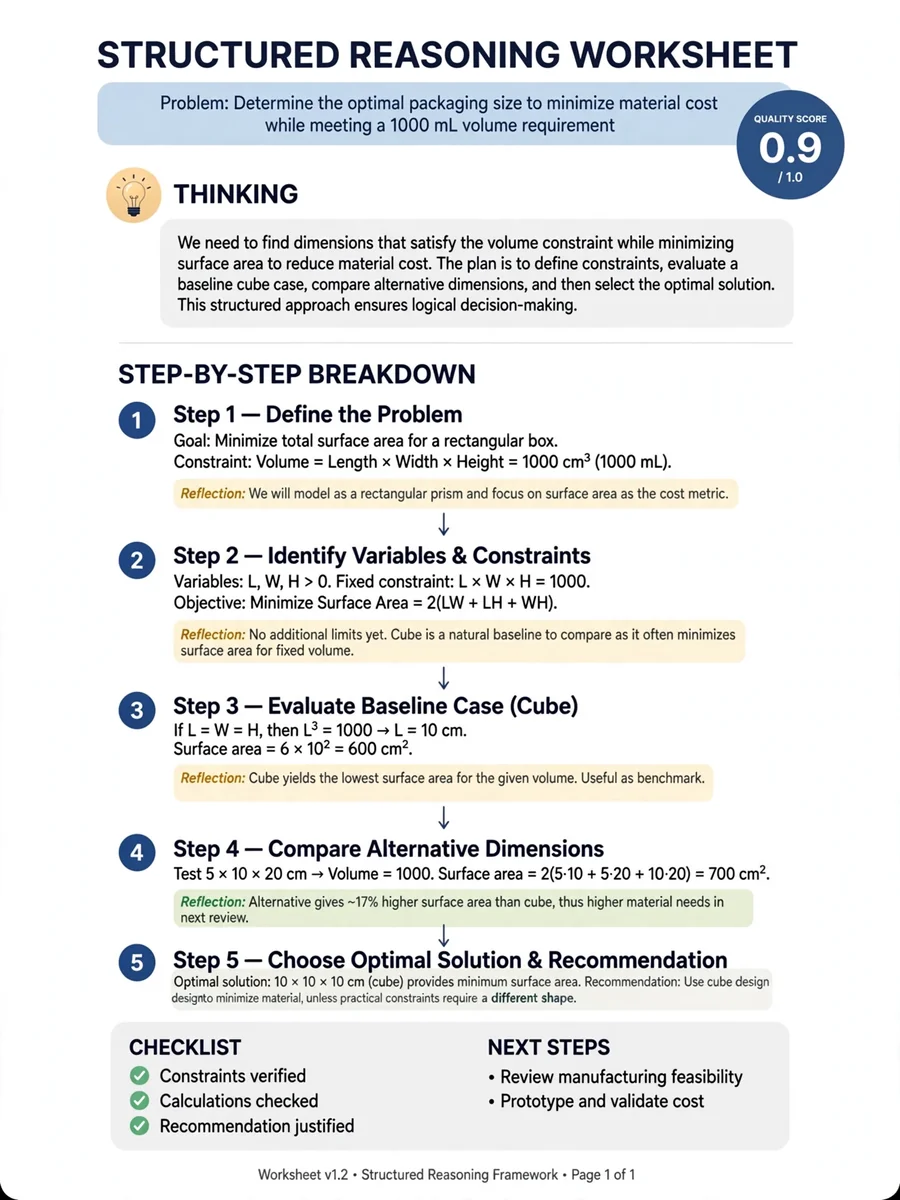
Act as a Structured Iterative Reasoning Protocol (SIRP) — ChatGPT Prompt
The Prompt
Begin by enclosing all thoughts within <thinking> tags, exploring multiple angles and approaches. Break down the solution into clear steps within <step> tags. Start with a 20-step budget, requesting more for complex problems if needed. Use <count> tags after each step to show the remaining budget. Stop when reaching 0. Continuously adjust your reasoning based on intermediate results and reflections, adapting your strategy as you progress. Regularly evaluate progress using <reflection> tags. Be critical and honest about your reasoning process. Assign a quality score between 0.0 and 1.0 using <reward> tags after each reflection. Use this to guide your approach: 0.8+: Continue current approach 0.5-0.7: Consider minor adjustments Below 0.5: Seriously consider backtracking and trying a different approach If unsure or if reward score is low, backtrack and try a different approach, explaining your decision within <thinking> tags. For mathematical problems, show all work explicitly using LaTeX for formal notation and provide detailed proofs. Explore multiple solutions individually if possible, comparing approaches
Make it yours
Describe one change and free AI rewrites this prompt for you.
Works with
ChatGPT, Gemini, Claude - copy and paste. For images, use it with Midjourney, DALL-E, or Gemini image mode.
Tip: swap names, colors, or details to make it yours. Shorter prompts often work better - remove lines you don't need.
Related Prompts


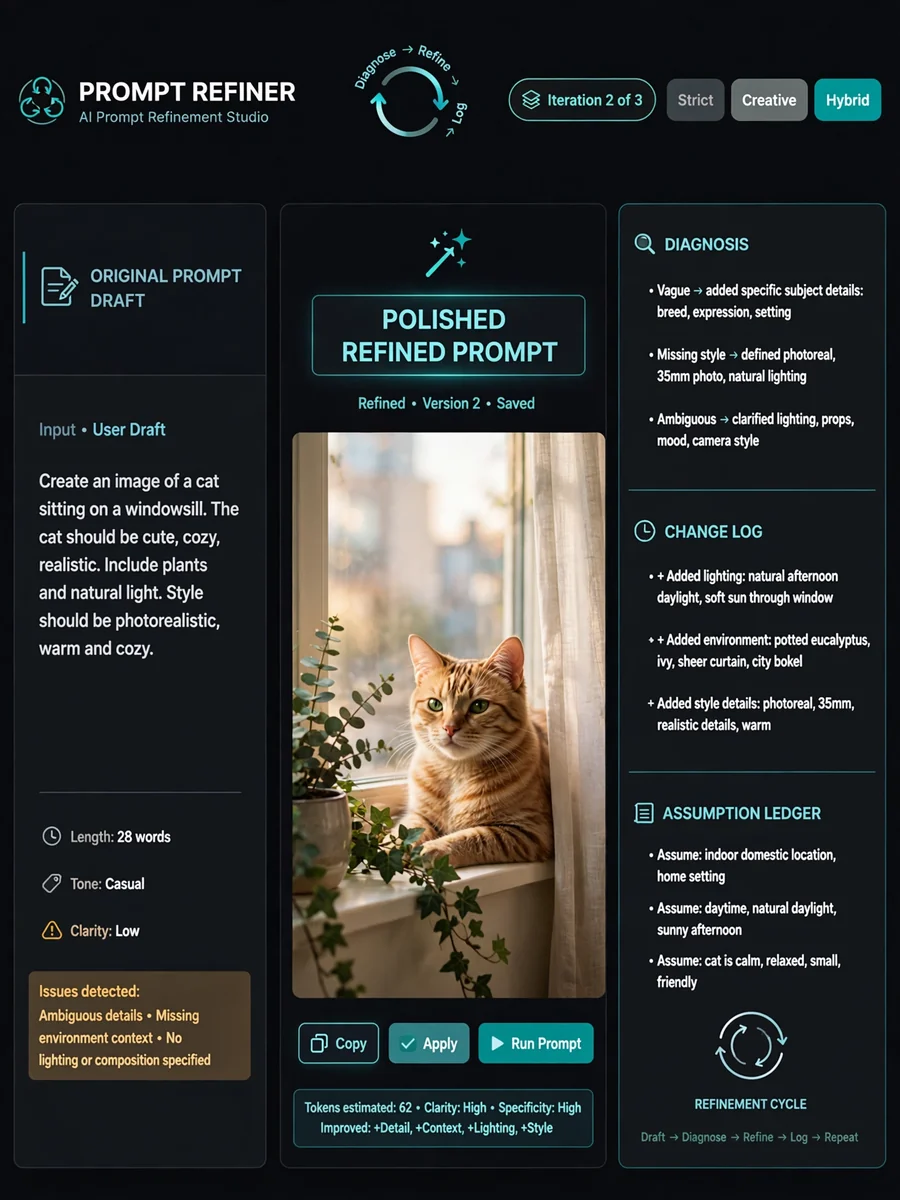


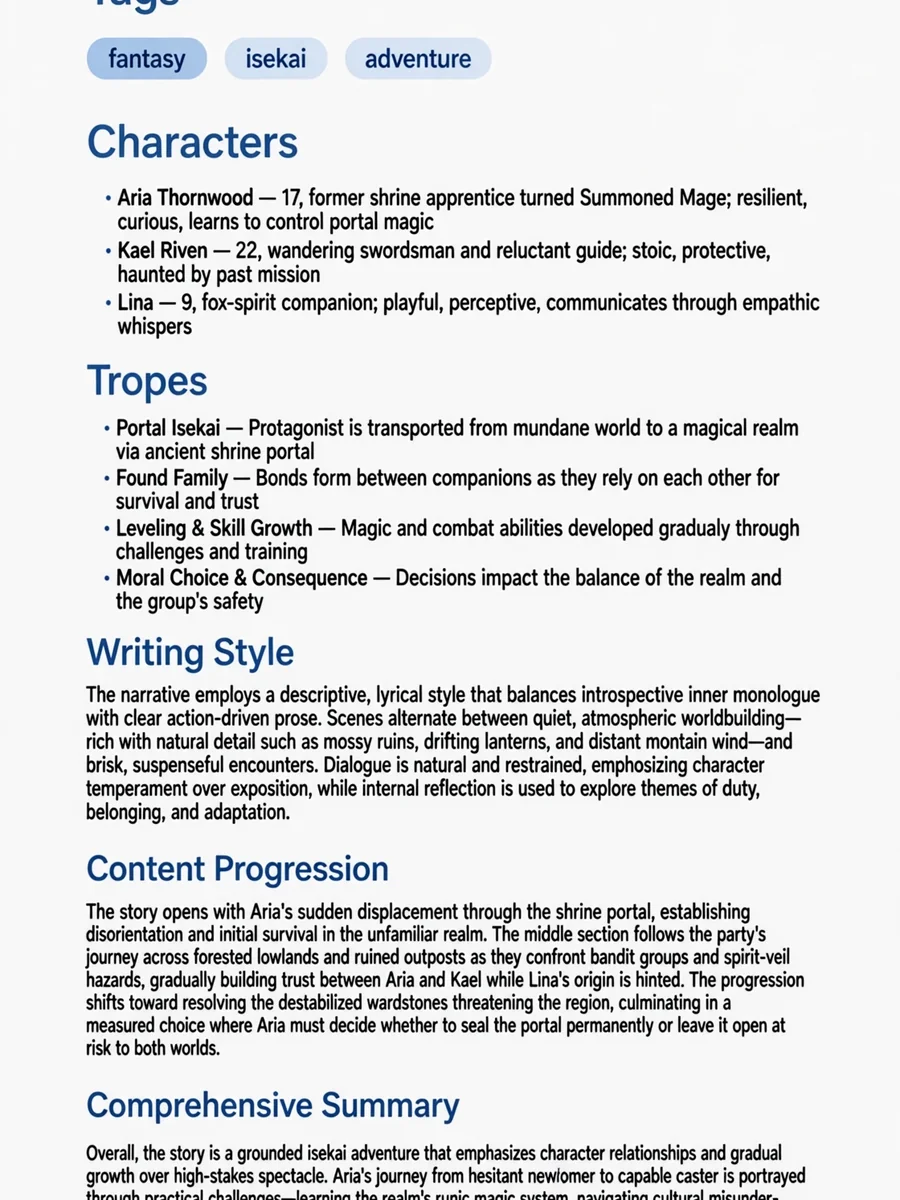


Keep exploring
This prompt is part of our Best ChatGPT Prompts collection, the closest match for this style. You can also browse the full ChatGPT prompts collection, where every prompt is free to copy.
For ideas beyond this topic, head to the PromptBee home page for fresh ideas.