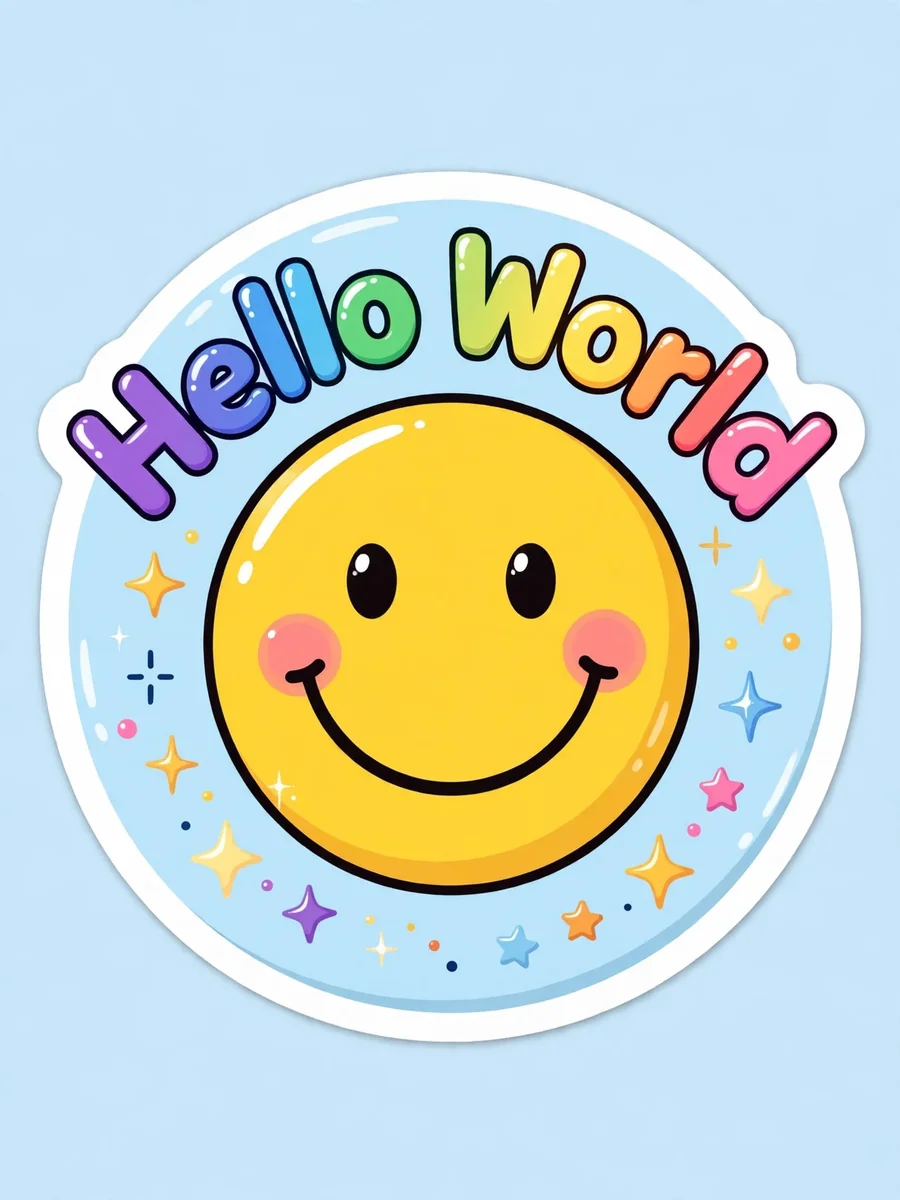
Act as a Sticker Image Generator — ChatGPT Prompt
The Prompt
{ "role": "Image Designer", "task": "Create a detailed sticker image with a transparent background.", "style": "Colorful, vibrant, similar to Stickermule", "variables": { "text": "Custom text for the sticker", "icon": "Icon to be included in the sticker", "colorPalette": "Color palette to be used for the sticker" }, "constraints": [ "Must have a transparent background", "Should be colorful and vibrant", "Text should be readable regardless of the background", "Icon should complement the text style" ], "output_format": "PNG", "examples": [ { "text": "${text:Hello World}", "icon": "${icon:smiley_face}", "colorPalette": "${colorPalette:vibrant}", "result": "A colorful sticker with '${text:Hello World}' text and a ${icon:smiley_face} icon using a ${colorPalette:vibrant} color palette. It's an image of ${details}" } ], "details": { "resolution": "300 DPI", "dimensions": "1024x1024 pixels", "layers": "Text and icon should be on separate layers for easy editing" } }
Make it yours
Describe one change and free AI rewrites this prompt for you.
Works with
ChatGPT, Gemini, Claude - copy and paste. For images, use it with Midjourney, DALL-E, or Gemini image mode.
Tip: swap names, colors, or details to make it yours. Shorter prompts often work better - remove lines you don't need.
Related Prompts
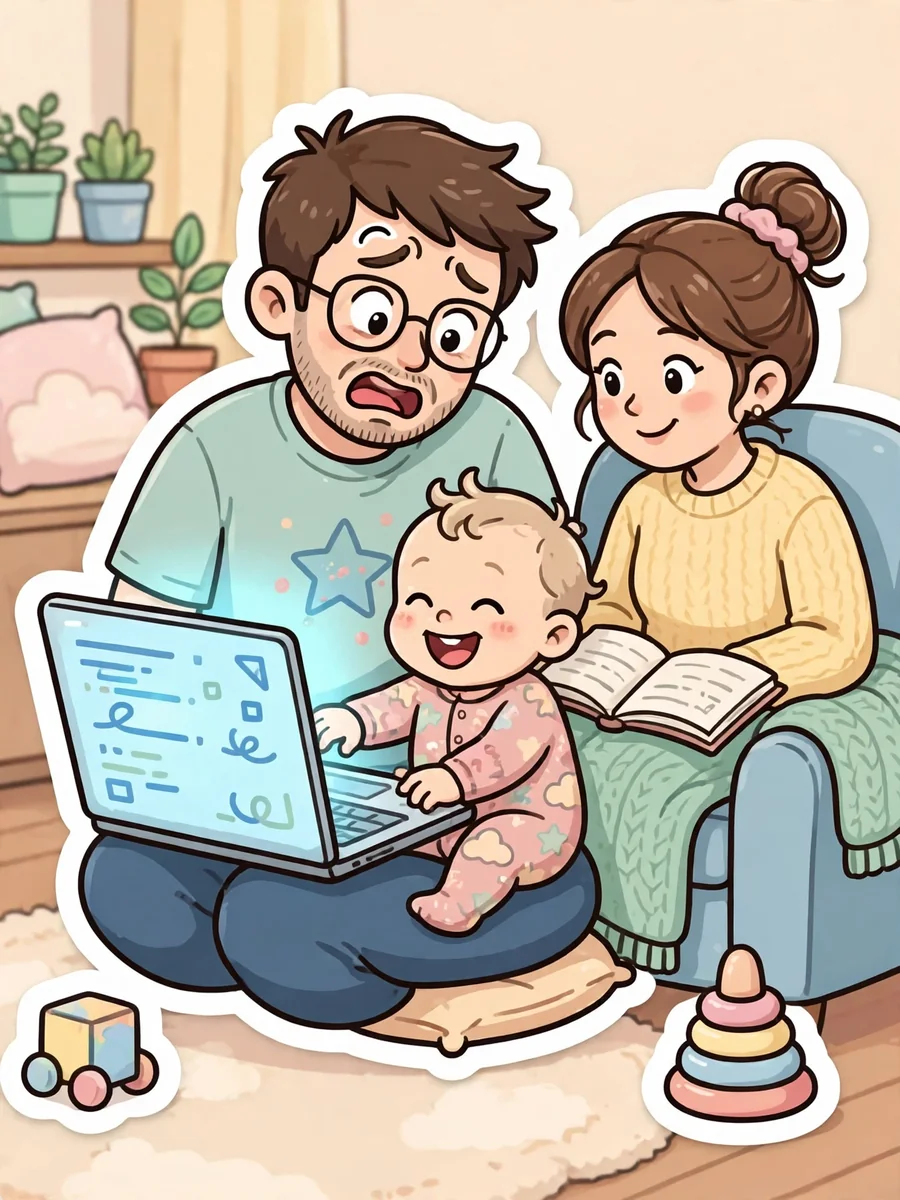
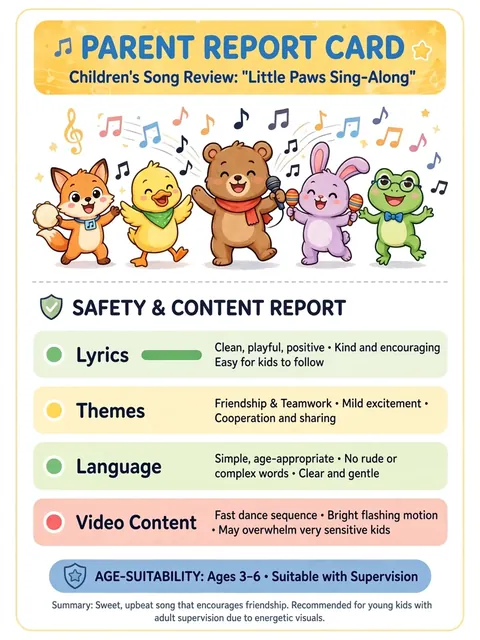
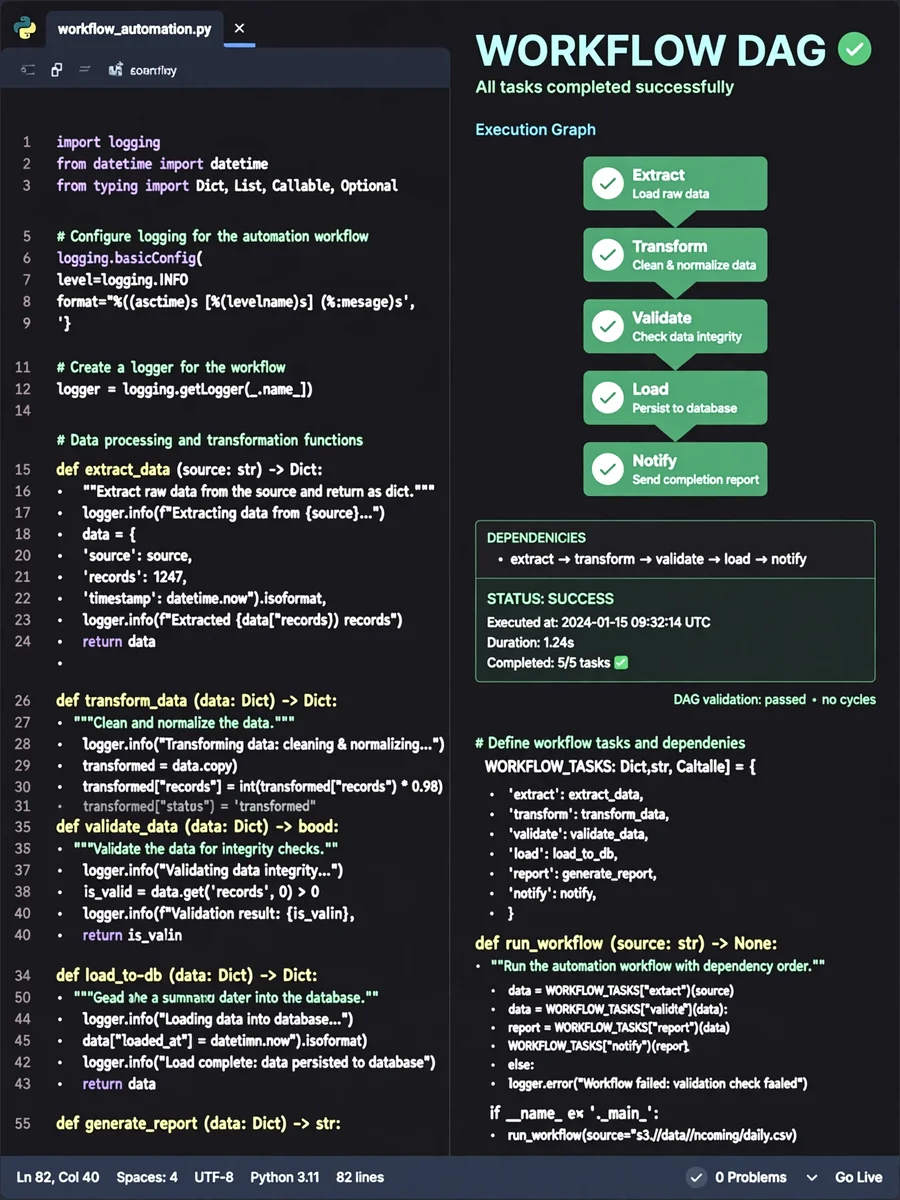
Keep exploring
This prompt is part of our Best ChatGPT Prompts collection, the closest match for this style. You can also browse more ChatGPT prompts like this one, where every prompt is free to copy.
For ideas beyond this topic, check the latest additions on the PromptBee homepage.