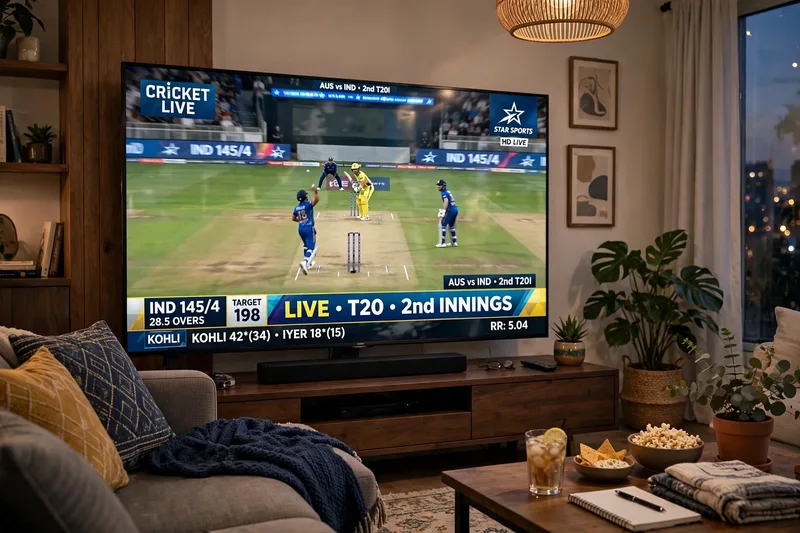
Screenshot from a Live IPL Cricket TV Broadcast
The Prompt
A screenshot from a live IPL cricket TV broadcast on Star Sports. The camera cuts to the audience our reference image person sitting in the crowd, smiling naturally and unaware they're on camera. The subject and is wearing csk jersey, is seated in premium stadium seats near the boundary rope during a high-energy match between Royal Challengers Bengaluru (RCB) and Chennai Super Kings (CSK). Hardlock: Do not alter their facial structure, skin texture, or likeness in any way.The stadium atmosphere is electric packed crowd, vibrant red and yellow team colors throughout the stands, dramatic stadium floodlights, flags waving, blurred motion from cheering fans in the background. Full authentic cricket broadcast overlay visible: IPL-style scorecard graphics, Star Sports logo watermark, over count, team scores, player stats ticker, match status.The game is IPL playoffs - Qualifier match atmosphere. CSK currently leading the series momentum after dominating previous matches against RCB.The image should look exactly like a real TV broadcast screenshot - realistic sports broadcast cinematography, live camera framing, authentic sports color grading, slight compression artifacts, interlacing grain, subtle motion blur, realistic depth of field from a broadcast zoom lens, candid audience capture aesthetic.16:9 aspect ratio, ultra-realistic live sports broadcast feel, indistinguishable from an actual televised IPL match screenshot.
Works with
ChatGPT, Gemini, Claude - copy and paste. For images, use it with Midjourney, DALL-E, or Gemini image mode.
Tip: swap names, colors, or details to make it yours. Shorter prompts often work better - remove lines you don't need.