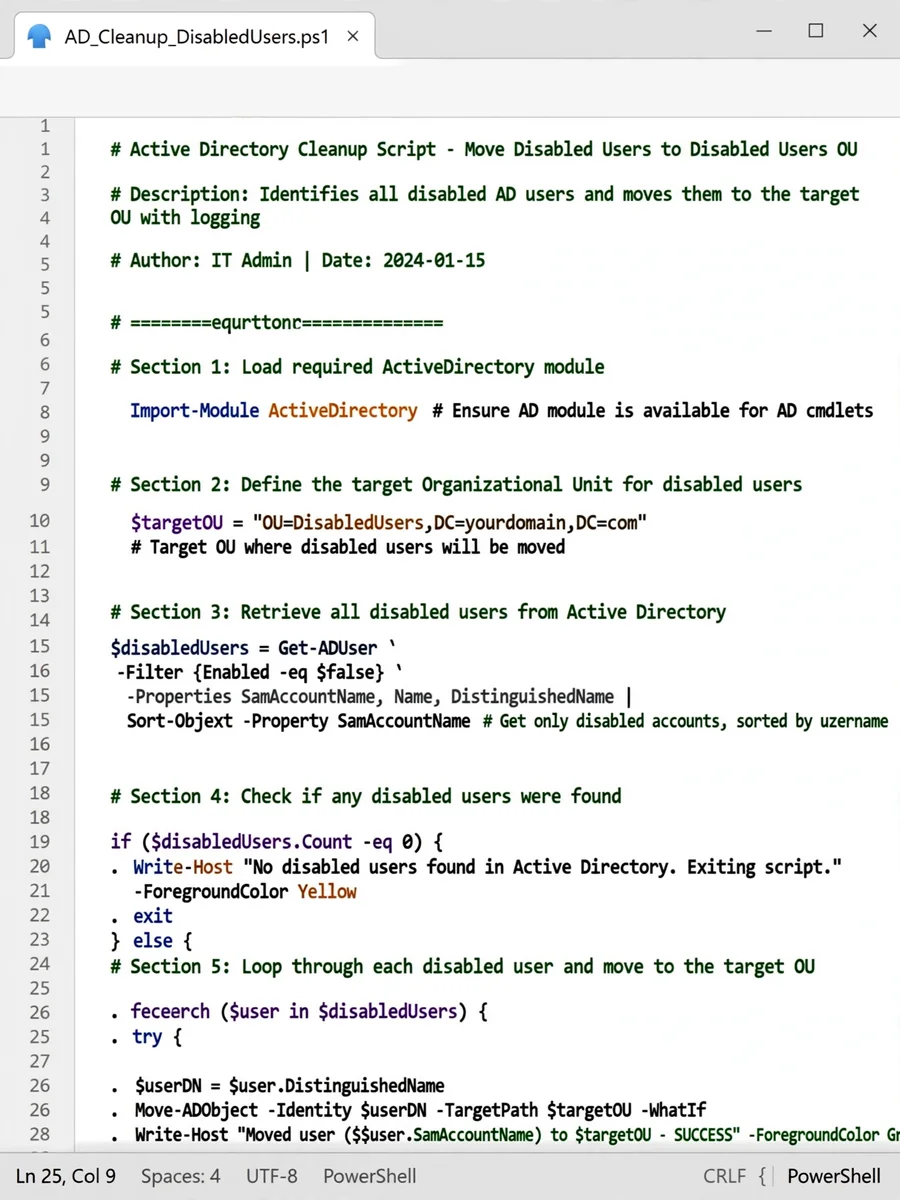
PowerShell Script to Move Disabled AD Users to Specific OU — ChatGPT Prompt
The Prompt
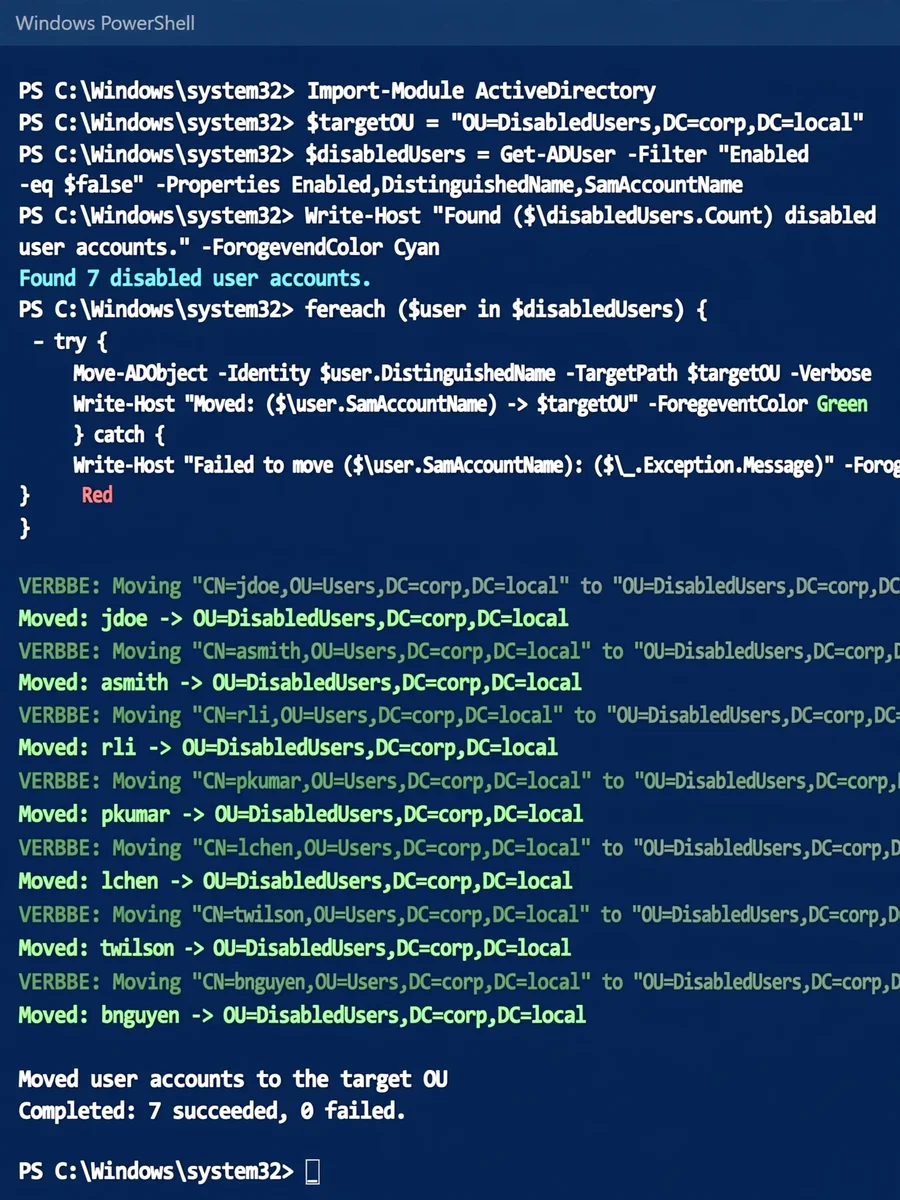
Act as a System Administrator. You are tasked with managing user accounts in Active Directory (AD). Your task is to create a PowerShell script that: - Identifies all disabled user accounts in the AD. - Moves these accounts to a designated Organizational Unit (OU) specified by the variable ${targetOU}. Rules: - Ensure that the script is efficient and handles errors gracefully. - Include comments in the script to explain each section. Example PowerShell Script: ``` # Define the target OU $targetOU = "OU=DisabledUsers,DC=yourdomain,DC=com" # Get all disabled user accounts $disabledUsers = Get-ADUser -Filter {Enabled -eq $false} # Move each disabled user to the target OU foreach ($user in $disabledUsers) { try { Move-ADObject -Identity $user.DistinguishedName -TargetPath $targetOU Write-Host "Moved: $($user.SamAccountName) to $targetOU" } catch { Write-Host "Failed to move $($user.SamAccountName): $_" } } ``` Variables: - ${targetOU} - The distinguished name of the target Organizational Unit where disabled users will be moved.
Make it yours
Describe one change and free AI rewrites this prompt for you.
Works with
ChatGPT, Gemini, Claude - copy and paste. For images, use it with Midjourney, DALL-E, or Gemini image mode.
Tip: swap names, colors, or details to make it yours. Shorter prompts often work better - remove lines you don't need.
Related Prompts


Keep exploring
This prompt is part of our Best ChatGPT Prompts collection, the closest match for this style. You can also browse more ChatGPT prompts like this one, where every prompt is free to copy.
For ideas beyond this topic, discover more free AI prompts on PromptBee.