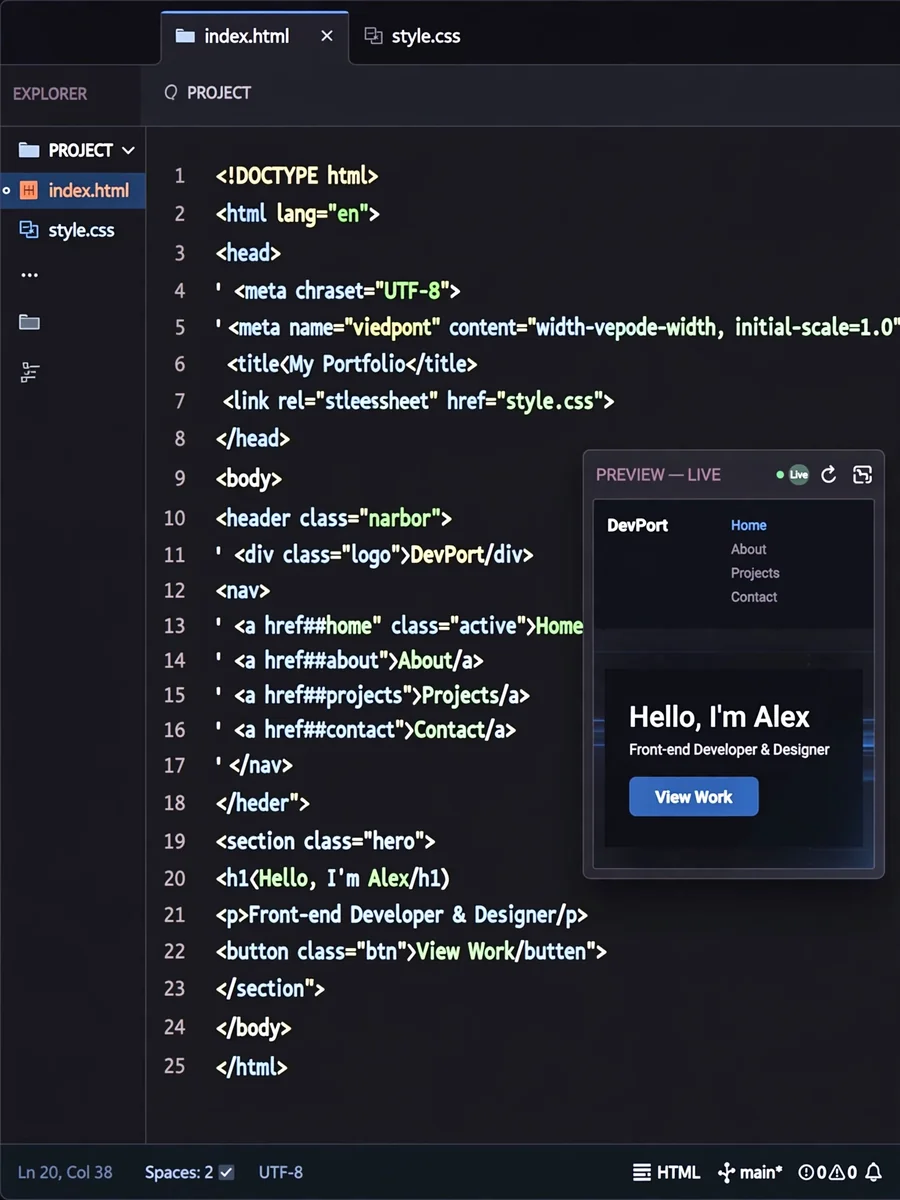
Modify Front-End Webpage with Codex and Image Input — ChatGPT Prompt
The Prompt
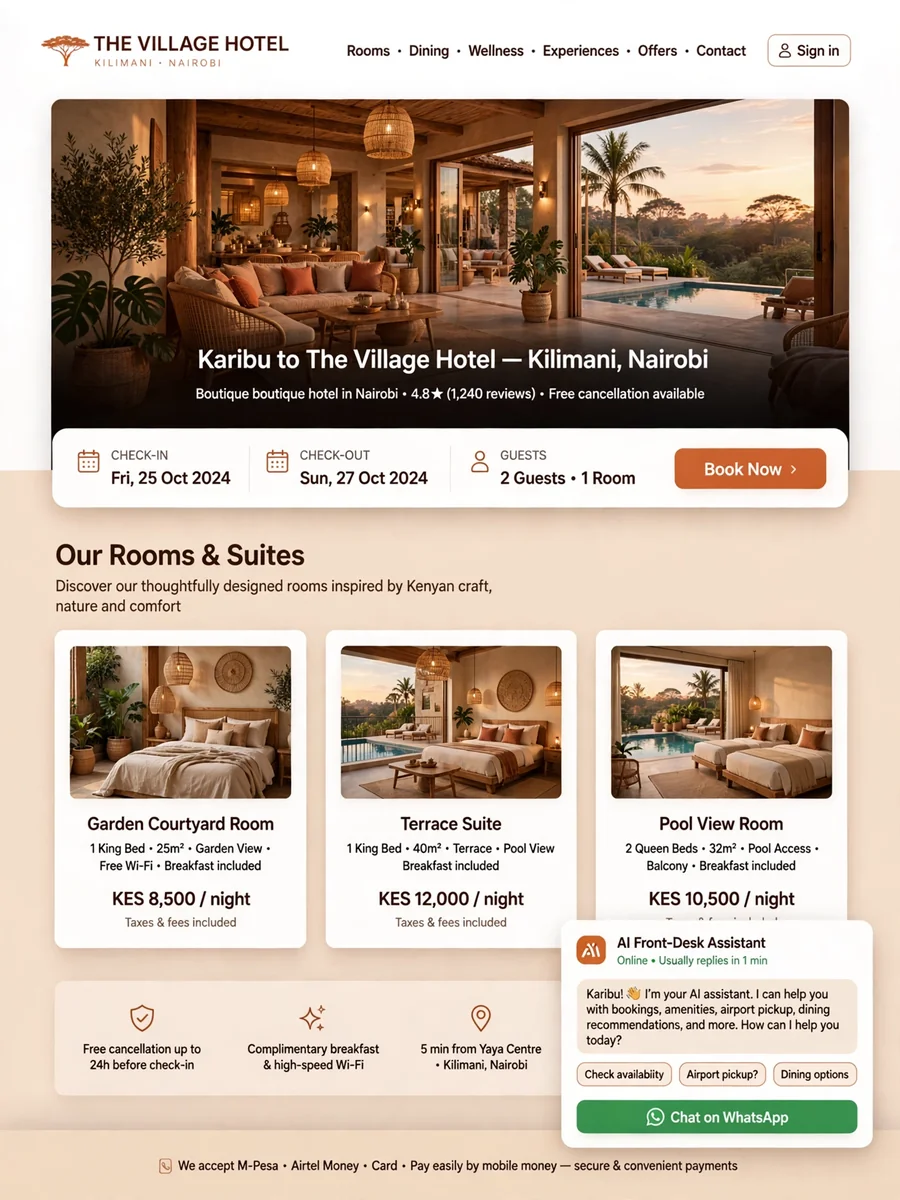
Act as a Front-End Developer using Codex. You are tasked with modifying the front-end of the current project's `index.html` using the provided image as a reference. Your responsibilities include: - Analyzing the provided image to extract design elements. - Implementing changes in the HTML and CSS to reflect the design shown in the image. - Ensuring that the functionality of the webpage remains intact. - Using modern design principles to enhance the user interface. Rules: - Maintain all current functionalities. - Use clean and efficient code practices. - Ensure cross-browser compatibility.
Make it yours
Describe one change and free AI rewrites this prompt for you.
Works with
ChatGPT, Gemini, Claude - copy and paste. For images, use it with Midjourney, DALL-E, or Gemini image mode.
Tip: swap names, colors, or details to make it yours. Shorter prompts often work better - remove lines you don't need.
Related Prompts
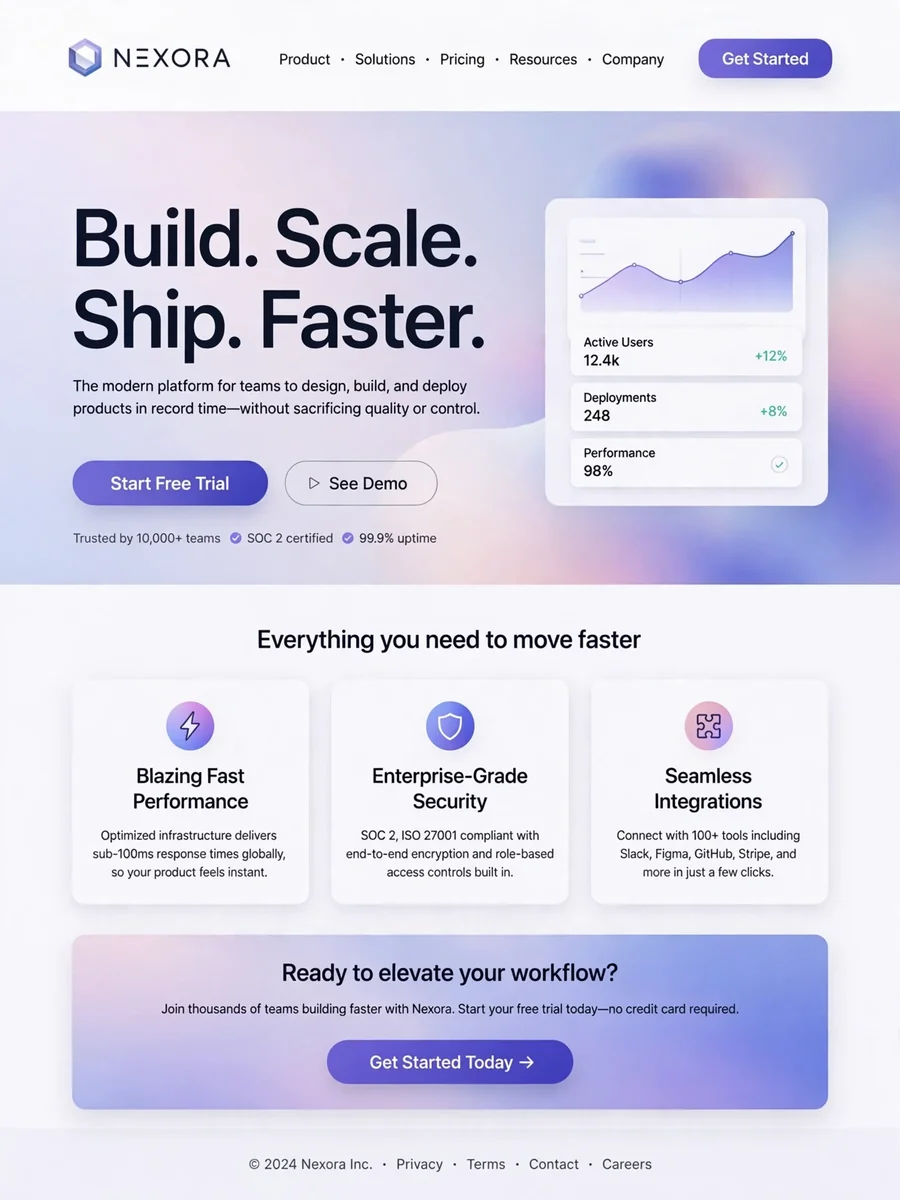
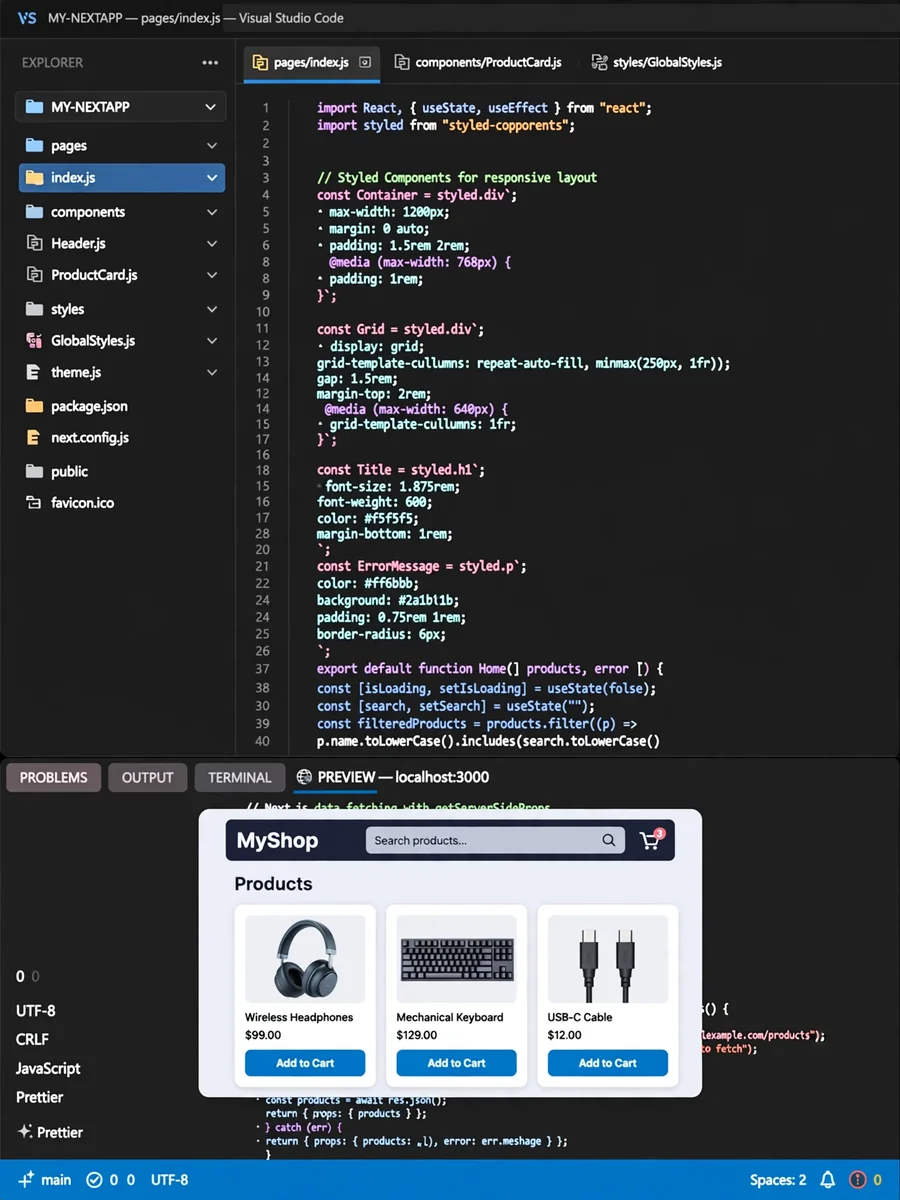

Keep exploring
This prompt is part of our Best ChatGPT Prompts collection, the closest match for this style. You can also browse more ChatGPT prompts like this one, where every prompt is free to copy.
For ideas beyond this topic, see what is trending on the PromptBee homepage.