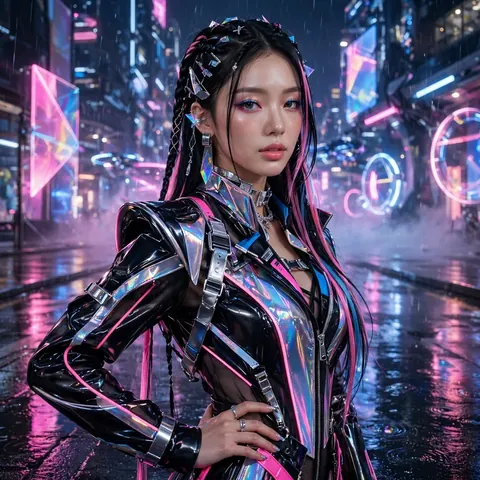
K-Pop Music Video Scene
The Prompt
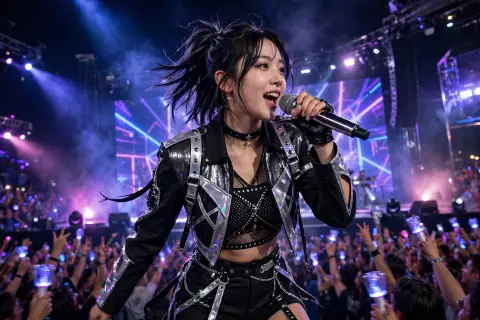
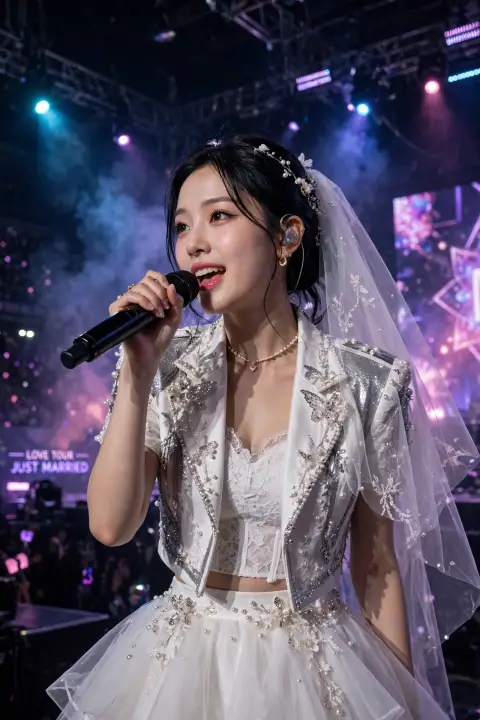
This breathtaking image presents a glamorous K-pop music video scene, featuring a stunning idol in a cutting-edge high-fashion outfit posed against a dazzling neon-lit futuristic city set. The night scene glows with cinematic pink and electric blue hues, reflections shimmering on wet pavement while holographic advertisements flicker in the background. The idol strikes a confident stylish pose, every element of styling from hair to accessories executed with flawless precision. Cinematic photography with exceptional clarity and mesmerizing neon tones. The composition blends fashion editorial elegance with cyberpunk energy, all rendered in breathtaking 4K detail. A visual masterpiece of modern pop culture.
Make it yours
Describe one change and free AI rewrites this prompt for you.
Works with
CapCut, VN Video Editor, Runway, Pika, Kaiber - paste the prompt or use it as a video idea.
Tip: swap names, colors, or details to make it yours. Shorter prompts often work better - remove lines you don't need.
How to use this video prompt (step by step)
In CapCut: 1) Open CapCut and start a new project. 2) Add your clips or photos in the order the prompt describes. 3) Tap "Text" to add the captions from the prompt. 4) Go to "Effects" and pick transitions that match the mood. 5) Export in 1080p and share.
In VN Video Editor: 1) Create a new project in VN. 2) Import your media following the prompt's shot list. 3) Use the "Text" tool for titles and the "Music" tab for trending audio. 4) Apply filters lightly - don't overdo it. 5) Export and post.
In AI video tools (Runway, Pika, Kaiber): Copy the prompt above and paste it directly as your text prompt. Adjust the camera-movement words (like "slow zoom" or "pan left") to control the motion.
Related Prompts
Keep exploring
Want more in this style? Browse more Kpop prompts like this one — every prompt there is free to copy and use.
For ideas beyond this topic, check the latest additions on the PromptBee homepage.