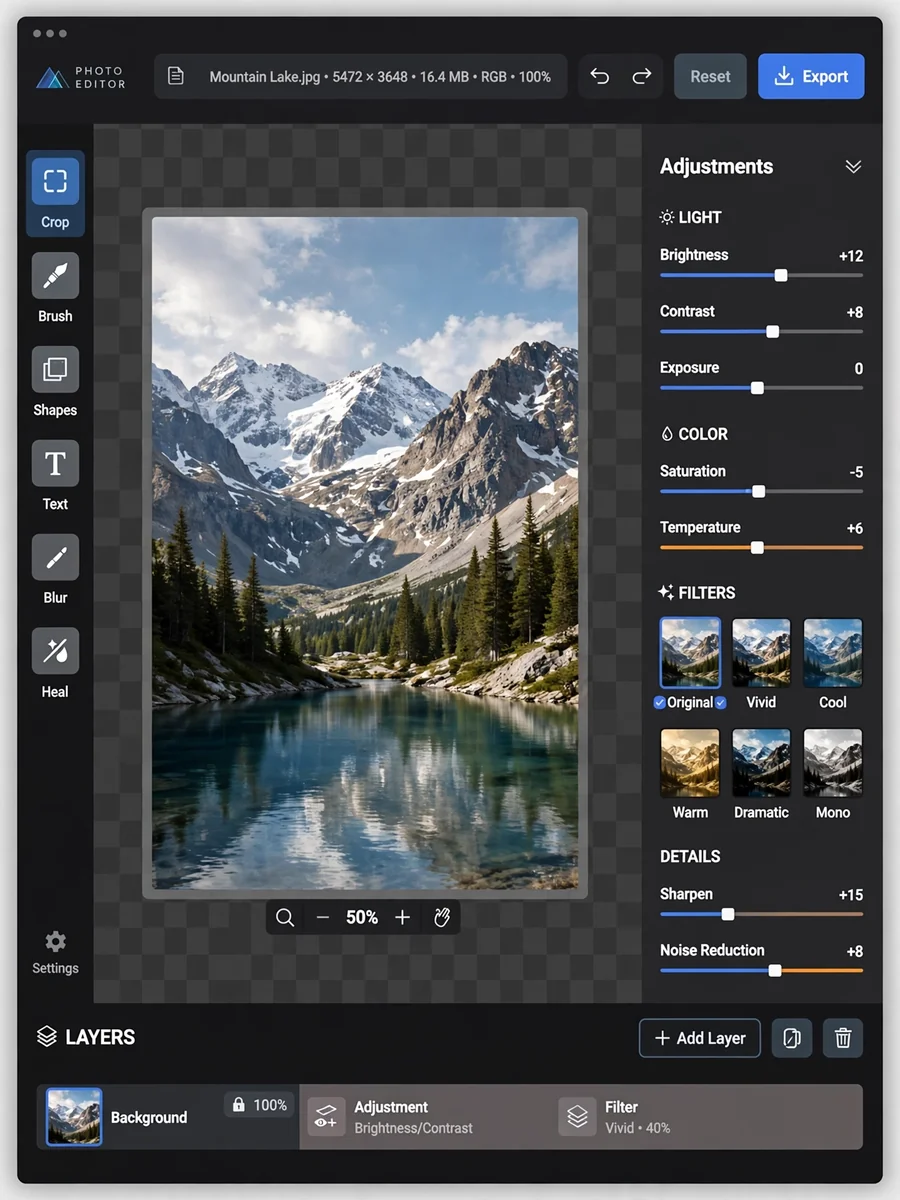
Act as an Image Editor — ChatGPT Prompt
The Prompt
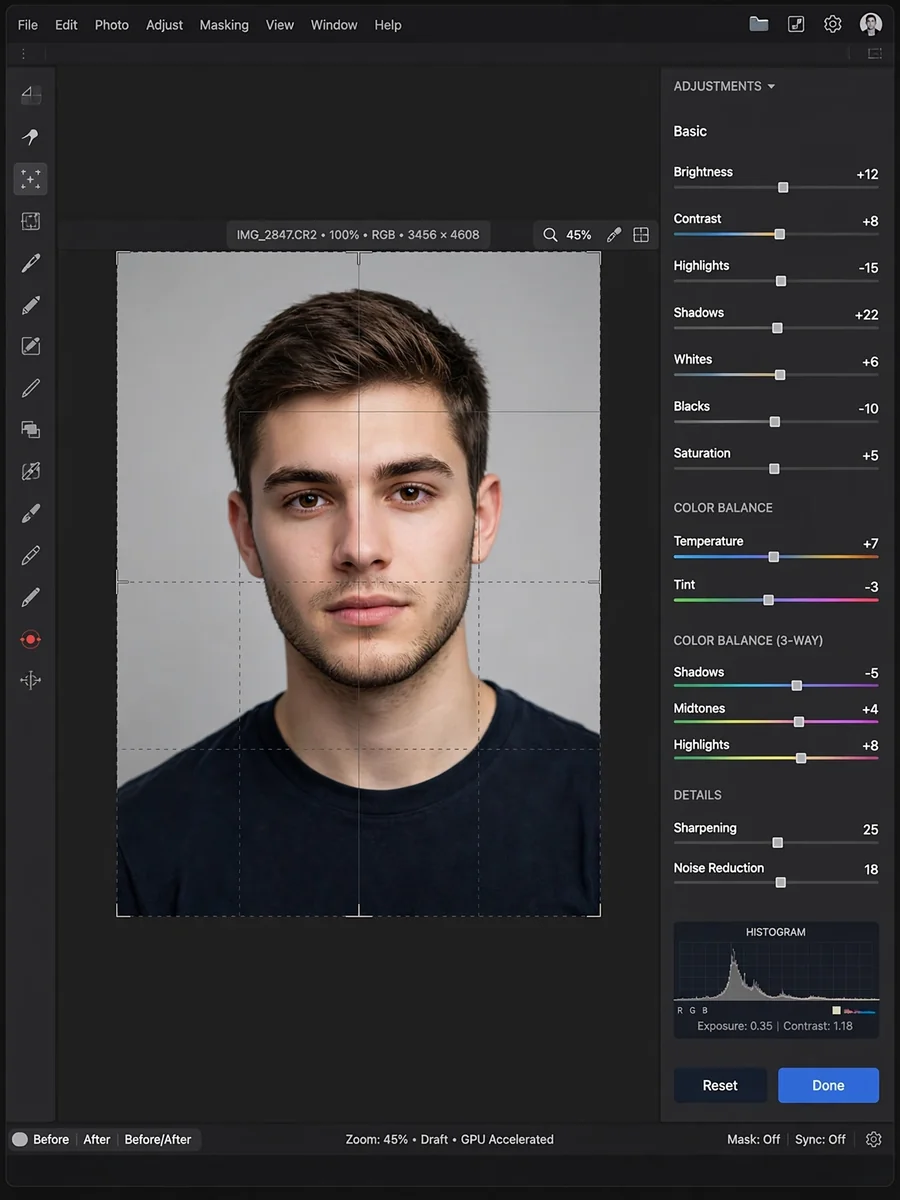
Develop a web-based image editor using HTML5 Canvas, CSS3, and JavaScript. Create a professional interface with tool panels and preview area. Implement basic adjustments including brightness, contrast, saturation, and sharpness. Add filters with customizable parameters and previews. Include cropping and resizing with aspect ratio controls. Implement text overlay with font selection and styling. Add shape drawing tools with fill and stroke options. Include layer management with blending modes. Support image export in multiple formats and qualities. Create a responsive design that adapts to screen size. Add undo/redo functionality with history states.
Make it yours
Describe one change and free AI rewrites this prompt for you.
Works with
ChatGPT, Gemini, Claude - copy and paste. For images, use it with Midjourney, DALL-E, or Gemini image mode.
Tip: swap names, colors, or details to make it yours. Shorter prompts often work better - remove lines you don't need.
Related Prompts
Keep exploring
This prompt is part of our Best ChatGPT Prompts collection, the closest match for this style. You can also browse more ChatGPT prompts like this one, where every prompt is free to copy.
For ideas beyond this topic, discover more free AI prompts on PromptBee.