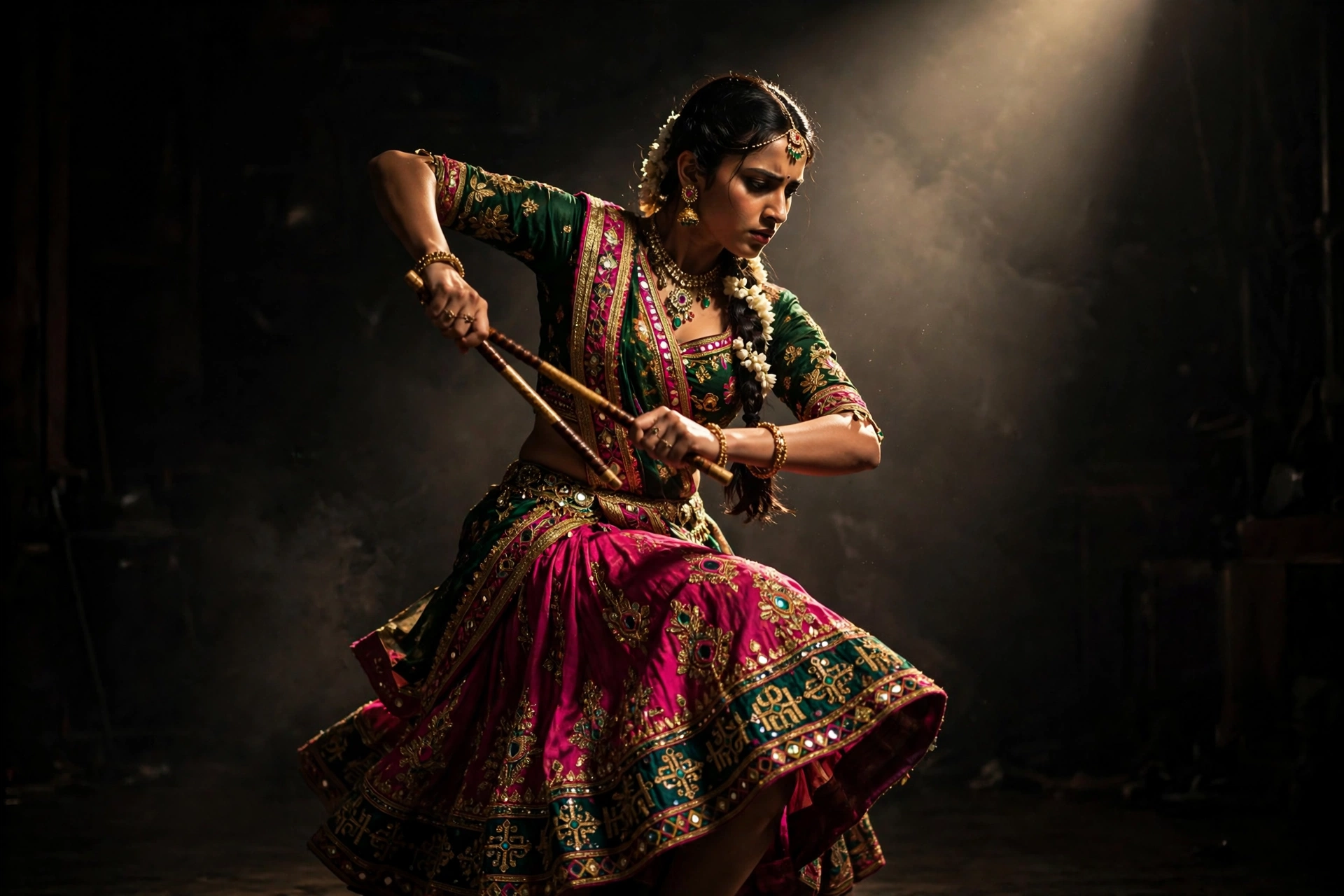
Spotlight Solo Garba
The Prompt
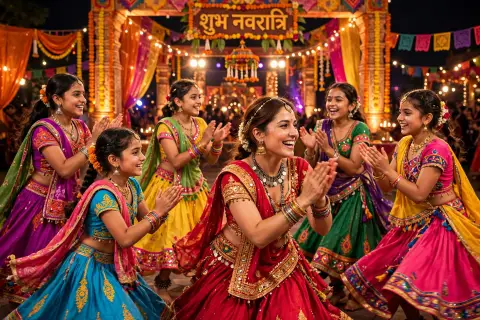
Turn this photo into a dramatic 6-second AI video of a solo garba under a single spotlight. Keep the person's face exactly the same as the original photo, do not change any facial features. She stands in a pool of warm golden light. Darkness surrounds her on all sides. She does precise dandiya strikes and slow powerful spins. The camera circles her in the dark. The light catches her every single move. Her shadow stretches long on the stage floor. The mood is theatrical, intense, and unforgettable. It feels like a star performance moment.
Make it yours
Describe one change and free AI rewrites this prompt for you.
Works with
CapCut, VN Video Editor, Runway, Pika, Kaiber - paste the prompt or use it as a video idea.
Tip: swap names, colors, or details to make it yours. Shorter prompts often work better - remove lines you don't need.
How to use this video prompt (step by step)
In CapCut: 1) Open CapCut and start a new project. 2) Add your clips or photos in the order the prompt describes. 3) Tap "Text" to add the captions from the prompt. 4) Go to "Effects" and pick transitions that match the mood. 5) Export in 1080p and share.
In VN Video Editor: 1) Create a new project in VN. 2) Import your media following the prompt's shot list. 3) Use the "Text" tool for titles and the "Music" tab for trending audio. 4) Apply filters lightly - don't overdo it. 5) Export and post.
In AI video tools (Runway, Pika, Kaiber): Copy the prompt above and paste it directly as your text prompt. Adjust the camera-movement words (like "slow zoom" or "pan left") to control the motion.
Related Prompts
Keep exploring
Want more in this style? Browse more Garba Video prompts like this one — every prompt there is free to copy and use.
For ideas beyond this topic, check the latest additions on the PromptBee homepage.