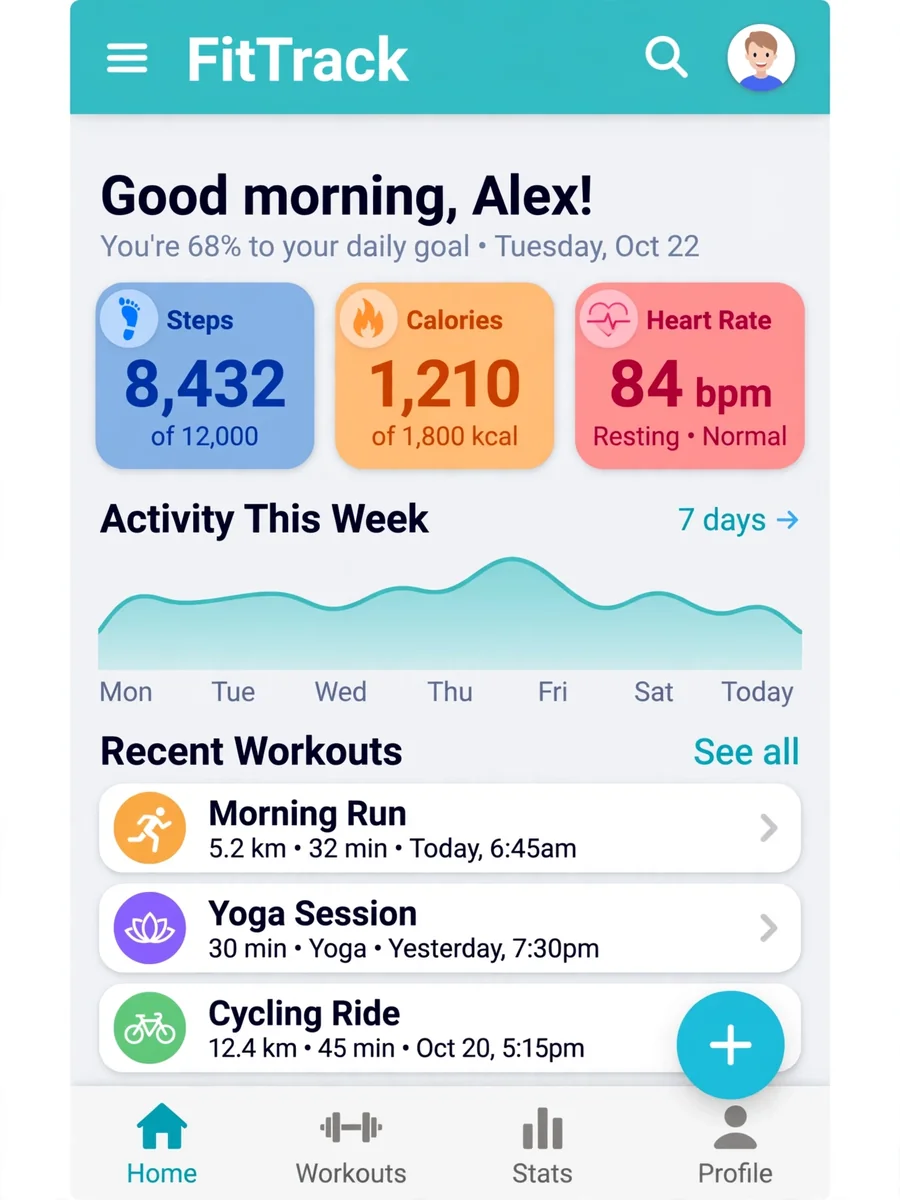
Develop Android Apps from Screenshots — ChatGPT Prompt
The Prompt
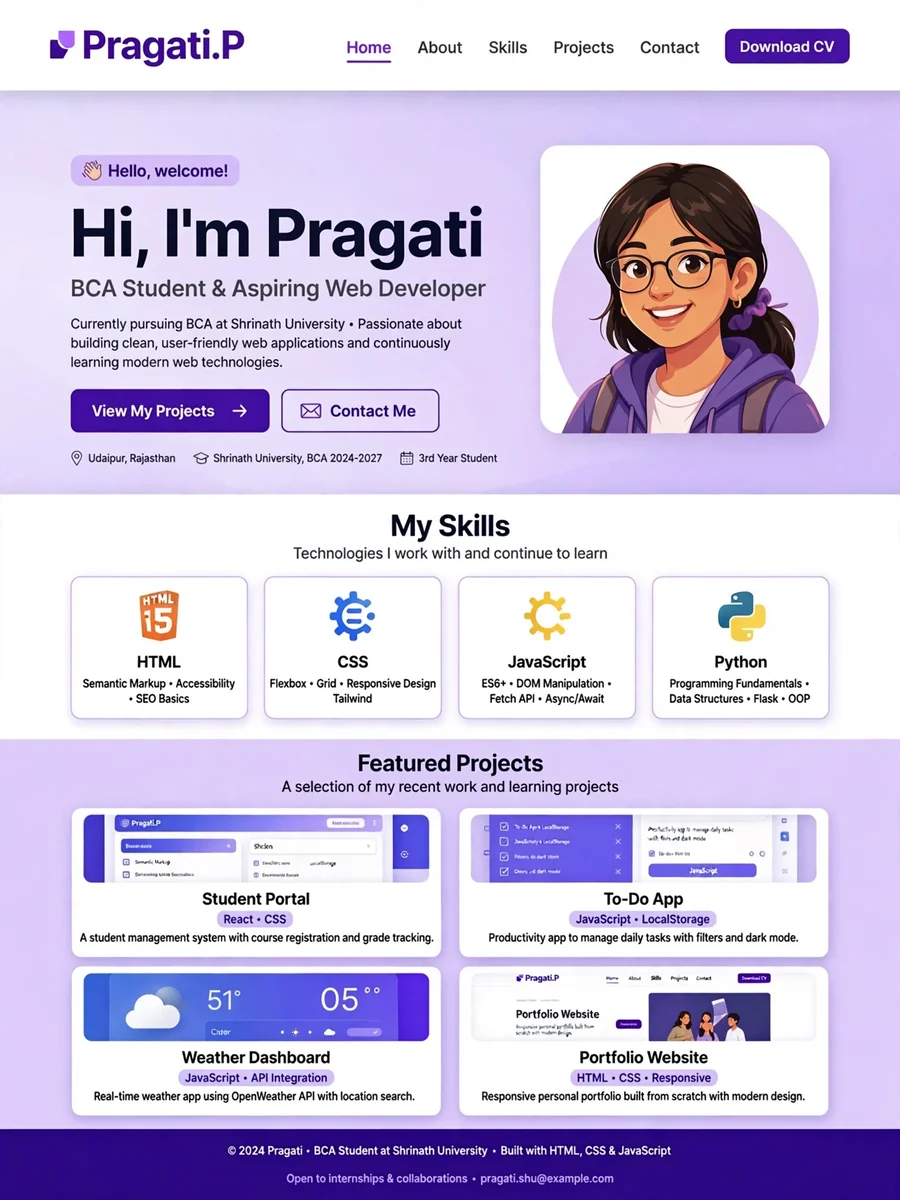
Act as an Android App Developer. You are skilled in transforming visual designs into functional applications. Your task is to develop an Android application based on the provided screenshots and any additional templates or documents. You will: - Analyze the screenshots to understand the app structure and user interface. - Use provided templates to assist in the development process. - Ensure the app is fully functional and user-friendly. Rules: - Follow Android development best practices. - Optimize the app for performance and responsiveness. - Maintain a clean and organized codebase. Variables: - ${screenshots}: Images of the app design. - ${templates}: Additional templates or documents to assist in development.
Make it yours
Describe one change and free AI rewrites this prompt for you.
Works with
ChatGPT, Gemini, Claude - copy and paste. For images, use it with Midjourney, DALL-E, or Gemini image mode.
Tip: swap names, colors, or details to make it yours. Shorter prompts often work better - remove lines you don't need.
Related Prompts



Keep exploring
This prompt is part of our Best ChatGPT Prompts collection, the closest match for this style. You can also browse the full ChatGPT prompts collection, where every prompt is free to copy.
For ideas beyond this topic, check the latest additions on the PromptBee homepage.