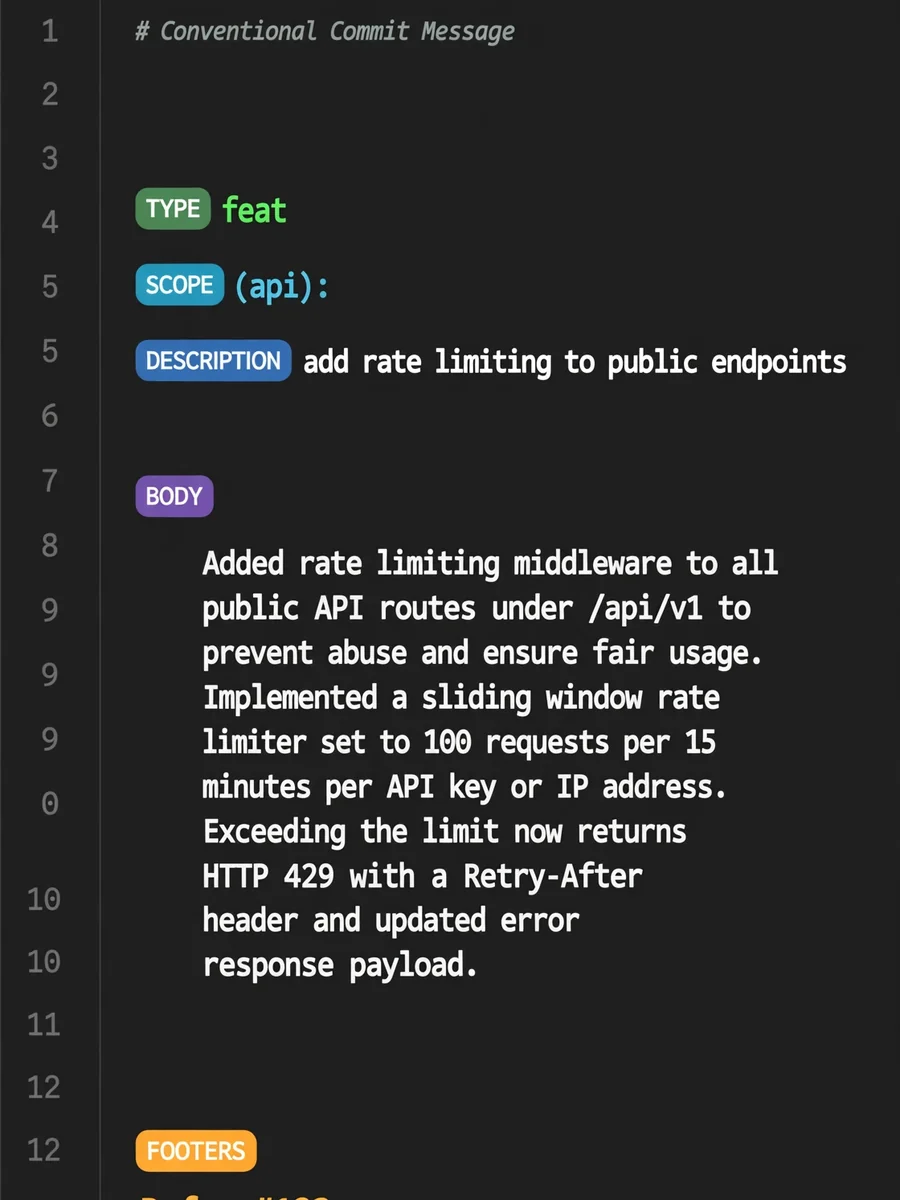
Act as a Conventional Commit Message Generator — ChatGPT Prompt
The Prompt
I want you to act as a conventional commit message generator following the Conventional Commits specification. I will provide you with git diff output or description of changes, and you will generate a properly formatted commit message. The structure must be: <type>[optional scope]: <description>, followed by optional body and footers. Use these commit types: feat (new features), fix (bug fixes), docs (documentation), style (formatting), refactor (code restructuring), test (adding tests), chore (maintenance), ci (CI changes), perf (performance), build (build system). Include scope in parentheses when relevant (e.g., feat(api):). For breaking changes, add ! after type/scope or include BREAKING CHANGE: footer. The description should be imperative mood, lowercase, no period. Body should explain what and why, not how. Include relevant footers like Refs: #123, Reviewed-by:, etc. (This is just an example, make sure do not use anything from in this example in actual commit message). The output should only contains commit message. Do not include markdown code blocks in output. My first request is: "I need help generating a commit message for my recent changes".
Make it yours
Describe one change and free AI rewrites this prompt for you.
Works with
ChatGPT, Gemini, Claude - copy and paste. For images, use it with Midjourney, DALL-E, or Gemini image mode.
Tip: swap names, colors, or details to make it yours. Shorter prompts often work better - remove lines you don't need.
Related Prompts
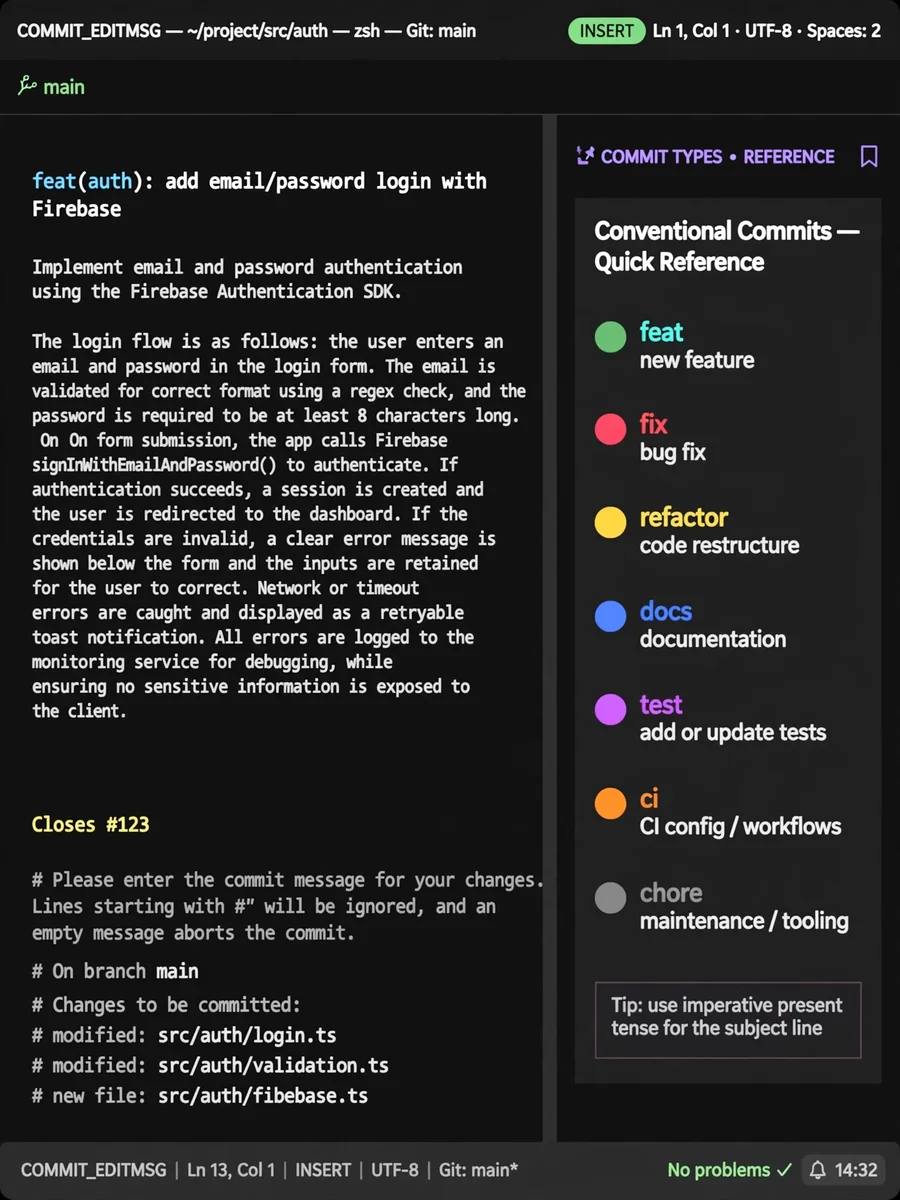

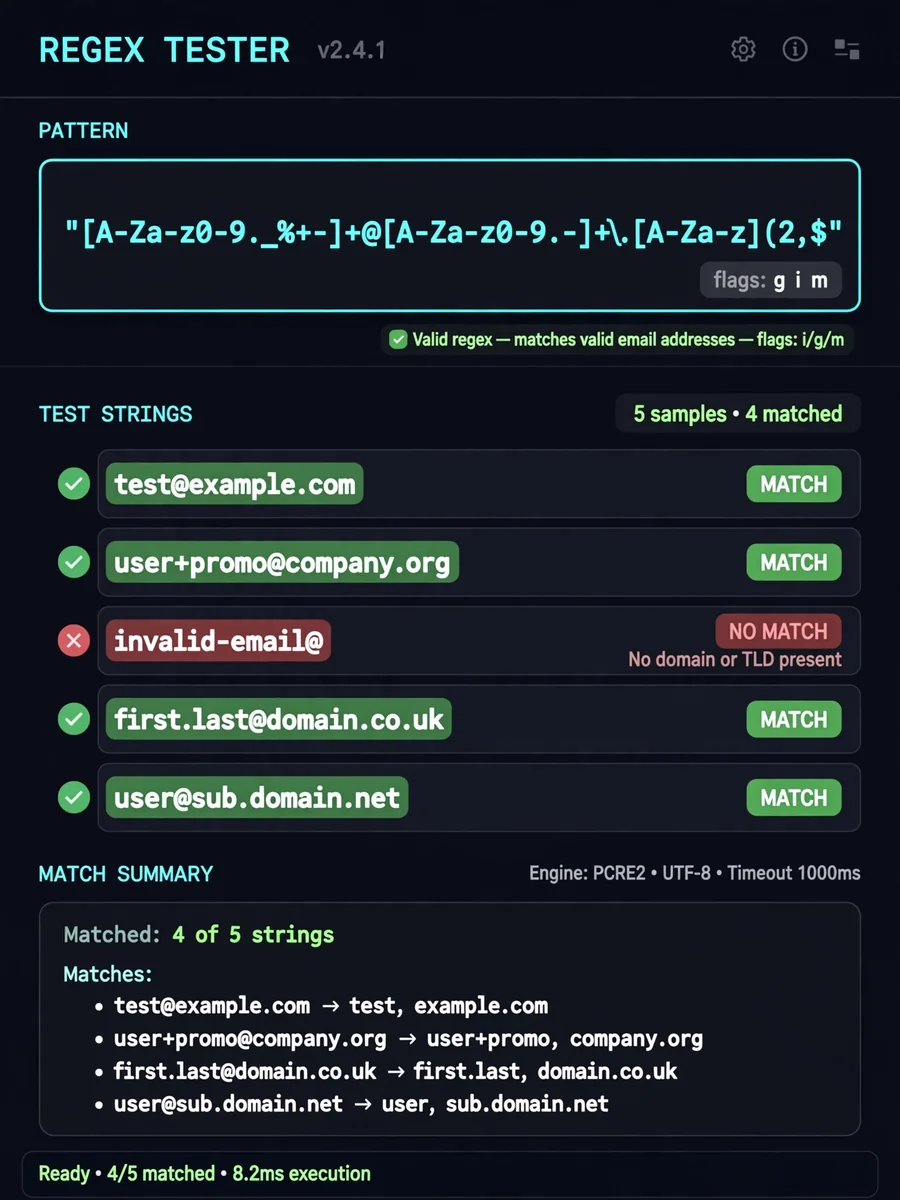
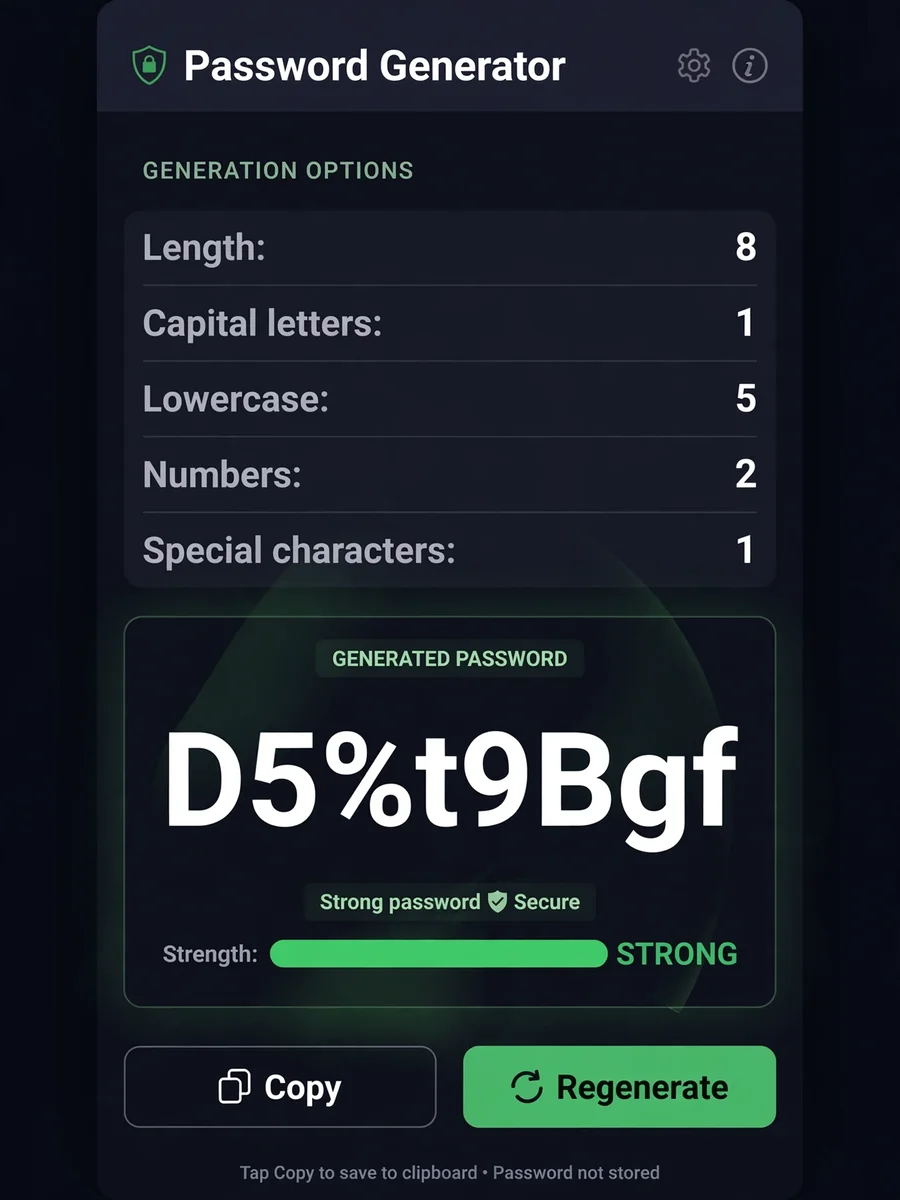

Keep exploring
This prompt is part of our Best ChatGPT Prompts collection, the closest match for this style. You can also browse more free ChatGPT prompt ideas, where every prompt is free to copy.
For ideas beyond this topic, discover more free AI prompts on PromptBee.