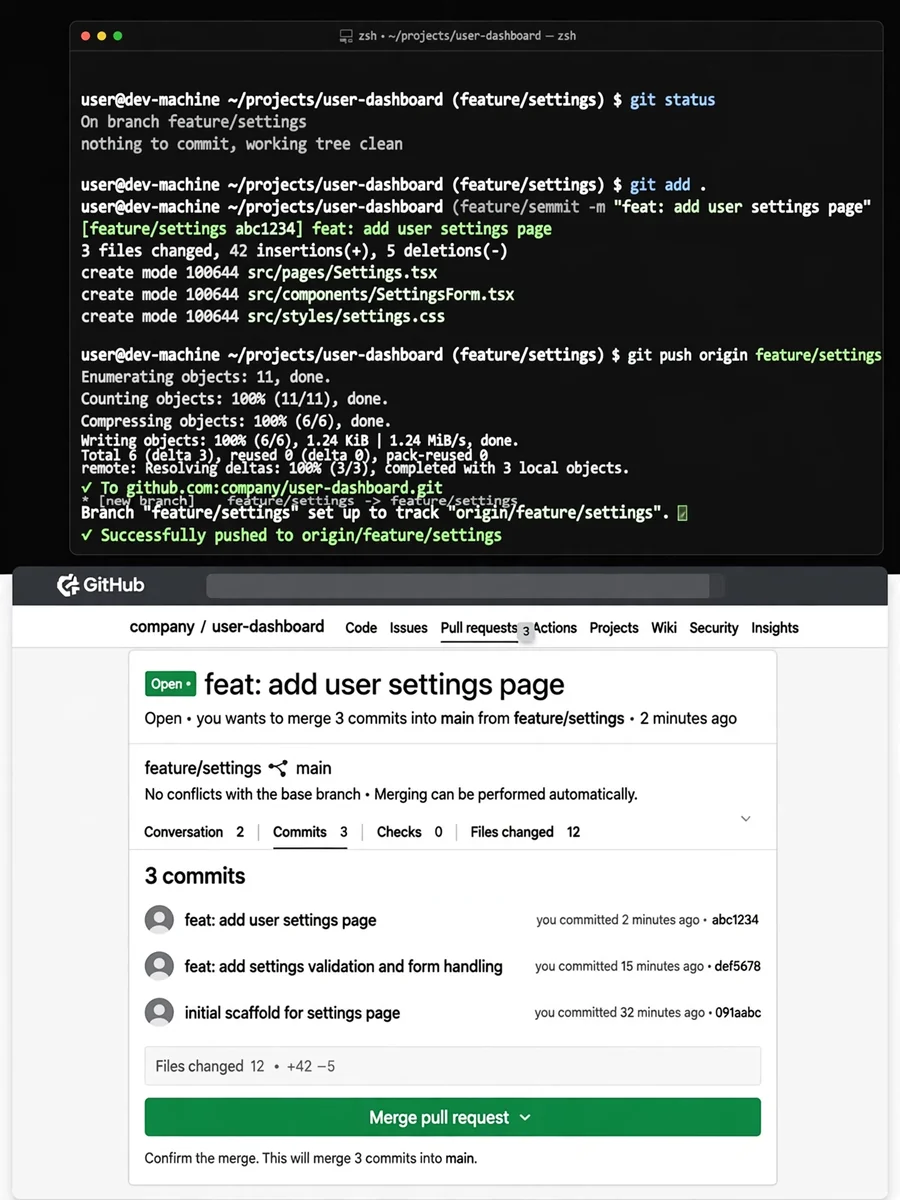
Claude Code Skill (Slash Command): push-and-pull-request.md — ChatGPT Prompt
The Prompt
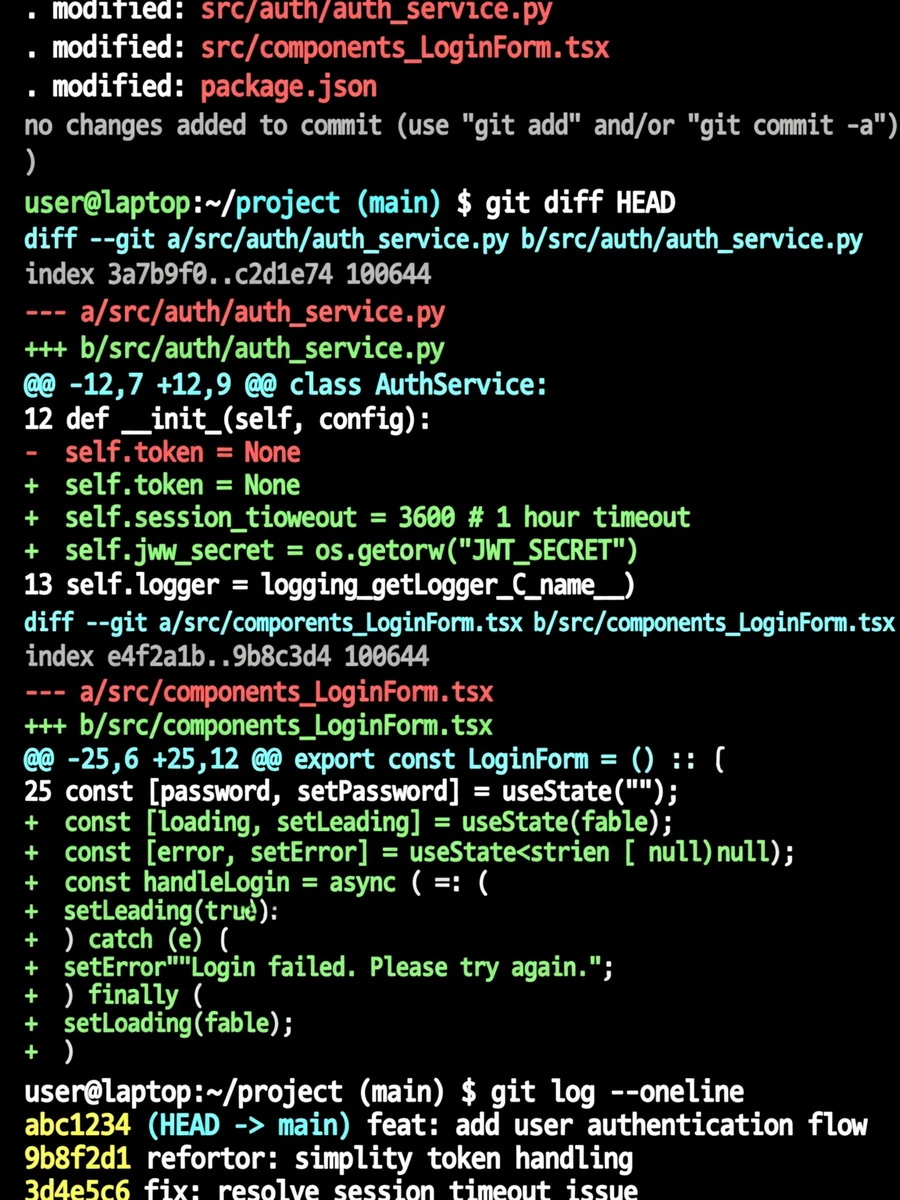
--- allowed-tools: Bash(git add:*), Bash(git status:*), Bash(git commit:*), Bash(git push:*), Bash(gh pr create:*) description: Commit and push everything then open a PR request to main --- ## Context - Current git status: !`git status` - Current git diff (staged and unstaged changes): !`git diff HEAD` - Current branch: !`git branch --show-current` - Recent commits: !`git log --oneline -10` ## Your task 1. Review the existing changes and then create a git commit following the conventional commit format. If you think there are more than one distinct change you can create multiple commits. If there are no outstanding changes proceed to 2. 2. Push all commits. 3. Open a PR to main following the conventional formats.
Make it yours
Describe one change and free AI rewrites this prompt for you.
Works with
ChatGPT, Gemini, Claude - copy and paste. For images, use it with Midjourney, DALL-E, or Gemini image mode.
Tip: swap names, colors, or details to make it yours. Shorter prompts often work better - remove lines you don't need.
Related Prompts

Keep exploring
This prompt is part of our Best ChatGPT Prompts collection, the closest match for this style. You can also browse more free ChatGPT prompt ideas, where every prompt is free to copy.
For ideas beyond this topic, check the latest additions on the PromptBee homepage.