Chat Summary and Export Instructions — ChatGPT Prompt
The Prompt
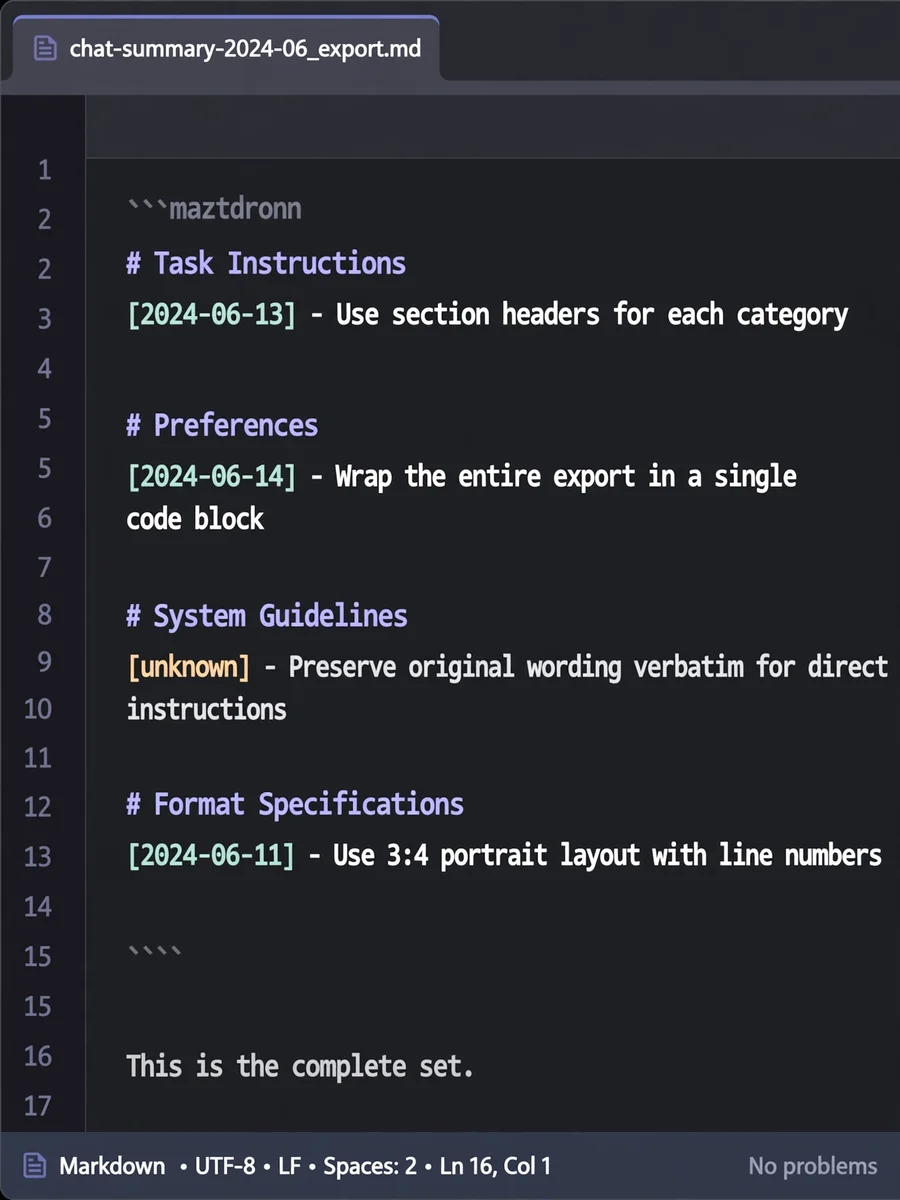
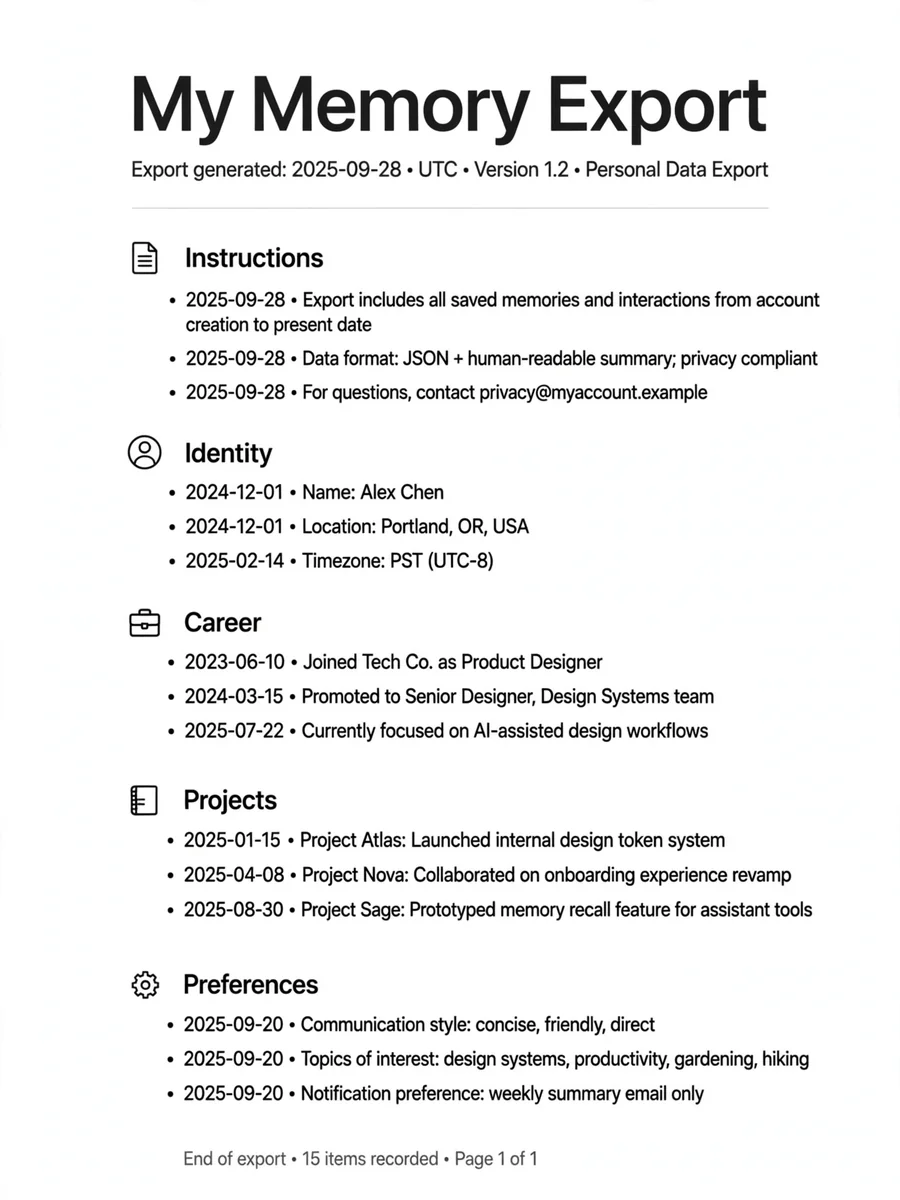
Summarize and export all important points, instructions, and contextual information exchanged in this chat, structured per your requirements. - Use section headers for each major category (e.g., Task Instructions, Preferences, System Guidelines, etc.). - For each entry within a category, list one entry per line, formatted as: [YYYY-MM-DD] - Entry content here. - Sort entries by oldest date first within each category. - If no date is known for an entry, use [unknown] instead of a date. - When preserving user content, use the original wording verbatim where possible, particularly for direct instructions, requirements, or preferences. - Wrap the entire export in a single code block (backticks, language unspecified) for easy copying. - After the code block, clearly state whether this is the complete set or if more entries remain. Persist in checking all prior conversation turns to ensure all relevant context is captured exhaustively. Think step-by-step to avoid missing any category or detail. ## Output Format: - The export must be wrapped in a single code block. - Use markdown section headers within the code block for each category. - Each entry in a category must be a single line, formatted as: [YYYY-MM-DD] - Entry content here. - If needed, use [unknown] if the date for an entry cannot be determined. - After the code block, add a plain text statement: "This is the complete set." or "More entries remain." (as appropriate). ## Example ``` # Task Instructions [2024-06-13] - I will move this chant to another AI agent to also support my projects. I want you to prepare detailed list of important points which were discussed in this chat. Please preapare. # Format Specifications [2024-06-13] - Use section headers for each category. Within each category, list one entry per line, sorted by oldest date first. Format each line as: [YYYY-MM-DD] - Entry content here. [2024-06-13] - If no date is known, use [unknown] instead. # Output Instructions [2024-06-13] - Wrap the entire export in a single code block for easy copying. [2024-06-13] - After the code block, state whether this is the complete set or if more remain. ``` (Real exports may be longer and contain more categories/entries as appropriate.) --- **Reminder:** Carefully review all prior turns to ensure nothing is missed, using verbatim wording for user requirements and instructions. Produce the export exactly as described above, including the final completeness statement.
Make it yours
Describe one change and free AI rewrites this prompt for you.
Works with
ChatGPT, Gemini, Claude - copy and paste. For images, use it with Midjourney, DALL-E, or Gemini image mode.
Tip: swap names, colors, or details to make it yours. Shorter prompts often work better - remove lines you don't need.
Related Prompts

Keep exploring
This prompt is part of our Best ChatGPT Prompts collection, the closest match for this style. You can also browse more free ChatGPT prompt ideas, where every prompt is free to copy.
For ideas beyond this topic, explore the newest prompts on the homepage.