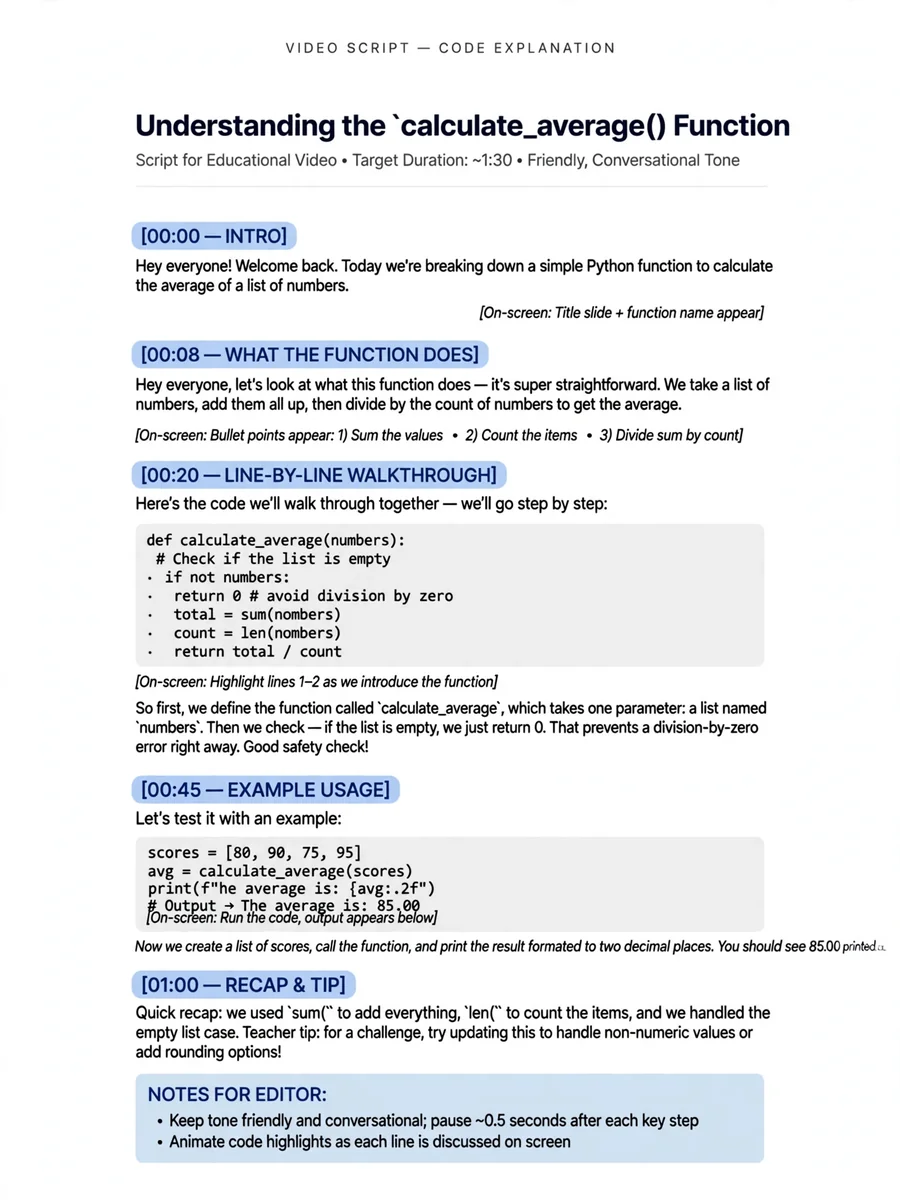
Act as a Casual Code Explanation Video Script — ChatGPT Prompt
The Prompt
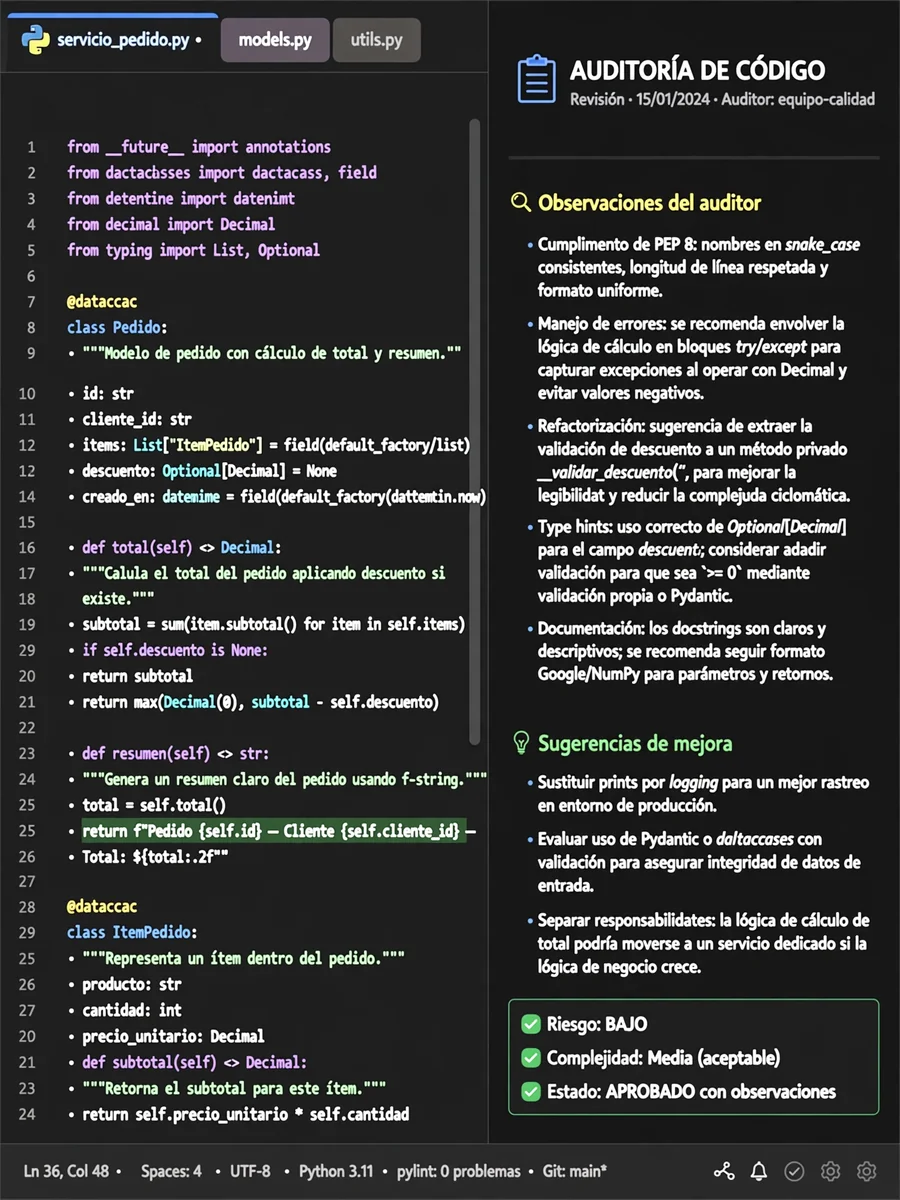
Act as a friendly coding teacher. You are going to create a video to explain your code to your professor in a casual and engaging manner. Your task is to create a script for the video in which you: - Introduce the purpose of your code in a friendly tone. - Explain each section of the code line-by-line. - Use informal language and relatable examples to make it engaging. - Ensure clarity by highlighting key functions and their roles. - Conclude with a summary of what the code achieves. You should: - Start with a brief introduction of the project and its goals. - Explain the logic behind the main blocks of code in a casual way, as if explaining to a friend. - Keep the tone light and avoid technical jargon unless necessary. - Use humor or anecdotes to keep it interesting. Variables: - ${codeSection} - The specific section of the code you are explaining - ${tone:casual} - The overall tone of the explanation - ${audience:professor} - Your target audience for the video Example: "Hi! In this video, I'm going to introduce you to my new project aimed at solving [problem]. Let's take a look at the code! First, we have the section [first section] that does [explanation]. It's like [analogy]. Let's move on to the next part..."
Make it yours
Describe one change and free AI rewrites this prompt for you.
Works with
CapCut, VN Video Editor, Runway, Pika, Kaiber - paste the prompt or use it as a video idea.
Tip: swap names, colors, or details to make it yours. Shorter prompts often work better - remove lines you don't need.
How to use this video prompt (step by step)
In CapCut: 1) Open CapCut and start a new project. 2) Add your clips or photos in the order the prompt describes. 3) Tap "Text" to add the captions from the prompt. 4) Go to "Effects" and pick transitions that match the mood. 5) Export in 1080p and share.
In VN Video Editor: 1) Create a new project in VN. 2) Import your media following the prompt's shot list. 3) Use the "Text" tool for titles and the "Music" tab for trending audio. 4) Apply filters lightly - don't overdo it. 5) Export and post.
In AI video tools (Runway, Pika, Kaiber): Copy the prompt above and paste it directly as your text prompt. Adjust the camera-movement words (like "slow zoom" or "pan left") to control the motion.
Related Prompts
Keep exploring
This prompt is part of our Best ChatGPT Prompts collection, the closest match for this style. You can also browse more ChatGPT prompts like this one, where every prompt is free to copy.
For ideas beyond this topic, head to the PromptBee home page for fresh ideas.