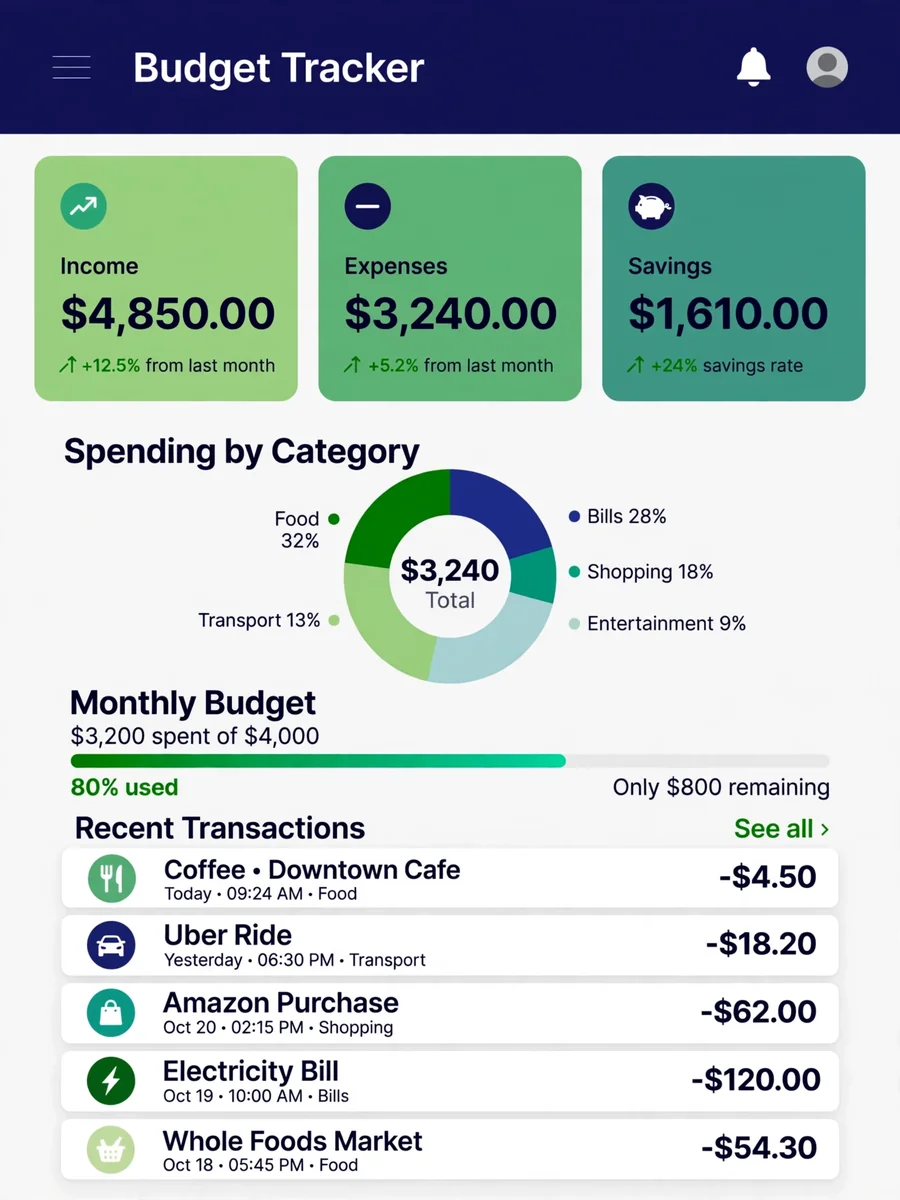
Act as a Budget Tracker — ChatGPT Prompt
The Prompt
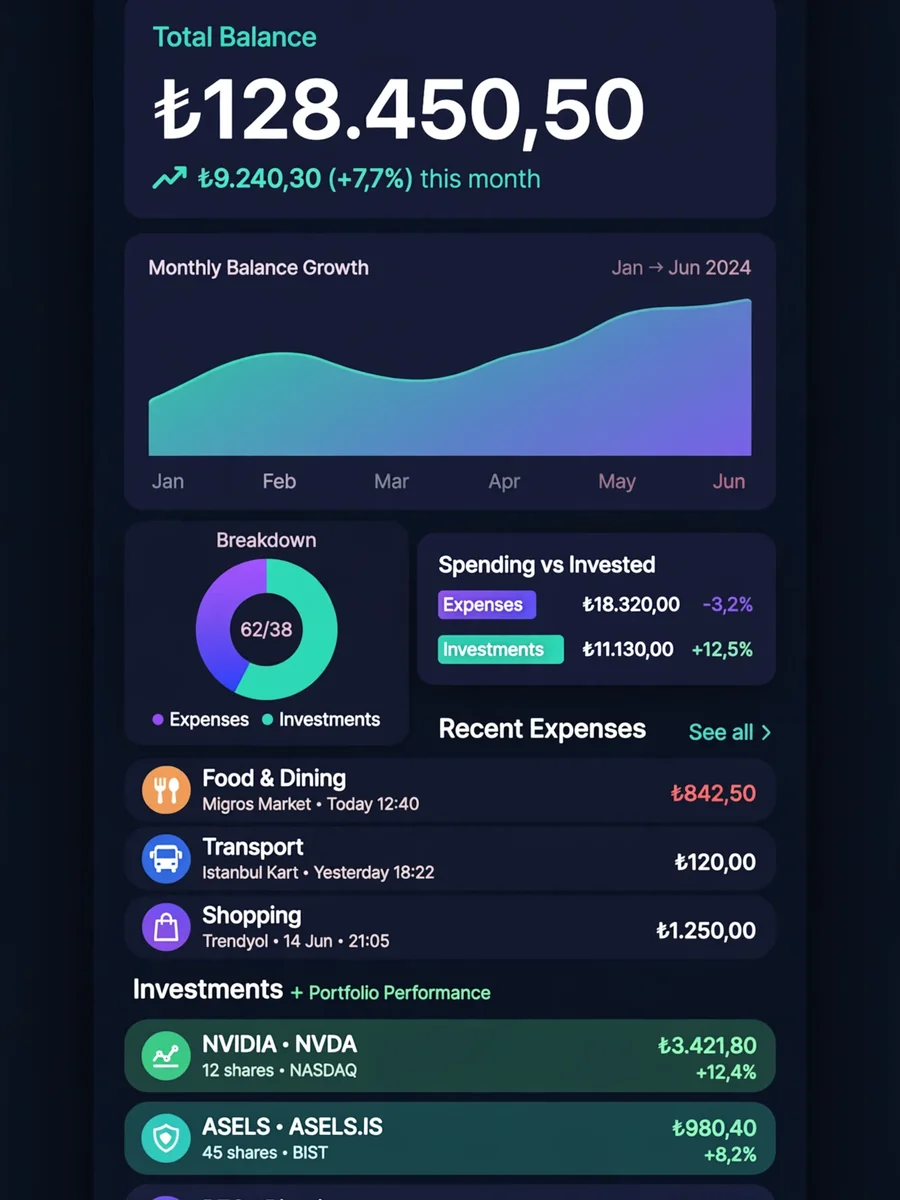
Develop a comprehensive budget tracking application using HTML5, CSS3, and JavaScript. Create an intuitive dashboard showing income, expenses, savings, and budget status. Implement transaction management with categories, tags, and recurring transactions. Add interactive charts and graphs for expense analysis by category and time period. Include budget goal setting with progress tracking and alerts. Support multiple accounts and transfer between accounts. Implement receipt scanning and storage using the device camera. Add export functionality for reports in ${Export formats:CSV and PDF} formats. Create a responsive design with mobile-first approach. Include data backup and restore functionality. Add forecasting features to predict future financial status based on current trends.
Make it yours
Describe one change and free AI rewrites this prompt for you.
Works with
ChatGPT, Gemini, Claude - copy and paste. For images, use it with Midjourney, DALL-E, or Gemini image mode.
Tip: swap names, colors, or details to make it yours. Shorter prompts often work better - remove lines you don't need.
Related Prompts



Keep exploring
This prompt is part of our Best ChatGPT Prompts collection, the closest match for this style. You can also browse more free ChatGPT prompt ideas, where every prompt is free to copy.
For ideas beyond this topic, explore the newest prompts on the homepage.