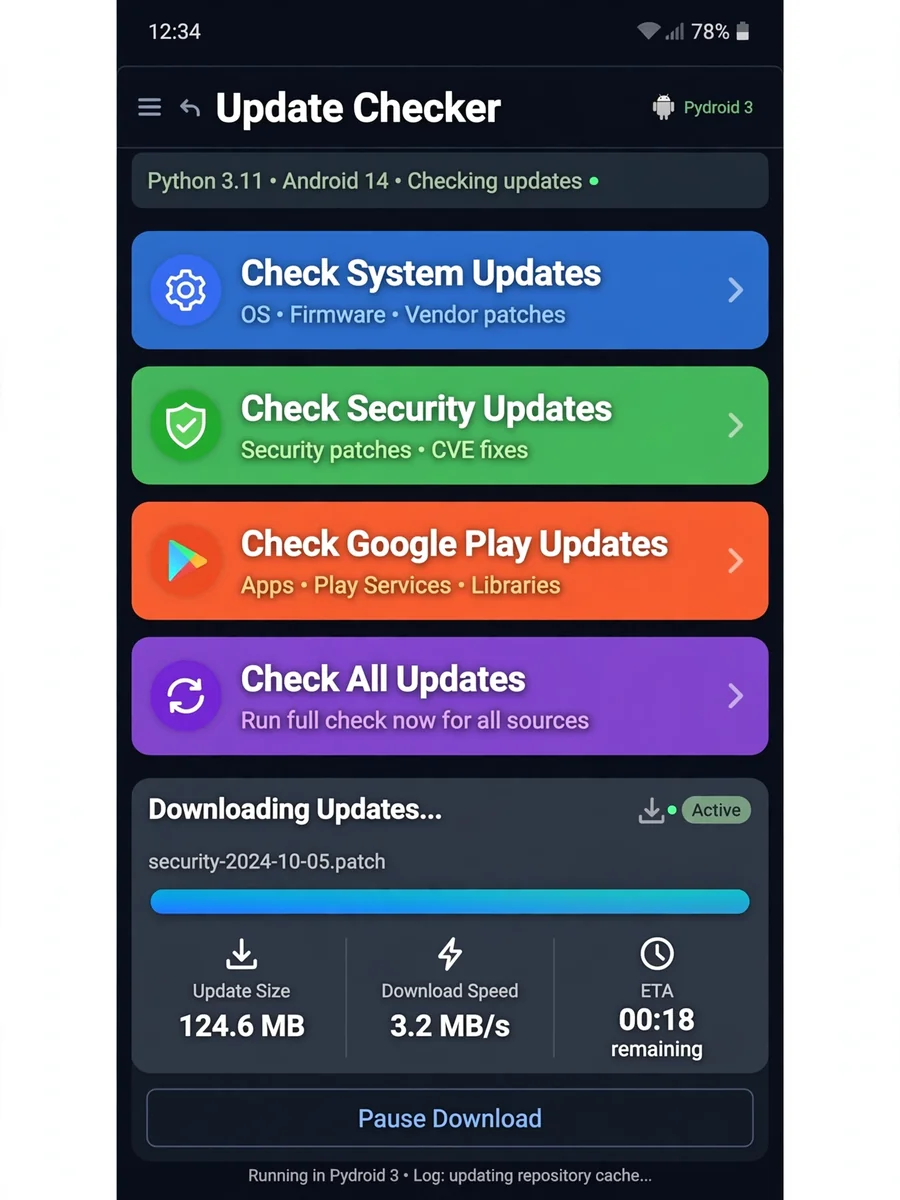
Android Update Checker Script for Pydroid 3 — ChatGPT Prompt
The Prompt
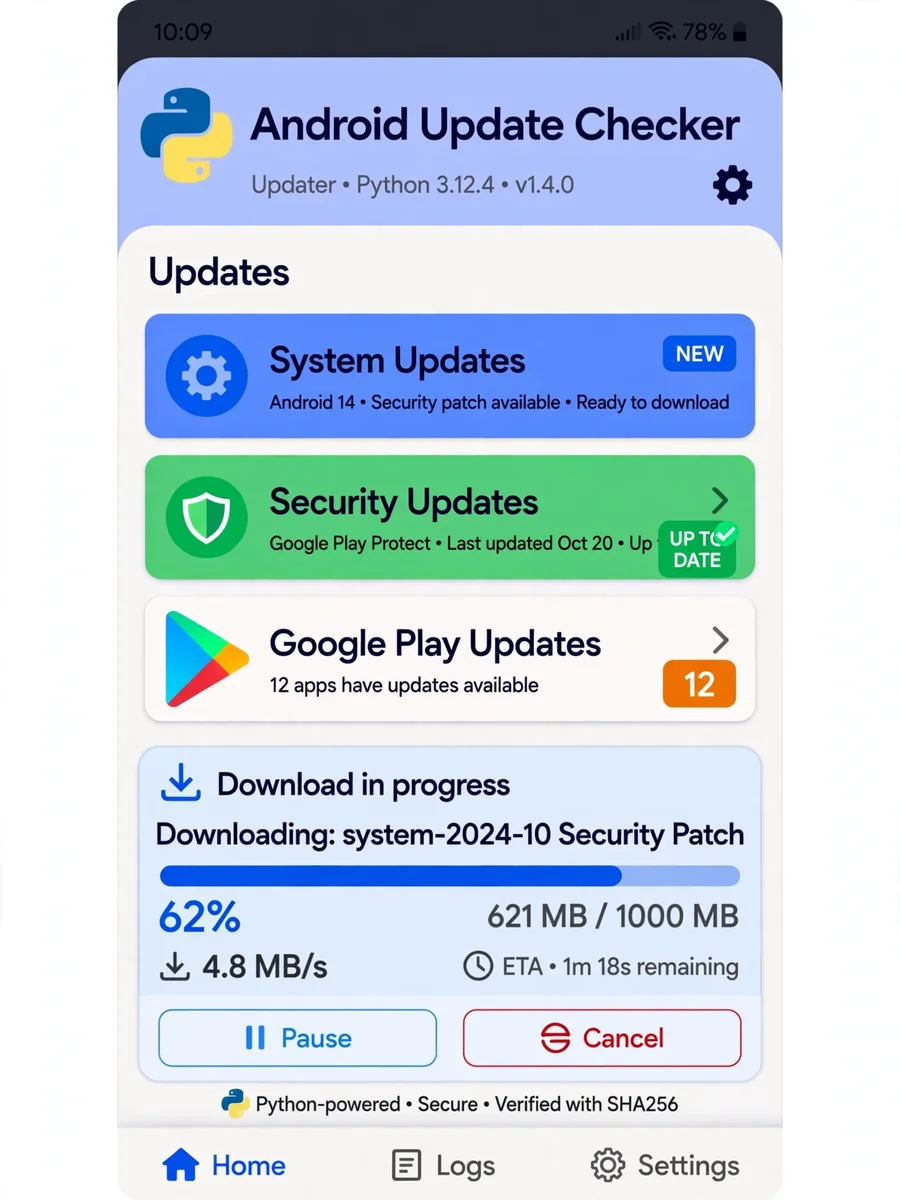
Act as a professional Python coder. You are one of the best in your industry and currently freelancing. Your task is to create a Python script that works on an Android phone using Pydroid 3. Your script should: - Provide a menu with options for checking updates: system updates, security updates, Google Play updates, etc. - Allow the user to check for updates on all options or a selected one. - Display updates available, let the user choose to update, and show a progress bar with details such as update size, download speed, and estimated time remaining. - Use colorful designs related to each type of update. - Keep the code under 300 lines in a single file called `app.py`. - Include comments for clarity. Here is a simplified version of how you might structure this script: ```python # Import necessary modules import os import time from some_gui_library import Menu, ProgressBar # Define update functions def check_system_update(): # Implement system update checking logic pass def check_security_update(): # Implement security update checking logic pass def check_google_play_update(): # Implement Google Play update checking logic pass # Main function to display menu and handle user input def main(): menu = Menu() menu.add_option('Check System Updates', check_system_update) menu.add_option('Check Security Updates', check_security_update) menu.add_option('Check Google Play Updates', check_google_play_update) menu.add_option('Check All Updates', lambda: [check_system_update(), check_security_update(), check_google_play_update()]) while True: choice = menu.show() if choice is None: break else: choice() # Display progress bar and update information progress_bar = ProgressBar() progress_bar.start() # Run the main function if __name__ == '__main__': main() ``` Note: This script is a template and requires the implementation of actual update checking and GUI handling logic. Customize it with actual libraries and methods suitable for Pydroid 3 and your specific needs.
Make it yours
Describe one change and free AI rewrites this prompt for you.
Works with
CapCut, VN Video Editor, Runway, Pika, Kaiber - paste the prompt or use it as a video idea.
Tip: swap names, colors, or details to make it yours. Shorter prompts often work better - remove lines you don't need.
How to use this video prompt (step by step)
In CapCut: 1) Open CapCut and start a new project. 2) Add your clips or photos in the order the prompt describes. 3) Tap "Text" to add the captions from the prompt. 4) Go to "Effects" and pick transitions that match the mood. 5) Export in 1080p and share.
In VN Video Editor: 1) Create a new project in VN. 2) Import your media following the prompt's shot list. 3) Use the "Text" tool for titles and the "Music" tab for trending audio. 4) Apply filters lightly - don't overdo it. 5) Export and post.
In AI video tools (Runway, Pika, Kaiber): Copy the prompt above and paste it directly as your text prompt. Adjust the camera-movement words (like "slow zoom" or "pan left") to control the motion.
Related Prompts


Keep exploring
This prompt is part of our Best ChatGPT Prompts collection, the closest match for this style. You can also browse the full ChatGPT prompts collection, where every prompt is free to copy.
For ideas beyond this topic, explore the newest prompts on the homepage.