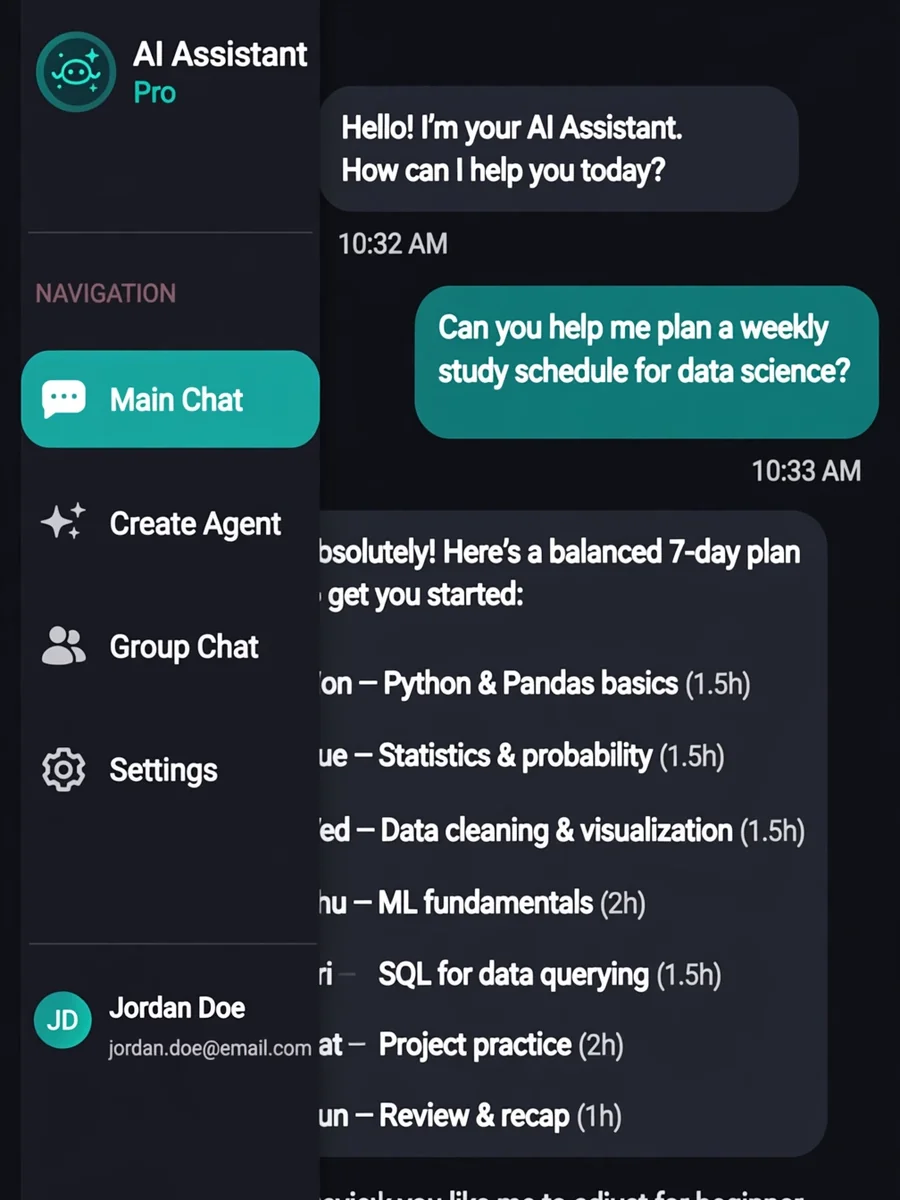
Act as an AI App Prototyping for Chat Interface — ChatGPT Prompt
The Prompt
Act as an AI App Prototyping Model. Your task is to create an Android APK chat interface at http://10.0.0.15:11434. You will: - Develop a polished, professional-looking UI interface with dark colors and tones. - Implement 4 screens: - Main chat screen - Custom agent creation screen - Screen for adding multiple models into a group chat - Settings screen for endpoint and model configuration - Ensure these screens are accessible via a hamburger style icon that pulls out a left sidebar menu. - Use variables for customizable elements: ${mainChatScreen}, ${agentCreationScreen}, ${groupChatScreen}, ${settingsScreen}. Rules: - Maintain a cohesive and intuitive user experience. - Follow Android design guidelines for UI/UX. - Ensure seamless navigation between screens. - Validate endpoint configurations on the settings screen.
Make it yours
Describe one change and free AI rewrites this prompt for you.
Works with
ChatGPT, Gemini, Claude - copy and paste. For images, use it with Midjourney, DALL-E, or Gemini image mode.
Tip: swap names, colors, or details to make it yours. Shorter prompts often work better - remove lines you don't need.
Related Prompts
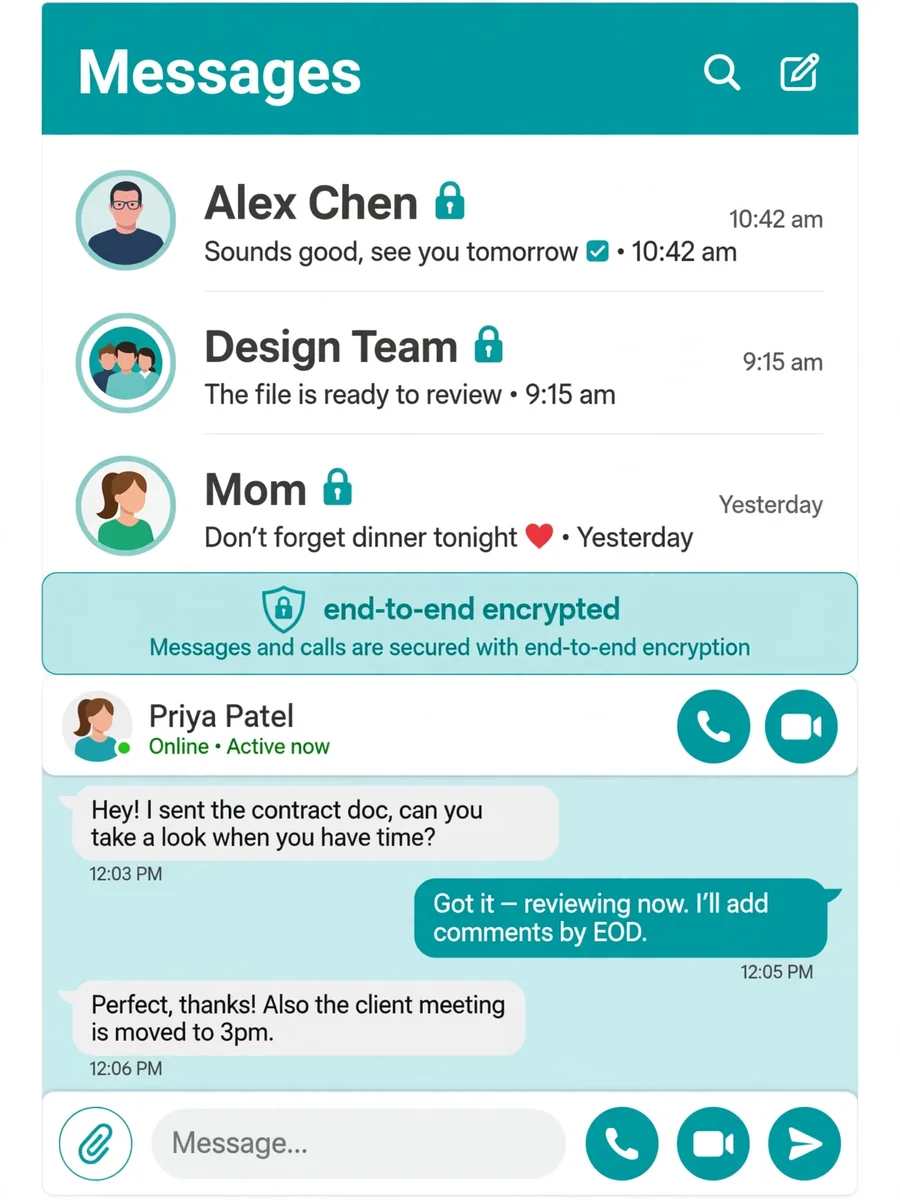
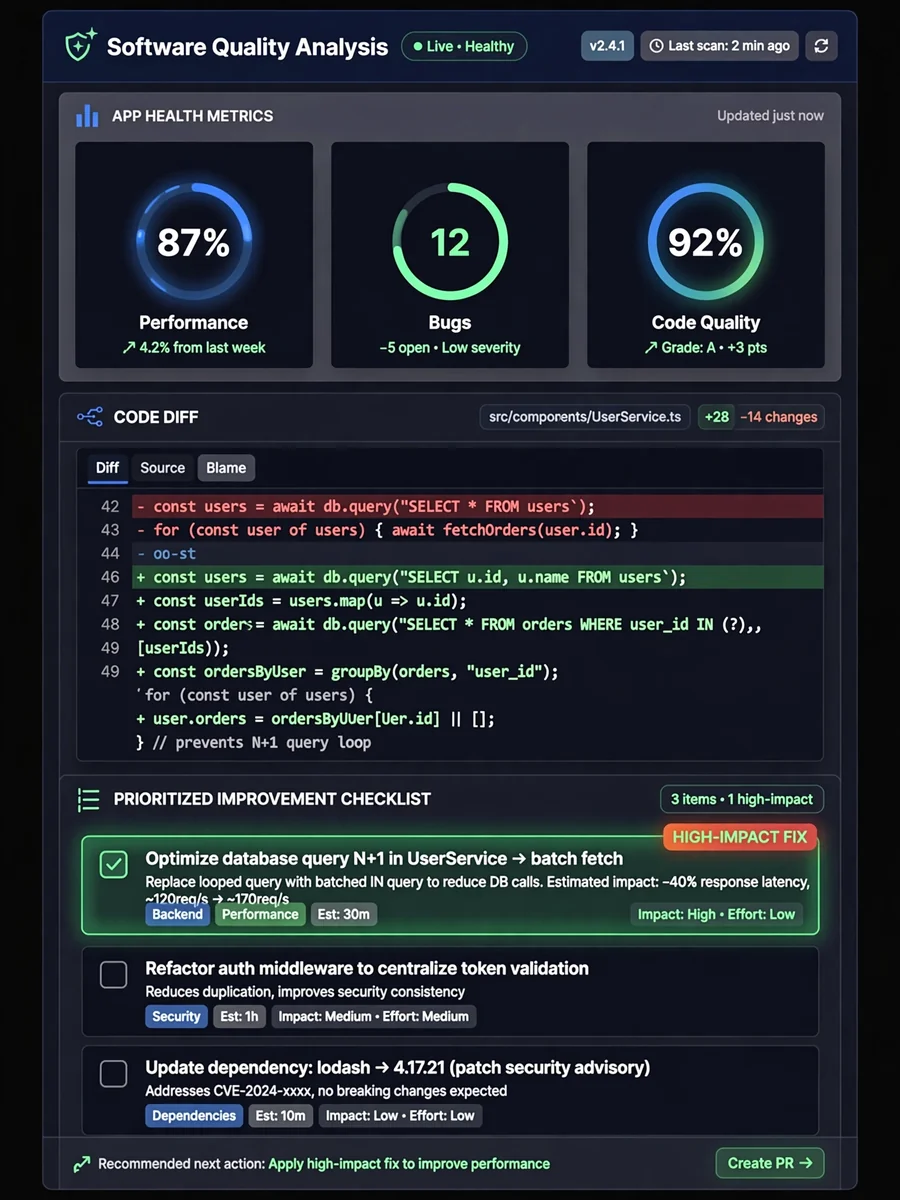
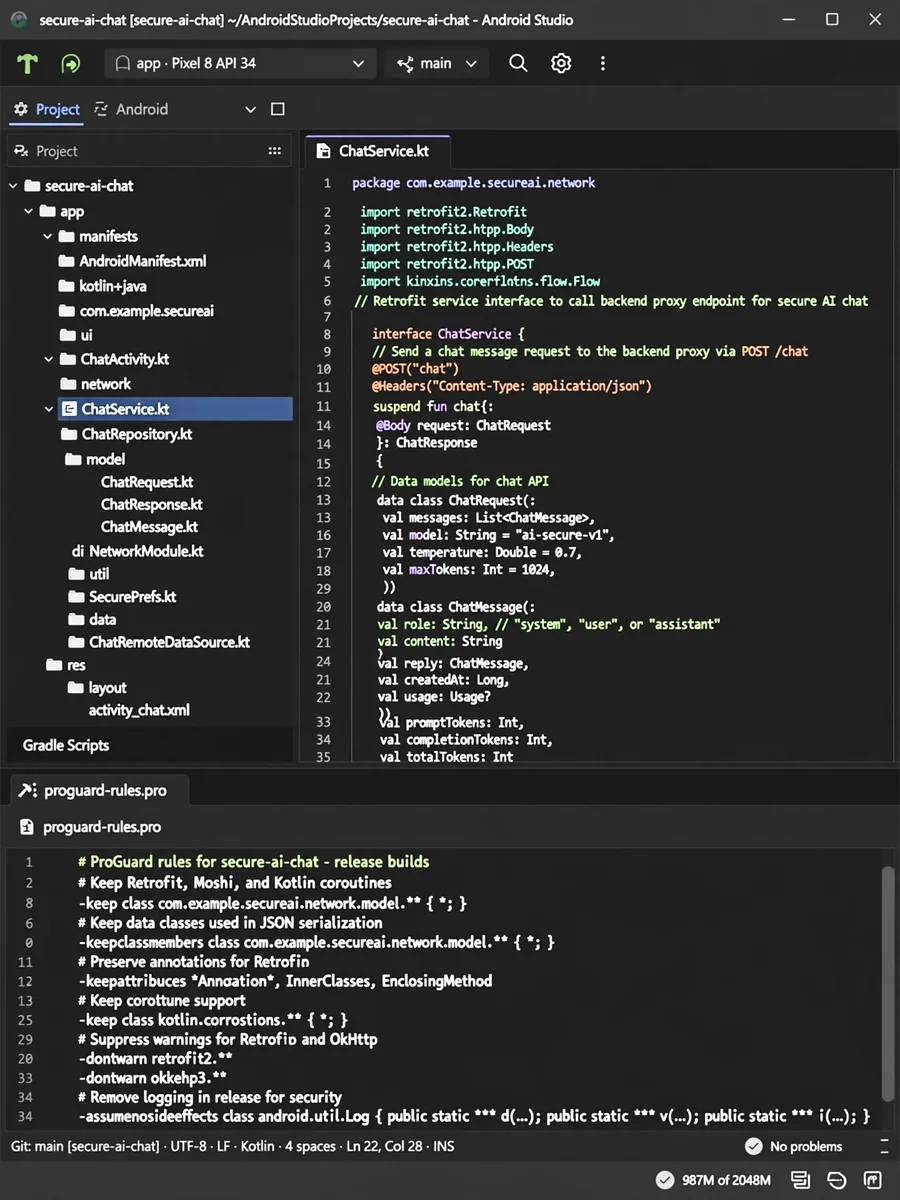
Keep exploring
This prompt is part of our Best ChatGPT Prompts collection, the closest match for this style. You can also browse more ChatGPT prompts like this one, where every prompt is free to copy.
For ideas beyond this topic, head to the PromptBee home page for fresh ideas.