Cricket Stadium Crowd Cutaway Video Prompt
The Prompt
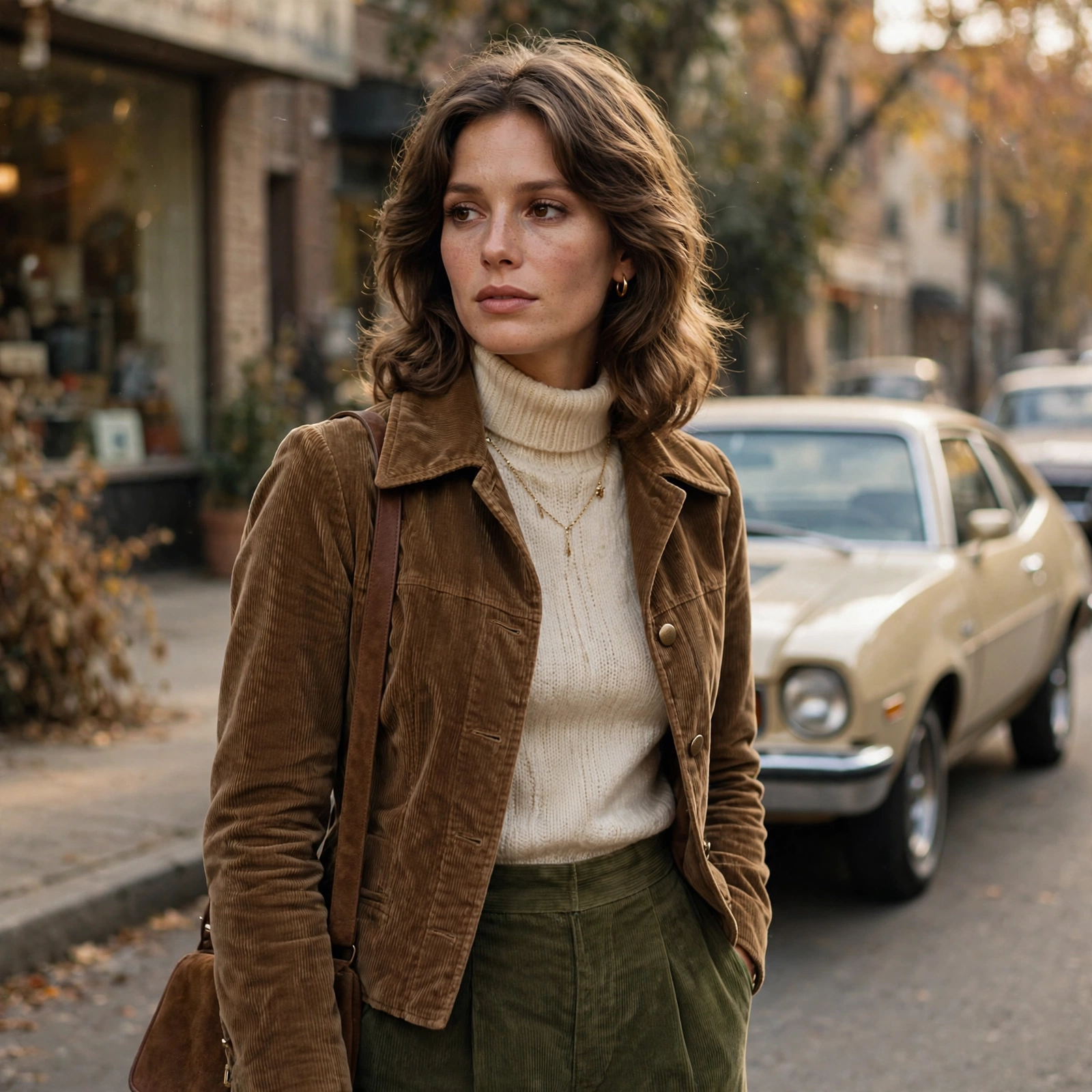
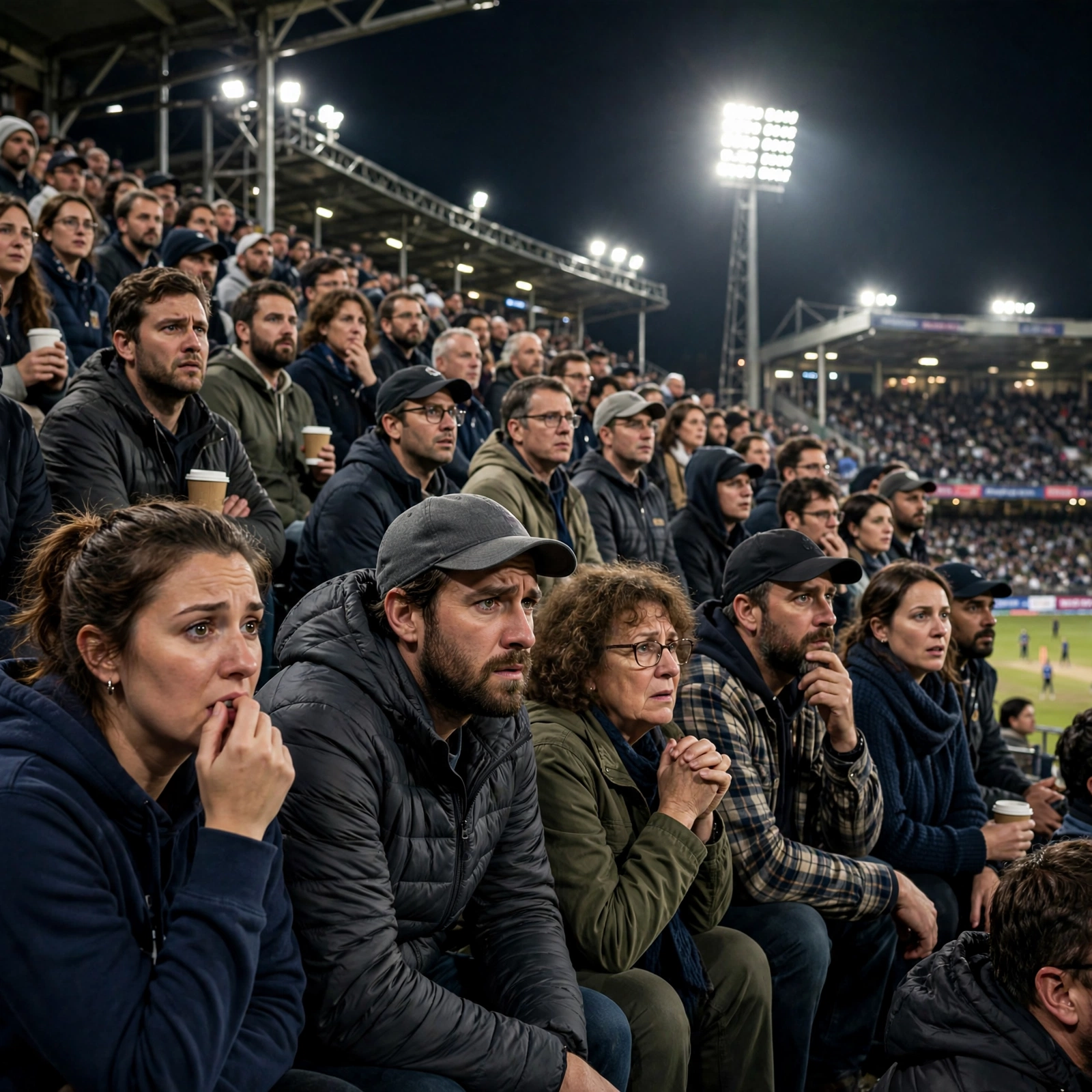
The shot feels exactly like a genuine TV crowd cutaway during a tense moment of the game when the broadcast camera finds a notable guest in the audience. The subject from the reference image is seated in the crowd wearing the same t-shirt, same hairstyle, same facial features, same lighting, and same stadium environment from the original image. Preserve identity strongly and maintain facial consistency throughout the full sequence. This is a real live sports-broadcast style shot - not cinematic film style. The subject is smiling casually and naturally, reacting to the match atmosphere. she is not performing for the camera and is not constantly making eye contact with the lens. Her behavior should feel completely authentic, like a real crowd reaction captured during a live game. One continuous take. No cuts. No camera angle changes. Action Timeline 0 to 2 seconds: The camera lands on her in the crowd naturally.She smiles casually while watching the game. She briefly glances toward the field, then toward the giant stadium screen/Jumbotron, then back toward the match. Background crowd movement feels alive and energetic. 2 to 4 seconds: She notices himself on the big screen and gives a relaxed natural wave toward the camera. Her eyes look at the camera
Make it yours
Describe one change and free AI rewrites this prompt for you.
Works with
CapCut, VN Video Editor, Runway, Pika, Kaiber - paste the prompt or use it as a video idea.
Tip: swap names, colors, or details to make it yours. Shorter prompts often work better - remove lines you don't need.
How to use this video prompt (step by step)
In CapCut: 1) Open CapCut and start a new project. 2) Add your clips or photos in the order the prompt describes. 3) Tap "Text" to add the captions from the prompt. 4) Go to "Effects" and pick transitions that match the mood. 5) Export in 1080p and share.
In VN Video Editor: 1) Create a new project in VN. 2) Import your media following the prompt's shot list. 3) Use the "Text" tool for titles and the "Music" tab for trending audio. 4) Apply filters lightly - don't overdo it. 5) Export and post.
In AI video tools (Runway, Pika, Kaiber): Copy the prompt above and paste it directly as your text prompt. Adjust the camera-movement words (like "slow zoom" or "pan left") to control the motion.