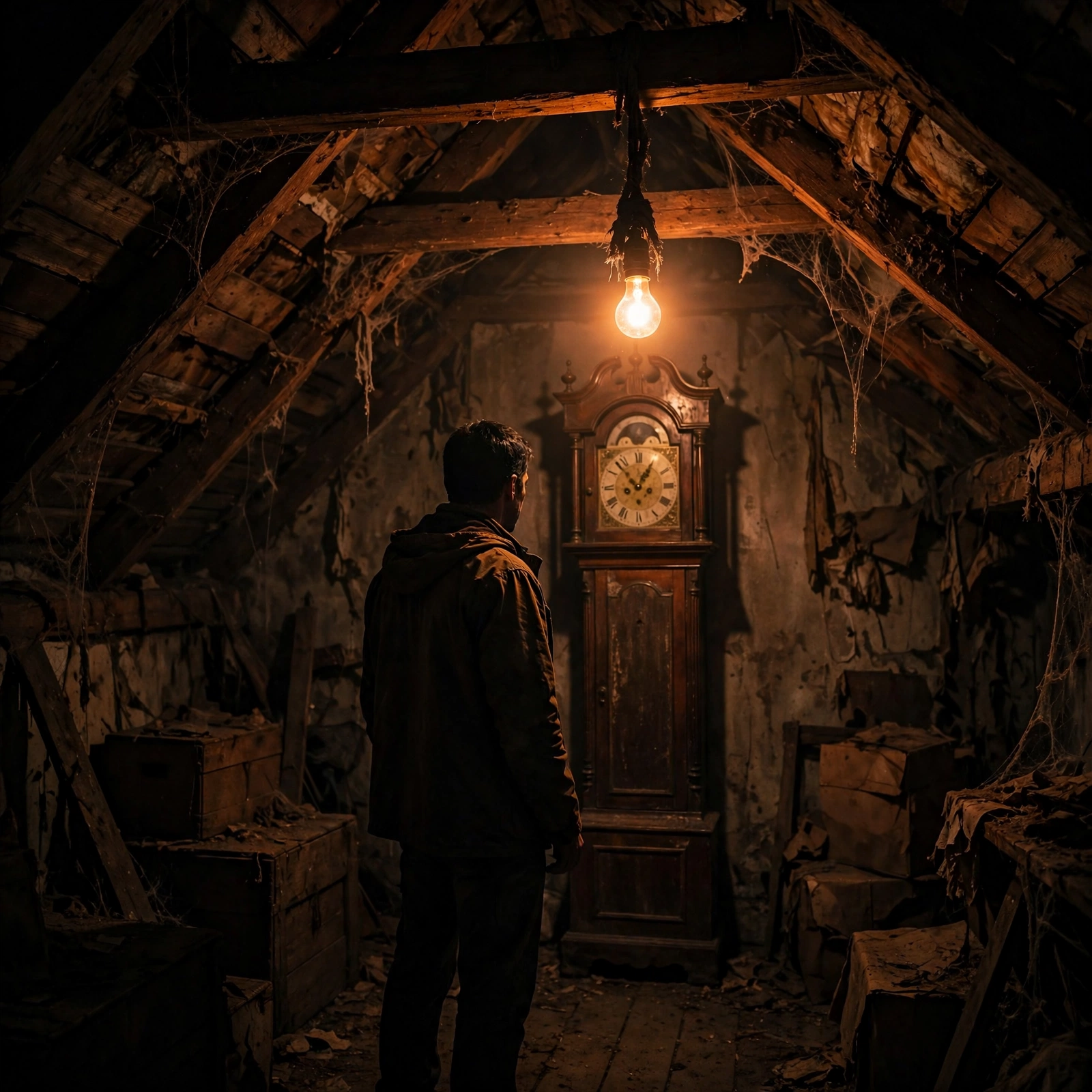
Creel House Scene
The Prompt
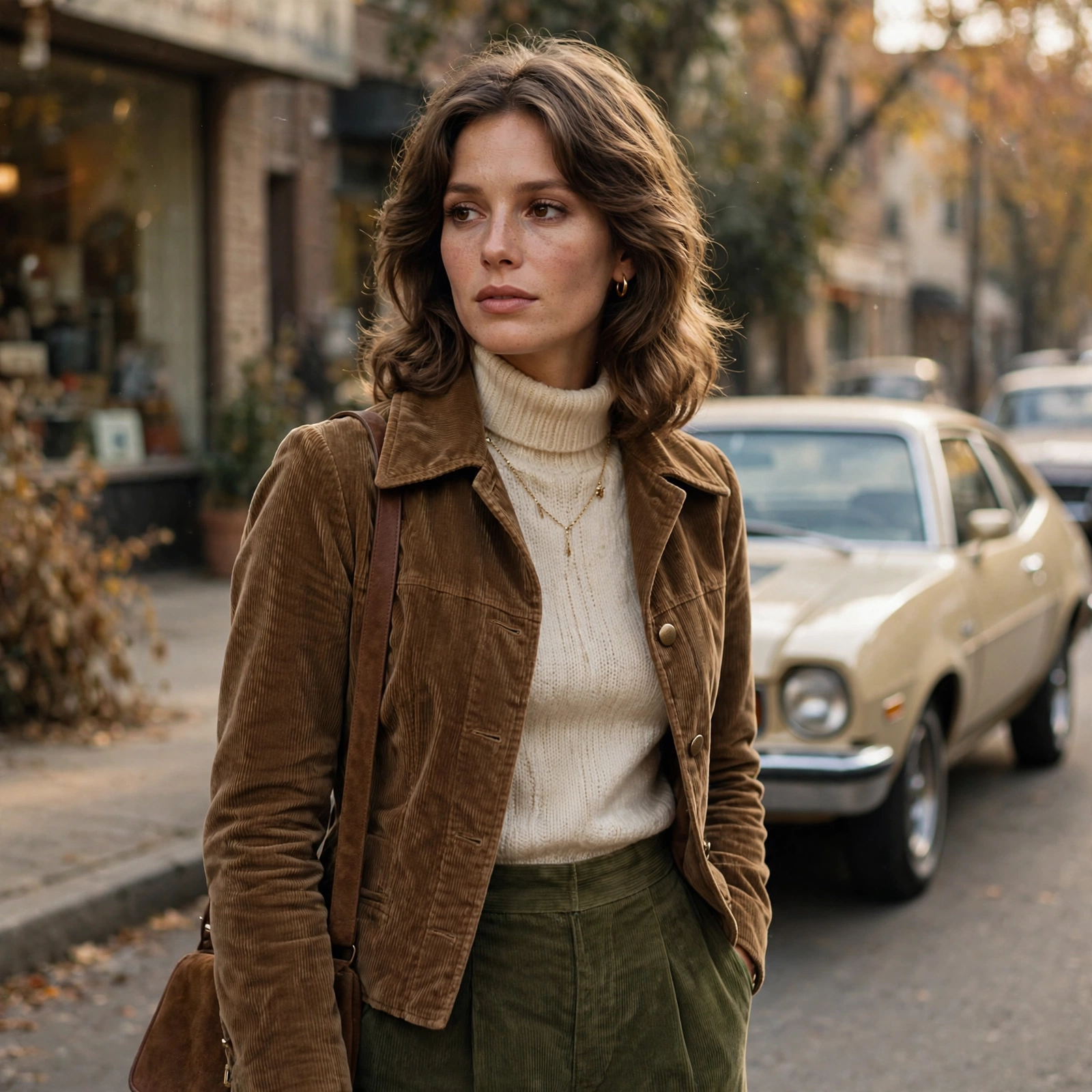
Produce a dark, atmospheric scene inside the Creel House from Season 4. The person in the reference photo is now standing in the attic with Vecna’s grandfather clock behind them. Preserve every single facial detail, hair, eye direction, and expression from the reference image with zero deviation. Light them dramatically with a single hanging bulb swinging slowly, casting deep shadows and warm orange highlights exactly like the show’s cinematography. Dress them in 1950s-meets-1980s clothing with subtle blood stains and dust. In the background, show the stained-glass rose window glowing red, spiderwebs, floating vinyl records, and Vecna’s tentacles creeping along the walls. Add the signature red-black Upside Down particles in the air. Use Arri Alexa-style digital look mixed with 1980s lens diffusion, strong chiaroscuro lighting, and the eerie silence vibe of the Creel House scenes.
Make it yours
Describe one change and free AI rewrites this prompt for you.
Works with
CapCut, VN Video Editor, Runway, Pika, Kaiber - paste the prompt or use it as a video idea.
Tip: swap names, colors, or details to make it yours. Shorter prompts often work better - remove lines you don't need.
How to use this video prompt (step by step)
In CapCut: 1) Open CapCut and start a new project. 2) Add your clips or photos in the order the prompt describes. 3) Tap "Text" to add the captions from the prompt. 4) Go to "Effects" and pick transitions that match the mood. 5) Export in 1080p and share.
In VN Video Editor: 1) Create a new project in VN. 2) Import your media following the prompt's shot list. 3) Use the "Text" tool for titles and the "Music" tab for trending audio. 4) Apply filters lightly - don't overdo it. 5) Export and post.
In AI video tools (Runway, Pika, Kaiber): Copy the prompt above and paste it directly as your text prompt. Adjust the camera-movement words (like "slow zoom" or "pan left") to control the motion.