1980s Retro Video Prompt
The Prompt
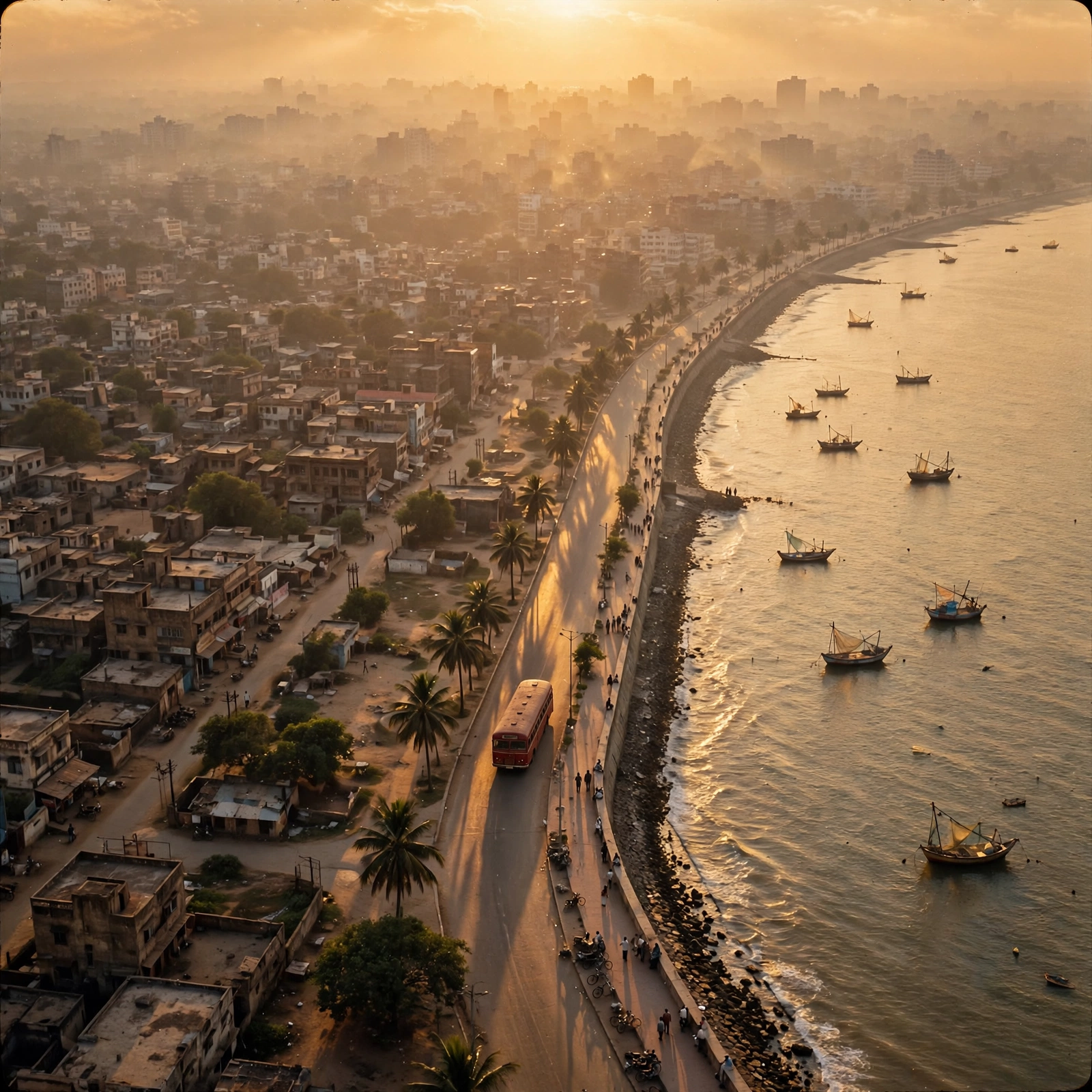
Video Prompt Analysis Opening Coastline Shot (0:00) Prompt: Aerial tracking shot of an Indian coastal city promenade in the 1980s at golden hour. A vintage red bus drives along the seawall with a hazy city skyline silhouetted in the background. Cinematic sunset lighting. Driving Convertible (0:01) Prompt: Medium close-up of a rugged, bearded man with thick hair wearing aviator sunglasses, driving a black vintage convertible. Warm sunset backlighting with lens flares. Watch Close-up (0:02) Prompt: Extreme macro close-up of a two-tone luxury watch on a man's wrist resting on a car steering wheel. The background is a soft, blurred golden-hour sunset. Car Tracking Shot (0:04) Prompt: Low-angle tracking shot of a classic black convertible driving past colonial-era stone architecture on a sunlit street. Stepping Out (0:05) Prompt: Low-angle shot focusing on the legs of a man in blue jeans and brown leather boots stepping out of a black vintage car onto a busy street. Walking Shot (0:06) Prompt: Medium tracking shot of a man in a brown leather jacket, white shirt, and aviators walking confidently toward the camera. Background features 1980s street life and a classic black-and-yellow taxi. Cafe Interior (0:07) Prompt: Cinematic interior medium shot of a vintage Irani cafe. Atmospheric sunbeams shine through slatted windows. A man sits at a marble table with a glass of tea and a newspaper, removing his sunglasses.
Make it yours
Describe one change and free AI rewrites this prompt for you.
Works with
CapCut, VN Video Editor, Runway, Pika, Kaiber - paste the prompt or use it as a video idea.
Tip: swap names, colors, or details to make it yours. Shorter prompts often work better - remove lines you don't need.
How to use this video prompt (step by step)
In CapCut: 1) Open CapCut and start a new project. 2) Add your clips or photos in the order the prompt describes. 3) Tap "Text" to add the captions from the prompt. 4) Go to "Effects" and pick transitions that match the mood. 5) Export in 1080p and share.
In VN Video Editor: 1) Create a new project in VN. 2) Import your media following the prompt's shot list. 3) Use the "Text" tool for titles and the "Music" tab for trending audio. 4) Apply filters lightly - don't overdo it. 5) Export and post.
In AI video tools (Runway, Pika, Kaiber): Copy the prompt above and paste it directly as your text prompt. Adjust the camera-movement words (like "slow zoom" or "pan left") to control the motion.